
Introduction
This manual provides detailed instructions for the proper setup, operation, and maintenance of your Eartec PSMOIL Proline Single Headset. Please read this manual thoroughly before using the product to ensure optimal performance and longevity.
Product Overview
The Eartec PSMOIL Proline Single Headset is designed for clear communication, featuring a comfortable single-ear design, a flexible microphone, and an inline Push-to-Talk (PTT) button. It connects via a 2-pin plug, compatible with various communication devices.
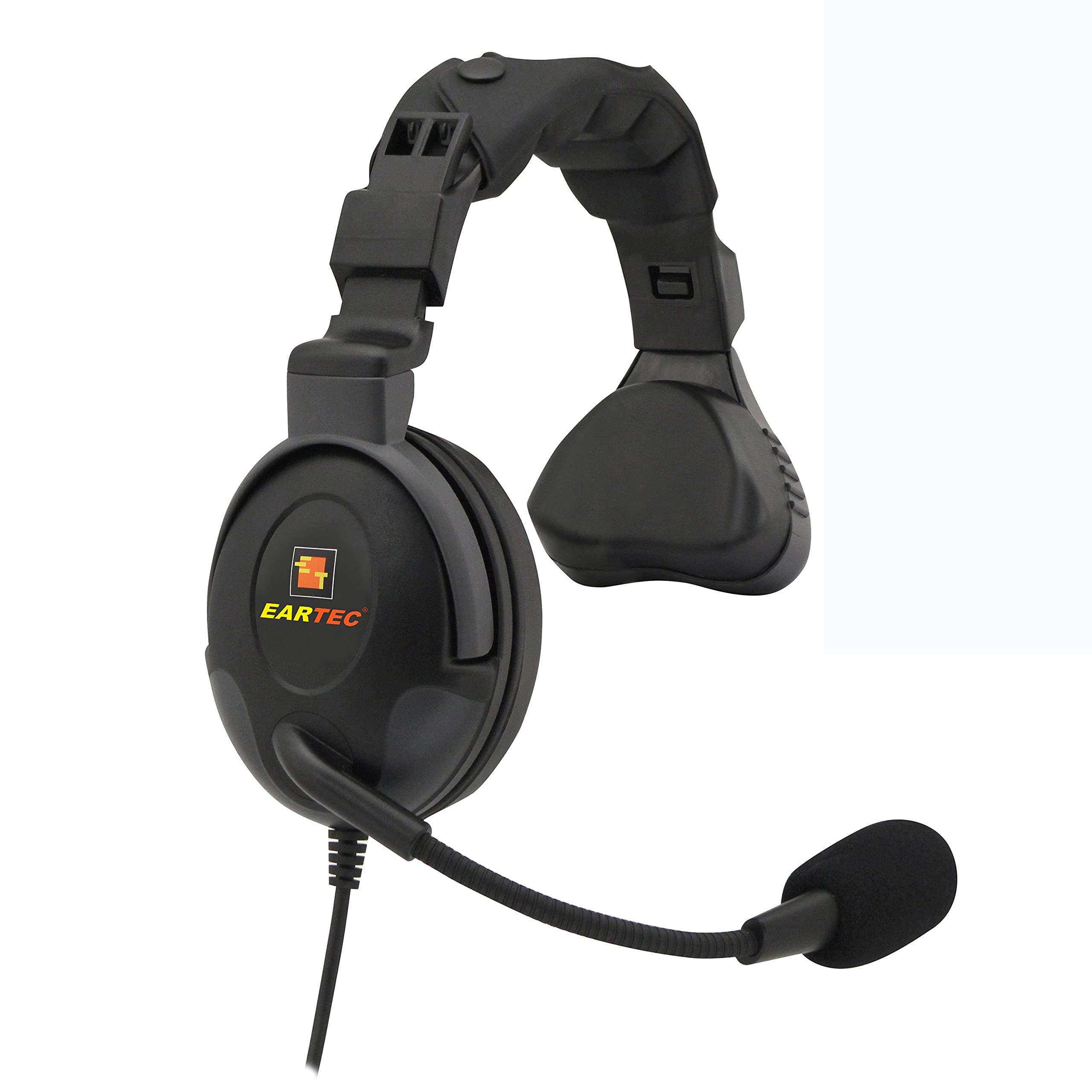
Image: Eartec PSMOIL Proline Single Headset. This image shows the single-ear headset with its microphone boom and the inline PTT module with the 2-pin connector.
Package Contents
Verify that all items are present in the package:
- Eartec PSMOIL Proline Single Headset
- User Manual (this document)
Setup
- Connect the Headset: Locate the 2-pin port on your compatible communication device. Align the 2-pin plug of the headset with the port and gently insert it until it clicks into place. Ensure a secure connection to prevent audio interruptions.
- Position the Headset: Place the earpiece comfortably over one ear. Adjust the headband for a snug fit.
- Adjust the Microphone: Position the microphone boom approximately 1-2 inches (2.5-5 cm) from your mouth. Ensure the microphone is not directly in front of your mouth to avoid breath noises, but close enough for clear voice pickup. The boom is flexible and can be adjusted.
Operating Instructions
Push-to-Talk (PTT) Functionality
The PSMOIL headset features an inline Push-to-Talk (PTT) button for transmitting your voice.
- To Transmit: Press and hold the PTT button located on the inline module. Speak clearly into the microphone.
- To Receive: Release the PTT button to listen for incoming transmissions.
Volume Control
Volume adjustments are typically managed directly on your connected communication device. Refer to your device's manual for specific volume control instructions.
Maintenance
- Cleaning: Use a soft, dry cloth to wipe down the headset and cable. For stubborn dirt, a slightly damp cloth with mild soap can be used, but ensure no moisture enters the earpiece or microphone. Do not use harsh chemicals or abrasive cleaners.
- Storage: When not in use, store the headset in a clean, dry place, away from extreme temperatures and direct sunlight. Avoid tangling the cable.
- Cable Care: Do not pull on the cable to disconnect the headset. Always grasp the plug firmly. Avoid sharp bends or kinks in the cable, as this can damage internal wiring.
Troubleshooting
| Problem | Possible Cause | Solution |
|---|---|---|
| No audio from headset |
|
|
| Microphone not transmitting |
|
|
| Intermittent audio |
|
|
Specifications
- Model: PSMOIL
- Type: Single-ear headset
- Connector: 2-Pin Plug
- Feature: Inline Push-to-Talk (PTT)
- Compatibility: Designed for compatible communication devices (refer to your device's manual for 2-pin accessory compatibility).
- Weight: Approximately 2 pounds
Warranty Information
Eartec products are designed for durability and performance. For specific warranty terms and conditions, please refer to the warranty card included with your product or visit the official Eartec website. Keep your proof of purchase for warranty claims.
Support
If you encounter issues not covered in the troubleshooting section or require further assistance, please contact Eartec customer support.
- Website: www.eartec.com/support
- Email: support@eartec.com
- Phone: Refer to the Eartec website for regional contact numbers.