
W-KING W-KING Portable Bluetooth Speaker
W-KING Portable Bluetooth Speaker User Manual
Model: W-KING Portable Bluetooth Speaker
Introduction
Thank you for choosing the W-KING Portable Bluetooth Speaker. This manual provides essential information for setting up, operating, and maintaining your device. Please read it thoroughly before use to ensure optimal performance and longevity.
What's in the Box
Verify that all items are present:
- W-KING Portable Bluetooth Speaker
- 3.5mm audio cable
- USB Charging Cable (not explicitly listed but implied for battery-powered devices)
- User Manual (this document)
Product Overview
The W-KING Portable Bluetooth Speaker is designed for powerful audio performance and outdoor durability. Key features include:
- 50W HD Sound & Punchy Bass: Equipped with 2x25W subwoofers and 2x5W tweeters for balanced audio.
- IPX6 Waterproof: Resistant to strong water jets, suitable for outdoor use.
- Long Playback Time: Up to 40 hours of playtime on a single charge.
- Power Bank Functionality: Can charge other devices.
- True Wireless Stereo (TWS): Pair two speakers for 100W stereo sound.
- Multiple Connectivity Options: Bluetooth 5.0, AUX, TF Card, NFC.
- Equalizer & Hands-Free Calling: Customize sound and take calls.

Image: Front view of the W-KING Portable Bluetooth Speaker, showcasing its rugged design and W-KING branding.

Image: Exploded view of the W-KING speaker, highlighting its internal components including two tweeters, two passive radiators, and two subwoofers, demonstrating its 50W sound clarity.

Image: A person using the W-KING speaker attached to their harness while kitesurfing, illustrating its IPX6 waterproof rating and suitability for outdoor adventures.
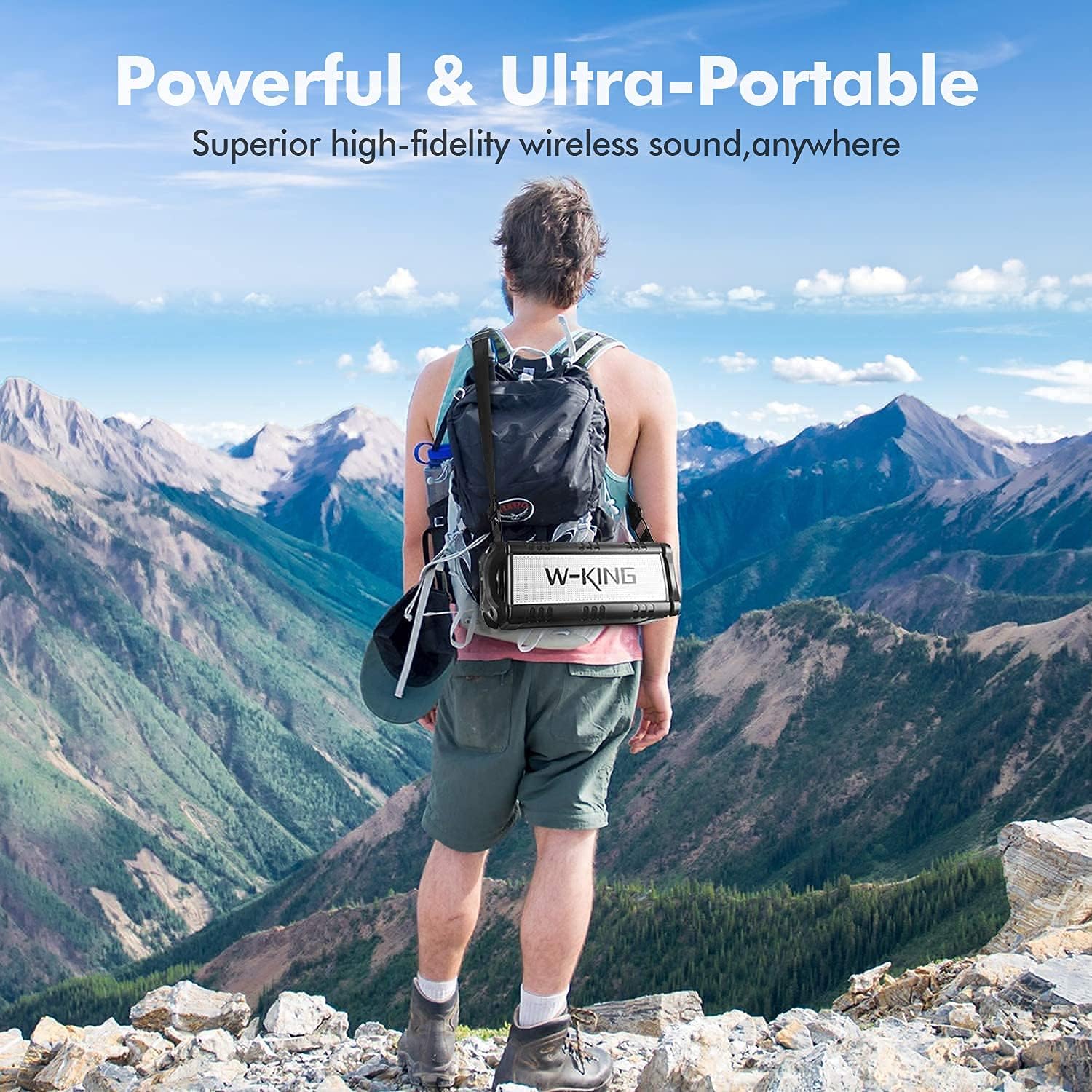
Image: A person hiking in a mountainous landscape with the W-KING speaker attached to their backpack, emphasizing its powerful and ultra-portable design for outdoor use.
Setup
1. Charging the Speaker
Before first use, fully charge the speaker. Connect the USB charging cable to the speaker's charging port and a compatible USB power adapter (not included). The charging indicator will show the charging status.
- Charging Time: Approximately 5 hours for a full charge.
- Battery Life: Up to 40 hours of playtime (varies with volume and content).

Image: The W-KING speaker connected via USB cable, charging a smartphone, demonstrating its power bank functionality. The image also shows the control panel with TF-Card, AUX, NFC, and EQ button icons.
2. Powering On/Off
Press and hold the Power button (⏻) for 2-3 seconds to turn the speaker on or off.
3. Bluetooth Pairing
- Ensure the speaker is powered on and in Bluetooth pairing mode (indicated by a flashing LED).
- On your device (smartphone, tablet, laptop), enable Bluetooth and search for available devices.
- Select "W-KING" from the list of devices.
- Once connected, the speaker will emit a confirmation sound, and the LED indicator will become solid.
- Wireless connection range: Up to 100 feet (30.48 meters).
4. NFC Connection (Android Only)
For compatible Android devices, enable NFC on your phone. Simply touch your phone to the NFC area on the speaker to initiate pairing.
Operating Instructions
1. Basic Controls
- Power Button (⏻): Press and hold to power on/off.
- Play/Pause Button (▶/‖): Press to play or pause music.
- Volume Up (+): Press to increase volume. Press and hold for next track.
- Volume Down (-): Press to decrease volume. Press and hold for previous track.
- EQ Button: Press to switch between indoor and outdoor sound modes.
2. True Wireless Stereo (TWS) Pairing
To achieve 100W powerful stereo sound, you can pair two W-KING Portable Bluetooth Speakers together:
- Ensure both speakers are powered on and not connected to any other Bluetooth device.
- On one speaker, press and hold the TWS button (refer to speaker's button layout, usually indicated by a chain link icon or similar).
- The speakers will automatically search and pair with each other. A confirmation sound will indicate successful pairing.
- Once paired, connect your device to one of the speakers via Bluetooth. Both speakers will now play audio in stereo.

Image: Two W-KING speakers positioned to demonstrate True Wireless Stereo pairing, creating a wider soundstage.
3. AUX Input
Connect an external audio device using the included 3.5mm audio cable to the speaker's AUX port. The speaker will automatically switch to AUX mode.
4. TF Card Playback
Insert a TF (microSD) card loaded with audio files into the TF card slot. The speaker will automatically detect and play music from the card.
5. Hands-Free Calling
When connected via Bluetooth, the built-in microphone allows for hands-free calling. Press the Play/Pause button to answer or end a call.

Image: A person using the W-KING speaker for a hands-free call, illustrating the built-in microphone functionality.
6. Power Bank Function
The speaker can be used to charge other devices. Connect your device's charging cable to the speaker's USB output port.
Maintenance
- Cleaning: Wipe the speaker with a soft, damp cloth. Do not use abrasive cleaners or solvents.
- Storage: Store the speaker in a cool, dry place away from direct sunlight and extreme temperatures.
- Battery Care: To prolong battery life, avoid fully discharging the battery frequently. Charge the speaker regularly, even if not in use for extended periods.
- Water Resistance: While IPX6 waterproof, avoid submerging the speaker in water. Ensure all port covers are securely closed before exposure to water.
Troubleshooting
| Problem | Possible Cause | Solution |
|---|---|---|
| Speaker does not turn on. | Low battery. | Charge the speaker fully. |
| Cannot pair via Bluetooth. | Speaker not in pairing mode; device Bluetooth off; too far from speaker. | Ensure speaker is in pairing mode. Turn device Bluetooth off/on. Move device closer to speaker. Forget "W-KING" on your device and re-pair. |
| No sound. | Volume too low; incorrect input mode; device not playing. | Increase speaker and device volume. Check if correct input mode (Bluetooth, AUX, TF Card) is selected. Ensure audio is playing on your device. |
| Sound distortion. | Volume too high; low battery; interference. | Reduce volume. Charge speaker. Move speaker away from other electronic devices. |
| TWS pairing fails. | Speakers already connected to other devices; too far apart. | Disconnect speakers from all devices. Ensure they are close to each other. Try pairing again. |
Specifications
- Brand: W-KING
- Model: W-KING Portable Bluetooth Speaker
- Speaker Type: Surround Sound
- Audio Output Mode: Surround, Stereo
- Speaker Maximum Output Power: 50W RMS (90W Peak)
- Connectivity Technology: Bluetooth 5.0, Auxiliary (3.5mm), TF Card, NFC
- Wireless Communication Technology: Bluetooth
- Bluetooth Range: 100 feet (30.48 meters)
- Water Resistance Level: IPX6 Waterproof
- Power Source: Battery Powered
- Battery Capacity: 8000 mAh
- Battery Life: Up to 40 Hours
- Charging Time: 5 Hours
- Control Method: Button, Touch
- Compatible Devices: Smartphone, Tablet, Laptop
- Included Components: 3.5mm audio cable
Warranty and Support
Warranty Information
This W-KING product comes with a Limited Warranty. Please refer to the warranty card included in your package for specific terms and conditions. Keep your purchase receipt as proof of purchase for warranty claims.
Customer Support
For technical assistance, troubleshooting, or warranty inquiries, please contact W-KING customer support through the following channels:
- W-KING Official Website: www.w-king.com
- Email Support: Refer to your product packaging or official website for contact email.
- Amazon Seller Support: If purchased on Amazon, you can contact the seller "w-king" directly through your Amazon order history.
Related documentsW-KING Portable Bluetooth Speaker


Ask a question about this manual
Ask about setup, troubleshooting, compatibility, parts, safety, or missing instructions. Manuals+ will review the question and use this page’s manual context to help answer it.