
Product Overview
The TESSAN Surge Protector Power Strip Tower is designed to expand your power access and protect your electronic devices. This unit features 11 AC outlets, 2 USB-A ports, and 1 USB-C port, allowing for simultaneous charging of multiple devices. Its vertical tower design optimizes space, and the integrated surge protection safeguards connected electronics from power fluctuations.
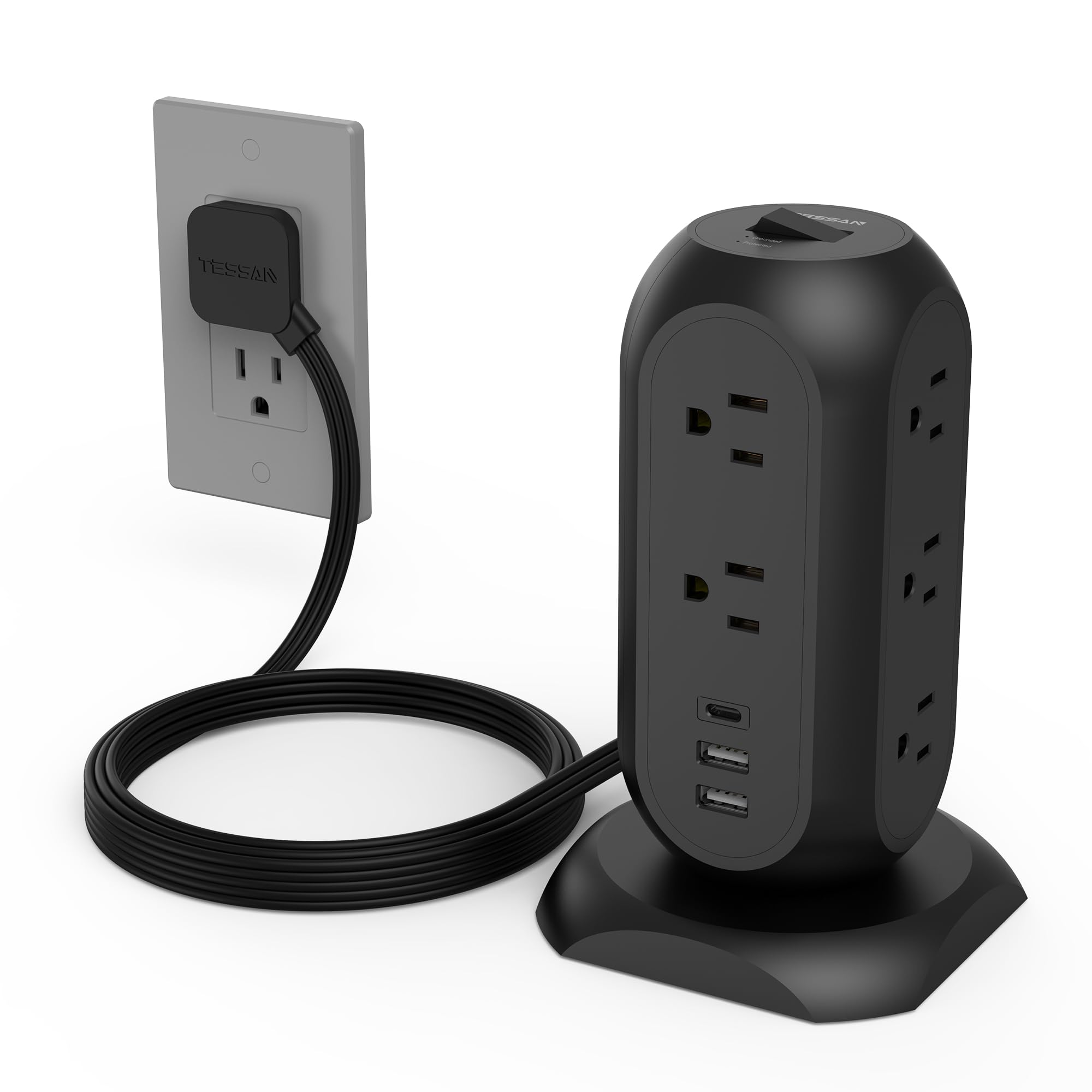
Image: TESSAN Surge Protector Power Strip Tower, black, featuring 11 AC outlets and 3 USB ports, shown in a desktop environment with various devices connected.
Key Features
- 14-in-1 Power Solution: Provides 11 AC outlets, 2 USB-A ports, and 1 USB-C port for comprehensive charging.
- Space-Saving Design: Vertical tower structure minimizes desktop clutter and allows for easy access to all ports.
- Flat Extension Cord: Features a 6-foot, 0.31-inch ultra-thin flat plug and cord, designed to fit in tight spaces and behind furniture. The 45-degree angle of the plug prevents blocking adjacent outlets.
- Surge Protection (1050J): Protects connected devices from power surges, overloads, short circuits, and over-currents.
- Smart USB Charging: USB-A ports deliver up to 2.4A, and the USB-C port delivers up to 3A, automatically detecting and providing optimal charging speed for various devices.
- On/Off Switch: A reliable switch allows for easy power control and can automatically shut off to protect electronics.
Setup Instructions
- Unpack the Device: Carefully remove the TESSAN Power Strip Tower from its packaging.
- Position the Tower: Place the power strip tower on a stable, flat surface where you intend to use it. Ensure adequate ventilation around the unit.
- Connect to Power Outlet: Plug the flat extension cord into a grounded wall outlet. The ultra-thin design allows it to sit flush against the wall, ideal for behind furniture.
- Power On: Flip the main On/Off switch located on the top of the tower to the "On" position. The "Grounded" (green) and "Protected" (red) indicator lights should illuminate, confirming proper operation and surge protection.
- Connect Devices: Plug your AC-powered devices into the 11 AC outlets and your USB-powered devices into the 2 USB-A or 1 USB-C ports.

Image: Illustration demonstrating the ultra-thin flat plug design, allowing it to fit behind furniture without obstruction.
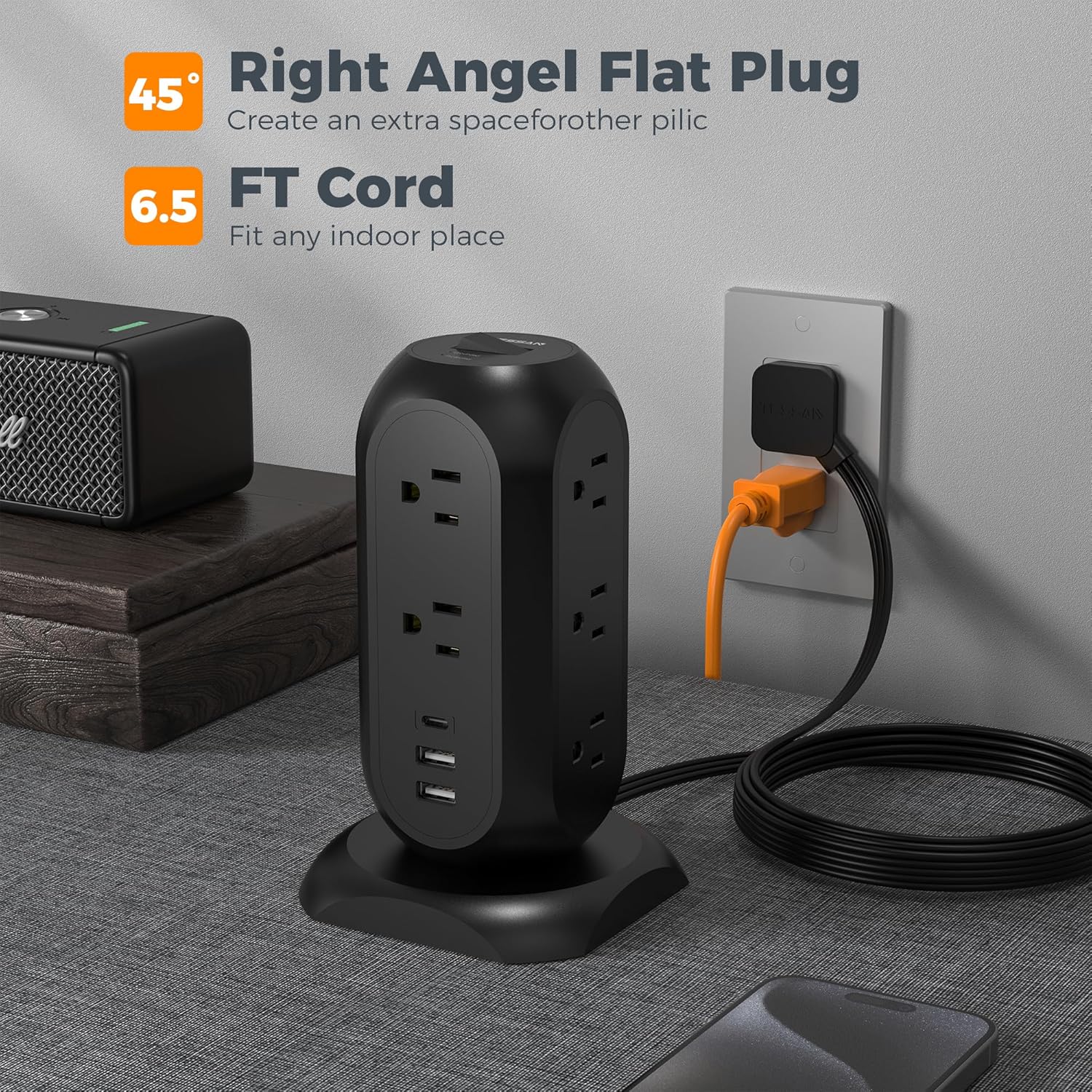
Image: The 45-degree angled flat plug and 6.5-foot cord of the TESSAN power strip, highlighting its flexibility for indoor use.
Operating Instructions
- AC Outlets: The 11 AC outlets are distributed across the tower's sides, designed to accommodate larger power adapters without blocking adjacent outlets.
- USB Charging Ports:
- USB-A Ports: Use these two ports for standard USB-powered devices. Each port provides up to 2.4A.
- USB-C Port: Use this single port for USB-C compatible devices. It provides up to 3A.
- Power Indicator Lights:
- A green light indicates the unit is properly grounded.
- A red light indicates the surge protection is active and functioning.
- On/Off Switch: Use the master switch to turn all connected devices on or off simultaneously. This can help conserve energy when devices are not in use.

Image: Detail of the TESSAN power strip showing USB-A, USB-C, and AC outlets, indicating compatibility with a wide range of electronic devices.
Safety Information
This TESSAN Power Strip Tower is equipped with multiple safety features to protect your devices and ensure safe operation.
- Surge Protection: The 1050J surge protection rating helps shield electronics from voltage spikes.
- Overload Protection: An integrated circuit breaker automatically shuts off power if the connected load exceeds the maximum capacity (1625W/13A) to prevent damage.
- Short-Circuit Protection: Prevents damage from short circuits.
- Over-Current Protection: Safeguards against excessive current flow.
- Heat Resistant: Constructed with materials resistant to high temperatures (up to 1782°F).
- Do not exceed the maximum power rating of 1625W/13A.
- Do not use in wet environments.
- Do not disassemble or modify the device.
- Keep out of reach of children.

Image: Internal diagram illustrating the multi-layered protection mechanisms of the TESSAN Surge Protector, including surge, over-current, and short-circuit protection.
Maintenance
- Cleaning: Disconnect the power strip from the wall outlet before cleaning. Use a dry, soft cloth to wipe the surface. Do not use liquid cleaners or aerosols.
- Storage: When not in use for extended periods, store the power strip in a cool, dry place away from direct sunlight and moisture.
- Cord Management: Utilize the retractable cord feature to keep excess cable neatly stored within the base, preventing tangles and trip hazards.
Troubleshooting
- No Power to Devices:
- Ensure the power strip's On/Off switch is in the "On" position.
- Verify the power strip is securely plugged into a working wall outlet.
- Check if the "Protected" indicator light is off. If so, the surge protector may have absorbed a significant surge and needs replacement.
- If the overload protection has tripped, disconnect some devices and reset the power switch.
- Slow USB Charging:
- Ensure your device and cable are compatible with the USB-A (2.4A) or USB-C (3A) output.
- Avoid charging too many high-power devices simultaneously, as this can affect overall charging speed.
- Loose Plugs: Ensure plugs are fully inserted into the outlets. If an outlet feels consistently loose, discontinue use of that specific outlet.
Specifications
| Feature | Detail |
|---|---|
| Model Number | TPS02-US-C |
| AC Outlets | 11 |
| USB-A Ports | 2 (5V/2.4A Max per port) |
| USB-C Port | 1 (5V/3A Max) |
| Total USB Output | 15W |
| Max Power Rating | 1625W / 13A |
| Voltage | 125V |
| Surge Energy Rating | 1050 Joules |
| Extension Cord Length | 6 Feet |
| Product Dimensions | 5.5 x 3.93 x 0.1 inches |
| Item Weight | 1.28 pounds |
| Special Features | On/Off Switch, Surge Protection, USB Slots |
Official Product Video
Watch this official video from TESSAN for a visual guide on the features and usage of the Power Strip Tower.
Video: Official TESSAN video demonstrating the 11 AC outlet tower power strip with 3 USB ports, highlighting its compact design and surge protection features.
Warranty and Support
For warranty information or technical support, please refer to the manufacturer's official website or contact their customer service. This product is manufactured by Zhuhai Tessan Power Technology Co., Ltd.
- Manufacturer: Zhuhai Tessan Power Technology Co., Ltd.
- Return Policy: Typically 30 days for refund/replacement (check retailer's policy).
- Protection Plans: Extended protection plans may be available through your retailer.