
1. Product Overview
The MERACH MR-667B Spin Bike is designed for home fitness, offering a quiet and stable workout experience. It features app connectivity for tracking progress and interactive training, a non-contact magnetic resistance system, and an ergonomic design for comfort.
Key Features:
- App Connectivity: Connects with a dedicated app for tracking calories burned, exercise time, and pedal revolutions. The app can run in the background, allowing you to watch videos while exercising. It automatically records training data and provides daily, weekly, and monthly reports, helping you set and achieve fitness goals.
- High Quietness and Stability: Equipped with a high-quality non-contact magnetic resistance adjustment system, eliminating friction and noise. This allows for unlimited usage time and stepless resistance adjustment. A robust steel frame and increased base weight keep noise below 40 decibels, ensuring quiet operation suitable for apartments and night use.
- Ergonomic and Comfortable Design: Features an ergonomic design with adjustable saddle and handlebars to promote a natural, forward-leaning posture. The soft, breathable, thick cushioned saddle prevents discomfort during long sessions. The pedals are designed for use even with socks, offering a large contact area and comfortable rubber surface. Stepless resistance adjustment allows customization for individual workout intensity.
- Easy Assembly: Comes with clear instructions and an assembly video, enabling assembly in approximately 30 minutes for beginners.
- Portability: Equipped with transport casters for easy movement by one person.
- Adjustability: Armrests are adjustable in 6 vertical stages. The saddle is adjustable in 12 vertical stages and 0-8cm horizontally, accommodating users with heights from 150-185cm and a maximum weight of 110kg.

Image: MERACH Spin Bike in a home setting, highlighting its sleek design and suitability for indoor use.
2. Setup and Assembly
The MERACH MR-667B Spin Bike is designed for straightforward assembly. Please follow the steps below carefully. An assembly video is provided for visual guidance.
Assembly Steps:
- Step 1: Attach Front and Rear Stabilizers
Securely attach the front and rear stabilizer bars to the main body of the bike using the provided screws and tools. Ensure they are firmly tightened to maintain stability. - Step 2: Install Pedals
Attach the pedals to the crank arms. Note that the left and right pedals are distinct; ensure you attach them to the correct side. Tighten them securely with the wrench. - Step 3: Install Handlebar Post and Handlebars
Insert the handlebar post into the main frame. Adjust the height as needed, then secure it by tightening the adjustment knob. Attach the handlebars to the post and fasten them with the screws. - Step 4: Attach Tablet Holder
Mount the tablet holder onto the handlebar assembly. Ensure it is securely fastened to prevent movement during use. - Step 5: Install Batteries
Locate the battery compartment, typically near the base or console. Insert the batteries as indicated, ensuring correct polarity. - Step 6: Adjust Components
Adjust the saddle height and horizontal position, and handlebar height to suit your body. Ensure all adjustment knobs are tightened before use.
Video: Detailed installation guide for the MERACH MR-667B Spin Bike, demonstrating each assembly step.

Image: MERACH Spin Bike placed on an anti-vibration mat for enhanced stability and noise reduction.
3. Operating Instructions
The MERACH MR-667B Spin Bike offers a user-friendly experience with app connectivity and adjustable resistance.
Getting Started:
- Power On: Ensure batteries are correctly installed. The console should power on automatically when you start pedaling or press a button.
- Adjust Resistance: Use the resistance knob to increase or decrease the workout intensity. The non-contact magnetic system allows for smooth, stepless adjustments.
- Adjust Seating and Handlebars: Before each workout, ensure the saddle height, horizontal position, and handlebar height are adjusted for your comfort and proper form.
App Connection:
Download the dedicated MERACH app (e.g., "Tuya Smart") from your device's app store. The app allows you to connect to the spin bike via Bluetooth to track your workout data and access interactive training programs.
- Download the App:
Download on the App Store
Get it on Google Play - Connect: Open the app and follow the on-screen instructions to pair your device with the spin bike.
- Track Progress: Monitor calories burned, exercise duration, distance, and pedal revolutions directly through the app.
- Interactive Training: Enjoy exercising while watching videos or participating in guided workouts available through the app.
Video: Overview of the MERACH Spin Bike in use, demonstrating its quiet operation and app connectivity.

Image: The MERACH app interface displaying workout data and connectivity features.
4. Maintenance
Regular maintenance ensures the longevity and optimal performance of your MERACH MR-667B Spin Bike.
- Cleaning: Wipe down the bike with a damp cloth after each use to remove sweat and dust. Avoid using abrasive cleaners or solvents.
- Check Connections: Periodically check all bolts and screws to ensure they are tight. Re-tighten if necessary.
- Lubrication: The non-contact magnetic resistance system generally requires no lubrication. Refer to the detailed manual for specific lubrication points if any are indicated.
- Storage: Store the bike in a dry, cool place away from direct sunlight and extreme temperatures. Use the transport casters to move it easily.
5. Troubleshooting
This section addresses common issues you might encounter with your MERACH MR-667B Spin Bike.
- No Power to Console:
Solution: Check if the batteries are correctly installed and have sufficient charge. Replace batteries if needed. - Unusual Noises During Operation:
Solution: Ensure all assembly bolts and screws are tightened. Check for any loose parts. The magnetic resistance system is designed to be quiet, so persistent noise may indicate an issue requiring inspection. - Difficulty Adjusting Resistance:
Solution: Ensure the resistance knob is functioning correctly and not obstructed. If the issue persists, contact customer support. - App Connectivity Issues:
Solution: Ensure Bluetooth is enabled on your device and the app is updated to the latest version. Try restarting both your device and the bike. - Bike Feels Unstable:
Solution: Ensure the bike is placed on a flat, stable surface. Adjust the foot pads at the base of the stabilizers to level the bike.
If you encounter any issues not listed here or if the suggested solutions do not resolve the problem, please contact MERACH customer support for assistance.
6. Specifications
| Feature | Specification |
|---|---|
| Brand | MERACH |
| Model Number | MR-667B |
| Color | Light Black |
| Power Source | Battery |
| Recommended Use | Home Use |
| Material | Rubber, Alloy Steel |
| Special Features | Calorie Display |
| Resistance Mechanism | Electromagnetic (Magnetic) |
| Number of Resistance Levels | Stepless (8 levels mentioned in some comparisons, but product states stepless) |
| Drive System | Belt |
| Product Weight | 34.5 kg |
| Product Dimensions (D x W x H) | 122 x 50.7 x 115 cm |
| Minimum Height | 74 cm |
| Overall Height (EV included) | 1150 mm |
| Maximum Recommended Weight | 110 kg |
| Compatible User Height | 150-185 cm |
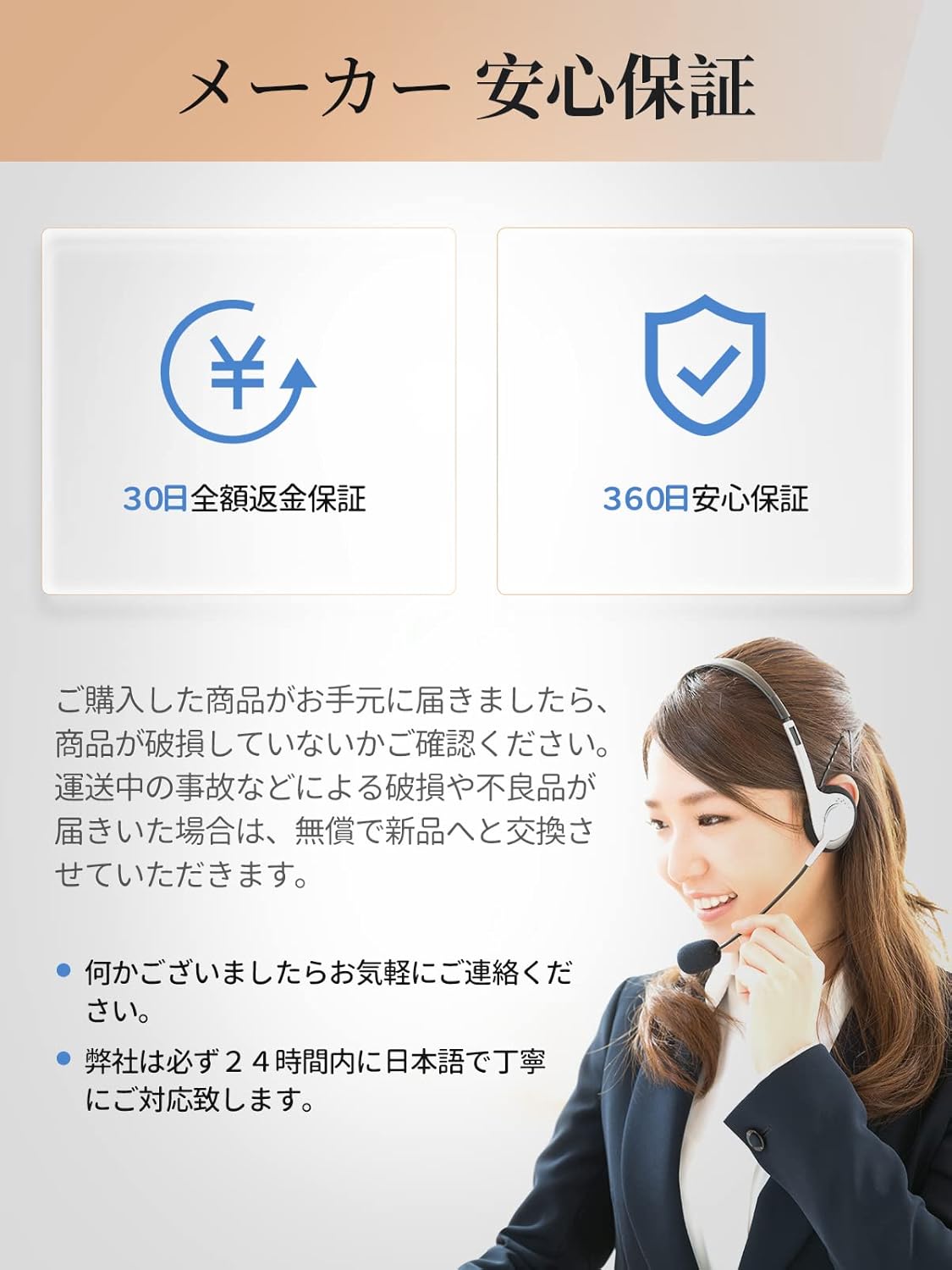
Image: Detailed dimensions of the MERACH Spin Bike.
7. Warranty and Support
Your MERACH MR-667B Spin Bike comes with a comprehensive warranty and dedicated customer support.
Warranty Information:
- One-Year Manufacturer's Warranty: A one-year manufacturer's warranty is included.
- Quality Issues: If any quality issues arise due to manufacturing defects, repairs and replacements are available.
Customer Support:
For any inquiries or assistance, please contact our customer support team. Specific after-sales service contact information is provided on page 22 of the detailed instruction manual included with your product.
- Phone Support Hours: Weekdays 10:00 - 17:00 (excluding holidays and weekends).
- Email Support: Available daily, with same-day replies possible. Replies are guaranteed by the next day at the latest.

Image: A customer support representative ready to assist with product inquiries.


