1. Introduction
The Pawbby Smart Pet Snack Machine with Camera is designed to help pet owners interact with and care for their pets remotely. This device allows for remote snack dispensing, two-way audio communication, and live video monitoring, ensuring your pet is always connected and cared for, even when you are away.
Please read this manual thoroughly before operating the device to ensure proper setup and safe usage.
2. Setup
2.1 Unboxing and Placement
Carefully remove all components from the packaging. Place the Pawbby Smart Pet Snack Machine on a stable, flat surface within range of your Wi-Fi network. Ensure it is positioned where your pet can easily access dispensed snacks and where the camera has a clear view of your pet's activity area.
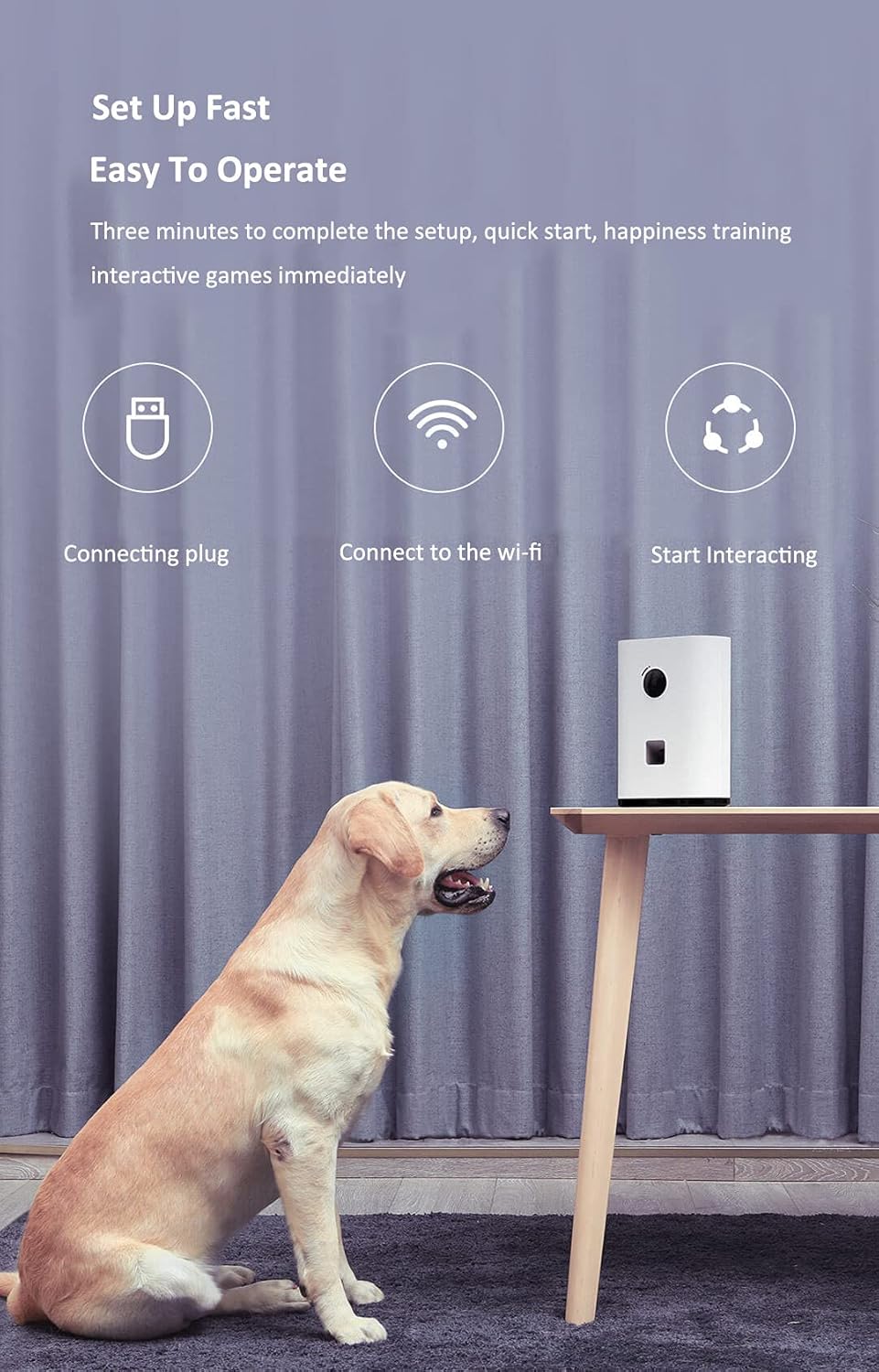
Image: The Pawbby Smart Pet Snack Machine positioned on a table, ready for use.
2.2 Power Connection
Connect the power adapter to the device's power input port and plug it into a standard electrical outlet. The device will power on automatically.
2.3 App Installation and Wi-Fi Connection
Download the official Pawbby or Mijia app from your smartphone's app store (iOS or Android). Follow the in-app instructions to create an account and connect the device to your home Wi-Fi network. This typically involves scanning a QR code on the device or entering your Wi-Fi credentials.

Image: The companion app interface for managing the device.
2.4 Filling Snacks
Twist the container cover to open the snack compartment. Fill the compartment with dry pet snacks of an appropriate size for dispensing. Ensure the snacks are not too large or too small to prevent jamming. Close the cover securely after filling.
3. Operating the Device
3.1 Remote Snack Dispensing
Through the Pawbby/Mijia app, you can manually dispense snacks to your pet at any time. You can also set up scheduled dispensing times and portion sizes to create an automated feeding routine.

Image: Pet enjoying dispensed snacks.
3.2 Live Video Monitoring and Two-Way Audio
Access the live video feed from the built-in HD camera through the app to monitor your pet. The device supports two-way audio, allowing you to speak to your pet and hear their responses. This feature is useful for comforting your pet or deterring unwanted behavior.

Image: Details of the hidden speaker and HD camera.
3.3 Cloud Storage and Sharing
The device supports cloud storage for recorded video clips, allowing you to review past interactions. You can also share funny moments or important observations with family and friends directly from the app.

Image: Cloud storage and sharing features.
4. Maintenance
4.1 Cleaning
To clean the device, first unplug it from the power source. The snack container cover can be easily removed by twisting. Wipe the interior and exterior surfaces with a damp cloth. Ensure all parts are completely dry before reassembling and plugging the device back in.
4.2 Refilling Snacks
Regularly check the snack level and refill as needed to ensure continuous dispensing for your pet.
5. Troubleshooting
- Device Not Powering On: Ensure the power adapter is securely connected to both the device and a working electrical outlet.
- Cannot Connect to Wi-Fi: Verify your Wi-Fi network is 2.4GHz (the device may not support 5GHz networks). Ensure the device is within Wi-Fi range and that you have entered the correct password. Try restarting your router and the device.
- Snacks Not Dispensing: Check if the snack compartment is empty. Ensure the snacks are not too large or small, which can cause blockages. Clean the dispensing mechanism if necessary.
- Poor Camera Quality/No Video: Check your internet connection speed. Ensure there is adequate lighting in the room.
- Audio Issues: Verify your phone's volume settings and the device's microphone/speaker are not obstructed.
For further assistance, refer to the app's help section or the manufacturer's official support channels.
6. Specifications
| Feature | Specification |
|---|---|
| Brand | Pawbby |
| Model Number | MG-PSW001 |
| Dimensions | 18 x 25 x 9 cm |
| Weight | 10 g |
| Color | Black |
| Connectivity | Wireless (Wi-Fi) |
| Wattage | 10 watts |
| Material | PET Plastic |
| Special Features | Camera, Two-way Audio |
| Target Species | Dog |
7. Warranty and Support
For information regarding warranty coverage and terms, please refer to the documentation provided at the time of purchase or contact your retailer. For technical support, please consult the help section within the Pawbby/Mijia app or visit the official Pawbby website for contact information.


