
1. Introduction
Thank you for choosing the HUMILABS 50 Pint Dehumidifier. This manual provides essential information for the safe and efficient operation, maintenance, and troubleshooting of your appliance. Please read it thoroughly before use and retain it for future reference.
This dehumidifier is designed to remove excess moisture from the air, helping to protect your home from humidity-related issues such as mold, mildew, and odors. It is suitable for various indoor environments, including basements, living rooms, bedrooms, bathrooms, and offices.
2. Important Safety Instructions
To reduce the risk of fire, electric shock, or injury, always follow these basic precautions:
- Read all instructions before using the appliance.
- Ensure the power supply matches the rating label on the unit.
- Do not operate the dehumidifier with a damaged cord or plug.
- Do not block air inlets or outlets. Maintain at least 8 inches (20 cm) clearance around the unit.
- Always place the unit on a level, stable surface.
- Unplug the appliance before cleaning or servicing.
- Do not use the appliance near water or in excessively wet environments.
- Keep children and pets away from the appliance during operation.
3. Product Overview
The HUMILABS 50 Pint Dehumidifier is designed for efficient moisture removal in areas up to 4500 square feet. It features intelligent humidity control, multiple operating modes, and user-friendly functions.
Key Features:
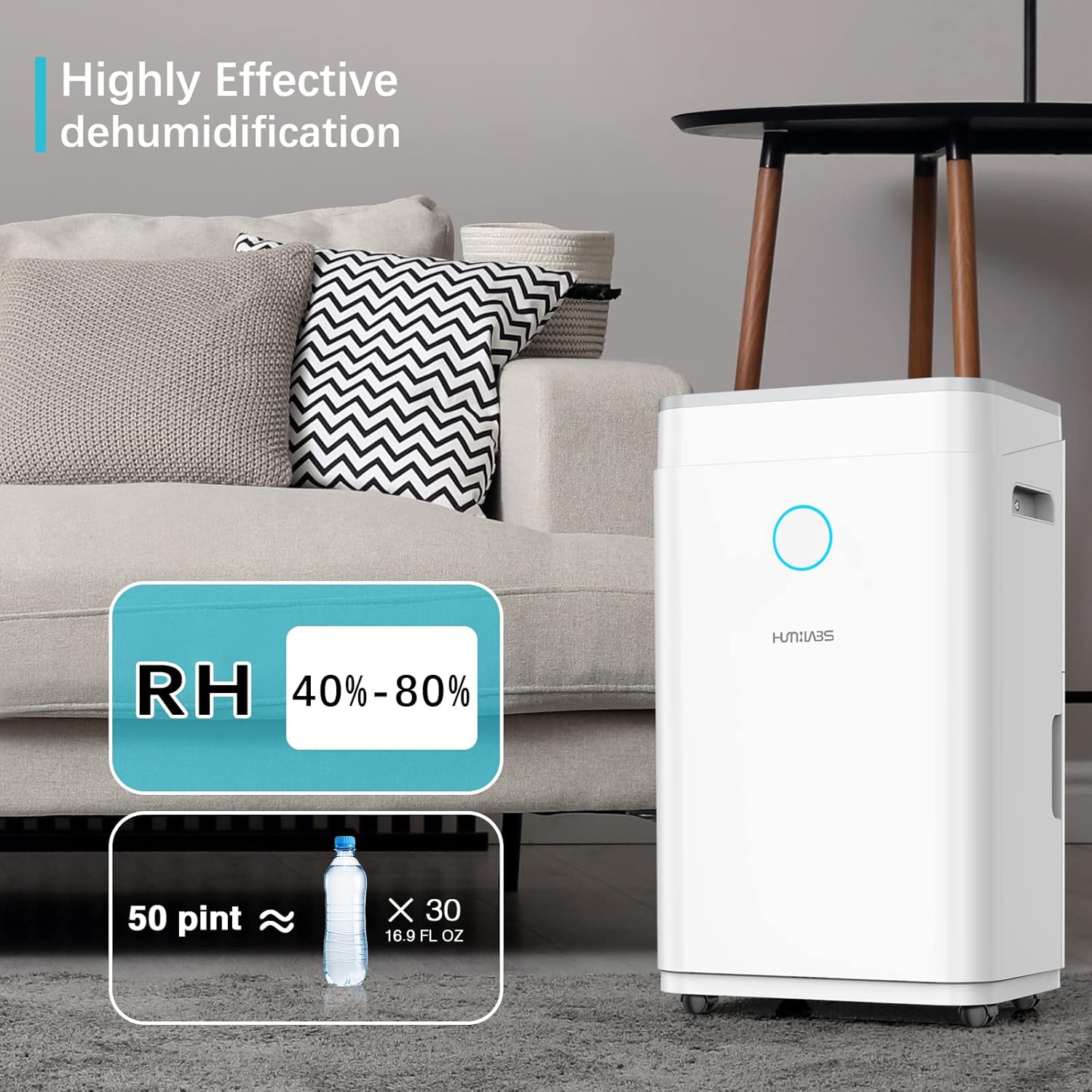
- High Capacity: Removes up to 50 pints of moisture per day.
- Wide Coverage: Effective for areas up to 4500 sq. ft.
- Intelligent Humidity Control: Adjustable humidity range from 30% to 80%.
- Multiple Modes: Auto Dry, Continuous, and Manual Set.
- 24-Hour Timer: Program auto start and stop times.
- Quiet Operation: Designed for minimal noise disruption.
- Auto Shut-Off: Activates when the water tank is full.
- Childlock: Prevents unintended changes to settings.
- Washable Filter: Easy to clean and maintain.
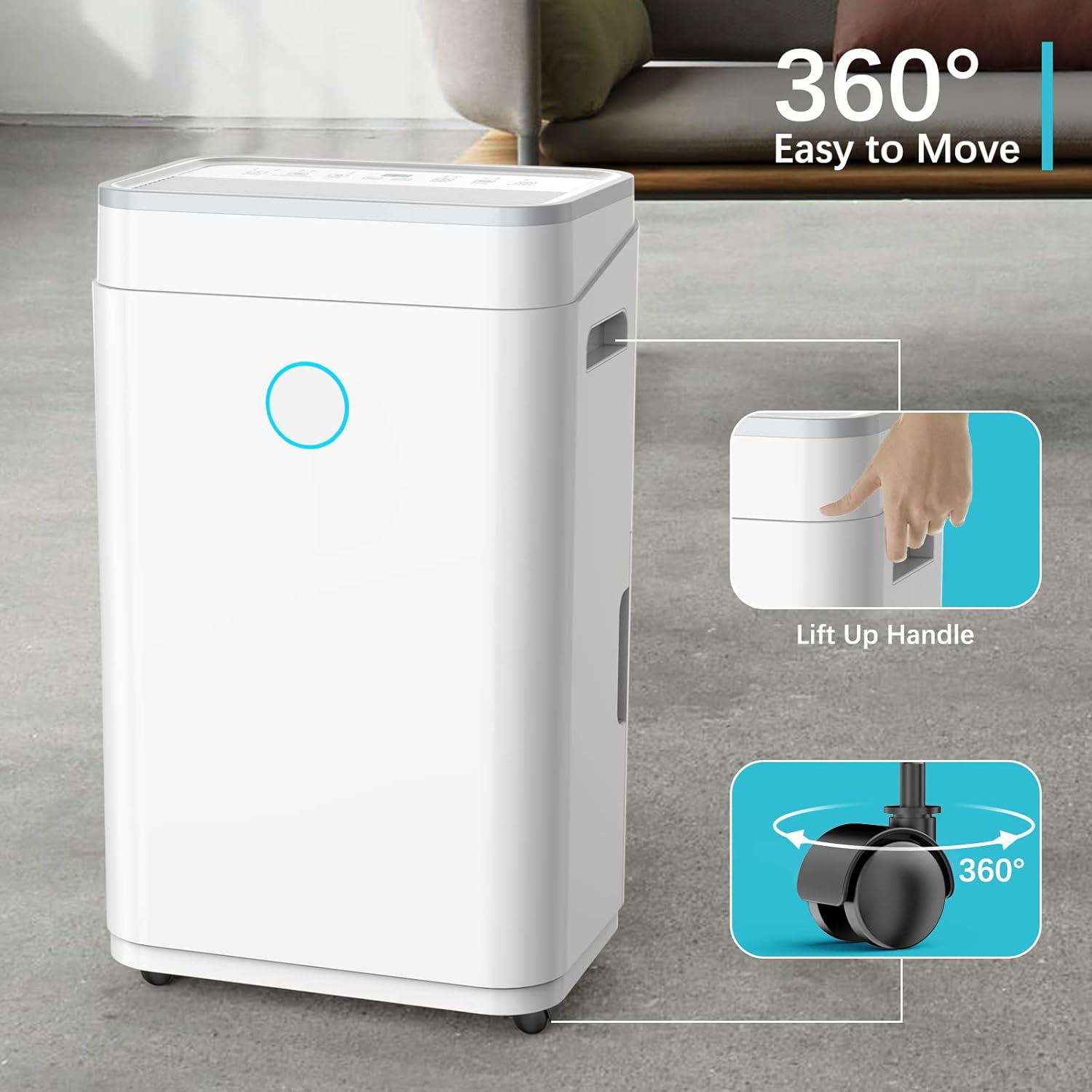
- Portability: Equipped with 360° rotatable wheels and lift-up handles.
Product Components:

4. Setup and Installation
4.1 Unpacking
- Carefully remove the dehumidifier from its packaging.
- Remove all packing materials, including any tape or protective films.
- Inspect the unit for any shipping damage. If damaged, do not operate and contact customer support.
4.2 Placement
Proper placement is crucial for optimal performance.
- Place the dehumidifier on a firm, level surface capable of supporting its weight when the water tank is full.
- Ensure there is at least 8 inches (20 cm) of space around the unit for proper airflow. Do not block the air inlet or outlet.
- For best results, operate the dehumidifier in an enclosed area. Close all doors and windows to the room where it is operating.
- The unit is suitable for basements, living rooms, bedrooms, bathrooms, offices, laundry rooms, and other areas up to 4500 sq. ft.

4.3 Power Connection
- Plug the power cord into a grounded electrical outlet.
- Do not use extension cords or adapter plugs.
5. Operating Instructions
5.1 Control Panel
The control panel allows you to manage all functions of the dehumidifier.

- Power Button: Turns the unit on or off.
- Mode Button: Cycles through operating modes: Auto Dry, Continuous, and Manual Set.
- Speed Button: Adjusts fan speed (e.g., Low, High).
- Timer Button: Sets the 24-hour timer for auto start/stop.
- Lock Button (Childlock): Press and hold to activate/deactivate childlock, preventing accidental changes.
- Sleep/Reset Button: Activates sleep mode for quieter operation or resets filter alert.
- Humidity Display: Shows the current room humidity level.
5.2 Setting Desired Humidity
In Manual Set mode, you can set your desired humidity level between 30% and 80%.
- Press the 'Mode' button until 'Manual Set' is selected.
- Use the up/down arrows (often integrated with other buttons) to adjust the target humidity.
- The unit will operate until the set humidity level is reached, then cycle on and off to maintain it.
5.3 Operating Modes
- Auto Dry Mode: The unit automatically adjusts its operation to maintain a comfortable humidity level, typically around 45-55%.
- Continuous Mode: The unit runs continuously regardless of the humidity level, ideal for very damp conditions or for drying laundry.
- Manual Set Mode: Allows you to set a specific target humidity level.
5.4 Timer Function
The 24-hour timer allows you to schedule the dehumidifier to turn on or off automatically.
- Press the 'Timer' button.
- Use the adjustment buttons to set the desired number of hours (1-24) for the unit to turn on or off.
- The timer will activate after a few seconds.
5.5 Laundry Dry Function
This mode is designed to help dry clothes faster by running the dehumidifier continuously at a high fan speed.

5.6 Auto-Restart and Sleep Mode
- Auto-Restart: In case of a power outage, the unit will automatically restart with the previous settings once power is restored.
- Sleep Mode: Reduces fan speed and dims display lights for quieter operation during sleep.
5.7 Humidity Indicator Light
The indicator light on the front of the unit changes color to reflect the current humidity level:
- Blue: Humidity below 45%
- Green: Humidity between 45% and 65%
- Red: Humidity above 65%

6. Water Drainage
Your dehumidifier offers two drainage options:
6.1 Manual Drainage (Water Tank)
The unit has a 1.5-gallon (6500ml) water tank. When the tank is full, the 'Full' indicator will light up, an alarm will sound, and the dehumidifier will automatically shut off.
- Gently pull out the water tank from the front of the unit.
- Empty the collected water.
- Slide the empty water tank back into the unit until it clicks into place. The unit will resume operation.
6.2 Continuous Drainage (Drain Hose)
For continuous operation without emptying the tank, you can connect a drain hose.
- Locate the drainpipe hole on the left side of the dehumidifier.
- Attach a suitable drain hose (not included) to this outlet.
- Ensure the hose is sloped downwards to allow gravity drainage into a floor drain or larger container.

7. Maintenance
Regular maintenance ensures optimal performance and extends the lifespan of your dehumidifier.
7.1 Cleaning the Air Filter
The dehumidifier is equipped with a reusable and washable filter. A 'Filter Clean' alert will remind you when it's time to clean the filter.
- Turn off the dehumidifier and unplug it from the power outlet.
- Locate the air filter, typically on the back or side of the unit.
- Gently pull out the filter.
- Wash the filter with warm, soapy water. Rinse thoroughly.
- Allow the filter to air dry completely before reinstalling. Do not use a dryer or direct heat.
- Once reinstalled, press the 'Sleep/Reset' button to clear the 'Filter Clean' alert.

7.2 Cleaning the Unit Exterior
- Wipe the exterior with a soft, damp cloth.
- Do not use harsh chemicals, abrasives, or solvents.
8. Troubleshooting
Before contacting customer support, please refer to the following common issues and solutions:
| Problem | Possible Cause | Solution |
|---|---|---|
| Dehumidifier does not turn on. | No power; Power cord not plugged in; Water tank full or not properly seated. | Check power connection; Empty and re-seat water tank. |
| Unit runs but does not collect water. | Room temperature too low (below 41°F/5°C); Humidity level already low; Air filter clogged. | Ensure room temperature is within operating range; Check ambient humidity; Clean air filter. |
| Unit displays 'Full' indicator but tank is not full. | Float switch malfunction; Tank not properly seated. | Re-seat the water tank; Check float switch for obstructions. |
| Unit displays 'L' (Low Temperature) or stops working in cold conditions. | Ambient temperature is too low for efficient operation. | Move the unit to a warmer environment or ensure room temperature is above 41°F (5°C). |
| Unusual noise during operation. | Unit not on a level surface; Fan obstruction; Internal component issue. | Place on a level surface; Check for obstructions; If noise persists, contact support. |
| Humidity sensor appears inaccurate. | Sensor malfunction or obstruction. | Ensure sensor area is clean; If issue persists, contact customer support. |
If the problem persists after trying these solutions, please contact HUMILABS customer support.
9. Specifications
| Feature | Specification |
|---|---|
| Brand | HUMILABS |
| Model | 50 Pint Dehumidifier |
| Dehumidification Capacity | 50 Pints per Day |
| Coverage Area | Up to 4500 Square Feet |
| Water Tank Volume | 1.5 Gallons (6500ml) |
| Product Dimensions (D x W x H) | 9.4" x 13.5" x 19.6" |
| Item Weight | 38.1 pounds |
| Humidity Setting Range | 30% - 80% Relative Humidity |
| Operating Temperature Range | Typically 41°F (5°C) to 95°F (35°C) |
| Special Features | Quiet Operation, 24H Timer, Washable Filter, Childlock, Auto Shut-Off, Auto-Restart |
| Drainage Options | Manual (Water Tank) or Continuous (Drain Hose) |
10. Warranty and Customer Support
For warranty information, technical assistance, or any questions regarding your HUMILABS 50 Pint Dehumidifier, please contact HUMILABS customer support. Our team is dedicated to providing satisfactory assistance for any issues you may encounter.
Please have your product model and purchase date available when contacting support.