
1. Introduction
Thank you for purchasing the Borne Pulse 4GB MP3 Player. This compact and lightweight device is designed for portable audio playback, allowing you to enjoy your favorite music on the go. It features 4GB of internal storage, capable of holding approximately 2400 songs, and offers up to 16 hours of playback on a single charge. This manual provides detailed instructions for setup, operation, maintenance, and troubleshooting to ensure optimal performance and longevity of your device.
2. Important Safety Information
Please read all safety instructions carefully before using the device. Failure to follow these instructions may result in electric shock, fire, or damage to the device.
- Do not expose the device to extreme temperatures, direct sunlight, or high humidity.
- Avoid dropping or subjecting the device to strong impacts.
- Do not attempt to disassemble, repair, or modify the device yourself. Refer all servicing to qualified personnel.
- Keep the device away from water and other liquids.
- Use only the provided USB cable for charging and data transfer.
- Prolonged listening at high volume levels can cause permanent hearing damage. Adjust volume to a safe level.
3. Package Contents
Please check the package for the following items:
- Borne Pulse 4GB MP3 Player (MP320-4BK)
- USB Charging/Data Cable
- User Manual (this document)

Image: Front view of the Borne Pulse MP3 Player packaging. The black MP3 player is visible through a clear window, showcasing its compact design and controls. The packaging is blue and black, featuring "Borne Pulse" branding and indicating "4GB Go" storage capacity. Text on the box highlights "16HRS Music" and "2400 Songs".
4. Product Overview
Familiarize yourself with the various parts and controls of your Borne Pulse MP3 Player.
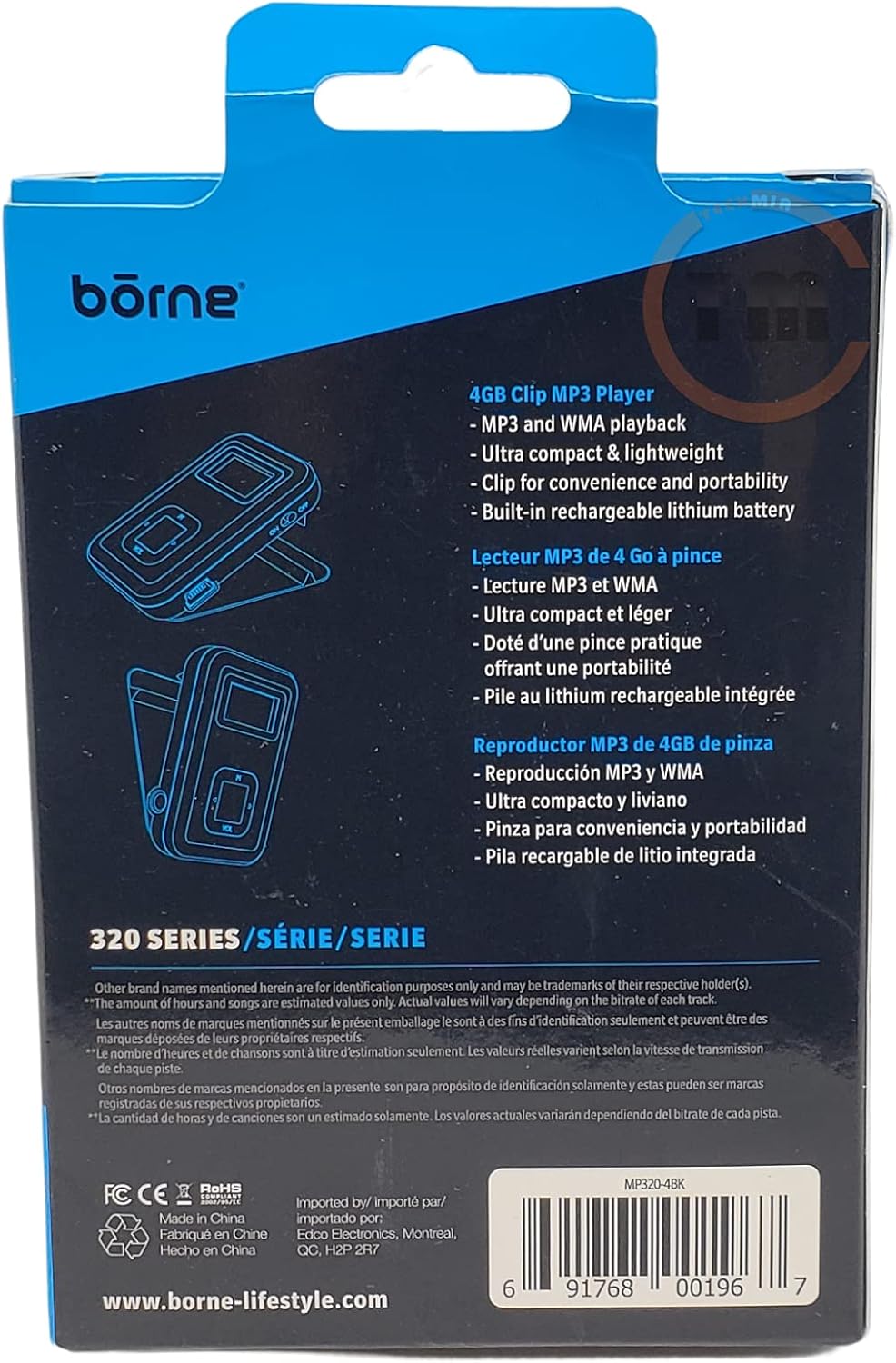
Image: Back view of the Borne Pulse MP3 Player packaging. This side lists key features such as "MP3 and WMA playback," "Ultra compact & lightweight," "Clip for convenience and portability," and "Built-in rechargeable lithium battery." Illustrations of the device's clip and side ports are also visible. The UPC barcode 691768001967 is clearly displayed.
Controls and Ports:
- Display Screen: Shows track information, battery status, and menu options.
- Play/Pause Button: Initiates or pauses playback.
- Previous/Rewind Button: Skips to the previous track or rewinds the current track.
- Next/Fast Forward Button: Skips to the next track or fast forwards the current track.
- Volume Up/Down Buttons: Adjusts the audio output level.
- Power/Menu Button: Turns the device on/off and accesses the main menu.
- USB Port: For charging and connecting to a computer for data transfer.
- Headphone Jack: 3.5mm port for connecting headphones.
- Clip: Integrated clip for attaching the player to clothing or bags.
5. Setup
5.1 Charging the Device
- Connect the small end of the provided USB cable to the USB port on the MP3 player.
- Connect the larger end of the USB cable to a powered USB port on your computer or a USB wall adapter (not included).
- The battery indicator on the screen will show charging status. A full charge typically takes approximately 2-3 hours.
- Disconnect the cable once fully charged.
5.2 Connecting to a Computer and Transferring Music
- Ensure the MP3 player is charged.
- Connect the MP3 player to your computer using the provided USB cable.
- The computer will recognize the MP3 player as a removable disk drive.
- Open the MP3 player's drive folder.
- Drag and drop your MP3 or WMA audio files from your computer into the MP3 player's music folder.
- Once file transfer is complete, safely eject the MP3 player from your computer before disconnecting the USB cable.
6. Operating Instructions
6.1 Powering On/Off
- To Power On: Press and hold the Power/Menu button for a few seconds until the screen lights up.
- To Power Off: Press and hold the Power/Menu button for a few seconds until the screen turns off.
6.2 Basic Playback
- Connect your headphones to the headphone jack.
- Power on the device.
- Navigate to the "Music" or "Play" option using the navigation buttons and press the Play/Pause button to select.
- Use the Previous/Rewind and Next/Fast Forward buttons to select a track.
- Press the Play/Pause button to start or pause playback.
- Adjust the volume using the Volume Up/Down buttons.
6.3 Menu Navigation
Press the Power/Menu button briefly to access the main menu. Use the Previous/Next buttons to scroll through options and the Play/Pause button to select. Options may include Music, Settings, etc.
7. Maintenance
7.1 Cleaning
- Wipe the device with a soft, dry, lint-free cloth.
- Do not use abrasive cleaners, alcohol, or chemical solvents, as these may damage the surface.
7.2 Storage
- Store the device in a cool, dry place away from direct sunlight and extreme temperatures.
- If storing for an extended period, charge the battery periodically (e.g., every 3-6 months) to maintain battery health.
8. Troubleshooting
| Problem | Possible Cause | Solution |
|---|---|---|
| Device does not power on. | Battery is depleted. | Charge the device for at least 30 minutes. |
| No sound from headphones. | Volume is too low; Headphones not properly connected; Corrupt audio file. | Increase volume; Ensure headphones are fully plugged in; Try a different audio file. |
| Computer does not recognize the device. | Faulty USB cable; Driver issue; Device not in data transfer mode. | Try a different USB port or cable; Restart computer; Ensure device is powered on and connected correctly. |
| Files not playing. | Unsupported file format; Corrupt file. | Ensure files are MP3 or WMA format; Delete and re-transfer the file. |
9. Specifications
- Model: MP320-4BK
- Memory Storage Capacity: 4 GB
- Supported Audio Formats: MP3, WMA
- Connectivity Technology: USB
- Screen Size: 1 Inch
- Battery: Built-in rechargeable lithium battery
- Estimated Playback Time: Up to 16 hours
- Item Weight: 2.82 ounces (approx. 80 grams)
- Package Dimensions: 6.18 x 4.06 x 1.1 inches (15.7 x 10.3 x 2.8 cm)
- Manufacturer: Borne
- UPC: 691768001967

Image: Angled view of the Borne Pulse MP3 Player packaging. This perspective shows both the front and side of the blue and black box, emphasizing its compact retail presentation. The "Borne Pulse" logo and "4GB Go" capacity are visible.
10. Warranty and Support
Borne products are manufactured to the highest quality standards. While specific warranty details are not provided in this manual, please refer to the warranty card included with your purchase or visit the official Borne website for information regarding warranty coverage and terms.
For technical support, troubleshooting assistance, or service inquiries, please contact Borne customer support through their official channels. Keep your purchase receipt as proof of purchase for any warranty claims.
This device complies with part 15 of the FCC Rules. Operation is subject to the following two conditions: (1) This device may not cause harmful interference, and (2) this device must accept any interference received, including interference that may cause undesired operation.