
ELEHOT Direct HZ-9457
ELEHOT Direct Portable Wireless Bluetooth Speaker User Manual
Model: HZ-9457
Brand: ELEHOT Direct
Introduction
Thank you for choosing the ELEHOT Direct Portable Wireless Bluetooth Speaker. This speaker is designed to provide high-quality audio with versatile connectivity options and dynamic lighting effects, enhancing your listening experience. Please read this manual carefully before use to ensure proper operation and to maximize the lifespan of your device.

Image: Front view of the ELEHOT Direct Portable Wireless Bluetooth Speaker, showcasing its cylindrical design and illuminated blue light grid.
Product Features
- 5-Color Light Modes: The speaker features five distinct light modes to create an engaging party atmosphere or ambient lighting.
- True Wireless Stereo (TWS): Equipped with 10 watts of dual precision stereo drivers, this speaker delivers loud, room-filling sound. Two speakers can be paired together for an immersive surround sound experience. The lights will also change in sync with the music.
- Durable Play Time: Enjoy 8-16 hours of music playback and call time on a single charge, depending on the volume level.
- Multi-Functional Connectivity: Supports 32GB SD/TF card playback and 3.5mm AUX input for non-Bluetooth devices like PCs. Features a built-in microphone for hands-free calling.
- Hi-Fi Speaker: Designed for rich bass enjoyment and clear audio.

Image: Several ELEHOT Direct speakers lined up, each displaying a different color light mode (blue, red, green, orange, rainbow), illustrating the 5-color light feature.
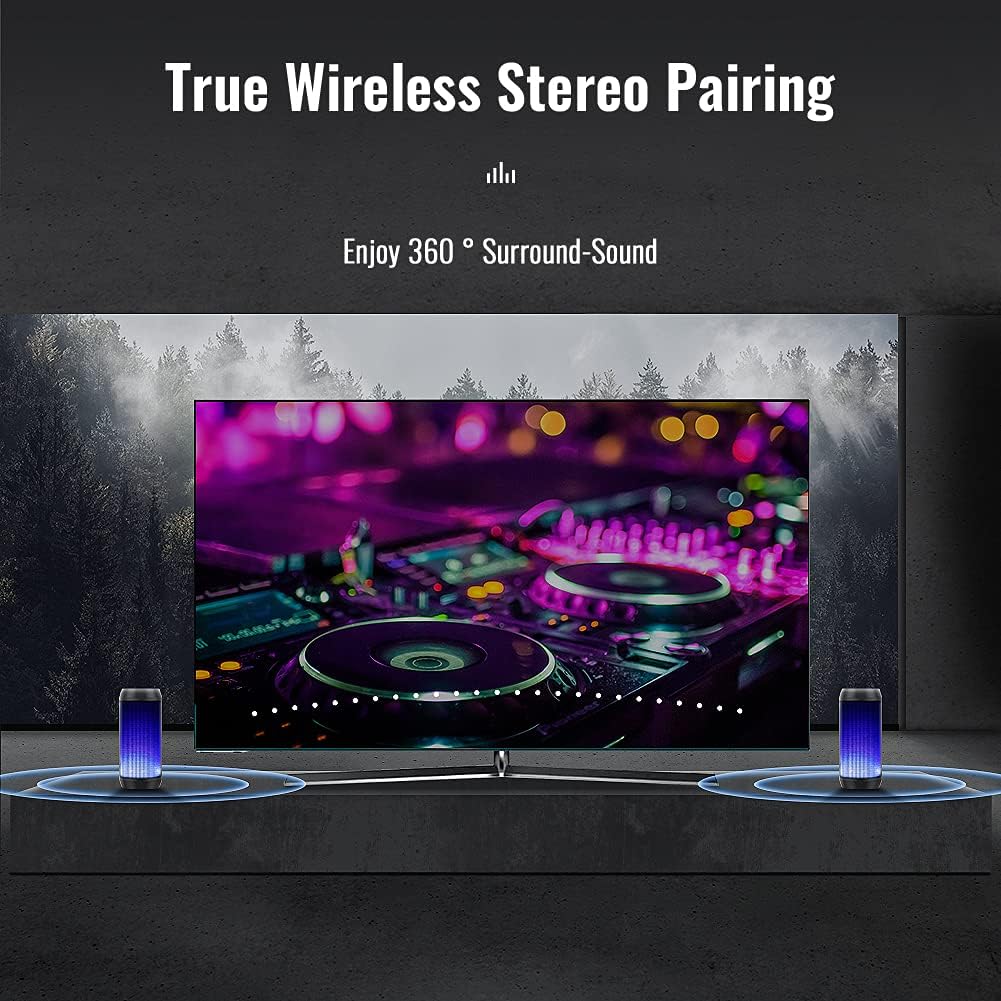
Image: Two ELEHOT Direct speakers positioned on either side of a television screen, demonstrating the True Wireless Stereo pairing for enhanced audio.
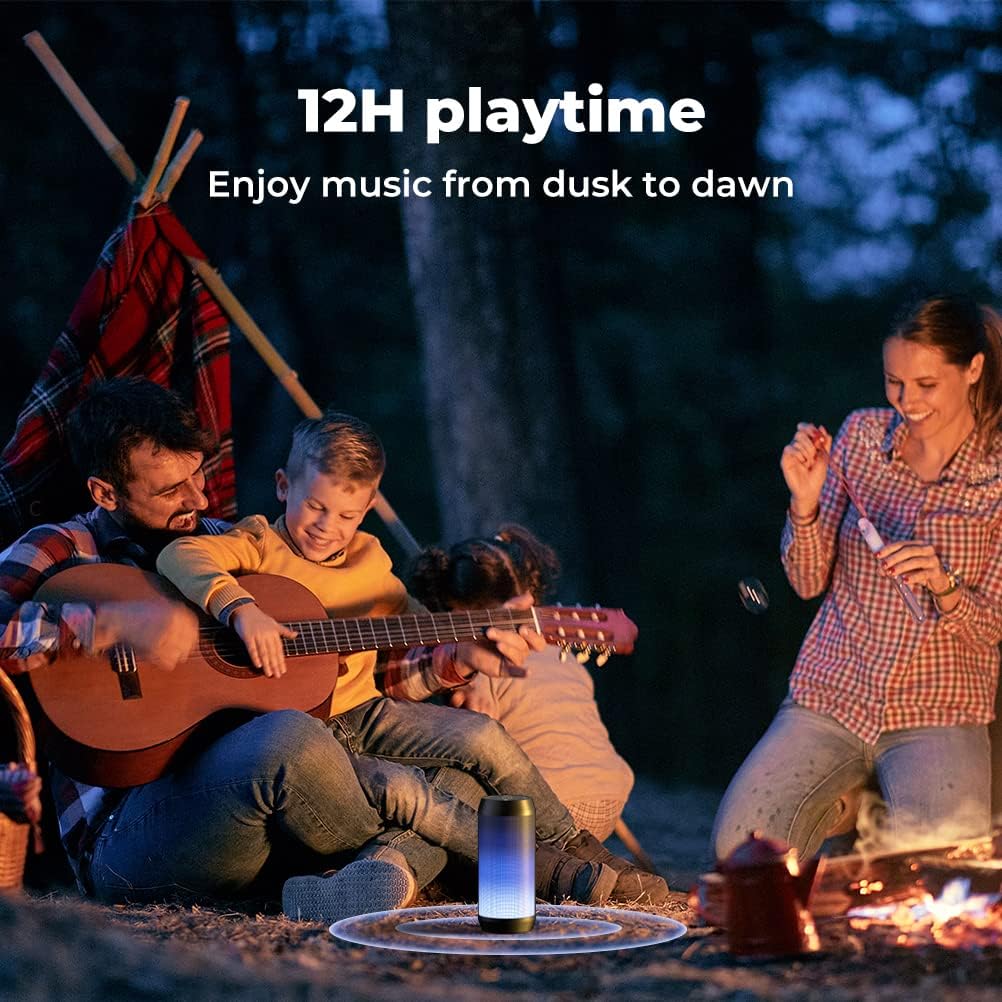
Image: A family gathered around a campfire outdoors, with the ELEHOT Direct speaker providing music, symbolizing its long playtime capability.

Image: A detailed view of the top and side of the ELEHOT Direct speaker, highlighting the TF/SD card slot, AUX-in port, and USB port, along with icons for hand-free and built-in mic features.

Image: An exploded view diagram of the ELEHOT Direct speaker, illustrating its internal Hi-Fi speaker components for superb sound quality.
Package Contents
- 1 x ELEHOT Direct Portable Wireless Bluetooth Speaker
- 1 x USB Charging Cable
- 1 x 3.5mm AUX Audio Cable
- 1 x User Manual
Setup
1. Charging the Speaker
Before first use, fully charge the speaker. Connect the provided USB charging cable to the speaker's charging port and the other end to a USB power adapter (not included) or a computer's USB port. The charging indicator light will show charging status and turn off when fully charged. A full charge typically takes 2-3 hours.
2. Bluetooth Pairing
- Power on the speaker by pressing and holding the Power button (⏻) until you hear an audible prompt. The LED light will flash, indicating it's in pairing mode.
- Enable Bluetooth on your device (smartphone, tablet, computer).
- Search for "HZ-9457" or "ELEHOT Speaker" in the list of available Bluetooth devices.
- Select the speaker to connect. Once successfully paired, you will hear a confirmation sound, and the LED light will remain solid.
3. True Wireless Stereo (TWS) Pairing (Requires two HZ-9457 speakers)
- Ensure both speakers are powered off.
- Turn on both speakers simultaneously. They will automatically enter Bluetooth pairing mode.
- On one of the speakers (this will be your primary speaker), double-press the Power button (⏻). You will hear a TWS pairing prompt.
- The two speakers will automatically connect to each other. Once connected, you will hear a confirmation sound, and the LED lights on both speakers will synchronize.
- Now, connect your device to the primary speaker via Bluetooth as described in "2. Bluetooth Pairing". Audio will play through both speakers in stereo.
Operating Instructions
1. Power On/Off
- Power On: Press and hold the Power button (⏻) for 2-3 seconds.
- Power Off: Press and hold the Power button (⏻) for 2-3 seconds.
2. Volume Control
- Increase Volume: Short press the "+" button.
- Decrease Volume: Short press the "-" button.
3. Playback Control
- Play/Pause: Short press the Play/Pause button (▶‖).
- Next Track: Long press the "+" button.
- Previous Track: Long press the "-" button.
4. Light Mode Control
- Change Light Mode: Short press the Light button (☀) to cycle through the 5 available light modes.
- Turn Lights Off: Long press the Light button (☀).
5. Mode Switching (M Button)
Short press the "M" button to switch between Bluetooth mode, TF/SD card mode, and AUX mode.
6. Hands-Free Calling
- Answer Call: Short press the Play/Pause button (▶‖) when an incoming call rings.
- End Call: Short press the Play/Pause button (▶‖) during a call.
- Reject Call: Long press the Play/Pause button (▶‖) when an incoming call rings.
- Redial Last Number: Double-press the Play/Pause button (▶‖).
Maintenance
- Cleaning: Use a soft, dry cloth to clean the speaker. Do not use abrasive cleaners or solvents.
- Water Resistance: This speaker is NOT waterproof. Keep it away from water, rain, and excessive moisture to prevent damage.
- Storage: Store the speaker in a cool, dry place when not in use. Avoid extreme temperatures.
- Battery Care: To prolong battery life, avoid fully discharging the speaker frequently. If storing for a long period, charge it to about 50% every few months.
Troubleshooting
| Problem | Possible Cause | Solution |
|---|---|---|
| Speaker won't turn on. | Low battery. | Charge the speaker fully. |
| Cannot pair via Bluetooth. | Speaker not in pairing mode; Bluetooth disabled on device; too far from device. | Ensure speaker is in pairing mode (flashing LED). Enable Bluetooth on your device. Move speaker closer to device (within 10 meters). Forget previous pairings on your device and try again. |
| No sound. | Volume too low; incorrect mode; device not connected. | Increase speaker and device volume. Ensure correct mode (Bluetooth, AUX, TF/SD). Verify Bluetooth connection. |
| Poor sound quality (distortion, low bass). | Volume too high; low battery; interference; speaker placement. | Reduce volume. Charge speaker. Move speaker away from other electronic devices. Adjust speaker placement for optimal sound. |
| Lights not working or stuck. | Lights turned off; software glitch. | Short press the Light button (☀) to cycle modes. Long press to turn on if off. Try restarting the speaker. |
| Battery does not charge to 100% or drains quickly. | Battery degradation; using lights excessively. | This is a known characteristic for some units, charging may stop around 80%. Using the light modes will consume battery faster. Ensure you are using a suitable charger. If issues persist, contact customer support. |
Specifications
- Model Name: HZ-9457
- Brand: ELEHOT Direct
- Speaker Type: Surround Sound
- Special Feature: Portable
- Recommended Uses: For Music Players
- Compatible Devices: Projector, Laptop, Gaming Console, Personal Computer, Smartphone
- Speaker Maximum Output Power: 10 Watts
- Battery Life: 8-16 Hours (depending on volume and light usage)
- Product Dimensions: 3.54"D x 7.28"W x 3.54"H
- Item Weight: 1.13 ounces (approx. 32 grams)
- Is Waterproof: FALSE (Not waterproof)
- Maximum Range: 10 Meters (Bluetooth Range)
- Control Method: App (implied by data, but physical buttons are primary)
- Wireless Communication Technology: Bluetooth
- Connectivity Technology: Bluetooth, Auxiliary
- Audio Output Mode: Surround, Stereo
- Indoor/Outdoor Usage: Indoor (as per specifications, but marketing shows outdoor use)
- Manufacturer: Dongguan Sogoode Computer System Co.,Ltd
Warranty and Support
This ELEHOT Direct product comes with a Limited Warranty. For detailed warranty information, product support, or technical assistance, please refer to the contact information provided on the product packaging or visit the official ELEHOT Direct website.
Please note that damage caused by misuse, accident, or unauthorized modification is not covered under warranty. As stated in the product information, the speaker is not waterproof; damage due to water exposure will void the warranty.
Ask a question about this manual
Ask about setup, troubleshooting, compatibility, parts, safety, or missing instructions. Manuals+ will review the question and use this page’s manual context to help answer it.