
1. Introduction
The Victrola T1 Bluetooth Turntable is designed to bring your vinyl record collection to life with modern features and sleek aesthetics. This manual provides essential information for the proper setup, operation, and care of your turntable, ensuring an optimal listening experience.
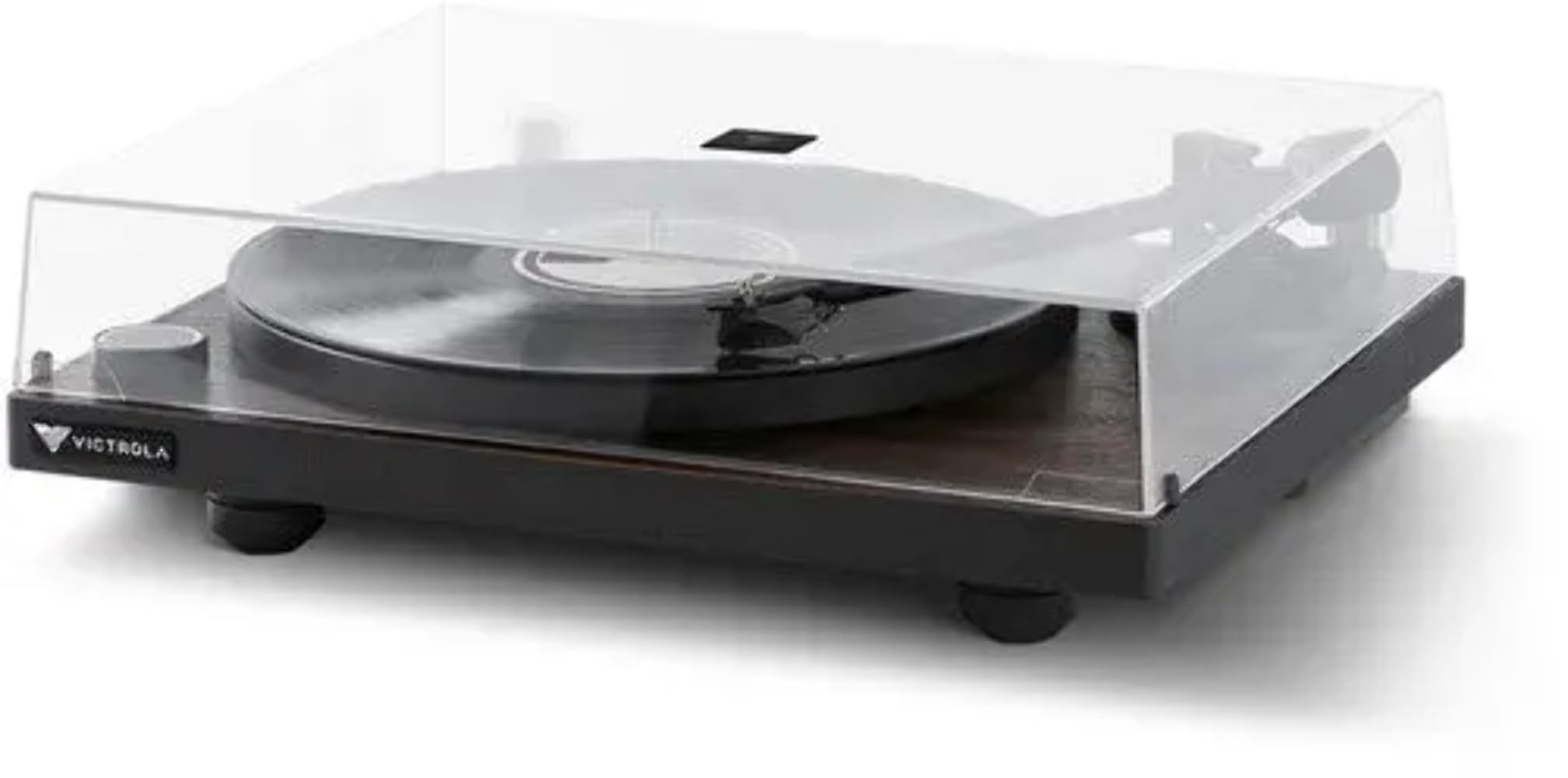
Image 1: Victrola T1 Bluetooth Turntable with dust cover closed.
2. What's in the Box
Upon unpacking, ensure all components are present:
- Victrola T1 Turntable Unit
- Instruction Manual
- 45 RPM Adapter
- Premium Silicone Slip Mat
- Power Adapter

Image 2: Victrola T1 Turntable with dust cover open.
3. Setup Instructions
3.1. Tonearm Counterweight and Anti-Skate Adjustment
Proper adjustment of the tonearm counterweight and anti-skate is crucial for optimal sound quality and to prevent damage to your records and stylus. The Victrola T1 features a factory-balanced VPC-190 Moving Magnetic (MM) cartridge.
- Locate the Allen Wrench: Find the Allen wrench provided in the accessory box. This is the only tool needed for this adjustment.
- Remove Stylus Cover: Carefully remove the clear protective cover from the moving magnetic cartridge stylus.
- Loosen Counterweight: Move the tonearm to the rear, where the counterweight is mounted. Insert the Allen wrench into the counterweight and rotate the screw counter-clockwise by a quarter turn to loosen it. This allows the counterweight to move freely.
- Balance the Tonearm: Gently move the tonearm from its holder and position it between the tonearm holder and the platter. Rotate the counterweight until the tonearm is flat and perfectly balanced, floating horizontally.
- Set Tracking Force to Zero: On the front of the counterweight, locate the number ring. While holding the counterweight in place, rotate only the number ring until the "0" (zero) aligns with the alignment mark (a straight line) on the rear of the tonearm.
- Adjust Tracking Force: Now, rotate both the number ring and the counterweight together counter-clockwise by one and a half turns. This will align the "1" (one) on the number ring with the alignment mark, indicating a tracking force of 1.5 grams.
- Secure Counterweight: While holding the counterweight in this position, use the Allen wrench to rotate the screw clockwise until it is secure.
- Adjust Anti-Skate: Locate the anti-skate knob near the tonearm base. Rotate this knob to the recommended setting of 1.5. A small triangle mark indicates the setting.
Video 1: Official guide on how to adjust the tonearm counterweight and anti-skate on your Victrola Premiere Turntable.

Image 3: Close-up of the tonearm and stylus.
4. Operating Instructions
4.1. Playing a Vinyl Record
- Power On: Press the power/volume knob on the front of the turntable to turn it on. The indicator light will illuminate.
- Select Speed: Ensure the turntable speed is set correctly for your record (33-1/3 RPM or 45 RPM).
- Place Record: Carefully place your vinyl record on the platter. If playing a 45 RPM single, use the included 45 RPM adapter.
- Position Tonearm: Gently lift the tonearm from its rest using the cueing lever. Move the tonearm over the desired starting groove of the record.
- Lower Tonearm: Slowly lower the tonearm onto the record using the cueing lever. The record will begin to play.
- Adjust Volume: Use the power/volume knob or the included remote control to adjust the playback volume.
- Stop Playback: At the end of the record, the turntable will auto-stop. Alternatively, lift the tonearm using the cueing lever and return it to its rest.
4.2. Bluetooth Connectivity (Vinyl Stream Technology)
The Victrola T1 features built-in Bluetooth 5.0 with Vinyl Stream Technology, allowing you to wirelessly transmit audio to any Bluetooth-enabled AV receiver, integrated amplifier, powered speakers, or headphones.
- Enable Bluetooth: With the turntable powered on, press and hold the power/volume knob until the indicator light flashes blue, indicating pairing mode.
- Pair Device: On your Bluetooth-enabled receiving device (e.g., speaker, headphones), enable Bluetooth and select "Victrola T1" from the list of available devices.
- Confirm Connection: Once connected, the indicator light on the turntable will turn solid blue. You can now play records, and the audio will stream wirelessly to your paired device.

Image 4: Vinyl Stream Technology for wireless audio transmission.
5. Maintenance
- Dust Cover: Always keep the dust cover closed when the turntable is not in use to protect it from dust and debris.
- Cleaning: Use a soft, dry cloth to clean the turntable's surface. Avoid abrasive cleaners or solvents. For the stylus, use a specialized stylus cleaning brush.
- Stylus Care: Handle the stylus with extreme care. Avoid touching it with your fingers. Replace the stylus when signs of wear appear to prevent damage to your records.
- Record Cleaning: Regularly clean your vinyl records with a proper record cleaning solution and brush to maintain sound quality and extend record life.
6. Troubleshooting
| Problem | Possible Cause | Solution |
|---|---|---|
| No power | Power adapter not connected; outlet not active. | Ensure power adapter is securely connected to the turntable and a working power outlet. |
| No sound or low volume | Volume too low; incorrect input selected; Bluetooth not paired; external speakers off. | Increase volume. Check input selection. Re-pair Bluetooth device. Ensure external speakers are powered on and connected. |
| Skipping or distorted sound | Dust/debris on record/stylus; tonearm not balanced; record damaged. | Clean record and stylus. Re-balance tonearm (refer to Section 3.1). Inspect record for damage. |
| Turntable speed incorrect | Incorrect speed selected. | Verify the speed switch is set to the correct RPM (33-1/3 or 45) for the record being played. |
| "POP" sound when powering on/off | Normal operation of the built-in preamp. | This is a characteristic of the built-in preamp. Lower the volume on connected speakers/amplifier before powering the turntable on or off to minimize the sound. |
| Bluetooth device not connecting | Turntable not in pairing mode; device too far; interference. | Ensure turntable is in pairing mode (flashing blue light). Move device closer. Reduce interference from other wireless devices. |
7. Specifications
- Brand: Victrola
- Model Name: T1
- Model Number: VPT-1000-ESP
- Maximum Rotational Speed: 45 RPM (supports 33-1/3 & 45 RPM)
- Connectivity Technology: Wired, Wireless (Bluetooth 5.0 with Vinyl Stream Technology)
- Material: Aluminum, Metal, Wood
- Item Weight: 7.28 Kilograms
- Power Source: Corded Electric (127 Volts AC Motor)
- Special Feature: Vinyl Stream Technology, Built-in Phono Preamp
- Cartridge: Victrola VPC-190 Moving Magnetic (MM)
- UPC: 810033110870
8. Warranty and Support
For warranty information, technical support, or service inquiries, please refer to the official Victrola website or contact their customer service department. Keep your purchase receipt for warranty claims.
Online Support: www.victrola.com/support


