
1. Introduction
This manual provides essential information for setting up, operating, and maintaining your Samsung 32-inch Wondertainment Series HD Ready LED Smart TV (Model UA32T4340BKXXL). Please read this manual thoroughly to ensure proper use and to maximize your viewing experience.
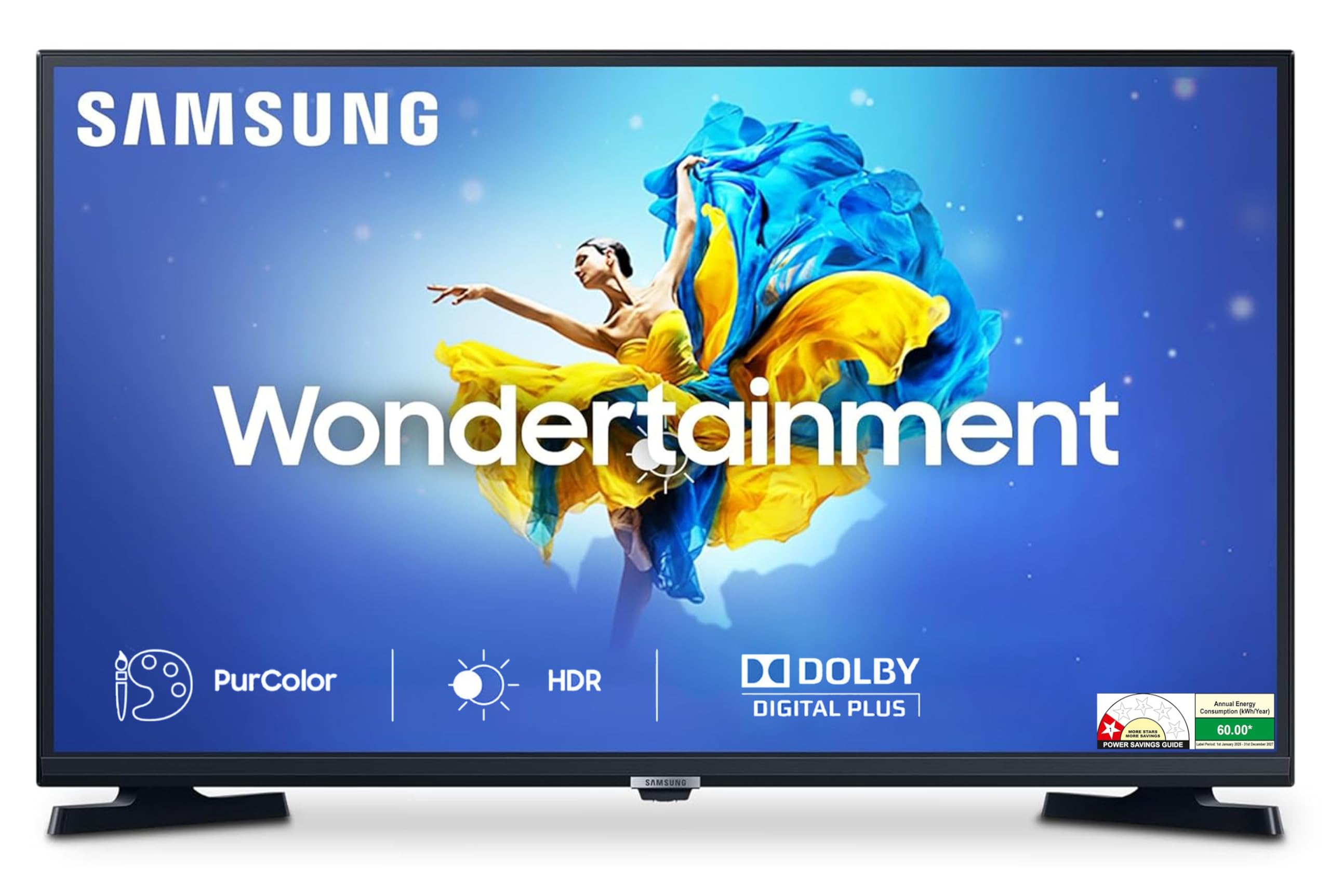
Image: Front view of the Samsung 32-inch Wondertainment Series HD Ready LED Smart TV.
The Samsung Wondertainment Series TV offers an immersive and captivating television experience. It is available in 32-inch and 43-inch screen variants. This TV features an ultra-smooth and easy-to-use user interface, powered by a Universal Guide to help you explore all apps and features seamlessly.
Video: Overview of the Samsung Wondertainment Series HD Ready LED Smart TV, highlighting its features and user experience.
2. Setup
2.1 Unpacking the TV
Carefully remove the TV and all components from the packaging. Ensure all items listed in the 'What's in the Box' section are present.
2.2 What's in the Box
- 1 LED TV
- 1 Remote Control
- 2 AAA Batteries
- Wall Mount / Table Top (provided at the time of installation based on customer preferences)
2.3 Mounting Options
The TV supports both wall mount and table mount installations. The VESA Mount Standard is 200 x 200 mm. The necessary accessories for your chosen mounting method will be provided during installation.

Image: Diagram showing the dimensions of the Samsung 32-inch TV.
3. Operating the TV
3.1 Smart TV Features and User Interface
This Smart TV runs on the Tizen operating system, providing a smooth and intuitive user experience. It offers access to preloaded applications and a Universal Guide to help you discover content easily.

Image: Overview of Wondertainment features including Music System, Game Enhancer, Powerful Speakers, Personal Computer, Dolby Digital Plus, and Screen Share.
Supported internet applications include Netflix, Prime Video, Hotstar, Zee5, SonyLiv, and YouTube. The TV also features a Smart Browser for web surfing.

Image: The Smart TV interface displaying various streaming applications like YouTube, Netflix, Prime Video, Hotstar, and more.
3.2 Remote Control
The included remote control allows for easy navigation and quick access to your favorite content. It features dedicated hotkeys for popular streaming services.

Image: The Samsung TV remote control, showing hotkeys for Netflix, Prime Video, and Zee5.
3.3 Personal Computer Mode
Transform your TV into a personal computer. This feature allows you to create documents or work from the cloud directly on your TV screen.

Image: The Samsung TV displaying a desktop interface, illustrating its Personal Computer Mode.
3.4 Screen Mirroring
Easily mirror content from your mobile device to the TV screen for a larger view.

Image: A mobile phone screen being mirrored onto the Samsung TV.
4. Display Features
The TV features an HD Ready (1366x768) resolution with a 60 Hz refresh rate, providing clear and smooth visuals.
4.1 High Dynamic Range (HDR)
HDR increases the range of light levels on your TV, creating a vast spectrum of colors and visual details, even in the darkest scenes.

Image: A split screen comparison showing the enhanced detail and contrast with HDR enabled on the Samsung TV.
4.2 PurColor
PurColor technology enables the TV to express a huge range of colors for optimal picture performance and an immersive viewing experience.

Image: A split screen comparison demonstrating the richer and more vibrant colors provided by PurColor technology on the Samsung TV.
4.3 Ultra Clean View & Contrast Enhancer
Ultra Clean View reduces noise and interference, while Contrast Enhancer adjusts screen contrast for a more vivid picture quality.

Image: A split screen comparison showing the improved clarity and reduced noise with Ultra Clean View on the Samsung TV.

Image: A scene with enhanced contrast, demonstrating the effect of the Contrast Enhancer feature on the Samsung TV.
4.4 Film Mode & Game Mode
Film Mode creates a more cinematic experience by disabling post-processing, ensuring content is displayed as intended. Game Mode offers improved latency for an ideal gaming experience.
Video: Demonstrates the various picture modes, including Film Mode, on the Samsung TV.
5. Audio Features
The TV is equipped with built-in speakers providing 20 Watts of audio output.
5.1 Dolby Digital Plus
Experience immersive 3D sound effects with Dolby Digital Plus, enhancing your theatrical content viewing.

Image: Visual representation of sound waves emanating from the Samsung TV, indicating Dolby Digital Plus audio.
6. Connectivity
The TV offers versatile connectivity options for various devices.
- HDMI Ports: 2 HDMI ports to connect set-top boxes, Blu-ray players, gaming consoles, and other compatible external devices. Supports Anynet+ (HDMI-CEC) and HDMI A / Return Ch.
- USB Ports: 1 USB port to connect hard drives and other USB devices. Supports ConnectShare (HDD) and ConnectShare (USB 2.0).
- Network: Wi-Fi and 1 Ethernet (LAN) Port for internet connectivity.
- Other Ports: 1 Composite In (AV) Port, 1 Digital Audio Out (Optical) Port, RF In (Terrestrial / Cable input).
Video: Close-up view of the TV's rear panel, showing the HDMI and USB ports.
7. Specifications
| Feature | Detail |
|---|---|
| Screen Size | 32 Inches |
| Display Technology | LED |
| Resolution | HD Ready (1366x768) |
| Refresh Rate | 60 Hz |
| Operating System | Tizen |
| Sound Output | 20 Watts |
| Audio Format | Dolby Digital Plus |
| HDMI Ports | 2 |
| USB Ports | 1 |
| Connectivity | Wi-Fi, Ethernet |
| Product Dimensions | 8.3D x 73.2W x 43.9H Centimeters |
| Item Weight | 3800 Grams |
| Power Consumption | 60 Watts |
| Model Year | 2021 |
8. Maintenance
To ensure the longevity and optimal performance of your Samsung TV, follow these maintenance guidelines:
- Cleaning: Gently wipe the screen and exterior with a soft, dry, lint-free cloth. Do not use harsh chemicals or abrasive materials.
- Ventilation: Ensure adequate ventilation around the TV to prevent overheating. Do not block the ventilation openings.
- Power: Unplug the TV from the power outlet during lightning storms or when it will be left unattended for long periods.
9. Troubleshooting
If you encounter any issues with your TV, refer to the following common troubleshooting steps:
- No Power: Check if the power cord is securely connected to both the TV and the wall outlet. Ensure the outlet is functional.
- No Picture/Sound: Verify that the correct input source is selected. Check all cable connections (HDMI, AV, etc.) for secure fit.
- Remote Not Working: Replace the batteries in the remote control. Ensure there are no obstructions between the remote and the TV's sensor.
- Smart Features Not Working: Check your internet connection (Wi-Fi or Ethernet). Restart the TV and your router.
For more detailed troubleshooting or persistent issues, please contact Samsung customer support.
10. Warranty and Support
Your Samsung TV comes with a 1-year manufacturer warranty and an additional 1-year warranty on the panel from the date of purchase. A 12-month warranty is provided for the remote control.
Warranty claims can be processed using your Amazon e-invoice. For assistance, contact Samsung's toll-free number at 1800407267864 or 180057267864. Please provide the product's model name and seller's details from your invoice. The service center will schedule a convenient slot for service.
Additional user manual information can be accessed from the official Samsung brand website under the 'About this item' or 'Product details' section.


