
1. Introduction
Thank you for choosing the Chefhandy Baby Wipe Warmer and Dispenser. This device is designed to provide warm, comfortable wipes for your baby, enhancing comfort during diaper changes and other cleaning tasks. Its advanced features ensure consistent temperature and moisture retention.
2. Safety Information
Please read and understand all safety instructions before using this product. Failure to follow these instructions may result in electric shock, fire, or serious injury.
- Do not immerse the unit in water or any other liquid.
- Keep out of reach of children.
- Unplug the unit from the power outlet when not in use or before cleaning.
- Do not operate the unit if it has a damaged cord or plug, or if it malfunctions or has been dropped or damaged.
- Use only the provided power adapter.
- Ensure the lid is closed tightly after each use to maintain temperature and moisture.
3. Package Contents
Verify that all items are present in the package:
- Chefhandy Baby Wipe Warmer Unit
- Power Adapter (120V compatible)
- Instruction Manual

Image: The Chefhandy Baby Wipe Warmer shown with its power adapter and instruction manual.
4. Product Overview
Familiarize yourself with the main components and controls of your wipe warmer.
Controls and Features:
- Power Button: Located on the top panel, used to turn the unit on/off. Press and hold for 3 seconds.
- Temperature Setting Button: Located on the top panel, used to cycle through temperature modes.
- Indicator Lights: Display the current temperature setting (Low, Medium, High).
- Sealing Lid: Features a silicone seal to prevent moisture loss and maintain heat.
- Inner Box: Holds the wipe package.

Image: A detailed view of the wipe warmer's control panel, featuring the power button and three heat setting indicators. The image also highlights the silicone seal on the lid, designed to retain moisture and heat.
5. Setup
5.1 Placing Wipes:
- Open the lid of the wipe warmer.
- Place a full package of baby wet wipes (up to 100 wipes) into the inner box. For best results, keep the wipes in their original packaging.
- Ensure the wipes are positioned flat to allow for even heating.
- Close the lid firmly until you hear a click, ensuring the silicone seal is engaged.
5.2 Power Connection:
- Connect the power adapter to the DC input port on the back of the wipe warmer.
- Plug the power adapter into a standard 120V electrical outlet.

Image: The Chefhandy Baby Wipe Warmer with its lid open, revealing a standard pack of baby wipes placed inside, ready for warming.
6. Operating Instructions
6.1 Power On/Off:
To turn the unit on or off, press and hold the power button for 3 seconds. The indicator light will illuminate when the unit is on.
6.2 Adjusting Temperature:
Once powered on, press the temperature setting button to cycle through the three available heat modes:
- Low: 86–95°F (30–35°C)
- Medium: 104–113°F (40–45°C)
- High: 122–131°F (50–55°C)
The corresponding indicator light will show the selected setting. The unit will maintain a constant temperature once the set level is reached.
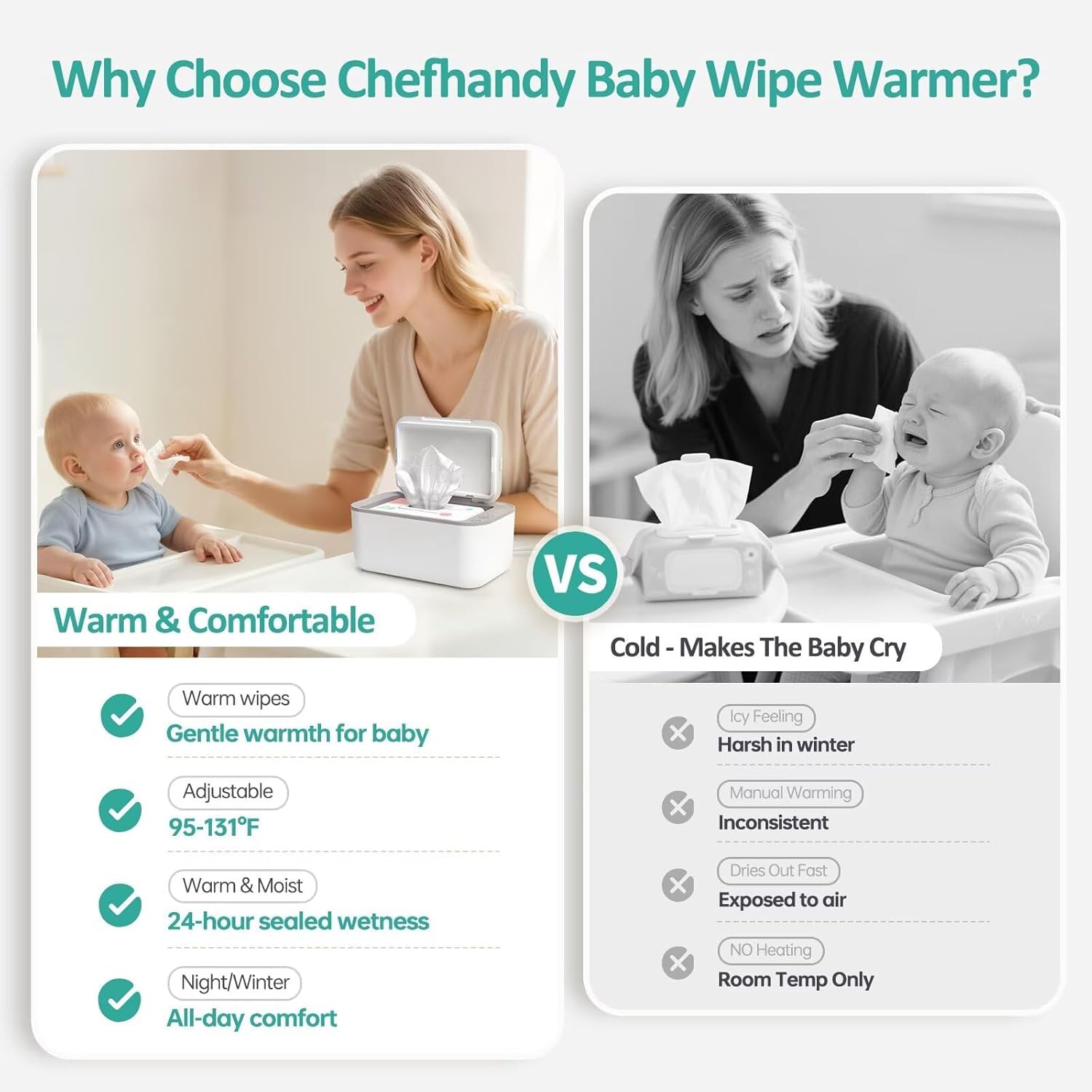
Image: This image illustrates the three adjustable temperature settings: Low (86-95°F), Medium (104-113°F), and High (122-131°F), allowing users to select the desired warmth for wipes.
6.3 Moisture Retention:
The sealed dispenser design and advanced surround heating system work together to keep wipes moist and prevent drying. Always ensure the lid is securely closed after each use.

Image: A diagram emphasizing the high-quality seal of the wipe warmer, which effectively keeps heat and moisture inside, preventing wipes from drying out.
7. Maintenance
7.1 Cleaning:
- Unplug the unit before cleaning.
- Wipe the exterior with a soft, damp cloth. Do not use abrasive cleaners or immerse the unit in water.
- Clean the interior of the inner box periodically to prevent residue buildup.
7.2 Wipe Replacement:
It is recommended to replace the wipes if the unit has been heated continuously for more than 7 days to ensure optimal hygiene and performance.
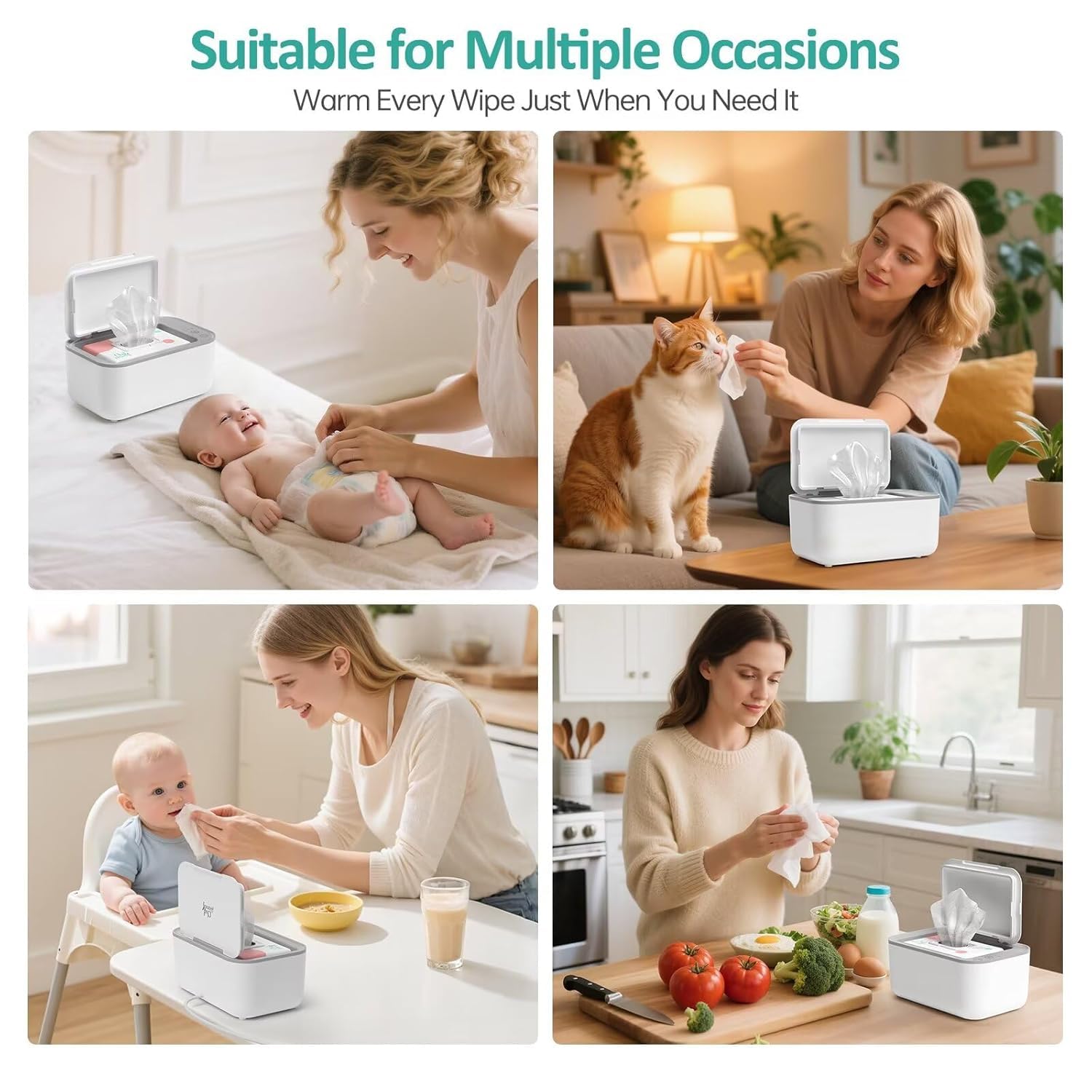
Image: An internal view diagram showing the advanced surround heating technology, which ensures even warmth distribution throughout the entire stack of wipes, unlike bottom-heating models.
8. Troubleshooting
| Issue | Possible Cause | Solution |
|---|---|---|
| Wipes are drying out | Lid not closed tightly; wipes left in warmer too long. | Ensure lid is firmly closed after each use. Replace wipes if heated continuously for more than 7 days. |
| Wipes not warm enough | Incorrect temperature setting; unit not powered on. | Check power connection and ensure unit is on. Adjust temperature setting to a higher level if desired. |
| Unit does not turn on | Power cord not properly connected; power outlet issue. | Check power cord connection. Try plugging into a different outlet. Ensure power button is pressed and held for 3 seconds. |
| Unit is noisy | Unusual operation. | The Chefhandy warmer operates below 20 dB. If unusual noise occurs, unplug and contact customer support. |
9. Specifications
- Model Number: 7200
- Dimensions: 10.35 x 7.01 x 4.88 inches
- Material Composition: ABS
- Item Weight: 1.79 pounds
- Capacity: Up to 100 wipes
- Temperature Settings: Low (86–95°F), Medium (104–113°F), High (122–131°F)
- Noise Level: Below 20 dB

Image: The wipe warmer is shown operating quietly on a bedside table, indicating its low noise level (below 20 dB) which ensures it does not disturb a sleeping baby.
10. Warranty and Support
The Chefhandy Baby Wipe Warmer comes with a 2-year warranty from the date of purchase. This warranty covers manufacturing defects and malfunctions under normal use.
For warranty claims, technical support, or any questions regarding your product, please contact Chefhandy customer service through the retailer where the product was purchased or visit the official Chefhandy website for contact information.