
Introduction
The Duux Beam 2 is a silent ultrasonic humidifier designed to improve air quality in your home or bedroom. It effectively combats dry air, which can cause discomfort such as itchy eyes, coughs, or dry skin. With a vapor production of 350 ml per hour and up to 25 hours of continuous operation, the Beam 2 ensures optimal humidity levels for a healthier indoor environment. Its quiet operation, below 35dBA, makes it suitable for use even during sleep.
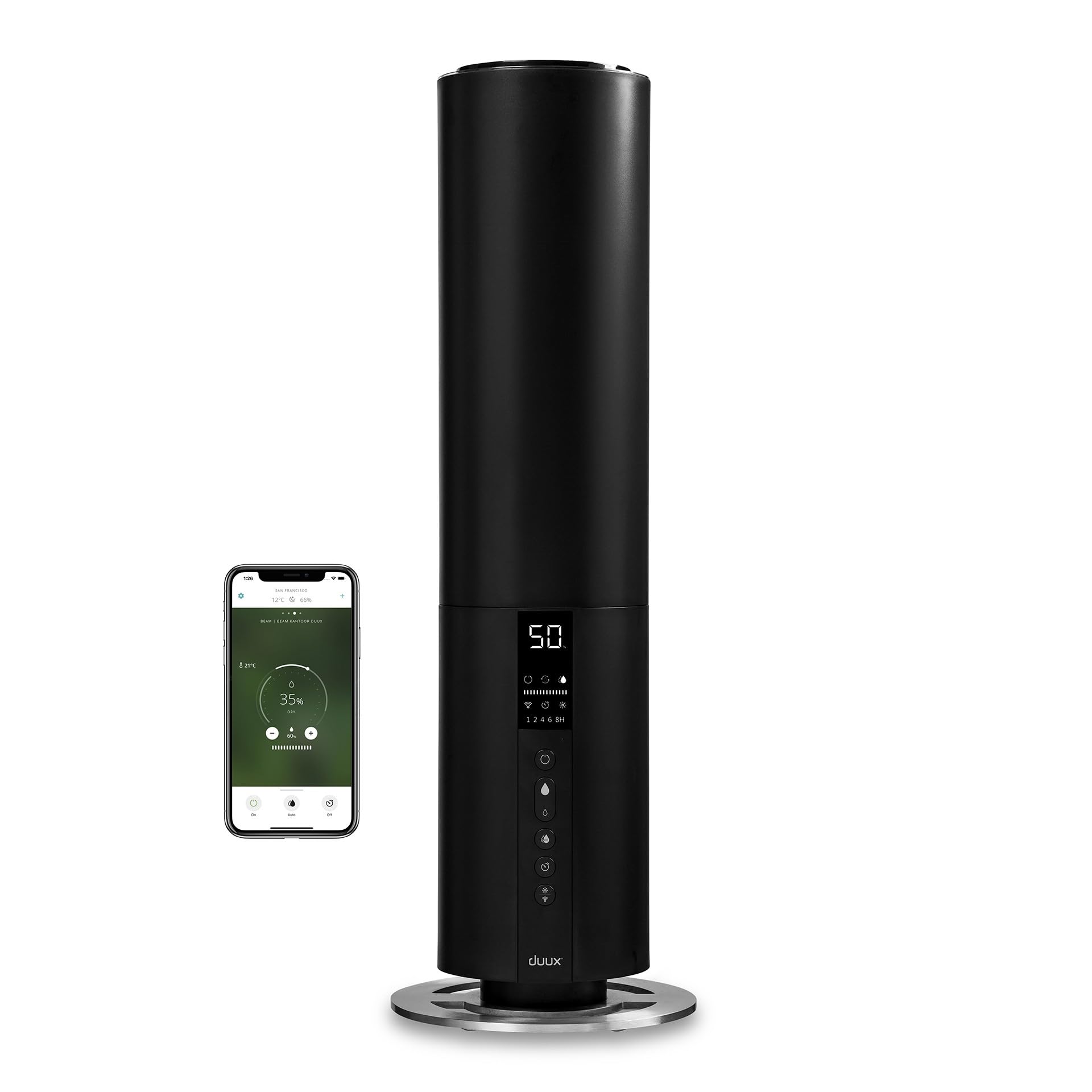
Image: The Duux Beam 2 humidifier operating in a contemporary living space, showing mist being released from the top.
Product Overview
Key Features:
- Ultrasonic Vapor Production: 350 ml/h for efficient humidification.
- Extended Operation: Up to 25 hours on a single fill.
- Silent Operation: Noise level below 35dBA, ideal for bedrooms.
- Integrated Remote Control: For convenient operation from a distance.
- Adjustable Hygrostat: Automatically regulates output to maintain desired humidity.
- Timer Function: For automatic shut-off.
- Smart Monitoring: Displays water level, humidity, and temperature.
- Top-Fill Design: Easy and convenient water refilling.
Included Components:
- Duux Beam 2 Humidifier
- Remote Control
- AAA Batteries (for remote)
- User Manual (this document)
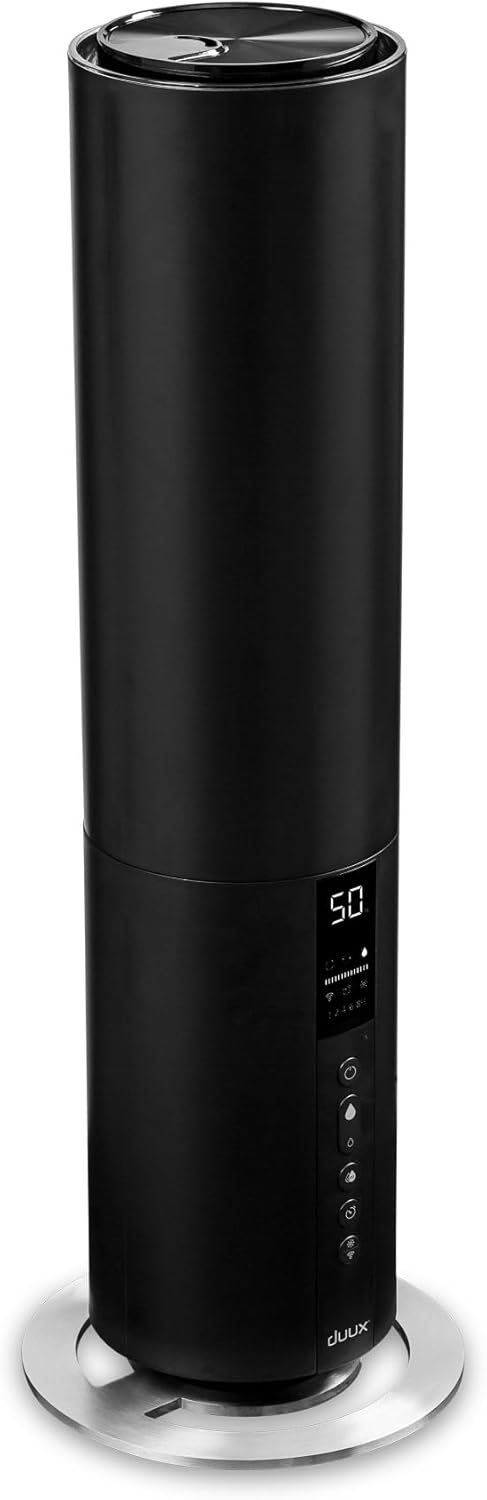
Image: A detailed front view of the Duux Beam 2 humidifier, showcasing its sleek design and control panel.
Setup
- Unpack the Humidifier: Carefully remove all components from the packaging. Ensure all packing materials are removed from the unit.
- Placement: Place the humidifier on a flat, stable, and water-resistant surface, away from direct sunlight and heat sources. Ensure there is at least 15 cm of space around the unit for optimal air circulation.
- Fill the Water Tank:

Image: A hand pouring water directly into the top opening of the Duux Beam 2 humidifier.
Remove the top cover. Fill the water tank with clean, cool tap water. Do not exceed the maximum fill line. Replace the top cover securely.
- Connect to Power: Plug the power cord into a suitable electrical outlet (240 Volts).
- Insert Remote Batteries: Open the battery compartment on the remote control and insert the provided AAA batteries, observing correct polarity.
Operating Instructions
Control Panel and Remote:

Image: A close-up view of the humidifier's digital display and touch controls, showing humidity percentage, mist levels, timer, and Wi-Fi indicator.

Image: The sleek black remote control for the Duux Beam 2 humidifier, featuring power, mist level, auto mode, timer, and light controls.
- Power On/Off: Press the power button (U) on the control panel or remote control to turn the unit on or off.
- Adjust Mist Output: Use the mist level button (water droplet icon) to cycle through different mist output settings (e.g., low, medium, high).
- Automatic Humidity Control (Hygrostat): Press the 'AUTO' button to activate the hygrostat. The humidifier will automatically adjust its mist output to maintain your preset humidity level. You can set the desired humidity level using the control panel or remote.
- Timer Function: Press the timer button to set the operating time (e.g., 1, 2, 4, 8 hours). The unit will automatically shut off after the selected duration.
- Night Mode/Display Light: Press the light bulb icon button to adjust the display brightness or activate night mode, which dims the display for undisturbed sleep.
- Wi-Fi Connectivity (Smart App): The Duux Beam 2 can be controlled via a smartphone app. Follow the instructions in the app to connect your device. This allows for voice control (compatible with Alexa and Google Assistant) and monitoring of indoor climate.

Image: An infographic detailing the features of the Duux Smart app, including voice control compatibility with Alexa and Google Assistant, dark mode for eye comfort, and real-time indoor climate status.
Maintenance
Regular cleaning and maintenance are crucial for the optimal performance and longevity of your humidifier.
Daily Maintenance:
- Empty and rinse the water tank daily.
- Refill with fresh, cool tap water.
Weekly Maintenance:
- Cleaning the Water Tank: Unplug the unit. Remove the top cover and water tank. Clean the inside of the tank with a soft brush or cloth and a mild detergent. Rinse thoroughly to remove any soap residue.
- Cleaning the Ultrasonic Nebulizer: Gently wipe the ultrasonic nebulizer (the small disc at the bottom of the water tank) with a soft cloth to remove any mineral deposits. Do not use abrasive materials.
- Descaling: If hard water is used, mineral deposits (limescale) may accumulate. To descale, fill the water tank with a solution of equal parts white vinegar and water. Let it sit for 30 minutes, then drain and rinse thoroughly.
Storage:
When not in use for an extended period, clean the humidifier thoroughly, ensure it is completely dry, and store it in a cool, dry place.
Troubleshooting
If you encounter issues with your Duux Beam 2 humidifier, please refer to the following common problems and solutions:
| Problem | Possible Cause | Solution |
|---|---|---|
| No mist or low mist output | Low water level; mineral deposits on nebulizer; fan malfunction. | Refill water tank; clean the ultrasonic nebulizer; contact support if fan is faulty. |
| Unusual odor | Stagnant water; dirty water tank. | Empty and clean the water tank thoroughly; use fresh water daily. |
| Water leakage | Tank not properly seated; damaged tank. | Ensure the water tank is correctly placed; check for cracks or damage. |
| Unit not turning on | No power; power button not pressed. | Check power connection; ensure outlet is functional; press power button firmly. |
If the problem persists after attempting these solutions, please contact Duux customer support.
Specifications
| Specification | Value |
|---|---|
| Model Number | DXHU10 |
| Dimensions (L x W x H) | 22 x 22 x 66 cm |
| Weight | 2.3 Kilograms |
| Capacity | 5 Litres |
| Run Time | Up to 25 hours |
| Vapor Production | 350 ml/h |
| Noise Level | Less than 35dBA |
| Power Source | Corded Electric |
| Voltage | 240 Volts |
| Material | Plastic |
| Coverage Area | Up to 40 square meters |
| Special Features | Automatic Shut-off, Hygrostat, Timer, Silent Operation, Remote Control |
Warranty and Support
Duux products are designed for durability and performance. Spare parts for this model are available for up to 10 years.
For product support, warranty claims, or further assistance, please visit the official Duux website or contact their customer service department. Refer to the packaging or the Duux website for specific contact details in your region.

Image: An infographic highlighting Duux's commitment to sustainability, including smart packaging, longer product lifespan with available spare parts, and responsible energy-efficient use.
You can also visit the Duux Amazon Store for more products and information.


