
thinkcar SD6-5.0IN
THINKCAR SD6 Scan Tool Instruction Manual
Model: SD6-5.0IN | Brand: THINKCAR
Introduction
The THINKCAR SD6 Scan Tool is an advanced diagnostic device designed to help users identify and resolve vehicle issues efficiently. It provides comprehensive diagnostics for 6 major vehicle systems, offers 28 special reset functions (with 5 free optional choices), and includes lifetime free software updates. This manual will guide you through the setup, operation, and maintenance of your SD6 Scan Tool.
Setup
Unboxing and Initial Inspection
Upon opening the package, ensure all components are present and in good condition. The package should contain the THINKCAR SD6 main unit and the OBD2 diagnostic cable.

The THINKCAR SD6 Scan Tool and its components.
Powering On and Connection
To power on the device, connect the OBD2 diagnostic cable to the vehicle's OBD2 port. The port is typically located under the dashboard on the driver's side. Once connected, the device will automatically power on.
Connecting the THINKCAR SD6 to the vehicle's OBD2 port, typically located under the dashboard.
Official video demonstrating the initial connection and power-up sequence of the THINKCAR SD6.
Software Update and Activation
For the first use, connect the device to a Wi-Fi network to install and auto-update new car model data packets. Ensure a stable internet connection for successful updates. The device offers lifetime free updates.

The update interface of the THINKCAR SD6, showing available software updates for various vehicle brands.
Operating Instructions
Basic OBDII Functions
The THINKCAR SD6 supports all 10 test modes of OBDII, allowing you to read and clear Diagnostic Trouble Codes (DTCs), view live data streams, check I/M readiness status, and more. This helps in quickly identifying and resolving emission-related issues.

Overview of the main OBDII functions available on the THINKCAR SD6, including reading and clearing fault codes.
Advanced System Diagnostics
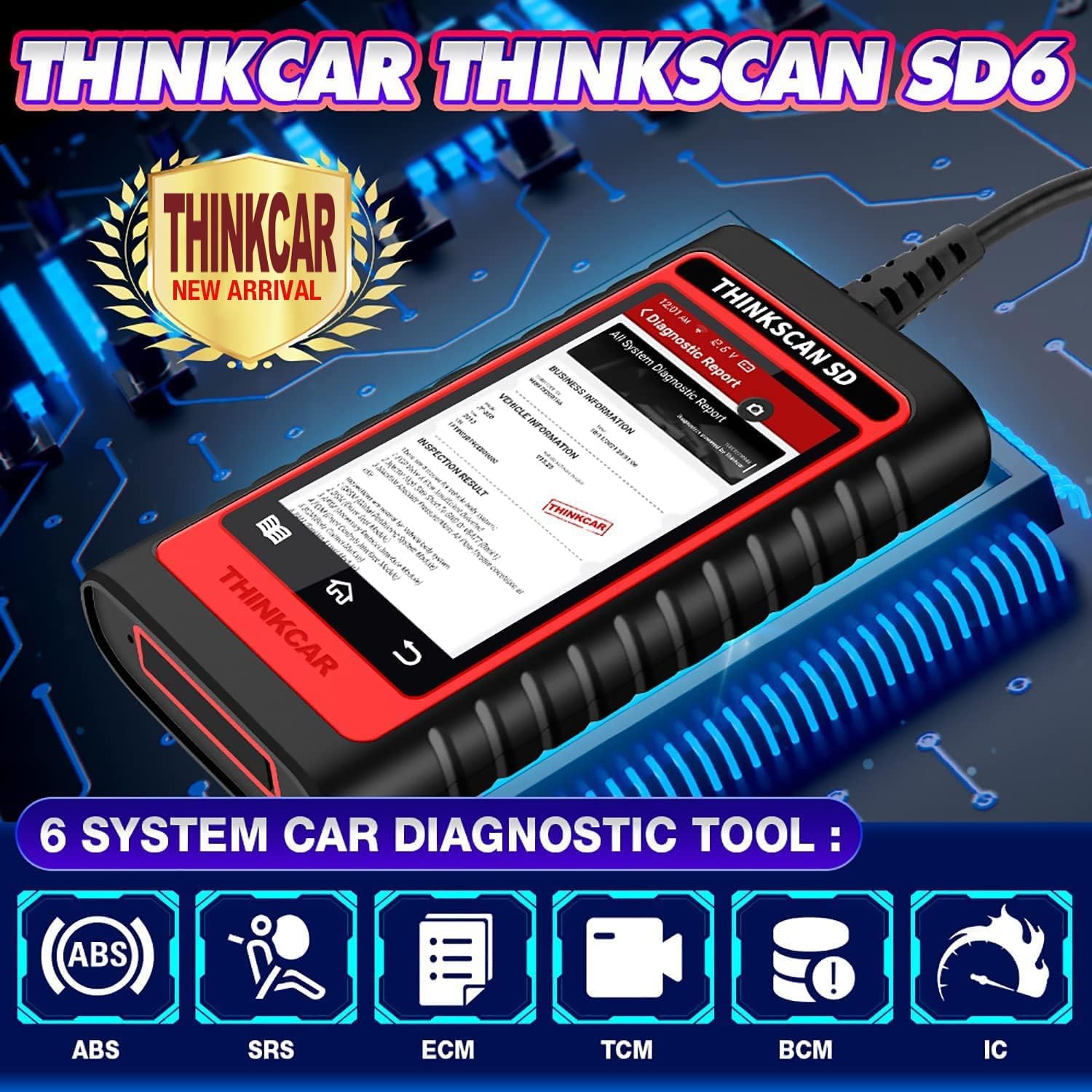
Beyond basic OBDII, the SD6 provides in-depth diagnostics for six critical vehicle systems: Engine (ECM), Transmission (AT), Airbag (SRS), Antilock Brake (ABS), Body Control Module (BCM), and Instrument Cluster (IC). This allows for a more comprehensive understanding of vehicle health.

Diagram illustrating the six main vehicle systems diagnosable by the THINKCAR SD6: Engine, Transmission, ABS, SRS, BCM, and IC.
Special Reset Functions
The device supports 28 common maintenance reset functions, such as Oil Reset, SAS Reset, TPMS Reset, Brake Reset, and more. Users can select 5 of these functions for free lifetime use. Choose wisely, as these selections cannot be changed once activated.

A visual representation of the 28 special reset functions offered by the THINKCAR SD6, from which users can select 5 for free lifetime use.
Maintenance
Software Updates
Keep your THINKCAR SD6 up-to-date by regularly checking for software updates via Wi-Fi. These updates ensure compatibility with new vehicle models and provide enhanced diagnostic capabilities.

The lifetime free update screen, showing ongoing updates for various vehicle software and diagnostic applications.
Data Management
The SD6 allows you to generate and save comprehensive diagnostic reports. These reports can be reviewed at any time, providing a valuable record of vehicle information, fault codes, and recorded data streams for future reference or sharing.

A sample diagnostic report generated by the THINKCAR SD6, detailing vehicle information and diagnostic trouble codes.
Troubleshooting
Common Issues
- Device not powering on: Ensure the OBD2 cable is securely connected to the vehicle's port and the vehicle's ignition is in the ON position.
- Connection failed: Check the diagnostic cable for damage. Try connecting to a different vehicle to rule out a vehicle-specific issue.
- Software update issues: Verify your Wi-Fi connection is stable. If updates fail, try restarting the device and your Wi-Fi router.
- Error codes not clearing: If fault codes persist after clearing, it may indicate an underlying mechanical or electrical issue that requires further inspection and repair.
Contact Support
For further assistance or issues not covered in this manual, please contact THINKCAR customer service. You can send an email to support@kingbolen.com for quick response and problem resolution.
Specifications
| Manufacturer | THINKCAR |
| Brand | thinkcar |
| Model | THINKCAR SD6 Scanner Tool |
| Item Weight | 1.23 pounds |
| Product Dimensions | 3.31 x 1.1 x 6.14 inches |
| Item model number | sd6 |
| Batteries | 1 AAA batteries required. |
| Manufacturer Part Number | sd6 |
| Operating System | Android 4.0 |
| Display resolution | 400*800 |
Warranty and Support
THINKCAR is committed to providing high-quality products and customer satisfaction. The SD6 Scan Tool is designed in the USA and manufactured to high standards. For any inquiries, technical support, or issues regarding your device, please reach out to the dedicated customer service team.
Contact Support: support@kingbolen.com
Visit the official THINKCAR Store for more information and support: THINKCAR Store
Ask a question about this manual
Ask about setup, troubleshooting, compatibility, parts, safety, or missing instructions. Manuals+ will review the question and use this page’s manual context to help answer it.