
LASTAR DL025A
LASTAR Desk Lamp User Manual
Model: LASTAR (DL025A)
Brand: LASTAR
1. Introduction
This manual provides instructions for the LASTAR Dimmable Eye-Protecting Desk Lamp. This lamp is designed for various environments including home offices, bedrooms, and study areas, offering adjustable lighting and convenient features.
Key features include eye-protecting illumination, multiple color temperature and brightness settings, a built-in USB charging port, automatic memory function, and a night light mode with a timer.
2. Package Contents
Please verify that all items are present and in good condition upon opening the package:
- LASTAR Desk Lamp (Model: DL025A)
- Power Adapter (Plug included)
- User Manual

Image: The LASTAR Desk Lamp, showing its sleek black design, adjustable arm, and the base with touch controls. A power cable is connected, and a smartphone is shown charging via the integrated USB port.
3. Setup
Follow these steps to set up your LASTAR Desk Lamp:
- Unpack: Carefully remove the lamp and all components from the packaging.
- Position: Place the lamp on a stable, flat surface such as a desk or table.
- Connect Power: Insert the power adapter cable into the DC input port located at the back of the lamp base. Plug the power adapter into a standard electrical outlet.
- Adjust Lamp Head: The lamp features a 90° adjustable arm and a 180° foldable head. Gently adjust the lamp arm and head to your desired position.

Image: Various views of the LASTAR Desk Lamp demonstrating its adjustable arm and foldable head, highlighting its compact and flexible design. Dimensions are indicated for both extended and folded states.
4. Operating Instructions
The LASTAR Desk Lamp features intuitive touch controls located on the base.
4.1 Power On/Off
To turn the lamp on or off, gently touch the Power button (symbol: circle with vertical line) on the lamp base.
4.2 Adjusting Brightness (5 Levels)
The lamp offers 5 levels of brightness. To adjust, touch the Brightness button (symbol: sun icon) repeatedly to cycle through the brightness levels. Alternatively, some models may allow sliding your finger along the illuminated arc for stepless dimming.

Image: Visual representation of the 20 lighting modes, illustrating the four color temperature options (3000K, 4000K, 5000K, 6000K) and five brightness levels from 5% to 100%.
4.3 Adjusting Color Temperature (4 Modes)
The lamp provides 4 color temperature modes. To change the color temperature, touch the Mode button (symbol: M) repeatedly to cycle through the available modes (e.g., Warm White, Natural White, Cool White, Daylight).
4.4 Night Light Mode
Activate the special night light setting for a soft, gentle glow. Short press the Night Light button (symbol: crescent moon) to enter this mode.

Image: The LASTAR Desk Lamp providing a soft, warm glow in a bedroom setting, illustrating its night light mode designed to aid sleep.
4.5 Timer Function (1 Hour)
The lamp features a 1-hour timer, ideal for the night light mode. To activate the timer, long press the Night Light button (symbol: crescent moon). The lamp head will blink once to confirm the timer is set. To cancel, long press the button again; the lamp head will blink twice.
4.6 USB Charging Port
A 5V/1A USB charging port is integrated into the lamp base. Connect your smartphone, smartwatch, tablet, or other USB-powered devices to this port for convenient charging.
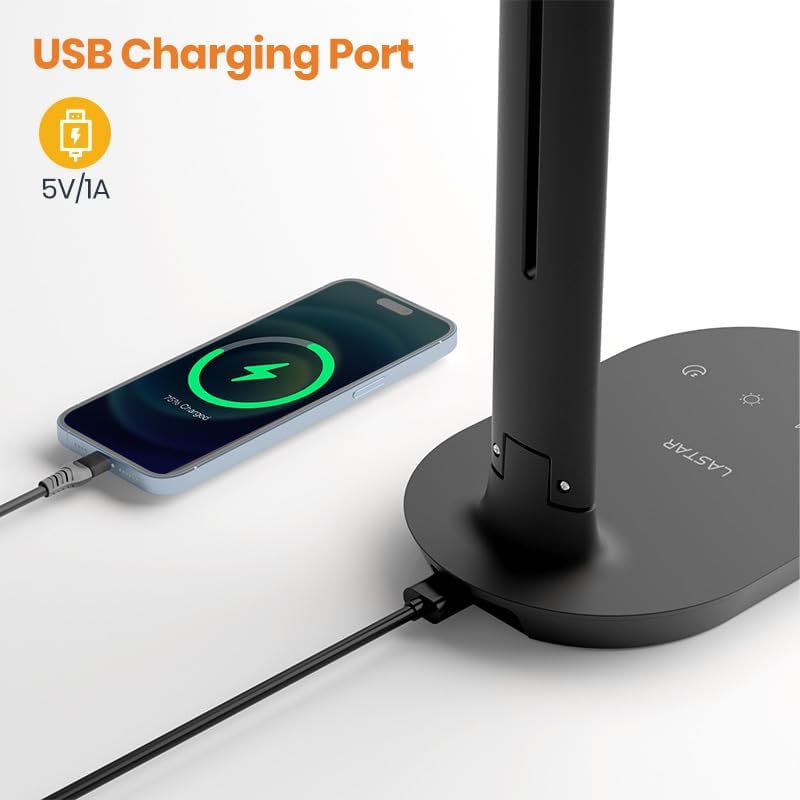
Image: A close-up view of the LASTAR Desk Lamp's base, showing the USB charging port with a smartphone connected and actively charging.
4.7 Automatic Memory Function
The lamp will remember your last selected light color and brightness settings. When you turn the lamp on again, it will automatically revert to these settings.
5. Maintenance
Proper care and maintenance will ensure the longevity of your LASTAR Desk Lamp:
- Cleaning: Disconnect the power before cleaning. Use a soft, dry cloth to wipe the lamp. Do not use abrasive cleaners, waxes, or solvents as they may damage the finish.
- Storage: If storing the lamp for an extended period, ensure it is clean and dry. Fold the lamp into its compact form and store it in a cool, dry place.
- LED Lifespan: The integrated LED light source has a lifespan of approximately 50,000 hours and is not user-replaceable.
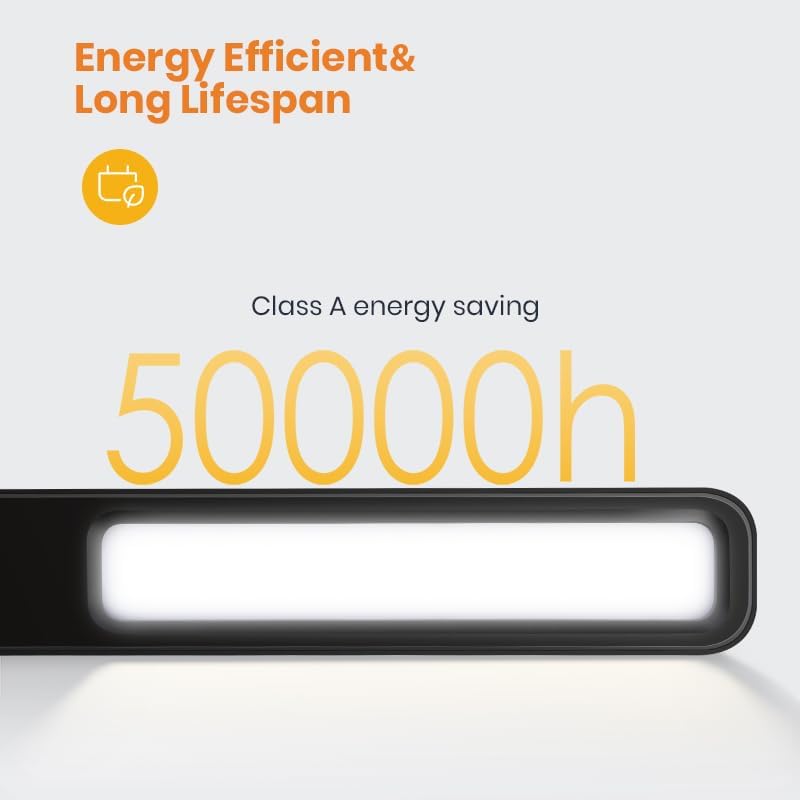
Image: A close-up of the LASTAR Desk Lamp's light bar, emphasizing its energy efficiency and long lifespan of 50,000 hours.
6. Troubleshooting
If you encounter issues with your lamp, please refer to the following common problems and solutions:
| Problem | Possible Cause | Solution |
|---|---|---|
| Lamp does not turn on. | No power connection. | Ensure the power adapter is securely plugged into the lamp and the electrical outlet. Try a different outlet. |
| Light flickers or is dim. | Unstable power supply or incorrect brightness setting. | Check power connection. Adjust brightness levels using the touch controls. |
| USB charging port not working. | Lamp not powered on or device not compatible. | Ensure the lamp is powered on. Verify the USB cable and device are functioning correctly. The port provides 5V/1A output. |
| Touch controls are unresponsive. | Temporary software glitch or power issue. | Disconnect the lamp from power for 30 seconds, then reconnect. Ensure your finger is clean and dry when touching the controls. |
If the problem persists after attempting these solutions, please contact customer support.
7. Specifications
| Feature | Detail |
|---|---|
| Model Number | DL025A |
| Brand | LASTAR |
| Dimensions (Folded) | 7.68"D x 4.72"W x 12.91"H (approx.) |
| Item Weight | 1.32 Pounds (0.6 Kilograms) |
| Power Source | Corded Electric |
| Wattage | 12 Watts |
| Brightness | 600 Lumen |
| Color Temperature Modes | 4 (e.g., 3000K, 4000K, 5000K, 6000K) |
| Brightness Levels | 5 |
| Control Method | Touch Control |
| USB Output | 5V/1A |
| Lifespan | 50,000 hours (LED) |
| Material | Acrylonitrile Butadiene Styrene, Metal (Base), Plastic (Shade) |
| CRI | 90.00 |
8. Warranty and Support
LASTAR products are manufactured to high-quality standards. For information regarding warranty coverage, technical support, or service inquiries, please refer to the warranty card included with your product or visit the official LASTAR website.
Please retain your purchase receipt as proof of purchase for any warranty claims.
Related documentsDL025A


Ask a question about this manual
Ask about setup, troubleshooting, compatibility, parts, safety, or missing instructions. Manuals+ will review the question and use this page’s manual context to help answer it.