
1. Introduction
This manual provides comprehensive instructions for the safe and efficient operation of your Retevis RT81 Waterproof DMR Radios. The RT81 is a high-power, IP67-rated digital mobile radio designed for robust and reliable two-way communication in demanding environments such as construction sites and manufacturing facilities.
Key Features:
- IP67 Waterproof and Dustproof: Withstands immersion in 1 meter of water for up to 30 minutes.
- Digital and Analog Compatibility: Supports both digital (DMR) and traditional analog signals.
- High Power Output: Provides strong signal penetration and long-distance communication.
- 2200mAh Lithium Battery: Offers extended operating time, up to 12 hours in high power state.
- VOX Function: Enables hands-free operation via voice activation.
- Group Call & Dual Time Slot: Facilitates efficient communication with one-to-one, one-to-many, and many-to-many call options, utilizing two separate channels within one frequency.
- Durable Construction: Built for heavy-duty use in challenging conditions.
What's in the Box:
- 4 x Retevis RT81 Walkie Talkies
- 4 x 2200mAh Li-ion Batteries
- 4 x Belt Clips
- 4 x Hand Straps
- 4 x Charging Docks
- 4 x Power Adapters
- 4 x Microphones (Speaker Mics)
- 1 x User Manual

Image: Contents of the Retevis RT81 package, showing four radios, speaker microphones, and charging equipment.
2. Setup
2.1 Battery Installation
- Ensure the radio is powered off.
- Align the battery pack with the grooves on the back of the radio.
- Slide the battery pack upwards until it clicks securely into place.
- To remove, press the battery release latch (if present) and slide the battery downwards.

Image: Detailed view of the RT81 battery and its compartment, illustrating how to attach the battery.
2.2 Antenna Attachment
- Screw the antenna clockwise into the connector on the top of the radio until it is finger-tight. Do not overtighten.

Image: Close-up of the radio's top, highlighting the antenna connection point and other physical features.
2.3 Charging the Battery
- Insert the radio (with battery attached) into the charging dock.
- Connect the power adapter to the charging dock and plug it into a power outlet.
- The charging indicator light will illuminate (typically red) during charging and change color (typically green) when fully charged.
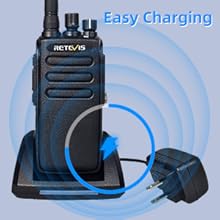
Image: Visual guide for charging the RT81 radio using its dedicated charging dock.
2.4 Attaching the Speaker Microphone
- Open the rubber cover on the side of the radio to expose the accessory jack.
- Carefully insert the speaker microphone's plug into the jack until it is fully seated.
- Ensure the rotating clip on the microphone is securely fastened to your clothing or gear for convenient use.
3. Operating Instructions
3.1 Powering On/Off
- To power on, rotate the Power/Volume knob clockwise until you hear a click and the radio powers up.
- To power off, rotate the Power/Volume knob counter-clockwise until you hear a click and the radio shuts down.
3.2 Volume Adjustment
- Rotate the Power/Volume knob clockwise to increase volume and counter-clockwise to decrease volume.
3.3 Channel Selection
- Rotate the Channel Selector knob on top of the radio to select one of the 32 available channels.
3.4 Transmitting and Receiving
- To transmit, press and hold the Push-to-Talk (PTT) button on the side of the radio (or on the speaker mic). Speak clearly into the microphone.
- Release the PTT button to receive.
3.5 VOX Function (Voice Operated Transmit)
- The VOX function allows for hands-free transmission. When enabled, the radio will automatically transmit when it detects your voice.
- Refer to the full programming software (CPS) for enabling and adjusting VOX sensitivity.
3.6 Group Call and Private Call
The RT81 supports various call types for flexible communication:
- One-to-one call: Direct communication between two specific radios.
- One-to-many call: Broadcasts to a defined group of radios.
- Many-to-many call: Allows all radios within a group to communicate with each other.
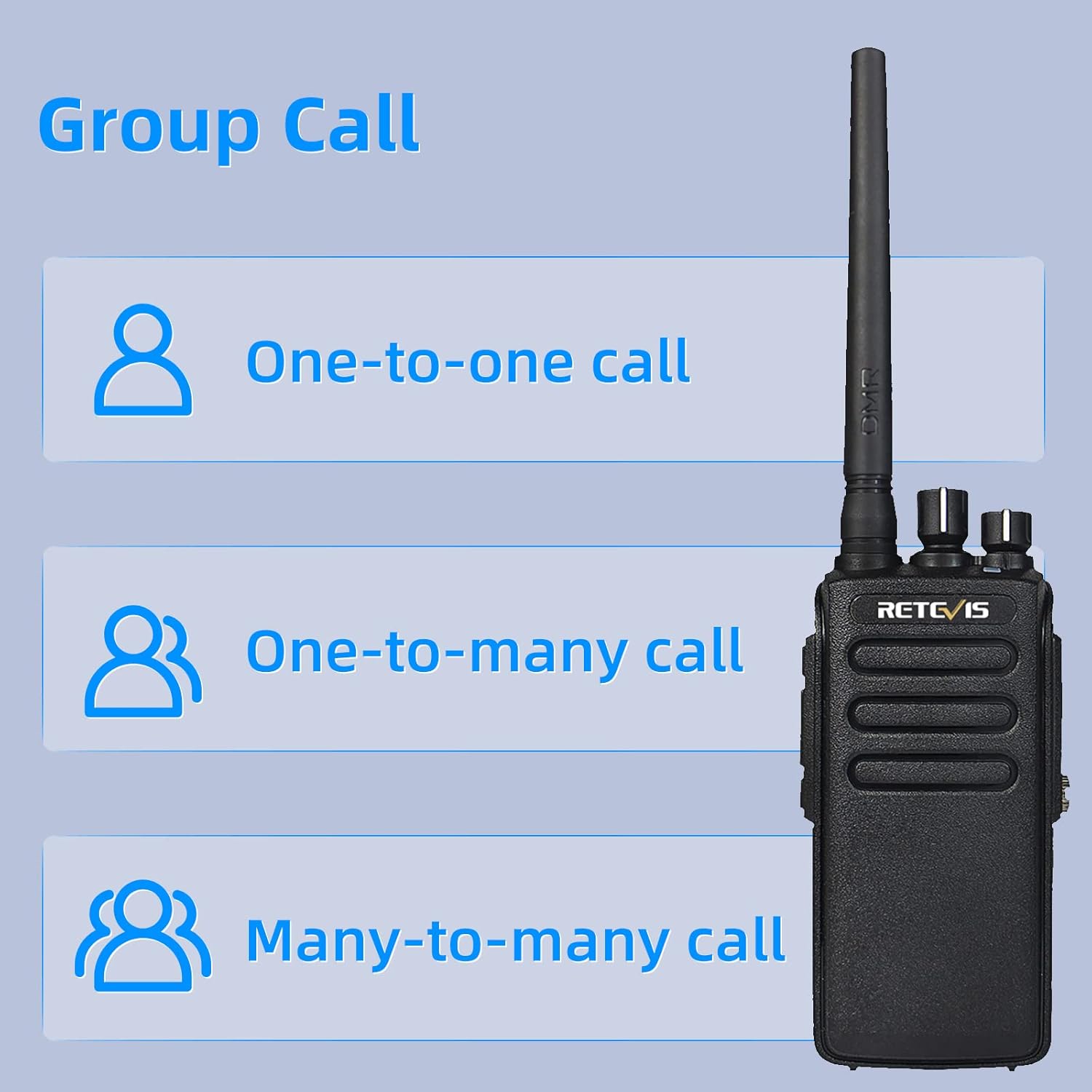
Image: Explanation of the RT81's group call capabilities, including private and broadcast communication modes.
3.7 Digital and Analog Modes
The RT81 is compatible with both analog and digital signals, allowing for seamless integration into existing radio systems or leveraging the benefits of digital communication.
Image: Illustration of the RT81's dual-mode capability, supporting both digital and analog radio signals.
4. Maintenance
4.1 Cleaning
- Wipe the radio's surface with a soft, damp cloth. Do not use harsh chemicals or abrasive cleaners.
- Ensure the accessory jack cover is properly sealed after use to maintain waterproof integrity.
4.2 Waterproof Care (IP67 Rating)
The RT81 is rated IP67, meaning it is fully dustproof and can withstand immersion in 1 meter of water for up to 30 minutes.
- Always ensure the battery is correctly installed and the accessory port cover is firmly closed before exposing the radio to water or dust.
- After exposure to saltwater, rinse the radio with fresh water and dry thoroughly.
- Do not disassemble the radio, as this will compromise its waterproof performance.

Image: The RT81 radio submerged in water, visually confirming its IP67 waterproof rating.
4.3 Battery Care
- Charge the battery fully before first use.
- Avoid overcharging or completely draining the battery to prolong its lifespan.
- Store batteries in a cool, dry place when not in use.
- The radio features a low battery warning to alert you when charging is needed.

Image: Visual representation of the 2200mAh battery and its associated power management features.
5. Troubleshooting
| Problem | Possible Cause | Solution |
|---|---|---|
| Radio does not power on. | Battery is not installed correctly or is drained. | Ensure battery is securely installed. Charge the battery. |
| Cannot communicate with other radios. | Different channels, CTCSS/DCS settings, or incompatible brands. | Ensure all radios are on the same channel and have matching CTCSS/DCS settings. For communication with other brands, contact Retevis support for firmware assistance. |
| Poor audio quality or signal. | Weak signal, antenna loose, or interference. | Check antenna connection. Move to an area with better signal. Reduce obstructions. |
| Battery life is shorter than expected. | Frequent high-power transmissions or aging battery. | Reduce high-power usage if possible. Consider replacing the battery if it's old. |

Image: Important note regarding compatibility with other radio brands and how to address it.
6. Specifications
| Feature | Detail |
|---|---|
| Model Number | RT81 |
| Item Model Number (SKU) | FA9119BX4-C9054AX4-C9018A |
| Dimensions | 2 x 4 x 7.8 inches (approx.) |
| Weight | 6.34 pounds (for the pack) |
| Battery Type | 2200mAh Lithium Ion (included) |
| Voltage | 3.7 Volts (DC) |
| Water Resistance Level | IP67 Waterproof |
| Number of Channels | 32 (2 regions) |
| Color | Black |
| Manufacturer | Retevis |
7. Warranty and Support
7.1 Warranty Information
Retevis provides a 2-year warranty for the radio body and a 1-year warranty for accessories. A 30-day no-reason return policy is also offered.
Beyond the warranty period, maintenance services are available, with buyers responsible for associated costs.
7.2 Customer Support
For any inquiries, technical assistance, or warranty claims, please contact Retevis customer support via Amazon mail. They aim to reply within 12 hours.
You can also visit the official Retevis store on Amazon for more information and products: Retevis Amazon Store.


