
TP-Link UB500
TP-Link USB Bluetooth Adapter User Manual
Model: UB500
Brand: TP-Link
1. Introduction
The TP-Link UB500 is a highly portable and compact USB Bluetooth adapter, designed to provide seamless wireless communication for your PC. Smaller than a typical flash drive, it offers advanced Bluetooth 5.3 with EDR and Bluetooth Low Energy (BLE) technology. This adapter enables wireless connectivity with a wide range of Bluetooth-enabled devices, including computers, printers, phones, headsets, speakers, keyboards, and controllers.
2. What's in the Box
- Bluetooth 5.0 Nano USB Adapter UB500
- Quick Installation Guide
3. Setup Guide
Follow these steps to set up your TP-Link UB500 USB Bluetooth Adapter:
- Disable Existing Bluetooth: If your computer has a built-in Bluetooth function, it is recommended to disable it before installing the UB500 to avoid conflicts. Refer to your computer's manual for instructions on disabling internal Bluetooth.
- Insert the Adapter: Plug the TP-Link UB500 Nano USB Adapter into any available USB port on your PC. Its ultra-small design allows it to remain discreetly plugged in.
- Driver Installation:
- For Windows 8.1, Windows 10, and Windows 11: The UB500 is plug-and-play. Ensure your computer is connected to the internet, and the necessary drivers will be installed automatically.
- For Windows 7: A driver is required. You can download the latest driver from the official TP-Link website (tp-link.com/support). Search for 'UB500', go to the product page, click 'Support', and then select 'Driver'.

The compact TP-Link UB500 USB Bluetooth Adapter.

Side view of the TP-Link UB500, showing its nano dimensions (18.9mm x 14.8mm x 6.8mm).
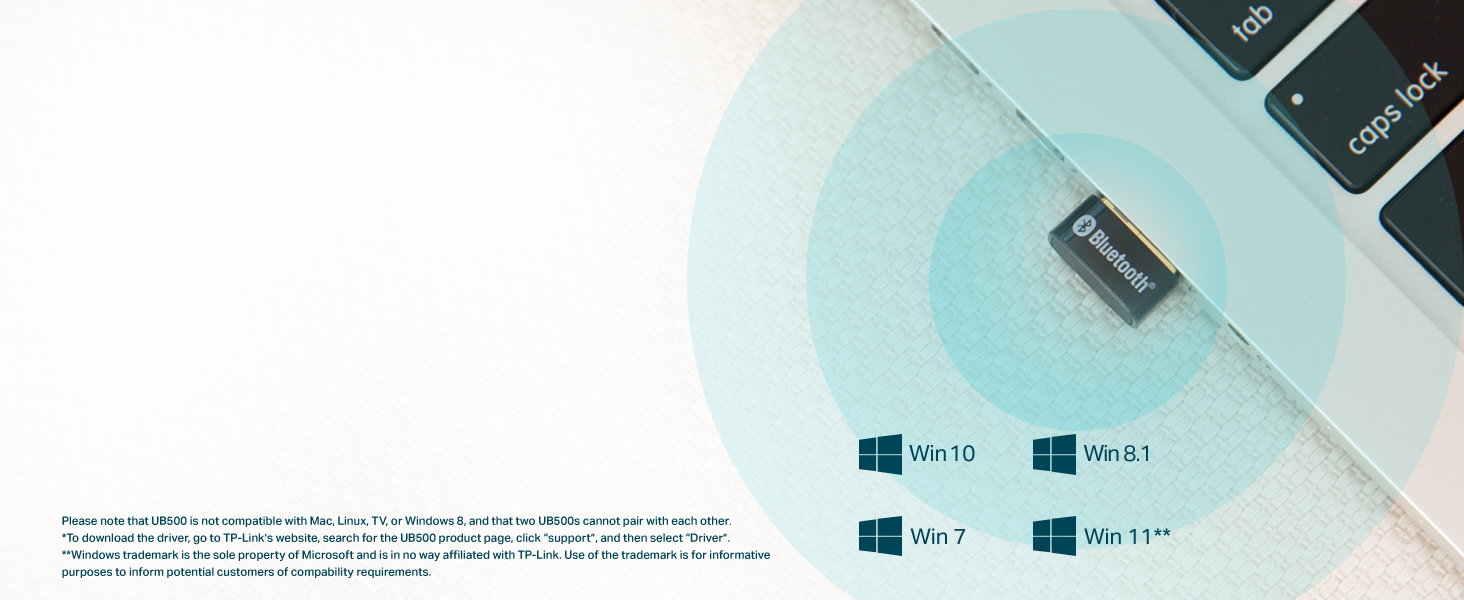
The TP-Link UB500 is compatible with Windows 11, 10, 8.1, and 7. Note: Not compatible with Mac, Linux, TV, or Windows 8.
4. Operating Instructions
Once the UB500 adapter is installed, you can begin connecting your Bluetooth devices:
- Enable Bluetooth: Ensure Bluetooth is turned on in your computer's settings.
- Pair Devices: Go to your computer's Bluetooth settings (e.g., 'Bluetooth & other devices' in Windows Settings). Select 'Add Bluetooth or other device' and choose 'Bluetooth'. Put your desired Bluetooth device (headset, speaker, controller, etc.) into pairing mode. Select the device from the list that appears on your screen and follow the on-screen instructions to complete the pairing process.
- Enjoy Enhanced Connectivity: The UB500 utilizes advanced Bluetooth 5.3 with Enhanced Data Rate (EDR) and Bluetooth Low Energy (BLE) technologies. This provides:
- Faster Speeds: Up to twice the speed compared to Bluetooth 4.0.
- Farther Coverage: Up to four times the coverage range compared to Bluetooth 4.0, allowing for more flexible device placement.
- Optimal Power Consumption: Efficient energy use for connected devices.

Seamless file transfer and device connectivity between your PC and Bluetooth-enabled devices.
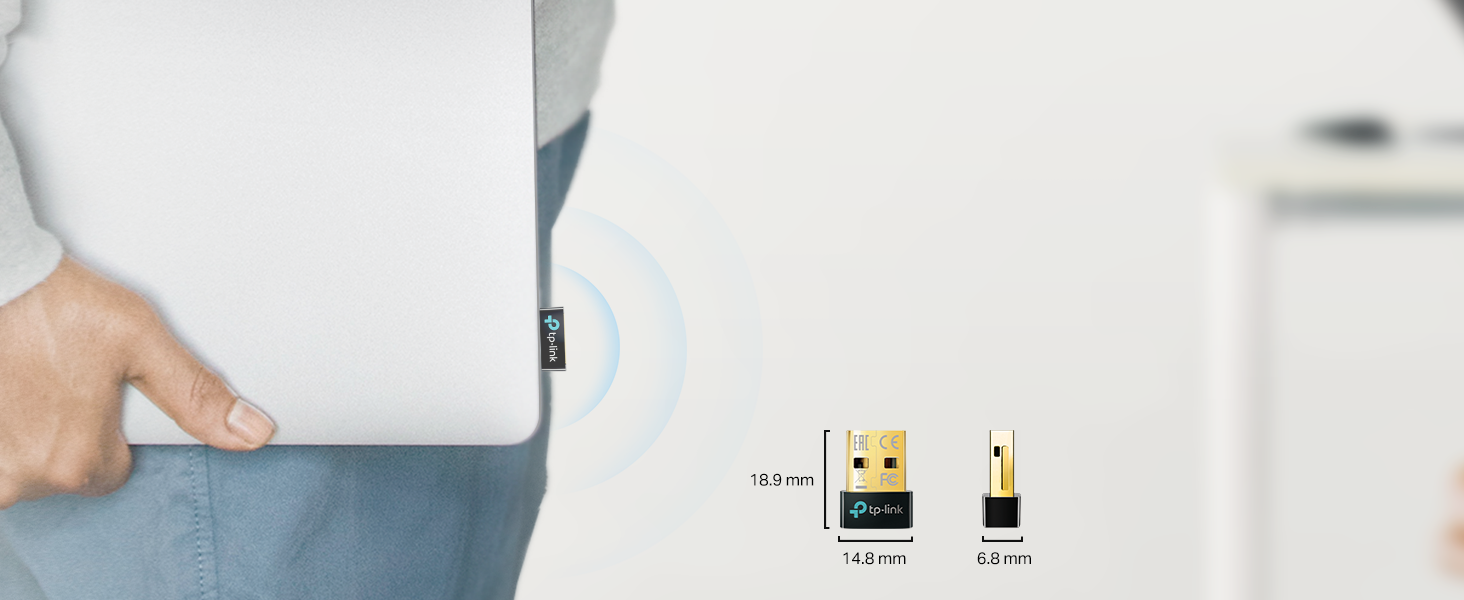
Illustration of the extended range and faster speeds offered by Bluetooth 5.3 compared to Bluetooth 4.0.
5. Maintenance
To ensure the longevity and optimal performance of your TP-Link UB500 adapter:
- Keep the adapter clean and free from dust and debris. Use a soft, dry cloth for cleaning.
- Avoid exposing the adapter to extreme temperatures or humidity.
- When not in use for extended periods, you may remove the adapter from the USB port and store it in a safe, dry place.
- Do not attempt to disassemble or repair the adapter yourself. Contact support if issues arise.
6. Troubleshooting
If you encounter issues with your TP-Link UB500 adapter, consider the following:
- Adapter Not Detected / Bluetooth Not Working:
- Ensure any existing internal Bluetooth function on your PC is disabled. This is crucial for the UB500 to function correctly.
- Verify the adapter is securely plugged into a working USB port. Try a different USB port.
- For Windows 8.1/10/11, ensure your computer has an active internet connection during initial setup for automatic driver installation.
- For Windows 7, confirm you have downloaded and installed the correct driver from the TP-Link website.
- Device Pairing Issues:
- Ensure the device you are trying to pair is in pairing mode and discoverable.
- Check that the device is within the effective range of the adapter.
- Restart your computer and the Bluetooth device, then attempt pairing again.
- Compatibility Limitations:
- The UB500 is not compatible with Mac, Linux, TV, or Windows 8 operating systems. It is designed for PC use only.
- While Xbox/PS4/PS5 controllers can be used on a PC with the UB500, the adapter is not designed for direct use with these consoles.
- Two UB500 adapters cannot pair with each other.
7. Specifications
| Feature | Detail |
|---|---|
| Model Number | UB500 |
| Bluetooth Standard | Bluetooth 5.3 (backward compatible with V4.2/4.0/3.0/2.1/2.0/1.1) |
| Hardware Interface | USB |
| Data Link Protocol | Bluetooth, USB |
| Data Transfer Rate | 2 Megabits Per Second |
| Dimensions (L x W x H) | 0.74 x 0.58 x 0.27 inches (18.9 x 14.8 x 6.8 mm) |
| Item Weight | 0.071 ounces (2 Grams) |
| Compatible Devices | Laptop, Desktop PC |
| Operating System Support | Windows 11/10/8.1/7 |
| Color | Golden, Black |
| Manufacturer | TP-Link |
| Country of Origin | Vietnam |
| UPC | 840030703447 |
8. Warranty and Support
TP-Link provides comprehensive support for its products:
- Warranty: The TP-Link UB500 comes with a 2-Year Warranty.
- Technical Support: For technical assistance, you can contact TP-Link support via:
- Phone: 866.225.8139 (24/7)
- Email: support.usa@tp-link.com
- Website: tp-link.com/support
- User Guide: A detailed User Guide is available for download: User Guide (PDF)
Ask a question about this manual
Ask about setup, troubleshooting, compatibility, parts, safety, or missing instructions. Manuals+ will review the question and use this page’s manual context to help answer it.