1. Introduction
The Audio-Technica ATH-S220BT are lightweight, wireless on-ear headphones designed for extended comfort and versatile audio experiences. They offer seamless connectivity for music, videos, games, and online communication across various devices such as PCs, tablets, and smartphones. Key features include long battery life and multipoint connectivity for convenient daily use.
2. Package Contents
Verify that all items are present in your package:
- Audio-Technica ATH-S220BT Wireless On-Ear Headphones
- USB charging cable (30 cm (12”;), USB Type-A / USB Type-C)
- Cable with in-line mic and control (1.2 m (3.9’;) /3.5 mm (1/8”;) gold-plated stereo mini-plug (4 pole/L-shaped))
3. Product Overview
3.1 Design and Comfort
The ATH-S220BT headphones feature a lightweight, relaxed-fit design for comfortable extended wear. The on-ear style provides a balanced audio experience without excessive pressure.

3.2 Key Features
- 40mm Dynamic Drivers: Experience powerful and realistic sound across various media.
- Low Latency Mode: Optimized for videos and games to minimize audio delay.
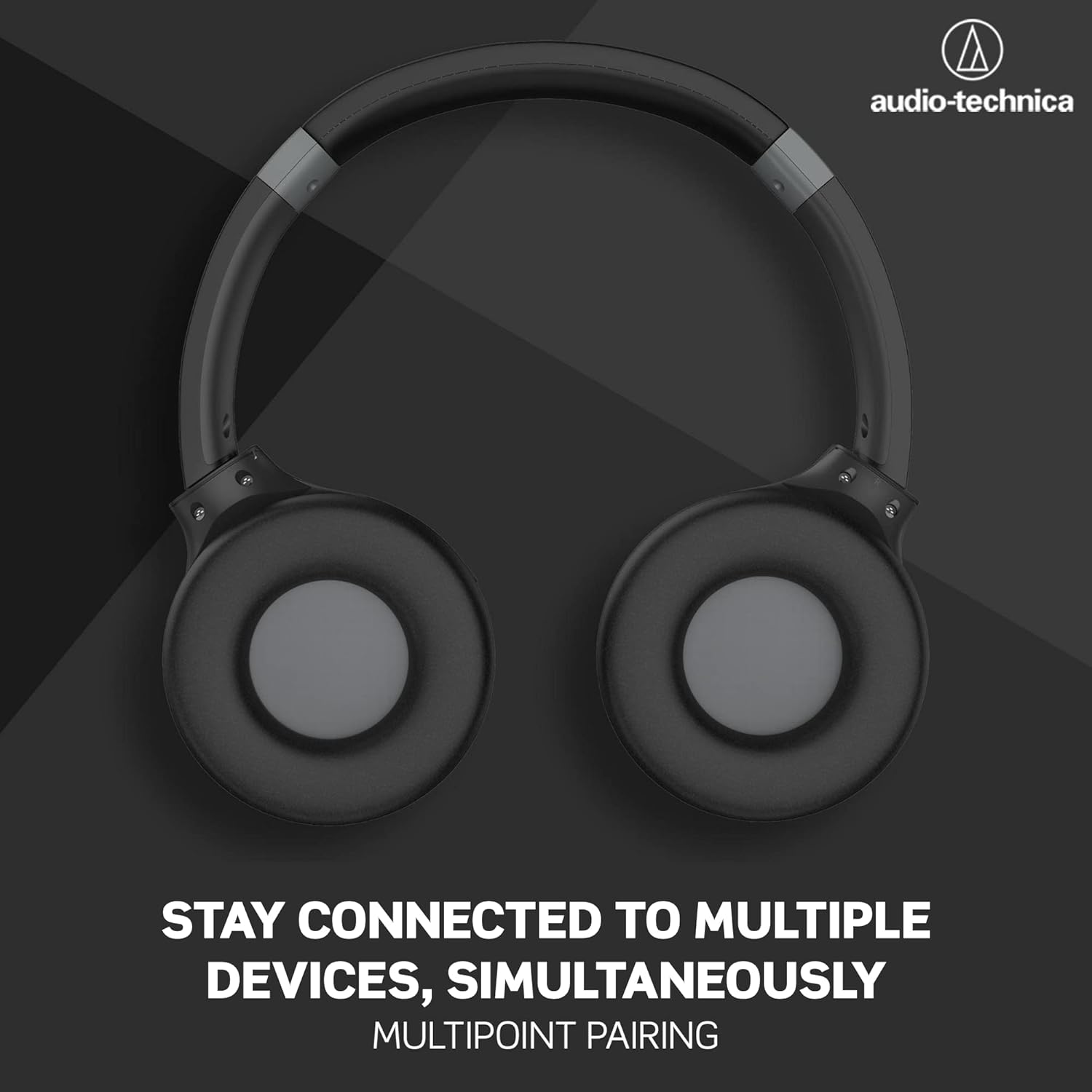
- Multipairing Function: Register and connect to multiple devices simultaneously.
- Long Battery Life: Up to 60 hours of continuous use on a single charge.
- Built-in Microphone & Controls: Manage calls and audio playback directly from the earcup.
- Dual Connectivity: Use wirelessly via Bluetooth or with the included 3.5mm audio cable.


4. Setup
4.1 Charging the Headphones
Before first use, fully charge the headphones. Connect the supplied USB charging cable (USB Type-A / USB Type-C) to the USB Type-C port on the headphones and to a USB power source. A full charge takes approximately 4 hours. The indicator light will change to show charging status (refer to the LED indicator section in the full manual for details).
4.2 Bluetooth Pairing
To connect wirelessly:
- Ensure the headphones are powered off.
- Press and hold the power button until the indicator light flashes, indicating pairing mode.
- On your device (smartphone, tablet, PC), enable Bluetooth and search for available devices.
- Select "ATH-S220BT" from the list of devices.
- Once connected, the indicator light will change (refer to the full manual for specific light patterns).

4.3 Wired Connection
For a wired connection, plug the included 1.2m cable with in-line mic and control into the 3.5mm jack on the headphones and into your audio device. This mode is useful when battery power is low or for devices without Bluetooth capability.

5. Operating Instructions
5.1 Basic Controls
The headphones feature intuitive controls located on the earcup:
- Power On/Off: Press and hold the power button.
- Volume Up/Down: Use the dedicated volume buttons.
- Play/Pause: Press the play/pause button once.
- Skip Track: Double-press for next track, triple-press for previous track (refer to full manual for specific button assignments).
- Answer/End Call: Press the play/pause button during an incoming call.
5.2 Multipoint Connectivity
The ATH-S220BT supports simultaneous multipoint connectivity, allowing you to connect to two Bluetooth devices at once. For example, you can be connected to your smartphone and your laptop. If a call comes in on your phone while you're listening to music on your laptop, the headphones will automatically switch to the phone call.
5.3 Low Latency Mode
Activate the low latency mode for an improved experience when watching videos or playing games. This mode reduces audio delay, ensuring better synchronization between audio and visual content. Refer to the full manual for instructions on activating this mode.
5.4 Battery Life
The headphones provide up to 60 hours of battery life on a full charge, allowing for extended listening without frequent recharging.

5.5 Official Product Video
6. Maintenance
To ensure the longevity and optimal performance of your headphones:
- Cleaning: Wipe the headphones with a soft, dry cloth. Do not use harsh chemicals or abrasive materials.
- Storage: Store the headphones in a cool, dry place away from direct sunlight and extreme temperatures.
- Battery Care: Avoid fully discharging the battery frequently. Charge regularly, even if not in use for extended periods, to maintain battery health.
- Water Resistance: The headphones are water resistant, but not waterproof. Avoid submerging them in water or exposing them to heavy rain.
7. Troubleshooting
If you encounter issues with your ATH-S220BT headphones, try the following:
- No Power: Ensure the headphones are charged. Connect to a power source using the USB-C cable.
- No Sound: Check the volume levels on both the headphones and your connected device. Ensure the headphones are properly paired or the wired connection is secure.
- Pairing Issues: Turn off Bluetooth on other nearby devices. Delete the headphones from your device's Bluetooth list and attempt to re-pair. Ensure the headphones are in pairing mode.
- Poor Sound Quality: Move closer to your Bluetooth device to reduce interference. Ensure there are no obstructions between the headphones and the device. Try a wired connection to rule out Bluetooth issues.
- Microphone Not Working: Ensure the microphone is not muted on your device. If using the wired cable, ensure it is fully inserted and the in-line mic is not obstructed.
For more detailed troubleshooting, refer to the complete user manual or Audio-Technica's support resources.
8. Specifications
| Feature | Specification |
|---|---|
| Model Name | ATH-S220BT |
| Connectivity Technology | Wireless (Bluetooth) |
| Bluetooth Version | 5.0 |
| Bluetooth Range | 10 Meters |
| Audio Driver Type | Dynamic Driver |
| Audio Driver Size | 40 Millimeters |
| Frequency Response | 32000 Hz |
| Sensitivity | 105 dB |
| Impedance | 32 Ohm |
| Battery Life | 60 Hours |
| Charging Time | 4 Hours |
| Headphones Jack | 3.5 mm Jack |
| Item Weight | 180 Grams (6.3 ounces) |
| Product Dimensions | 7.5 x 9.5 x 2 inches |
| Water Resistance Level | Water Resistant |
| Control Method | Remote, Touch |
| Compatible Devices | PCs, Tablets, Smartphones, Gaming Consoles, etc. |
9. Warranty and Support
Audio-Technica products are manufactured to high quality standards and are warranted against defects in materials and workmanship. For specific warranty terms, duration, and to access customer support, please refer to the warranty card included with your product or visit the official Audio-Technica website. Keep your proof of purchase for warranty claims.


