
1. Introduction
This instruction manual provides essential information for the proper installation, usage, and maintenance of your Celly Cover for iPhone 13 Pro Pantone Red. Please read this manual carefully before using the product to ensure optimal performance and longevity.
2. Product Overview
The Celly Cover is a protective case designed specifically for the Apple iPhone 13 Pro. It features a durable silicone material in a Pantone Red color, providing protection against scratches, minor impacts, and daily wear. The cover is precisely molded to fit the iPhone 13 Pro, allowing full access to all buttons, ports, and camera functions.
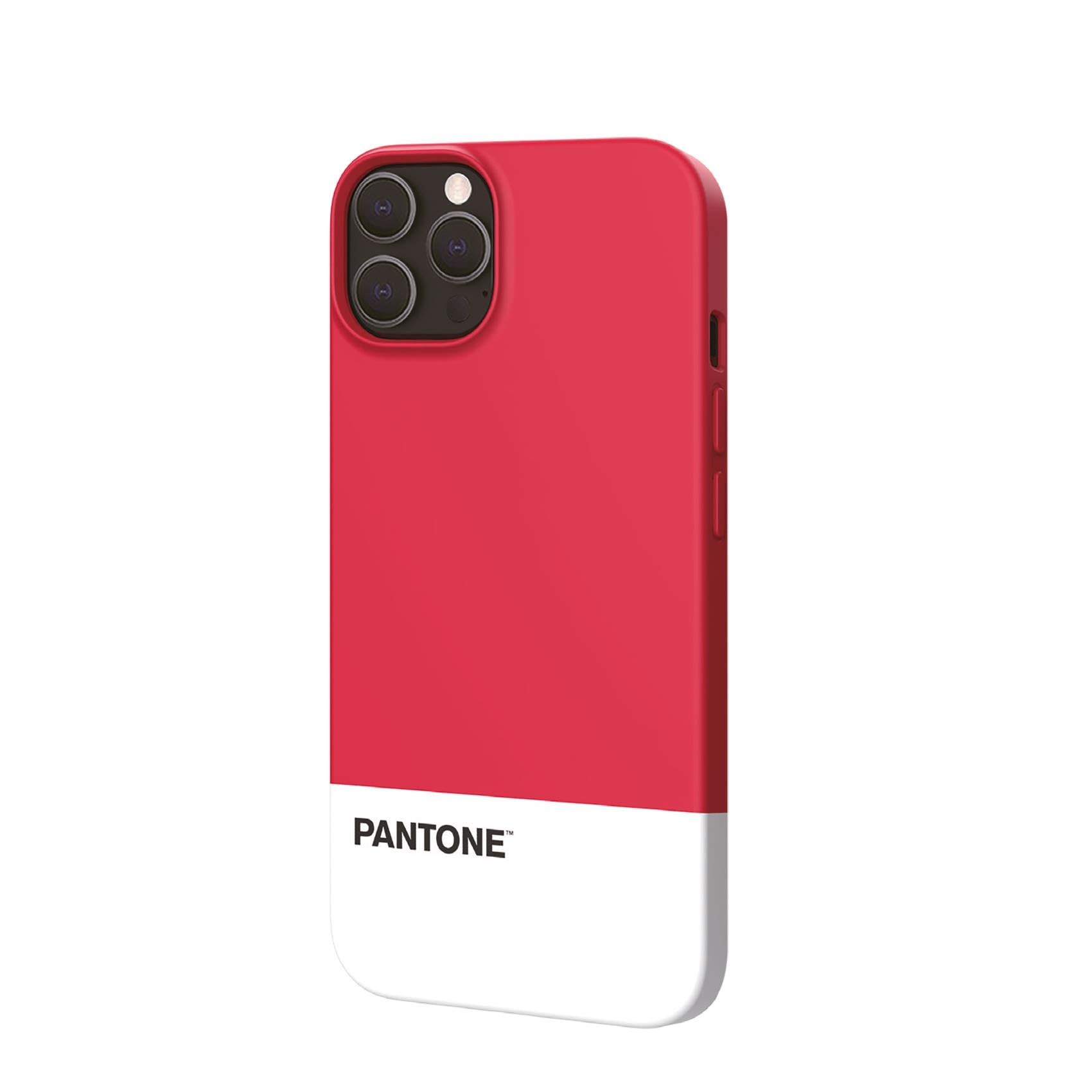
Figure 1: Celly Cover iPhone 13 Pro Pantone Red. This image shows the front view of the red silicone protective cover designed for the iPhone 13 Pro.
3. Setup and Installation
Follow these steps to properly install the Celly Cover onto your iPhone 13 Pro:
- Clean your device: Ensure your iPhone 13 Pro is clean and free of dust or debris before installation. Use a soft, dry cloth if necessary.
- Align the cover: Hold the Celly Cover with the camera cutout aligned with your phone's camera module.
- Insert one side: Gently push one side of your iPhone 13 Pro into the corresponding edge of the cover.
- Snap into place: Carefully work your way around the phone, pressing the remaining edges of the cover onto your device until it is fully seated and secure. Ensure all corners are properly covered.
To remove the cover, gently peel back one corner of the silicone case from the phone and then carefully work your way around until the phone is released.
4. Operating (Usage)
Once installed, the Celly Cover allows full functionality of your iPhone 13 Pro. The precise cutouts provide unobstructed access to:
- Charging port
- Speakers and microphone
- Camera lenses and flash
- Silent switch
The integrated button covers are designed to maintain the tactile feel of your phone's power and volume buttons while providing protection.
5. Maintenance
To keep your Celly Cover clean and in good condition:
- Cleaning: Wipe the cover with a soft, damp cloth. For stubborn stains, a mild soap solution can be used, followed by wiping with a clean, damp cloth and then drying thoroughly.
- Avoid harsh chemicals: Do not use abrasive cleaners, solvents, or strong chemicals, as these can damage the silicone material and color.
- Storage: When not in use, store the cover in a clean, dry place away from direct sunlight and extreme temperatures.
6. Troubleshooting
- Issue: Cover is difficult to install or remove.
- Solution: Ensure your phone is clean and dry. Apply gentle, even pressure when installing. When removing, start by peeling back one corner carefully to create leverage.
- Issue: Dust or debris trapped under the cover.
- Solution: Remove the cover, clean both your phone and the inside of the cover with a soft, lint-free cloth, then re-install.
- Issue: Cover appears discolored or stained.
- Solution: Clean the cover as described in the Maintenance section. Some types of dyes or inks from clothing may cause permanent staining on silicone materials.
7. Specifications
| Model Number | PT-PC1008R1 |
| Compatible Phone Models | iPhone 13 Pro |
| Brand | Celly |
| Color | Red (Pantone Red) |
| Material | Silikon |
| Product Dimensions | 3.94 x 0.79 x 7.48 inches |
| Item Weight | 1.52 ounces |
8. Warranty and Support
For warranty information and customer support, please refer to the documentation included with your purchase or visit the official Celly website. Keep your proof of purchase for any warranty claims.
If you encounter issues not covered in this manual, please contact Celly customer service for assistance.