
1. Introduction
This manual provides essential information for the safe and efficient use of your LG GMQ844MC5E Total No Frost InstaView Refrigerator. Please read it thoroughly before installation and operation, and keep it for future reference.
Your LG GMQ844MC5E is a Smart Multidoor refrigerator with a 530-liter capacity, featuring Total No Frost cooling, InstaView Door-in-Door technology, Linear Cooling, and Wi-Fi connectivity for enhanced convenience and food preservation.
2. Safety Information
WARNING: To reduce the risk of fire, electric shock, or injury to persons when using your appliance, follow basic precautions, including the following:
- Ensure the appliance is properly grounded.
- Do not use mechanical devices or other means to accelerate the defrosting process, other than those recommended by the manufacturer.
- Do not damage the refrigerant circuit.
- Do not use electrical appliances inside the food storage compartments of the appliance, unless they are of the type recommended by the manufacturer.
- Unplug the refrigerator before cleaning or performing any maintenance.
- Keep ventilation openings, in the appliance enclosure or in the built-in structure, clear of obstruction.
- This appliance is not intended for use by persons (including children) with reduced physical, sensory or mental capabilities, or lack of experience and knowledge, unless they have been given supervision or instruction concerning use of the appliance by a person responsible for their safety.
3. Setup and Installation
3.1 Unpacking and Placement
Remove all packaging materials, including tape and protective films. Place the refrigerator on a flat, stable surface. Ensure there is adequate space around the appliance for proper ventilation. The refrigerator has a slim design, measuring approximately 83.5 cm in width, 73.4 cm in depth, and 178.7 cm in height.
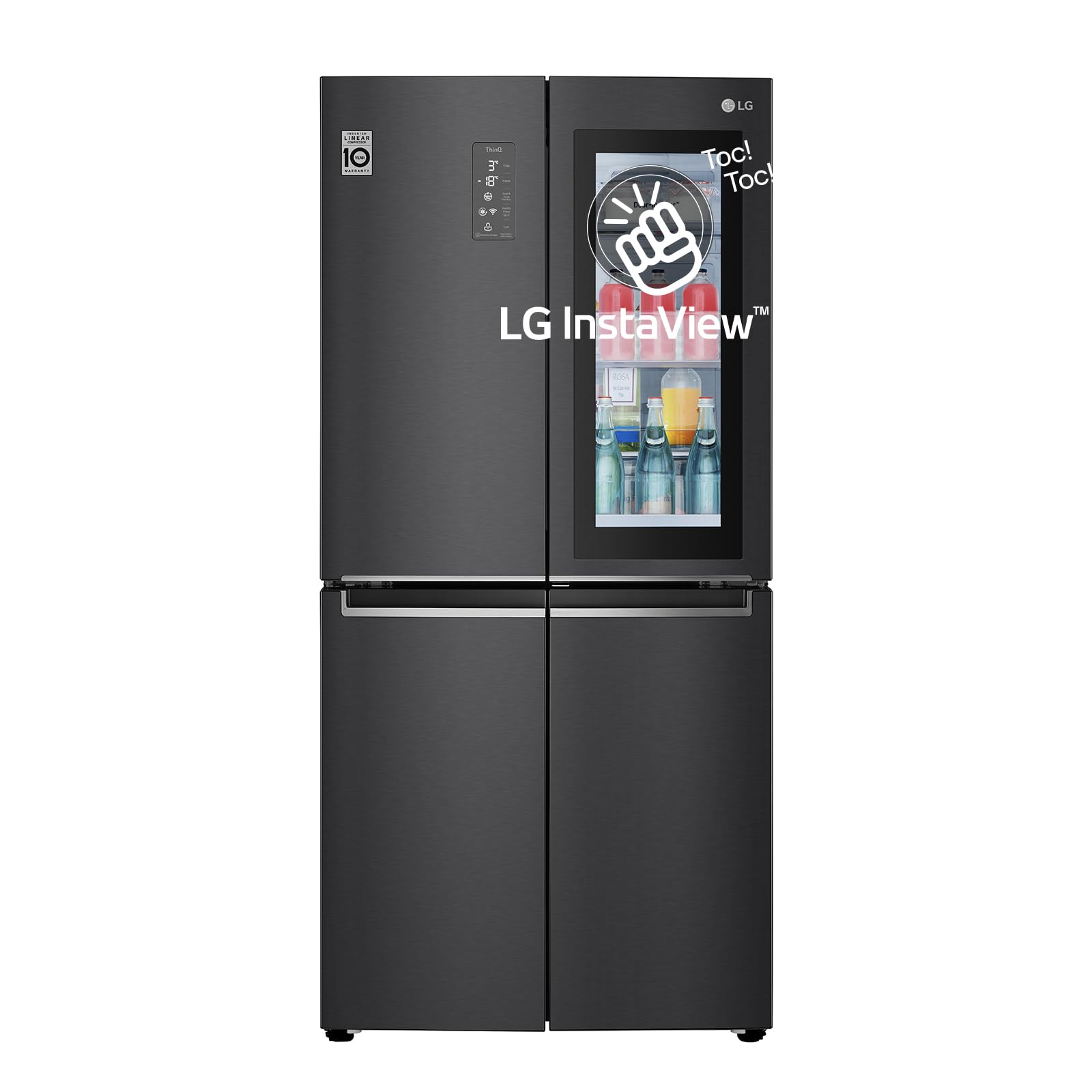
Figure 1: Front view of the LG GMQ844MC5E refrigerator with approximate dimensions (Width: 835mm, Depth: 734mm, Height: 1787mm).

Figure 2: Illustration highlighting the slim design of the refrigerator, measuring 83 cm in width.
3.2 Leveling
Adjust the leveling feet to ensure the refrigerator is stable and level. This helps prevent vibrations and ensures proper door alignment.
3.3 Power Connection
Plug the power cord into a dedicated, grounded 220V electrical outlet. Do not use extension cords or adapters.
4. Operating Instructions
4.1 Control Panel Overview
The external LED display allows you to monitor and adjust settings without opening the doors. It typically shows the current temperatures for the refrigerator and freezer compartments, along with various function indicators.
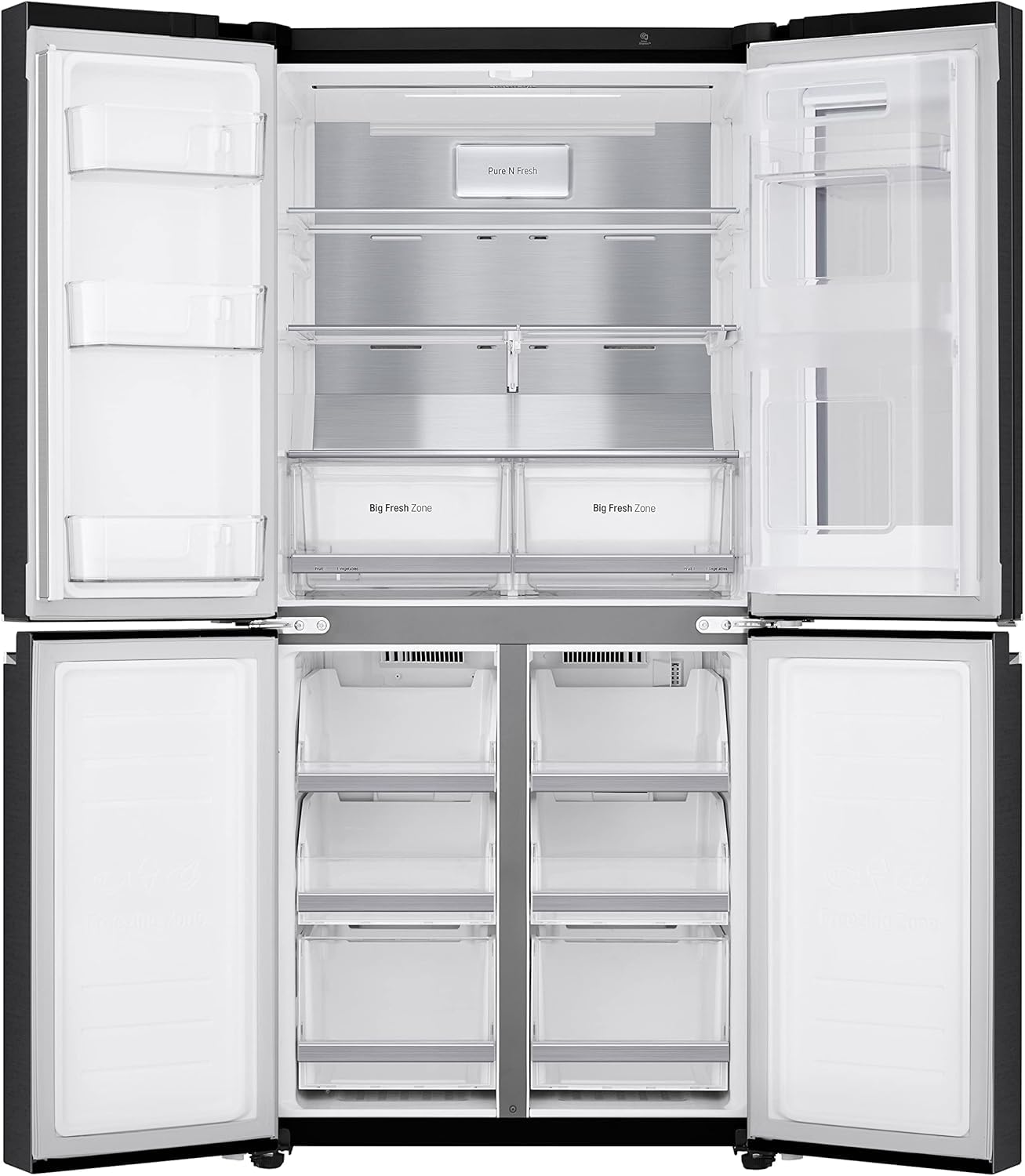
Figure 3: Close-up of the ThinQ control panel displaying refrigerator and freezer temperatures, along with options for Pure N Fresh filter reset, Express Freeze, Wi-Fi, and Lock functions.
4.2 Temperature Control
Use the temperature control buttons on the display to set your desired temperatures for the refrigerator and freezer sections. The Linear Cooling system helps maintain consistent temperatures, reducing fluctuations to keep food fresh longer.
4.3 InstaView Door-in-Door™
The InstaView Door-in-Door feature allows you to see inside the refrigerator without opening the main door. Simply knock twice on the glass panel to illuminate the interior, minimizing cold air loss and saving energy.
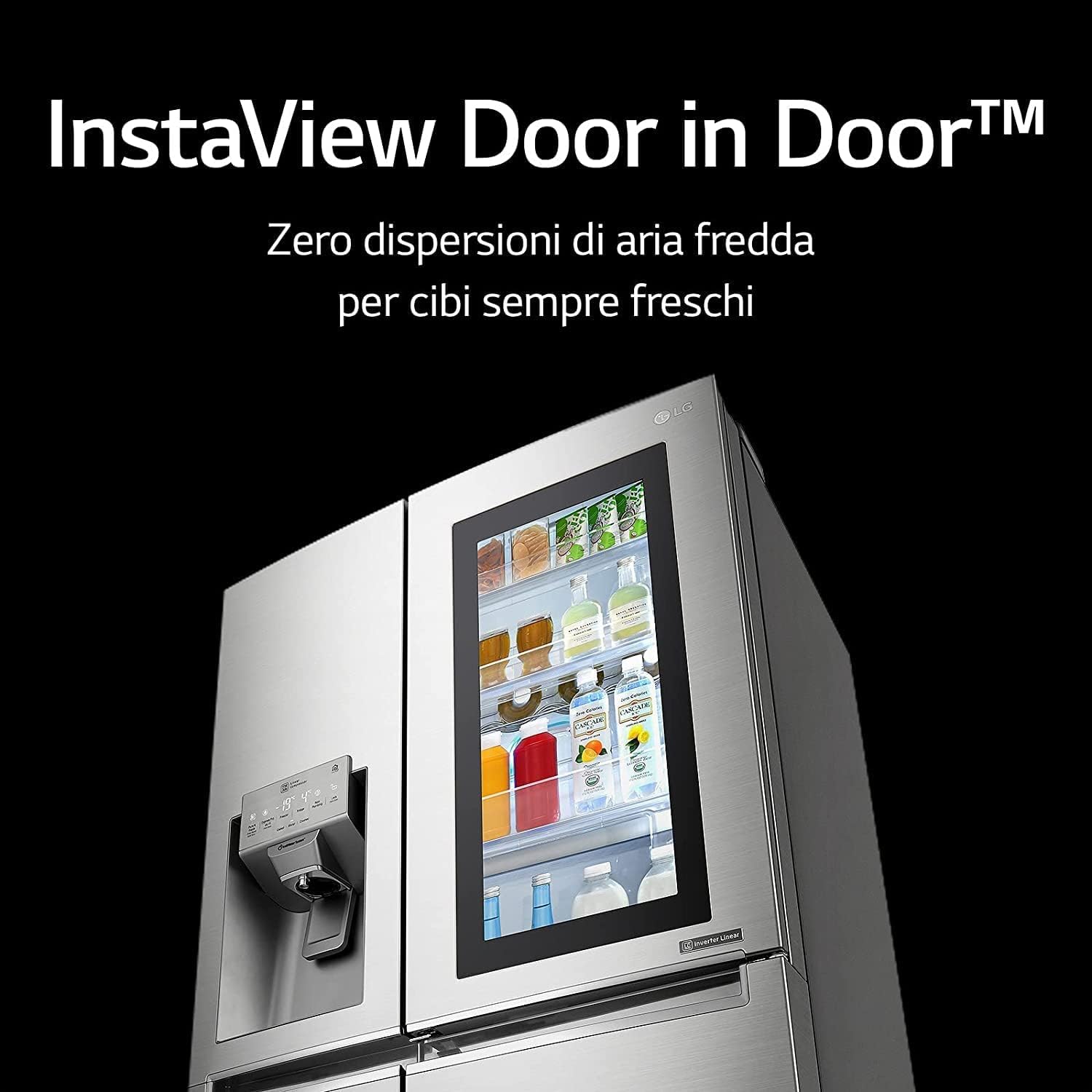
Figure 4: The InstaView Door-in-Door panel, illustrating the ability to view contents without opening the main door, thereby preventing cold air dispersion.
4.4 Total No Frost and Linear Cooling
Your refrigerator is equipped with a Total No Frost system, which prevents ice buildup and eliminates the need for manual defrosting. The Linear Cooling technology, powered by an Inverter Linear Compressor, ensures a uniform temperature throughout the compartments, contributing to longer food freshness.
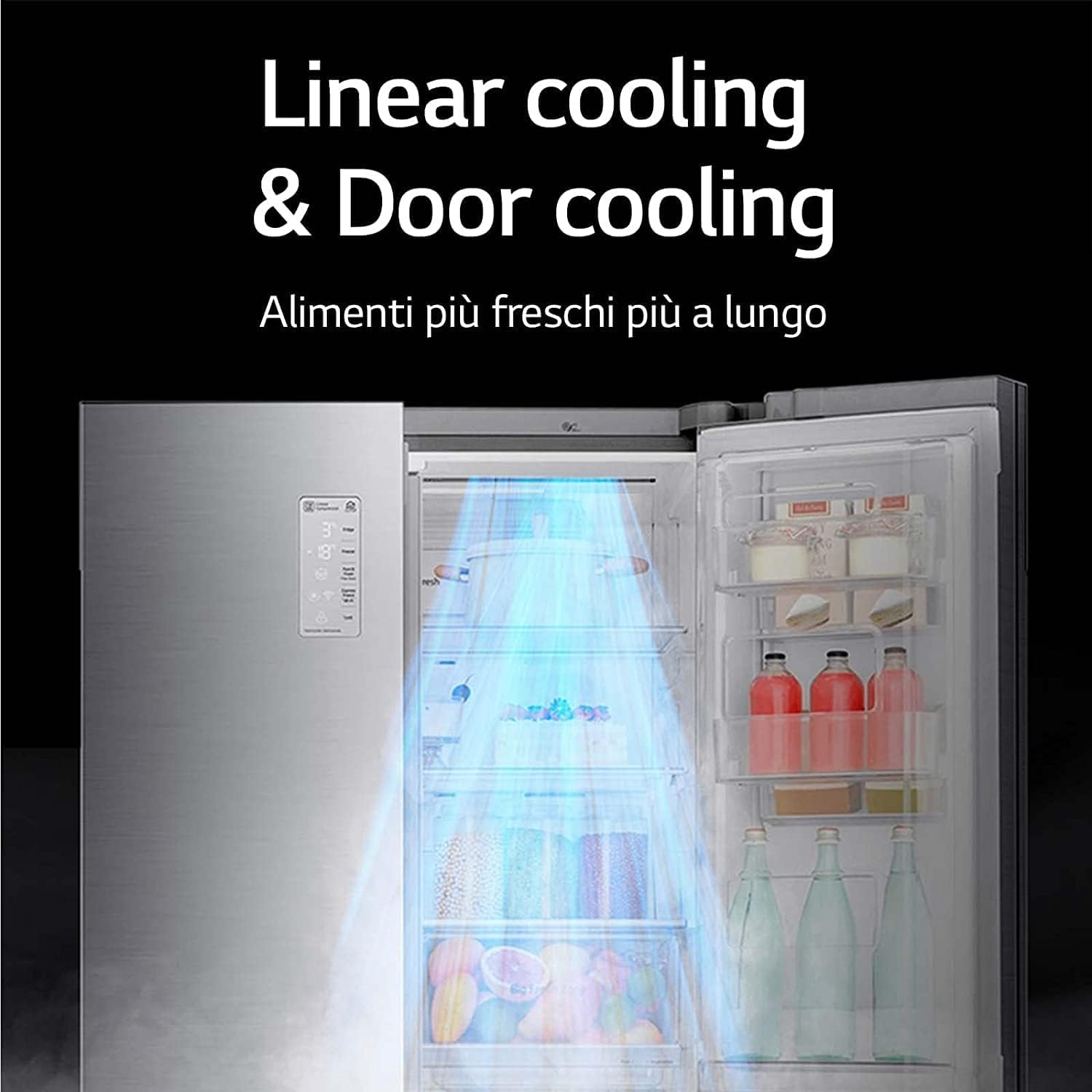
Figure 5: Internal view of the refrigerator showing the airflow from the Linear Cooling and Door Cooling systems, designed to keep food fresher for longer.
4.5 Storage Compartments
The refrigerator features various shelves and drawers, including "Big Fresh Zone" compartments designed for optimal storage of fruits and vegetables. The freezer section is organized with multiple drawers for easy categorization of frozen items.
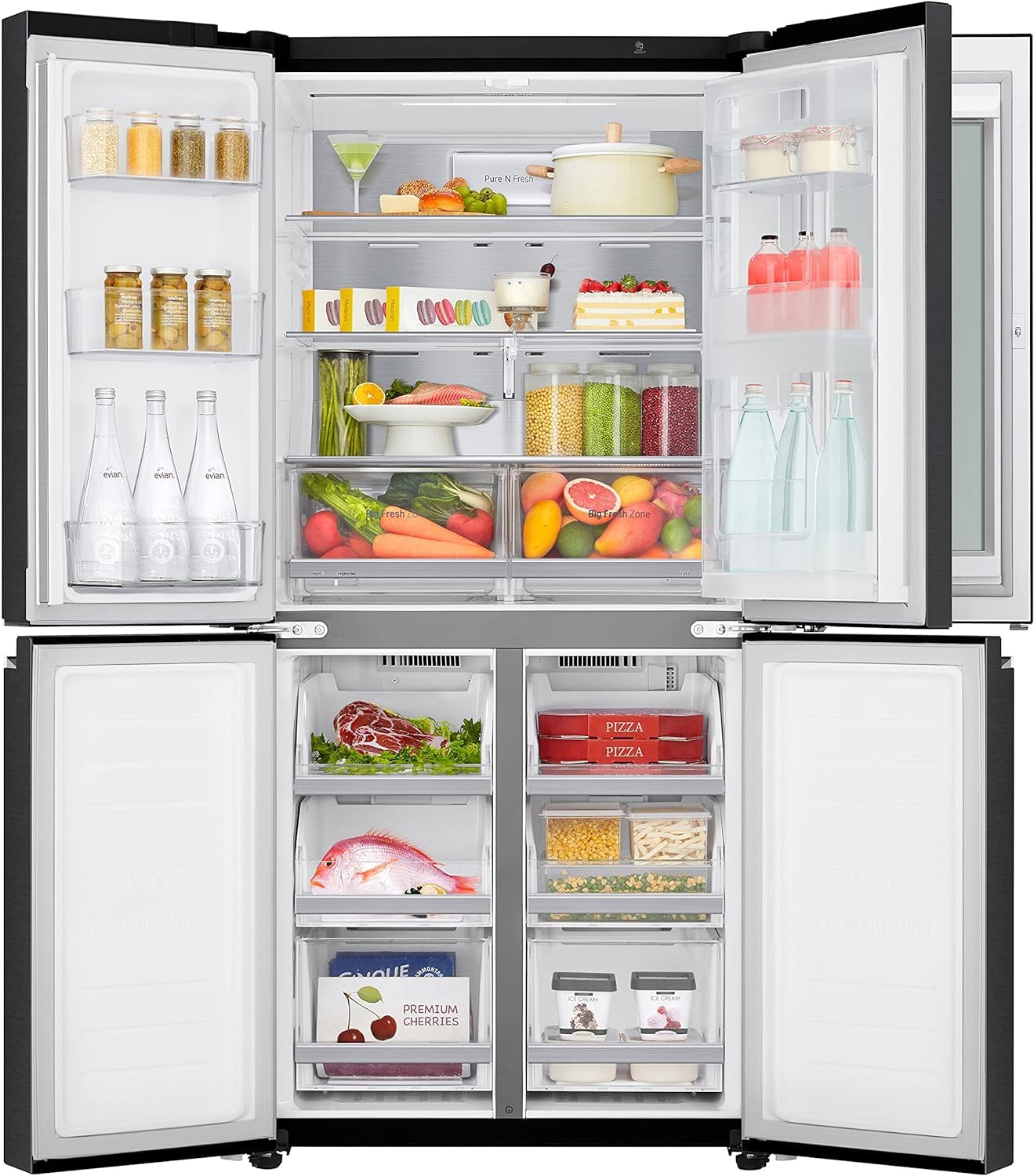
Figure 6: Interior view of the refrigerator compartment filled with various food items, showcasing the shelves and "Big Fresh Zone" drawers.
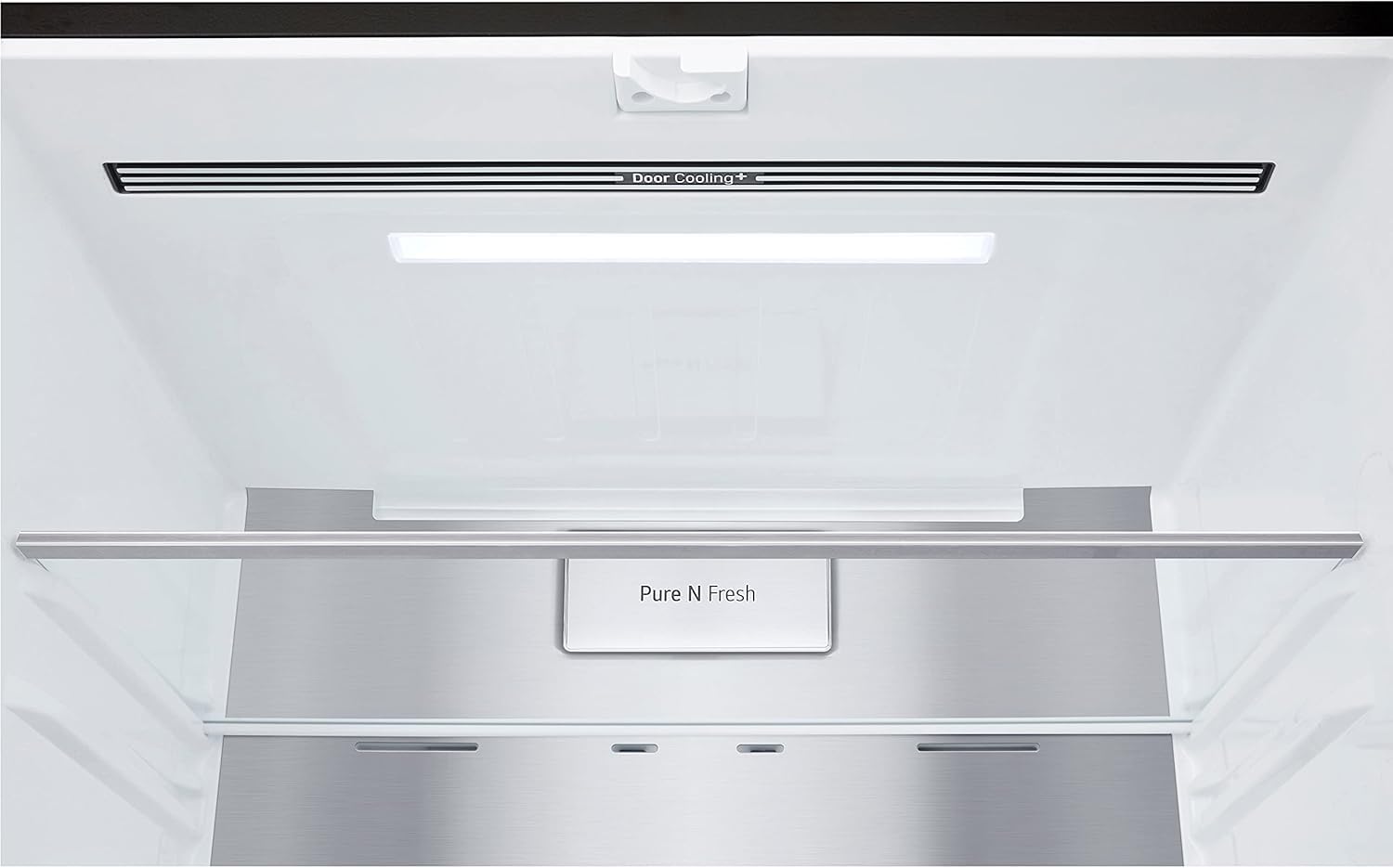
Figure 7: Close-up view of the "Big Fresh Zone" drawers, designed for storing fruits and vegetables.
5. Maintenance
5.1 Cleaning the Interior
Regularly clean the interior of your refrigerator with a mild detergent and warm water. Wipe down shelves, drawers, and door bins. Ensure the appliance is unplugged before cleaning.
5.2 Cleaning the Exterior
Wipe the exterior surfaces with a soft, damp cloth. For stainless steel finishes, use a specialized stainless steel cleaner. Avoid abrasive cleaners or solvents.
5.3 Pure N Fresh Filter
Your refrigerator may include a Pure N Fresh filter to help reduce odors. Refer to the control panel for filter replacement indicators. Replace the filter as recommended by the manufacturer to maintain optimal performance.
6. Troubleshooting
Before contacting service, review the following common issues and solutions:
- Refrigerator not cooling: Check if the power cord is securely plugged in. Ensure the temperature settings are correct. Verify that the doors are fully closed.
- Unusual noises: Some operational noises are normal (e.g., compressor hum, refrigerant flow). If noises are excessive or unusual, ensure the refrigerator is level and not touching walls or cabinets.
- Water leakage: Check if the drain pan is properly positioned and not overflowing. Ensure the water supply line (if applicable for ice maker/dispenser) is not leaking.
- InstaView panel not illuminating: Ensure the feature is enabled and gently tap the glass panel twice.
- Wi-Fi connectivity issues: Ensure your home Wi-Fi network is active and the refrigerator is within range. Refer to the LG ThinQ app for detailed connection instructions.
For issues not resolved by these steps, please contact LG customer support.
7. Specifications
Key specifications for the LG GMQ844MC5E refrigerator:
| Feature | Specification |
|---|---|
| Brand | LG |
| Model Number | GMQ844MC5E |
| Capacity | 530 Liters (Net Refrigerator Capacity) |
| Product Dimensions (L x W x H) | 83.5 x 73.4 x 178.7 cm |
| Item Weight | 120 Kilograms |
| Installation Type | Freestanding |
| Number of Doors | 1 (Multidoor design) |
| Defrost System | Automatic (Total No Frost) |
| Voltage | 220V |
| Shelf Type | Wire |
| Form Factor | French Door |
| Cooling Method | Compressor |
| Inverter Type | With Inverter (Linear Inverter Compressor) |
| Adjustable Temperature Control | Yes |
| Compressor Type | Reciprocating |
| Number of Shelves | 3 |
| Number of Sections | 2 |
| Power Source | Corded Electric |
| Energy Star Certified | Yes |
| BEE Rating | 4 Stars |
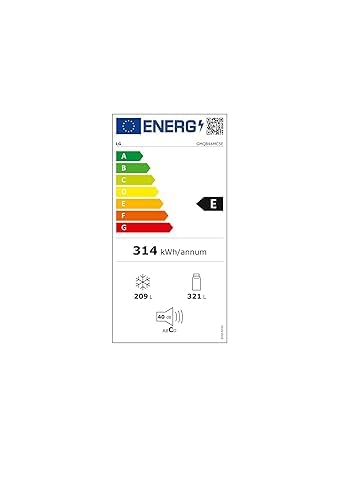
Figure 8: Energy label for the LG GMQ844MC5E, indicating an E energy class, 314 kWh/annum consumption, 209L freezer capacity, and 321L refrigerator capacity.
8. Warranty and Support
For detailed warranty information, please refer to the warranty card included with your product or visit the official LG website. The Inverter Linear Compressor is typically covered by a 10-year warranty.
For technical assistance, troubleshooting beyond this manual, or to schedule service, please contact LG customer support through their official channels.