
Ebitcam 837
Ebitcam Outdoor Security Camera Model 837 User Manual
1080P Home Security Camera with Phone APP, IP66 Waterproof, Sound/Motion Detect, Night Vision, 2-Way Audio, Cloud Service and Local SD Storage
Introduction
Thank you for choosing the Ebitcam Outdoor Security Camera, Model 837. This manual provides detailed instructions for the installation, operation, and maintenance of your new security camera. Designed for robust outdoor use, this camera offers 1080P HD video, advanced night vision, two-way audio communication, and intelligent motion/sound detection, ensuring comprehensive surveillance for your property. Please read this manual thoroughly before use to ensure proper setup and optimal performance.
Safety Information
- Ensure the camera is installed in a location where it is protected from direct physical impact.
- Use only the power adapter supplied with the camera. Using unauthorized power sources may damage the device and void the warranty.
- Do not expose the camera to extreme temperatures outside its operating range (-2°F to 131°F) or high humidity.
- Keep the camera and its components out of reach of children.
- Avoid pointing the camera directly at strong light sources, as this may affect image quality and damage the sensor.
- Disconnect power before performing any maintenance or cleaning.
Package Contents
Please check the package contents upon opening to ensure all items are present:
- Ebitcam Outdoor Security Camera (Model 837)
- Power Adapter
- Mounting Screws and Wall Plugs
- User Manual (this document)

Image: The Ebitcam Outdoor Security Camera, Model 837, showing its bullet-style design and antenna.
Product Overview
The Ebitcam Model 837 is a robust outdoor security camera designed for reliable performance in various weather conditions. Key features include:
- 1080P HD Video: Provides clear and detailed live view and recordings.
- IP66 Waterproof: Built to withstand harsh weather, including rain, snow, and storms.
- Two-Way Audio: Communicate with visitors or deter intruders using the built-in microphone and speaker.
- Smart Sound/Motion Detection: Adjustable sensitivity for alerts on human movement, sound, or general motion.
- Night Vision: Infrared light for clear video in low-light conditions, up to 32 feet.
- Storage Options: Supports local storage via Micro SD card (up to 128GB) and cloud service.
- Wi-Fi Connectivity: Connects to your home network (2.4GHz Wi-Fi only).
- Alexa Compatibility: View camera feed on compatible Echo Show devices.
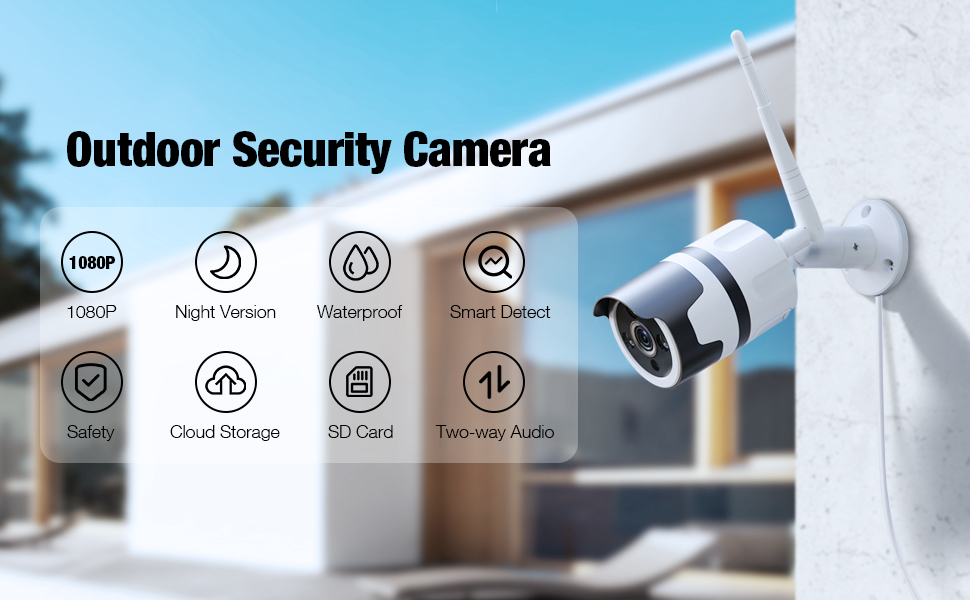
Image: An illustration highlighting the key features of the Ebitcam Outdoor Security Camera, including 1080P resolution, night vision, waterproof design, smart detection, safety, cloud storage, SD card support, and two-way audio.
Setup Guide
1. Physical Installation
Choose a suitable outdoor location for your camera, ensuring it has a clear view of the area you wish to monitor and is within range of your Wi-Fi network and a power outlet. The camera is designed for wall mounting.
- Mark the drilling points on the wall using the camera's mounting base as a template.
- Drill holes at the marked positions. Insert the wall plugs if mounting on masonry.
- Secure the camera's mounting base to the wall using the provided screws.
- Adjust the camera angle as needed.

Image: The Ebitcam camera mounted on an exterior wall, illustrating its use for real-time monitoring of a house, garage, and yard.
2. Power Connection
Connect the supplied power adapter to the camera's power input port and then plug it into a standard electrical outlet. Ensure the connection is secure and protected from moisture.
3. App Download and Account Creation
The Ebitcam camera uses the MIPC app for setup and control.
- Download the "MIPC" app from the App Store (iOS) or Google Play Store (Android).
- Open the app and create a new account, or log in if you already have one.
4. Wi-Fi Connection
Follow the in-app instructions to add your camera and connect it to your 2.4GHz Wi-Fi network. The camera does not support 5GHz Wi-Fi.
- In the MIPC app, tap the "+" icon to add a new device.
- Select the camera type and follow the on-screen prompts, which typically involve scanning a QR code on the camera or entering network details.
- Ensure your phone is connected to the 2.4GHz Wi-Fi network you intend to connect the camera to during the setup process.
5. SD Card Installation (Optional)
For local video storage, you can install a Micro SD card (up to 128GB).
- Locate the SD card slot on the camera (refer to the product diagram in the app or manual if available).
- Carefully insert the Micro SD card into the slot until it clicks into place.
- Format the SD card through the MIPC app settings for optimal performance.

Image: An illustration showing the Ebitcam camera and a smartphone screen, highlighting the options for cloud storage and local SD card storage (up to 128GB) for recording and playback.
Operating Instructions
1. Live View
Once connected, open the MIPC app and select your camera to view the live feed. You can switch between 1080P and lower resolutions if needed for bandwidth optimization.
Image: A visual comparison demonstrating the clarity difference between 1080P and 720P video resolutions, emphasizing the superior detail of 1080P.
2. Two-Way Audio
The camera features a built-in microphone and speaker, allowing for real-time two-way communication.
- In the live view interface of the MIPC app, tap the microphone icon to speak through the camera's speaker.
- Tap the speaker icon to listen to audio from the camera's microphone.

Image: A scene depicting a delivery person at a door, with a smartphone screen showing the MIPC app interface for two-way audio, illustrating how users can see, listen, and talk in real-time.
3. Smart Sound/Motion Detection & Alerts
Configure detection settings to receive alerts for activity on your property.
- Navigate to the camera settings in the MIPC app.
- Adjust sensitivity for motion, sound, and human detection.
- Enable push notifications to receive instant alerts on your phone when an event is triggered. Alerts include a message, snapshot, and recorded video (over 10 seconds).

Image: An illustration showing the Ebitcam camera detecting a person at a door, with overlays indicating motion, human, and sound detection. A smartphone screen displays an alert message from the MIPC app.

Image: A graphic illustrating the camera's Smart AI capabilities for motion tracking and sending alert messages, showing a person being detected.
4. Night Vision
The camera automatically switches to infrared night vision in low-light conditions, providing clear black-and-white video up to 32 feet.
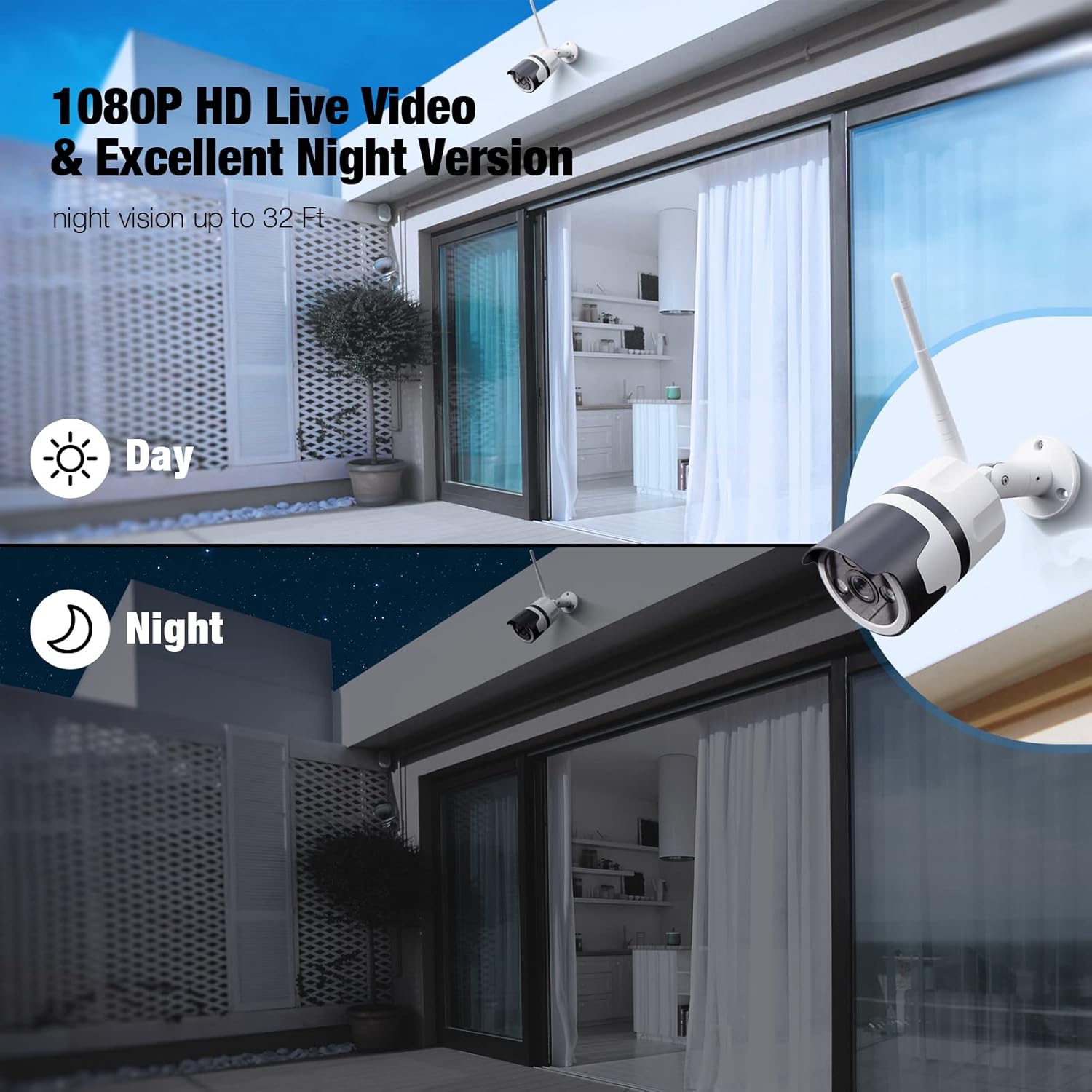
Image: A split image demonstrating the camera's 1080P HD live video quality during both day and night, highlighting its excellent night vision capabilities.

Image: A graphic showing the camera's clear night vision capability, indicating a 120-degree field of view and effective range of up to 32 feet in the dark.
5. Recording & Playback
Videos can be stored locally on a Micro SD card or via the optional cloud service.
- SD Card Recording: If an SD card is installed and formatted, the camera will automatically record events or continuous video based on your settings. Access recordings via the "SD Card" tab in the MIPC app.
- Cloud Service: Subscribe to the cloud service through the MIPC app for secure, off-site video storage. Access recordings via the "Cloud" tab.
6. Sharing Access
You can share camera access with family members or trusted individuals through the MIPC app.
- In the app, go to camera settings and look for the "Share Device" or similar option.
- Invite other MIPC users by their account ID. You can set different permission levels for shared users.
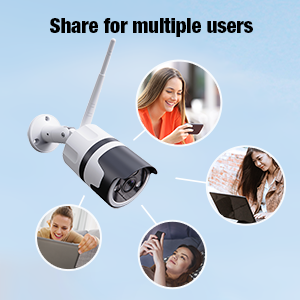
Image: A graphic illustrating the ability to share camera access with multiple users, showing several individuals interacting with their devices to view the camera feed.
7. Alexa Integration
The Ebitcam camera is compatible with Amazon Alexa, allowing you to view your camera feed on Echo Show devices.
- Enable the MIPC skill in the Alexa app.
- Link your MIPC account with your Alexa account.
- Discover devices. You can then use voice commands like, "Alexa, show me the [camera name]."
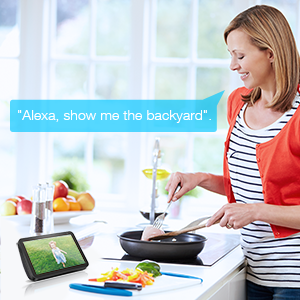
Image: A woman in a kitchen interacting with an Echo Show device, which displays the camera feed, demonstrating the voice command "Alexa, show me the backyard."
Maintenance
- Cleaning: Periodically clean the camera lens with a soft, dry cloth to ensure clear image quality. Do not use harsh chemicals or abrasive cleaners.
- Firmware Updates: Check the MIPC app regularly for firmware updates. Keeping your camera's firmware up-to-date ensures optimal performance, security, and access to new features.
- Environmental Considerations: While the camera is IP66 waterproof, ensure its power connection is adequately protected from direct water exposure. The camera is designed to operate in temperatures from -2°F to 131°F.
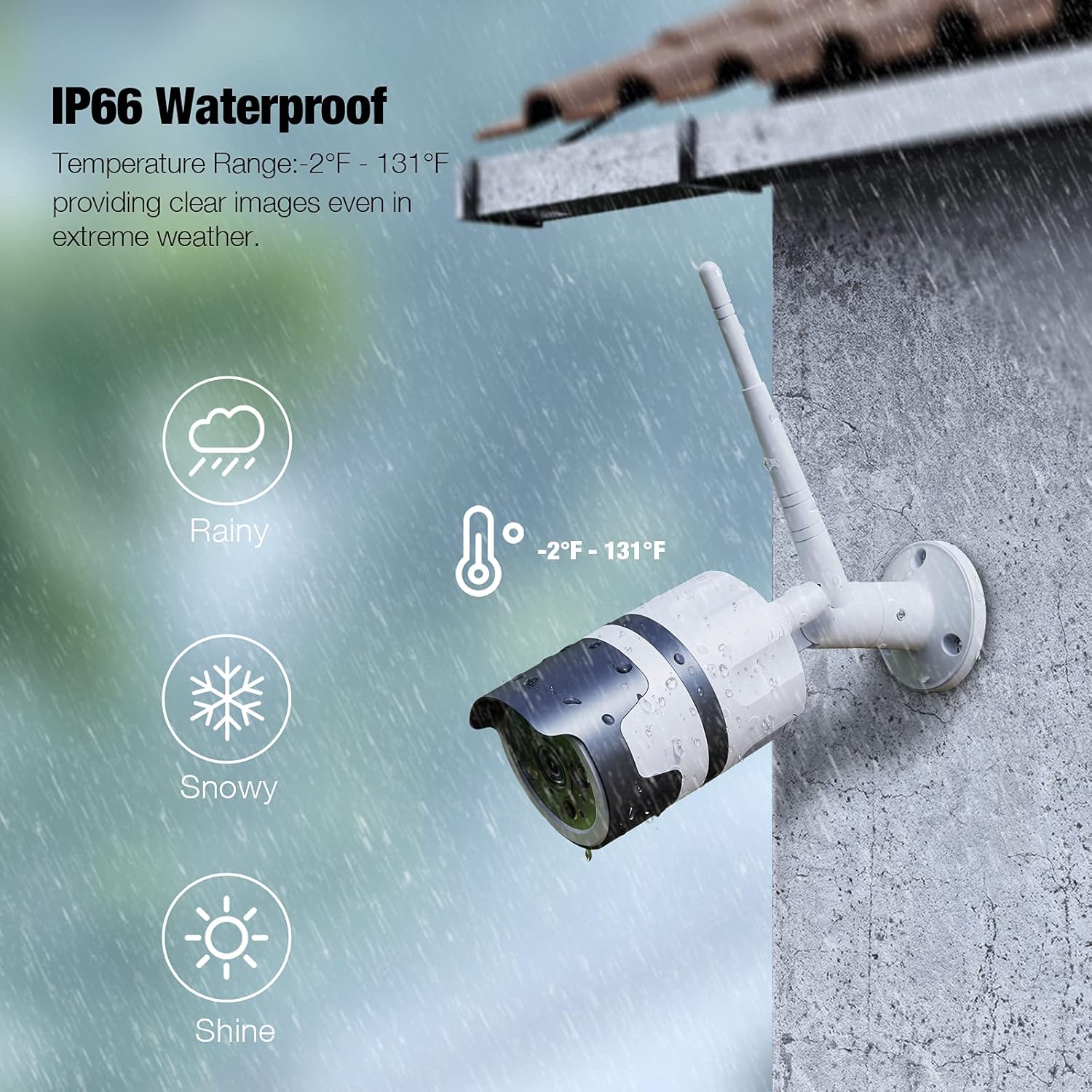
Image: The Ebitcam camera mounted outdoors, with graphics indicating its IP66 waterproof rating and ability to withstand temperatures from -2°F to 131°F, suitable for rainy and snowy conditions.
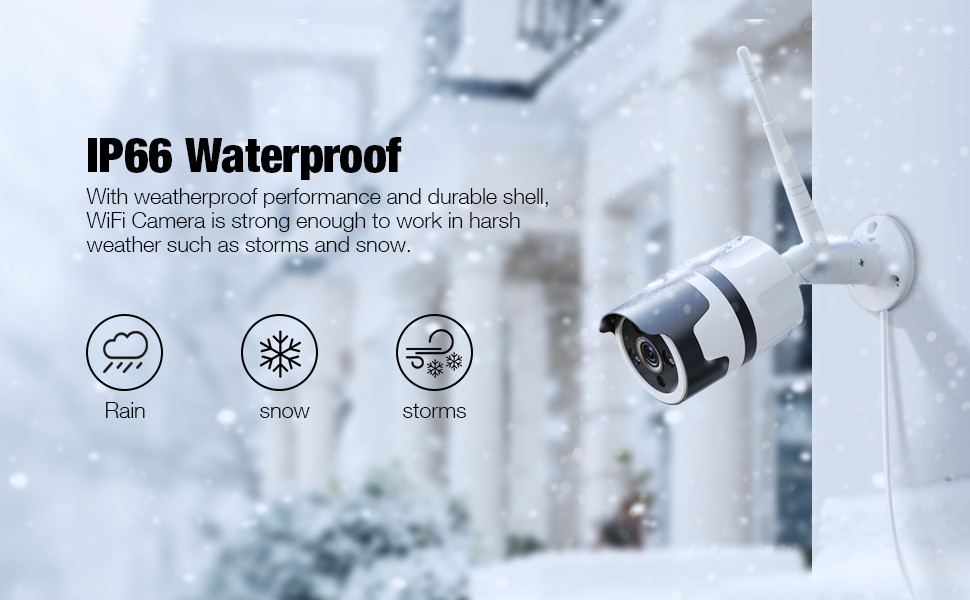
Image: An illustration showing the Ebitcam camera mounted outdoors in various weather conditions (rain, snow, storms), emphasizing its IP66 waterproof and durable shell.
Troubleshooting
| Problem | Possible Cause / Solution |
|---|---|
| Camera offline / Cannot connect to Wi-Fi |
|
| Poor image quality |
|
| Motion alerts are too frequent or not triggering |
|
| Two-way audio not working |
|
| SD card not recording |
|
Specifications
| Feature | Detail |
|---|---|
| Model Name | 837 |
| Brand | Ebitcam |
| Video Capture Resolution | 1080p |
| Connectivity Protocol | Wi-Fi (2.4GHz only) |
| International Protection Rating | IP66 weatherproof |
| Power Source | Corded Electric (12 Volts, 10 watts) |
| Special Features | Night Vision, 2-Way Audio, Motion Sensor, HD Resolution, Sound Detection, Waterproof |
| Storage Options | Micro SD card (up to 128GB), Cloud Service |
| Compatible Devices | Alexa, Echo Show |
| Mounting Type | Wall Mount |
| Material | Aluminum |
| Product Dimensions | 8 x 3 x 3 inches |
| Item Weight | 1 pounds (16 ounces) |
| Low light technology | Night Color (Infrared) |
| Alert Type | Motion Only (also supports Sound/Human detection) |
| Recommended Uses | Outdoor Security |
Warranty and Support
Ebitcam products are designed for reliability and performance. For specific warranty details, please refer to the warranty card included with your product or visit the official Ebitcam website. If you encounter any issues or have questions not covered in this manual, please contact Ebitcam customer support through the MIPC app or the contact information provided on the official website. Please have your product model number (837) and purchase information ready when contacting support.
For the latest information and support resources, please visit the Ebitcam Store on Amazon.
Related documents837

Ask a question about this manual
Ask about setup, troubleshooting, compatibility, parts, safety, or missing instructions. Manuals+ will review the question and use this page’s manual context to help answer it.