
Introduction
This manual provides essential instructions for the safe and effective use of your Imetec Intellisense XL Thermal Cushion. Please read all instructions carefully before first use and retain this manual for future reference.
Safety Warnings
WARNING: Failure to follow these safety instructions could result in fire, electric shock, or injury.
- Always monitor the use of this heating pad to avoid burns.
- Keep out of reach of children and pets.
- Do not use on damaged, sensitive, or insensitive skin.
- Do not use near flammable materials.
- Do not use for long periods or during sleep.
- Do not fold or crease the heating pad during use.
- Do not insert pins or other sharp objects into the heating pad.
- Only use the control unit provided with this heating pad.
- Disconnect from the power supply when not in use.
- Do not use if the heating pad or power cord is damaged. Contact customer support for repair.
Product Overview
The Imetec Intellisense XL Thermal Cushion is designed to provide targeted warmth and comfort. It features advanced technology for consistent heat distribution and user safety.
- Dimensions: Approximately 38 x 50 cm (15 x 20 inches)
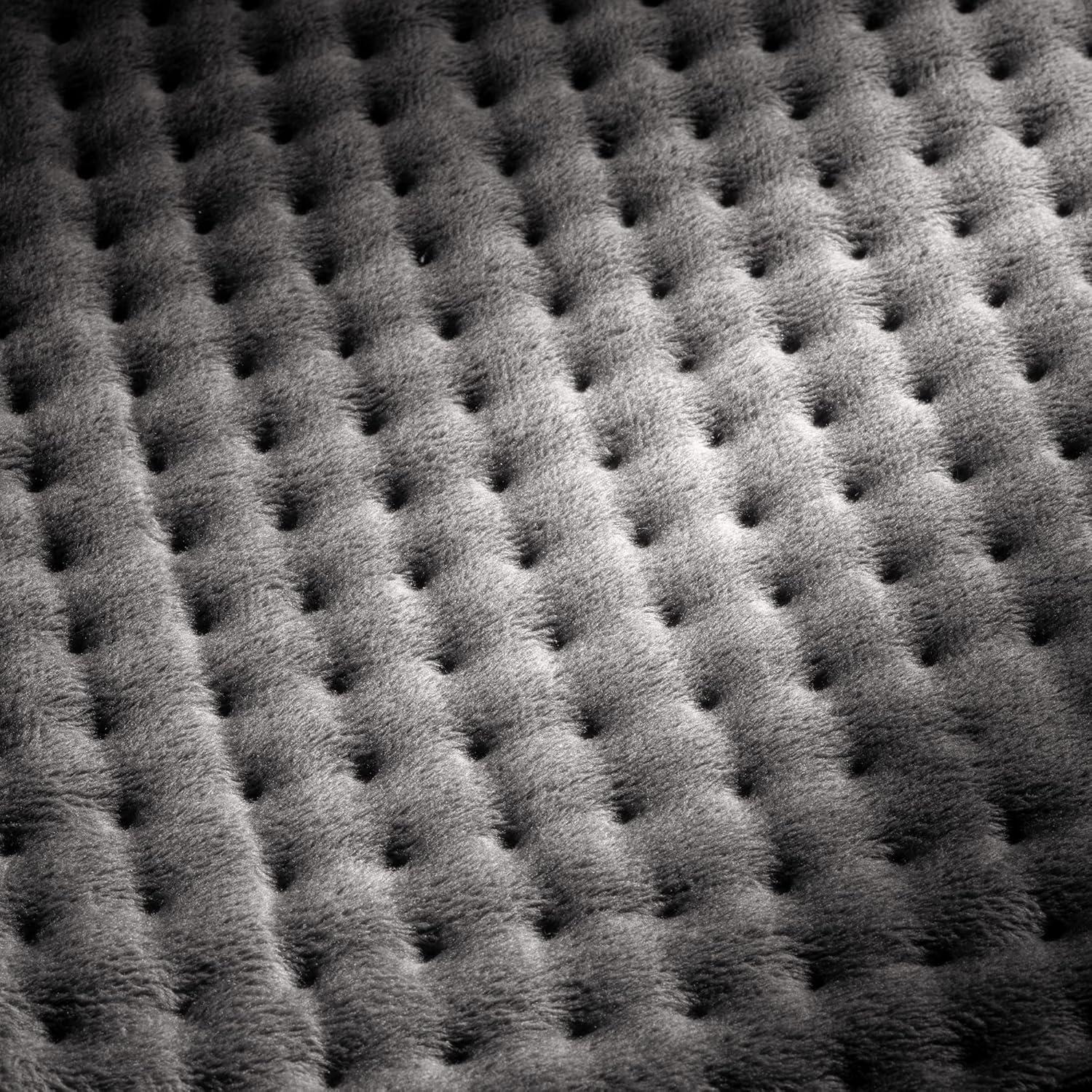
- Material: Soft, hypoallergenic, and breathable micro-plush fabric.
- Temperature Settings: 5 adjustable heat levels.
- Safety System: Electro Block automatic shut-off after 3 hours of continuous use.
- Fast Heating: Reaches desired temperature in approximately 5 minutes.
- Cable Length: 2.1 meters (approximately 6.9 feet).

Setup
- Unpack: Carefully remove the thermal cushion and its control unit from the packaging.
- Inspect: Check the thermal cushion and power cord for any signs of damage. Do not use if damaged.
- Connect: Ensure the control unit is securely connected to the thermal cushion.
- Placement: Place the thermal cushion on a flat, stable surface or directly on the desired body area (e.g., back, legs). Ensure it is not folded or creased.
- Power Connection: Plug the power cord into a suitable electrical outlet (230V AC).

Operating Instructions
The control unit allows you to power on/off and select your desired temperature setting.


- Power On: Press the power button (usually marked with a circle and a vertical line) on the control unit. The indicator light will illuminate.
- Select Temperature: Use the temperature selection button (often a dial or separate buttons) to choose one of the 5 available heat settings. Start with a lower setting and adjust as needed for comfort.
- Application: Place the thermal cushion on the area of your body requiring warmth. Common areas include the back, abdomen, or legs.
- Recommended Use: For optimal results and safety, use the thermal cushion for 15 to 30 minutes per session. Allow at least one hour between sessions.
- Automatic Shut-off: The device is equipped with an Electro Block safety system that automatically turns off the heating pad after 3 hours of continuous operation. This is a safety feature and not an indication of malfunction.
- Power Off: To turn off the thermal cushion manually, press the power button again. Unplug the device from the electrical outlet when not in use.
Usage Examples:


Maintenance
Cleaning:
- Always disconnect the thermal cushion from the power outlet and detach the control unit before cleaning.
- The micro-plush fabric cover is machine washable at 30°C (86°F). Use a gentle cycle.
- Do not bleach, iron, or dry clean the thermal cushion.
- Allow the thermal cushion to air dry completely before reattaching the control unit and using it again.
- The control unit should be wiped clean with a dry cloth. Do not immerse it in water.
Storage:
- Ensure the thermal cushion is completely cool and dry before storing.
- Store in a dry, cool place, away from direct sunlight and moisture.
- Avoid placing heavy objects on the thermal cushion during storage to prevent damage.
Troubleshooting
| Problem | Possible Cause | Solution |
|---|---|---|
| Thermal cushion does not heat up. | Not plugged in, power button not pressed, control unit not properly connected, or device malfunction. |
|
| Thermal cushion heats unevenly. | Cushion is folded or creased during use. | Ensure the thermal cushion is laid flat and not folded or creased during operation. |
| Thermal cushion turns off unexpectedly. | Automatic shut-off activated (after 3 hours) or safety system (Electro Block) detected an anomaly. |
|
Specifications
| Feature | Detail |
|---|---|
| Brand | Imetec |
| Model Number | 16784 |
| Dimensions | 38 x 50 cm (approx. 15 x 20 inches) |
| Material | Micro-plush (Peluche) |
| Color | Grey |
| Temperature Settings | 5 |
| Automatic Shut-off | After 3 hours (Electro Block Safety System) |
| Voltage | 230V AC |
| Cable Length | 2.1 meters |
| Weight | 550 Grams |
| Special Feature | Breathable fabric |
Warranty and Support
For warranty information, technical support, or service inquiries, please refer to the warranty card included with your product or visit the official Imetec website. Keep your proof of purchase for warranty claims.
Manufacturer: Tenacta Group SPA
Contact: Please refer to the contact information provided in your product packaging or on the official Imetec website for your region.