1. Product Overview
The ALLDOCUBE Stylus Pen is an active digital pen designed for precise interaction with ALLDOCUBE Iwork20 and Iwork20 Pro touch screen tablets. It offers a natural writing and drawing experience with its fine point and pressure sensitivity.
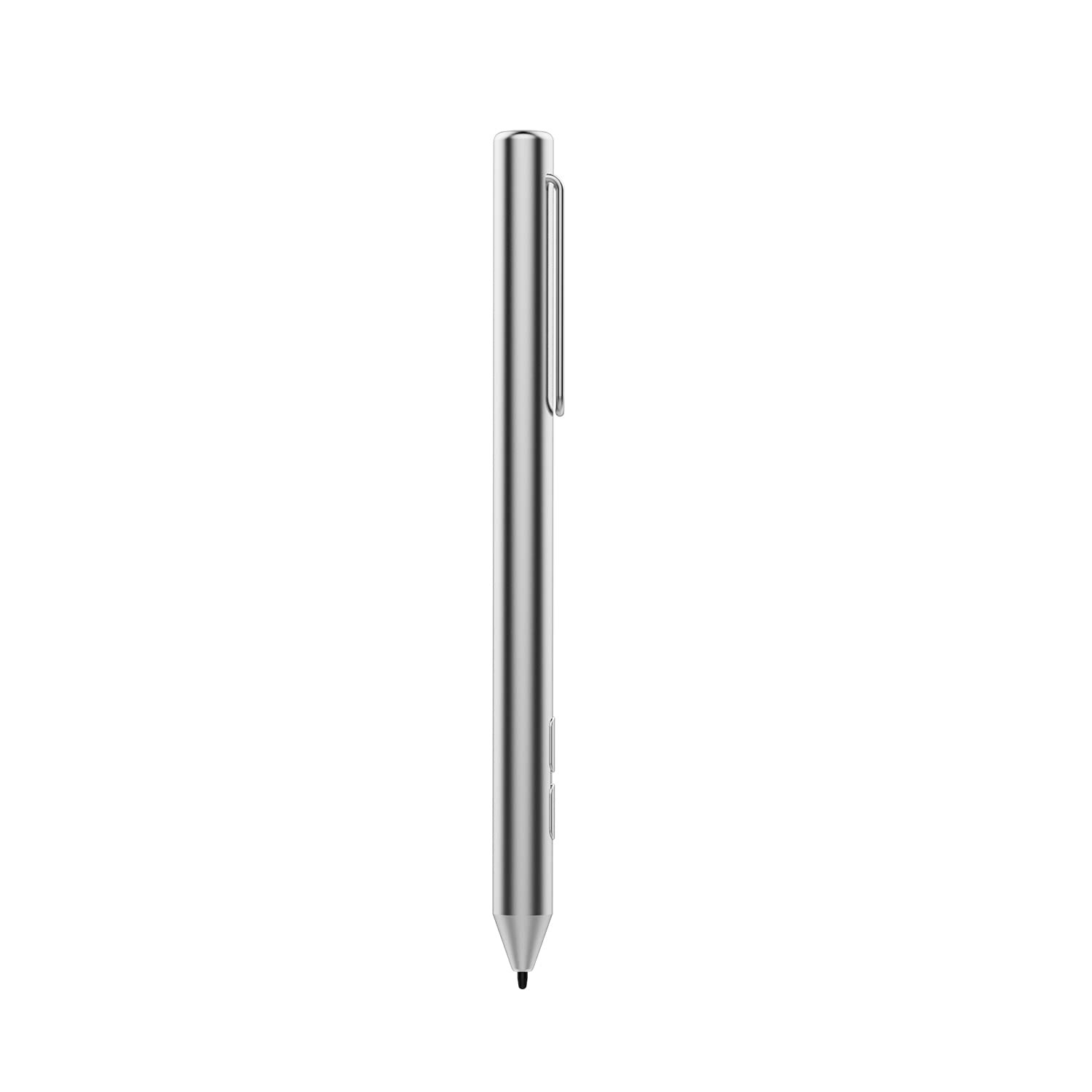
Image 1.1: Side view of the ALLDOCUBE Stylus Pen, showcasing its sleek design and clip.
2. Setup and Installation
2.1 Battery Installation
- Unscrew the top cap of the stylus pen.
- Insert one AAAA battery (not included) into the battery compartment, ensuring correct polarity.
- Securely screw the top cap back onto the pen.
Important Note: This stylus requires an AAAA battery. AAA batteries are not compatible and will not fit.
2.2 Powering On/Off
- To power on the stylus, gently touch the tip of the pen to the tablet screen.
- The stylus does not require Bluetooth pairing or driver installation. It is ready for use once the battery is installed and it is powered on.
- The stylus will automatically power off after a period of inactivity to conserve battery life.
3. Operating Instructions
The ALLDOCUBE Stylus Pen provides a responsive and accurate input method for your compatible ALLDOCUBE tablet.
3.1 Basic Usage
- Writing and Drawing: Hold the stylus as you would a traditional pen. The fine point allows for precise strokes.
- Pressure Sensitivity: The stylus supports 1,024 pressure points, allowing for varied line thickness and shading based on the pressure applied. This feature is dependent on the application being used.
- Navigation: Use the stylus to tap, swipe, and select items on your tablet screen, similar to using your finger.

Image 3.1: The ALLDOCUBE Stylus Pen being used on an ALLDOCUBE tablet for drawing.
3.2 Applications
The stylus is suitable for various tasks including:
- Digital art and drawing applications.
- Note-taking and handwriting recognition.
- Document annotation and highlighting.
- General tablet navigation and interaction.
4. Maintenance
Proper care will extend the life and performance of your stylus pen.
- Cleaning: Wipe the stylus body with a soft, dry cloth. Do not use harsh chemicals or abrasive materials.
- Storage: Store the stylus in a safe place to prevent damage to the tip. Avoid extreme temperatures and humidity.
- Tip Care: The stylus tip is a precision component. Avoid applying excessive force or dropping the pen, which could damage the tip.
5. Troubleshooting
If you encounter issues with your ALLDOCUBE Stylus Pen, please refer to the following common solutions:
- Stylus not responding:
- Ensure the AAAA battery is correctly installed and not depleted. Replace the battery if necessary.
- Confirm the stylus tip is clean and free from debris.
- Restart your ALLDOCUBE tablet.
- Inaccurate input:
- Ensure your tablet screen is clean.
- Check if there are any screen protectors that might interfere with stylus performance.
- Battery does not fit:
- Verify that you are using an AAAA battery. AAA batteries are larger and will not fit this stylus.
If problems persist, please contact ALLDOCUBE customer support for further assistance.
6. Specifications
| Brand | ALLDOCUBE |
| Compatible Devices | ALLDOCUBE Iwork20, ALLDOCUBE Iwork20 Pro Tablets |
| Pressure Points | 1,024 |
| Battery Type | AAAA (Alkaline) |
| Batteries Included | No |
| Item Weight | 0.774 ounces |
| Package Dimensions | 8.94 x 6.46 x 0.35 inches |
7. Warranty and Support
7.1 Warranty Information
ALLDOCUBE products typically come with a 1-year warranty period. Please retain your proof of purchase for warranty claims.
7.2 Customer Support
For any questions, concerns, or technical assistance, please contact ALLDOCUBE customer service. Our professional customer service team aims to respond to all inquiries within 12-24 hours.
You can typically find contact information on the official ALLDOCUBE website or through your purchase platform.