
Product Overview
Ka-chow! Lightning McQueen makes his return to the track in radio control form in this 1:14 scale R/C inspired by Disney/Pixar Cars! This authentically licensed Lightning McQueen is a full function radio control with real working suspension, pistol-grip controller, lithium-ion USB rechargeable battery and 2.4 gHz. With this radio control in hand, you can go faster than fast, quicker than quick… you are Lightning! The kids will have hours of fun with Lightning McQueen and their friends. The vehicle is 7 x 14 x 8.25”.
Key Features:
- Inspired by Disney/Pixar Cars!
- Full function R/C with real working suspension.
- Pistol grip controller.
- USB Charging. Rechargeable battery.
- 2.4 GHz

Image: The Lightning McQueen R/C car with its remote control.
Setup Guide
1. Unboxing and Initial Inspection
Carefully remove all components from the packaging. Ensure all parts are present: Lightning McQueen R/C vehicle, pistol-grip controller, and USB charging cable.

Image: The Lightning McQueen R/C car and its remote control, ready for setup.
2. Controller Battery Installation
The pistol-grip controller requires 2x AA batteries (not included). Open the battery compartment on the underside of the controller and insert the required batteries, observing polarity.
3. Vehicle Charging
The Lightning McQueen R/C vehicle features a built-in lithium-ion USB rechargeable battery. Locate the USB charging port on the vehicle (usually on the underside or within a compartment). Connect the provided USB charging cable to the vehicle and to a compatible USB power source (e.g., computer, USB wall adapter). The charging indicator light will illuminate during charging and turn off when fully charged.
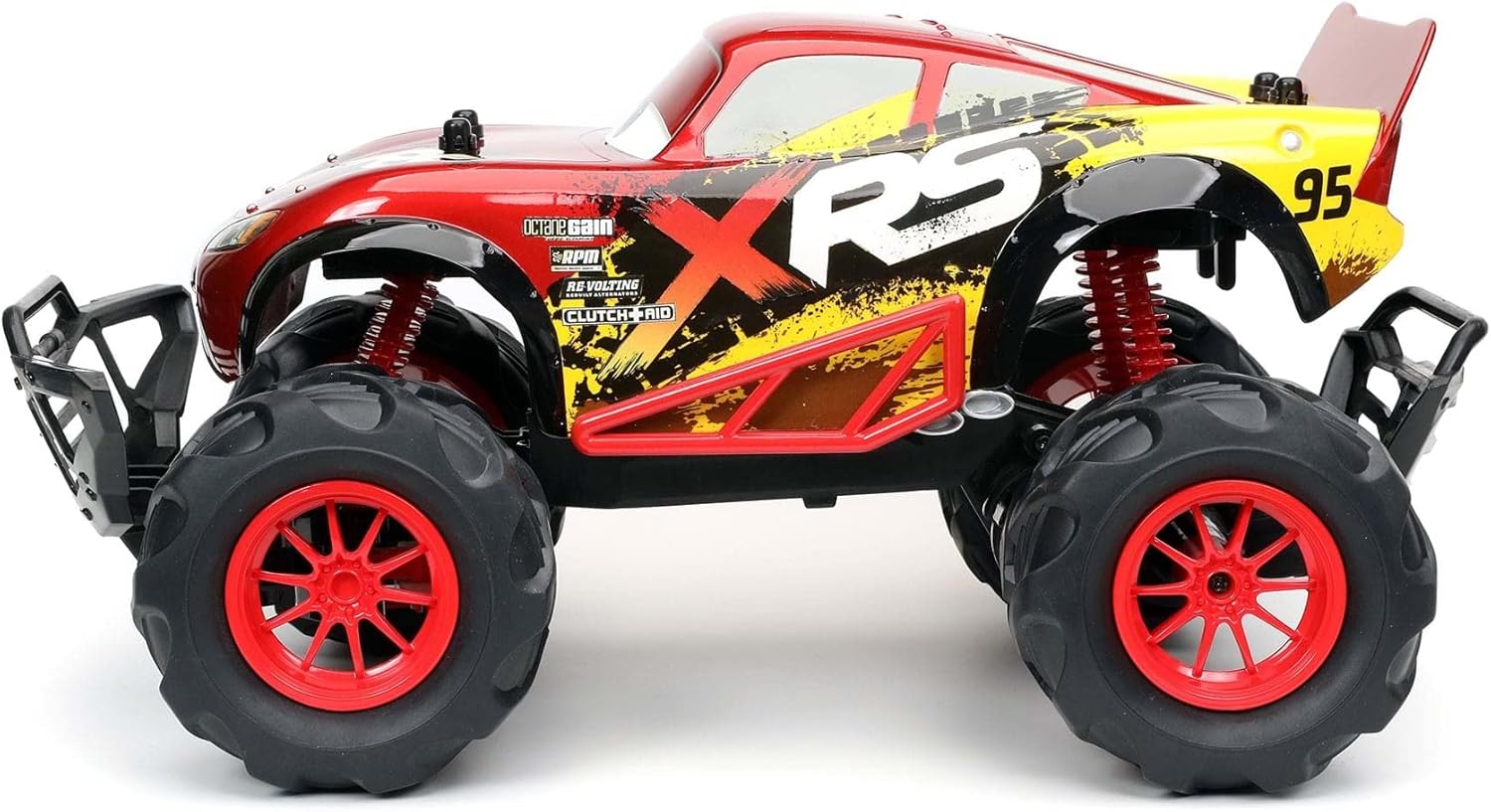
Image: View of the vehicle's underside, highlighting the power switch and charging port.
Operating Instructions
1. Power On/Off
Turn on the vehicle using the switch located on its underside. Turn on the controller using its power switch. The indicator lights on both the vehicle and controller should illuminate, indicating a successful connection.
2. Driving the Vehicle
Use the joystick on the pistol-grip controller to control the vehicle's movement. Push forward for forward motion, pull back for reverse. Use the steering wheel/buttons for left and right turns. The 2.4 GHz frequency ensures responsive control.
3. Suspension System
The vehicle is equipped with real working suspension, allowing it to navigate uneven surfaces and small obstacles effectively. This feature enhances playability on various terrains.

Image: Side profile of the R/C car, illustrating its robust suspension for off-road play.
Maintenance and Care
- Cleaning: Wipe the vehicle and controller with a soft, damp cloth. Do not immerse in water.
- Storage: Store the R/C car and controller in a cool, dry place away from direct sunlight when not in use.
- Battery Care: Fully charge the vehicle's battery before extended storage. Remove batteries from the controller if not used for a long period.
- Durability: The vehicle's plastic body is designed to withstand typical play, but avoid excessive force or impacts to prevent damage.
Troubleshooting
- Vehicle Not Responding: Ensure both the vehicle and controller are powered on. Check controller batteries and vehicle charge level.
- Poor Range/Interference: Ensure no other 2.4 GHz devices are operating nearby. Move to an open area away from large metal objects or other electronic interference.
- Slow Movement: Recharge the vehicle's battery.
Product Specifications
| Feature | Detail |
|---|---|
| Model Number | 31775 |
| Scale | 1:14 |
| Dimensions | 19.61 x 9.97 x 9.41 inches |
| Item Weight | 2.99 pounds |
| Recommended Age | 6 years and up |
| Battery Type | Lithium-ion (USB Rechargeable) |
| Frequency | 2.4 GHz |
| Manufacturer | Disney |
| Release Date | August 1, 2021 |
Warranty and Support
For warranty information or technical support, please refer to the manufacturer's official website or contact their customer service directly. Keep your proof of purchase for any warranty claims.
Manufacturer: Disney