
1. Introduction and Overview
The Shark IQ Robot RV1100 is an app-controlled robotic vacuum cleaner designed for efficient home cleaning. It features WiFi connectivity, home mapping capabilities, and strong suction power, making it ideal for picking up pet hair and various debris on both carpets and hard floors. This manual provides essential information for setting up, operating, and maintaining your robot vacuum.
This product is part of the Amazon Renewed program, meaning it has been professionally inspected and tested to function and appear like new. It offers a reliable and cost-effective solution for automated home cleaning.

Figure 1: The Shark IQ Robot RV1100 and its accompanying mobile application.
2. Setup
Before first use, ensure the robot vacuum is fully charged. Place the charging dock in an open area with good WiFi signal, away from obstacles. Download the Shark Clean App on your smartphone and follow the in-app instructions to connect your robot vacuum to your home WiFi network.
The robot will begin mapping your home during its initial cleaning runs. It may appear to clean randomly at first, but this process allows it to learn the layout of your home for more efficient future cleanings. Ensure all areas are accessible during the initial mapping phase.
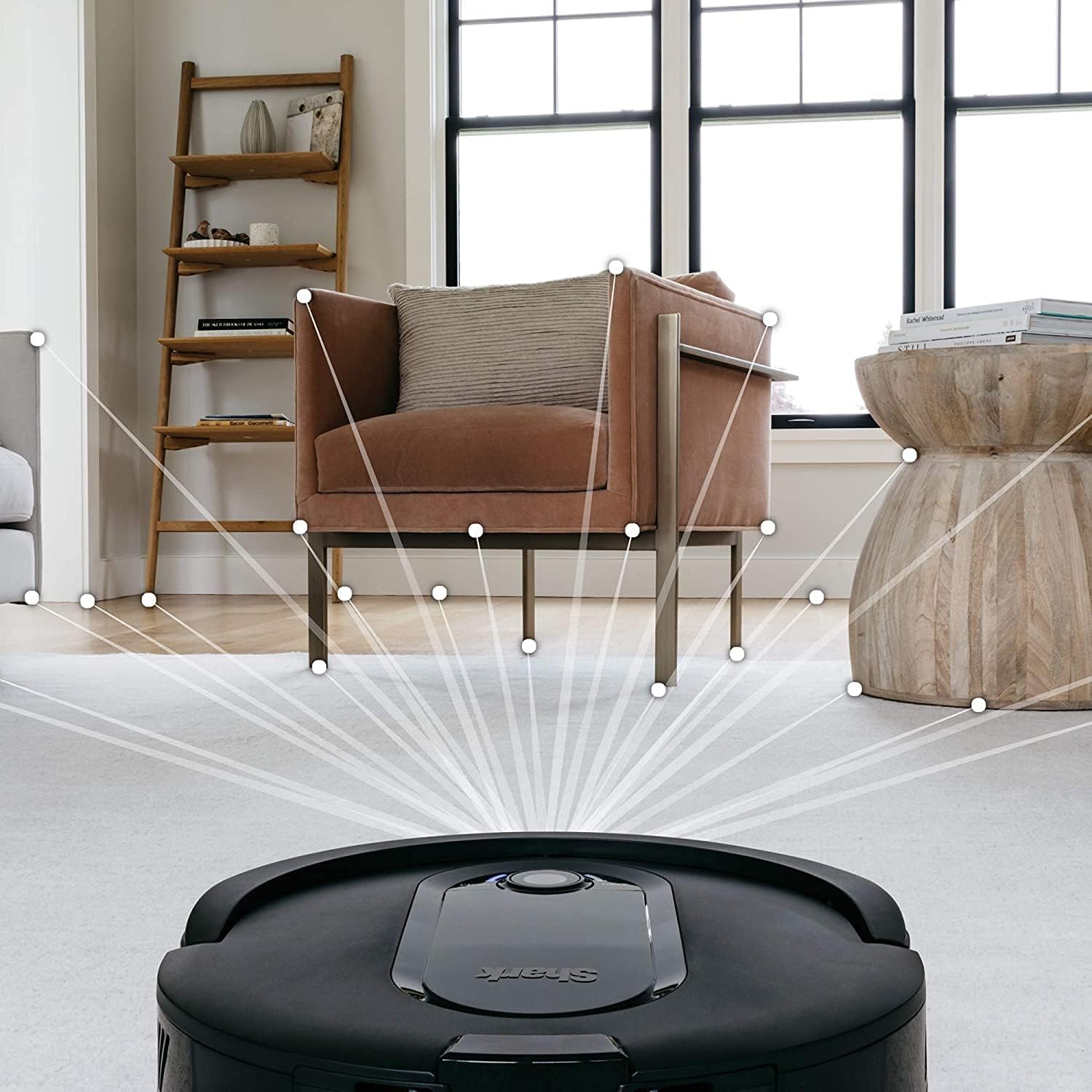
Figure 2: The robot vacuum actively mapping the floor plan during a cleaning cycle.
3. Operating Instructions
The Shark IQ Robot RV1100 can be operated through the Shark Clean App or via voice commands using compatible devices like Amazon Alexa.
- Starting a Clean: Press the "Clean" button on the robot or use the Shark Clean App to initiate a cleaning cycle.
- Scheduling: Use the Shark Clean App to set up recurring cleaning schedules for specific days and times.
- Room Selection: Once mapping is complete, the app allows you to select specific rooms or areas for targeted cleaning.
- Voice Control: Integrate with Amazon Alexa to start, stop, or dock your robot vacuum using voice commands.
- Navigation: The robot methodically cleans row by row, ensuring comprehensive coverage of your home.

Figure 3: Control your robot vacuum conveniently through the Shark Clean App.
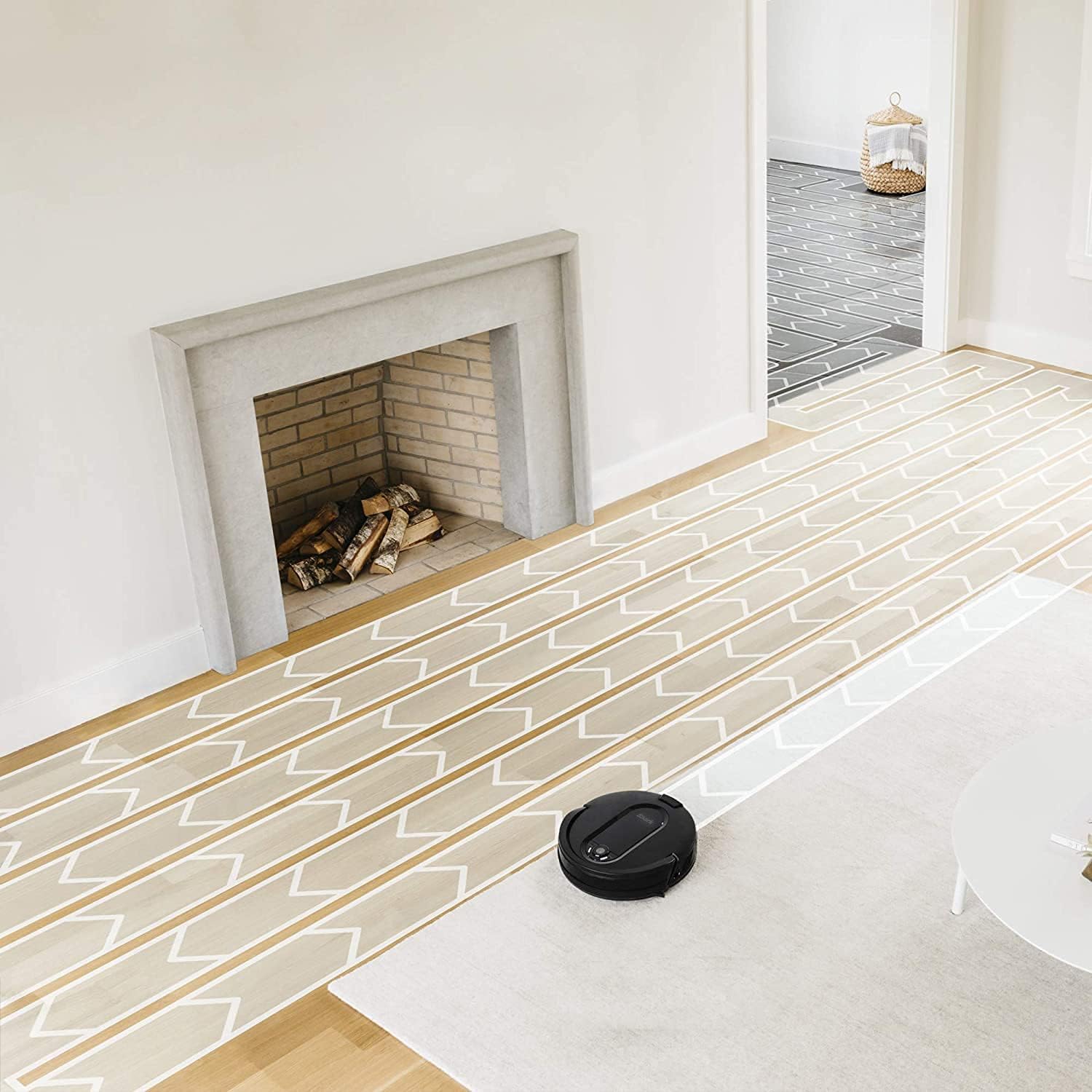
Figure 4: The robot vacuum employs a systematic cleaning pattern for thorough coverage.
4. Maintenance
Regular maintenance ensures optimal performance of your Shark IQ Robot RV1100.
- Emptying the Dust Bin: The robot will notify you when the dust bin is full. Remove and empty the dust bin regularly to maintain suction power.
- Cleaning the Brush Roll: The self-cleaning brush roll is designed to minimize hair wrap. Periodically check and remove any remaining hair or debris from the brush roll.
- Filter Maintenance: Clean or replace the filter as recommended to ensure efficient air filtration and suction.
- Side Brushes: Inspect and clean the side brushes for tangled hair or debris. Replace if worn.

Figure 5: The robot vacuum effectively cleans various floor types, demonstrating its strong suction.
5. Troubleshooting
If you encounter issues with your robot vacuum, refer to the following common solutions:
- Robot Not Cleaning Specific Rooms: Ensure the home mapping is complete and accurate in the Shark Clean App. You may need to re-map if the layout has changed or if the robot is not recognizing specific zones.
- Reduced Suction: Check and empty the dust bin. Clean the brush roll and ensure the filter is not clogged.
- Robot Getting Stuck: Clear obstacles from the cleaning path. For low toe-kick areas in kitchens, manual sweeping may be required to move crumbs into an accessible area for the robot.
- App Connectivity Issues: If the app loses connection, try signing out and back into your Shark account, or re-register the device as new if necessary. Ensure your home WiFi is stable.
- Loud Operation: While the robot operates, some noise is normal. If it becomes excessively loud, check the brush roll for obstructions or damage.
6. Specifications
| Feature | Detail |
|---|---|
| Brand | Shark |
| Model Name | RV1100 |
| Special Feature | Bagless |
| Included Components | Brush |
| Filter Type | Cloth |
| Power Source | Battery Powered |
| Control Method | App |
| Compatible Devices | Amazon Echo |
| Form Factor | Robotic |
| UPC | 014778892064 |
| Product Dimensions | 10 x 10 x 3 inches |
| Item Weight | 15 pounds |
| Manufacturer | Shark |
| Date First Available | August 7, 2021 |
7. Warranty and Support
As an Amazon Renewed product, this item is eligible for replacement or refund under the Amazon Renewed Guarantee if you are not satisfied with your purchase. For further assistance or detailed support, please refer to the official Shark customer service channels or the Amazon Renewed support page.