
Shark RV1000
Shark IQ Robot RV1000 User Manual
Model: RV1000
Introduction
Welcome to the user manual for your Shark IQ Robot RV1000. This guide provides essential information for setting up, operating, and maintaining your robot vacuum to ensure optimal performance. The Shark IQ Robot is designed for efficient cleaning, featuring powerful suction, home mapping capabilities, and smart control options.

Figure 1: Shark IQ Robot RV1000 and its accompanying mobile application for control.
Setup
Before first use, ensure your Shark IQ Robot is properly set up for optimal performance and navigation.
1. Unpacking and Charging
- Remove all packaging materials from the robot and charging dock.
- Place the charging dock on a level surface against a wall, with at least 3 feet of clear space on either side and 5 feet in front.
- Plug the charging dock into a power outlet.
- Place the robot onto the charging dock. The battery indicator lights will illuminate to show charging status. Allow the robot to fully charge before its first cleaning cycle (approximately 6 hours).
2. Initial Home Mapping
The robot will create a map of your home during its first few cleaning runs. This map allows for efficient navigation and room selection.
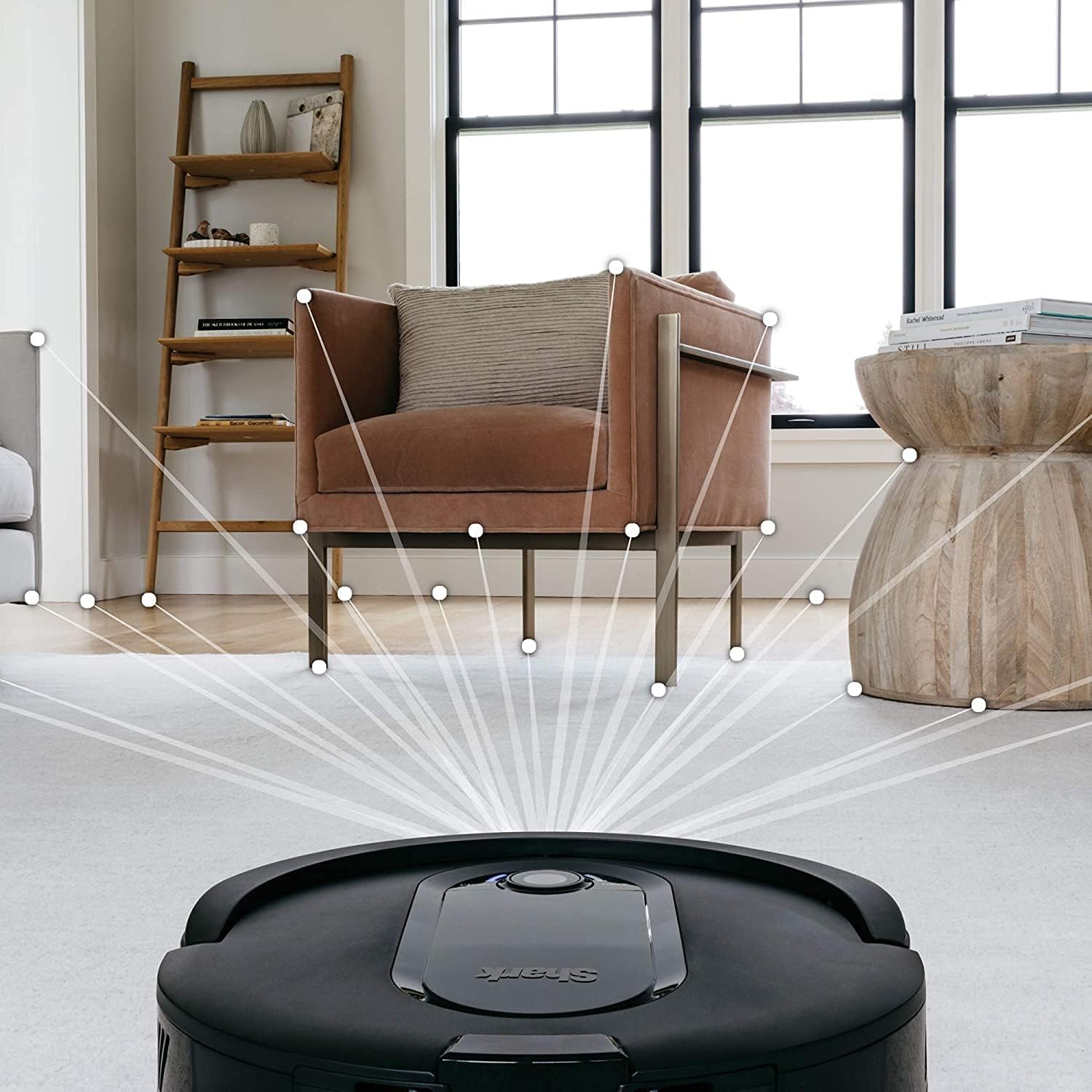
Figure 2: The robot utilizing its mapping technology to understand the layout of your home.
- Clear any obstacles from the floor before the first mapping run.
- Ensure all interior doors are open to allow the robot to access all areas you wish to map.
- The robot will methodically clean and map your home. Subsequent cleanings will be more efficient.
3. Setting Up Boundary Strips (Optional)
Use the included boundary strips to create "no-go" zones for the robot, preventing it from entering specific areas or going over certain thresholds.

Figure 3: Illustrates the use of boundary strips to define cleaning areas for the robot.
- Cut the boundary strip to the desired length.
- Place the strip flat on the floor or under rugs where you want to restrict the robot's access.
- Ensure the shiny side of the strip is facing down.
Operating Your Robot Vacuum
The Shark IQ Robot offers multiple ways to initiate and manage cleaning cycles.
1. Manual Operation
- Press the "Clean" button on the robot to start a full home cleaning cycle.
- Press the "Dock" button to send the robot back to its charging dock.
2. Using the Shark Clean App
Download the Shark Clean App for advanced control, scheduling, and mapping features.

Figure 4: The Shark Clean App provides comprehensive control over your robot vacuum.
- Schedule Cleanings: Set specific times for the robot to clean automatically.
- Target Specific Rooms: Once your home is mapped, select individual rooms or areas for cleaning.
- Control Cleaning Modes: Adjust suction power (e.g., Quiet, Normal, Max) as needed.
- View Cleaning History: Review past cleaning cycles and map data.
3. Voice Control with Alexa
Integrate your robot with Amazon Alexa for convenient voice commands.
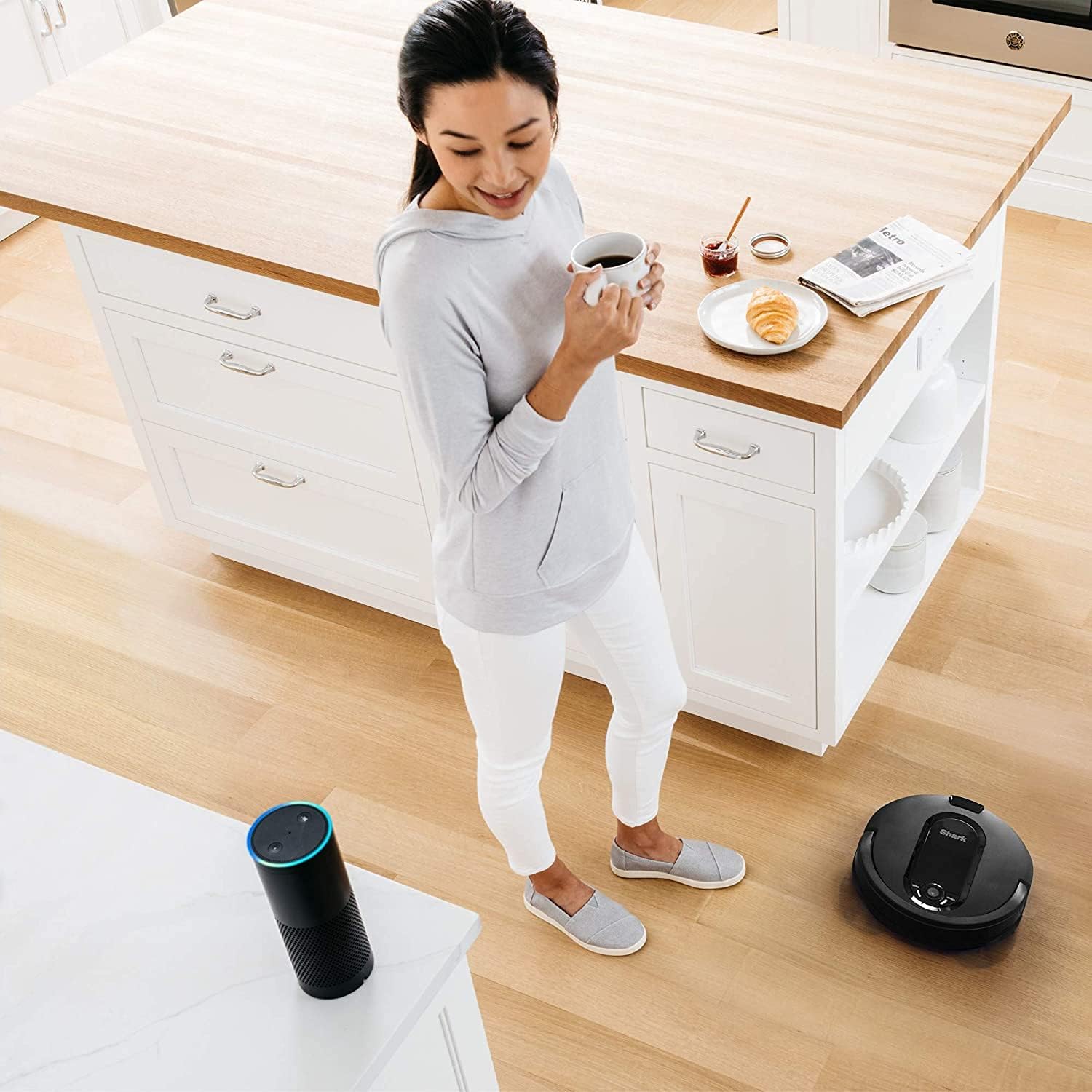
Figure 5: Voice control via Amazon Alexa for hands-free operation of your robot vacuum.
- Enable the Shark skill in your Alexa app.
- Use commands like "Alexa, tell Shark to start cleaning" or "Alexa, tell Shark to go home."
4. Cleaning Performance
The robot is designed to clean methodically, row by row, ensuring thorough coverage of your floors.
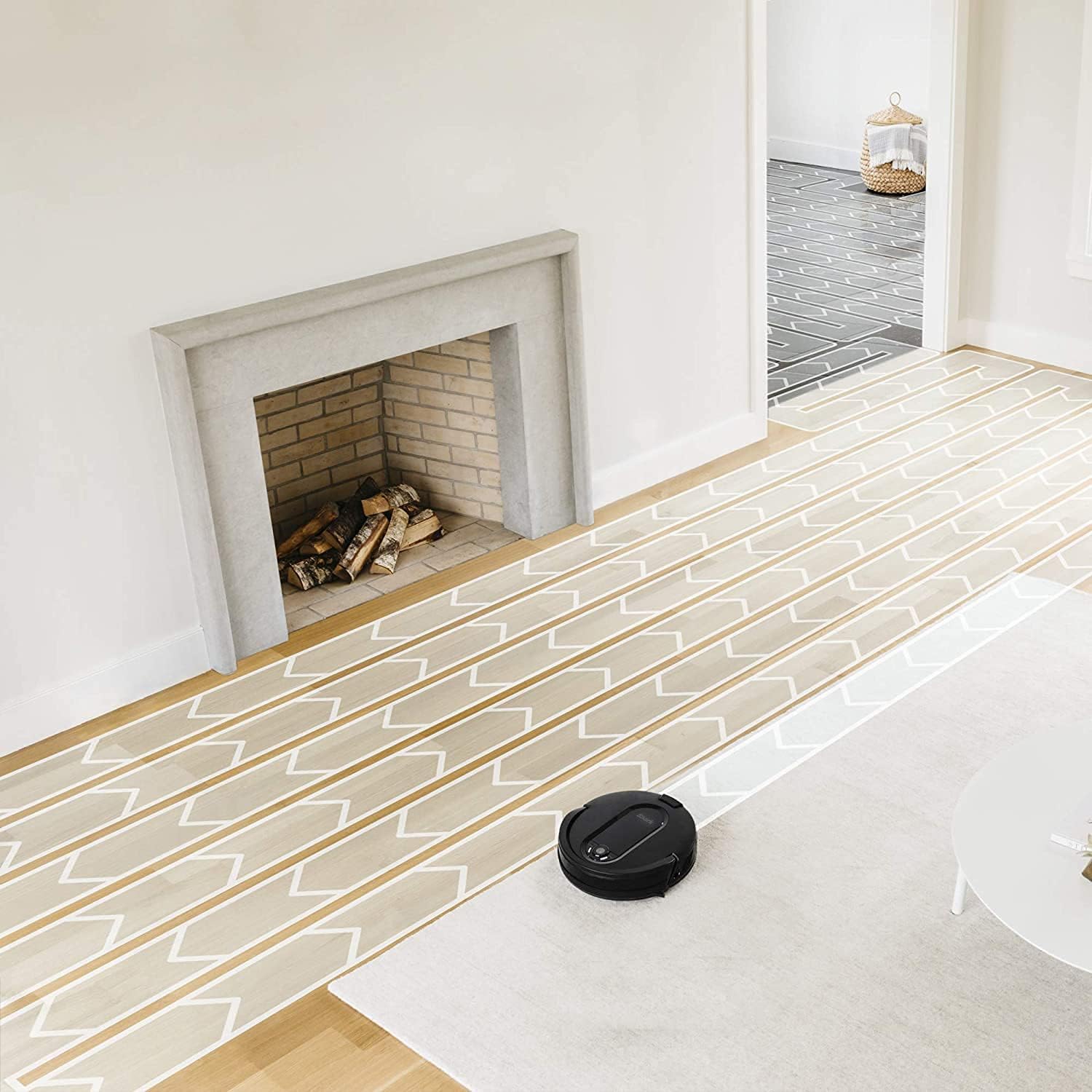
Figure 6: The robot systematically cleans floors, moving in organized rows.

Figure 7: The robot's methodical cleaning pattern ensures comprehensive coverage of your living spaces.
It effectively picks up large and small debris, including pet hair, on both carpets and hard floors.

Figure 8: The robot's low profile allows it to clean under furniture, effectively removing pet hair and debris.
Maintenance
Regular maintenance ensures your Shark IQ Robot continues to perform at its best.
1. Emptying the Dust Bin
- The dust bin should be emptied after each cleaning cycle or when full.
- Press the dust bin release button and slide it out.
- Open the dust bin and empty contents into a trash can.
2. Cleaning the Filter
- Remove the filter from the dust bin.
- Tap off loose dirt over a trash can.
- Rinse the filter with water as needed (allow to air dry completely before reinserting).
3. Cleaning the Brush Roll
The self-cleaning brush roll minimizes hair wrap, but occasional inspection and cleaning are recommended.

Figure 9: The robot's effective cleaning performance, highlighting its ability to clear debris.
- Open the brush roll access door.
- Lift out the brush roll.
- Remove any hair or debris wrapped around the brush roll or end caps.
- Reinsert the brush roll and close the access door.
4. Cleaning Sensors and Charging Pads
- Wipe the cliff sensors, side sensors, and charging pads on the robot and dock with a clean, dry cloth.
Troubleshooting
Refer to this section for common issues and their solutions.
| Problem | Possible Cause | Solution |
|---|---|---|
| Robot not charging | Charging contacts are dirty or not aligned. | Wipe charging pads on robot and dock. Ensure robot is properly seated on dock. |
| Robot not connecting to Wi-Fi | Incorrect Wi-Fi password; router too far; 2.4GHz network required. | Verify password. Move robot closer to router. Ensure router is broadcasting 2.4GHz. |
| Robot gets stuck frequently | Obstacles on floor; cliff sensors dirty. | Clear clutter. Clean cliff sensors. Use boundary strips for problem areas. |
| Poor cleaning performance | Full dust bin; clogged filter; tangled brush roll. | Empty dust bin. Clean or replace filter. Clean brush roll. |
Specifications
- Brand: Shark
- Model: RV1000
- Special Feature: Bagless, Self-cleaning brush roll, Home Mapping, App-Controlled, Voice Control (Alexa)
- Included Components: Robot Vacuum, Charging Dock, Power Cord, Boundary Strips, Side Brushes, Filter
- Filter Type: Disk
- Power Source: Battery Powered
- Form Factor: Robotic
- UPC: 014778892071
- First Available: August 7, 2021
Warranty and Support
This product is offered as an Amazon Renewed item. Amazon Renewed products are professionally inspected and tested to work and look like new. If not satisfied with the purchase, renewed products are eligible for replacement or refund under the Amazon Renewed Guarantee.
For further assistance or to inquire about specific product support, please refer to the official Shark website or contact Amazon Renewed customer service.
Ask a question about this manual
Ask about setup, troubleshooting, compatibility, parts, safety, or missing instructions. Manuals+ will review the question and use this page’s manual context to help answer it.