
wowstick DRILL
wowstick Mini Electric Pen Drill User Manual
Model: WOWSTICK DRILL
Introduction
This manual provides detailed instructions for the safe and efficient operation of your wowstick Mini Electric Pen Drill. Please read this manual thoroughly before first use and retain it for future reference. This device is designed for precision drilling in various materials such as wood, resin, jewelry, amber, olive, beads, walnut, beeswax, olive fruit, plastic, PVC, and other DIY project materials.
Safety Information
Always observe basic safety precautions when using electrical tools to reduce the risk of fire, electric shock, and personal injury.
- Keep the work area clean and well-lit. Cluttered or dark areas invite accidents.
- Do not operate power tools in explosive atmospheres, such as in the presence of flammable liquids, gases, or dust. Power tools create sparks which may ignite the dust or fumes.
- Keep children and bystanders away while operating a power tool. Distractions can cause you to lose control.
- Wear appropriate personal protective equipment, including safety glasses, dust mask, non-skid safety shoes, hard hat, or hearing protection.
- Avoid accidental starting. Ensure the switch is in the off-position before connecting to battery pack, picking up or carrying the tool.
- Do not overreach. Keep proper footing and balance at all times. This enables better control of the power tool in unexpected situations.
- Use the correct tool for your application. Do not force the tool.
- Disconnect the battery pack from the power tool before making any adjustments, changing accessories, or storing power tools.
- Store idle power tools out of the reach of children and do not allow persons unfamiliar with the power tool or these instructions to operate the power tool.
- Maintain power tools. Check for misalignment or binding of moving parts, breakage of parts and any other condition that may affect the power tool’s operation. If damaged, have the power tool repaired before use.
- Use the power tool, accessories and tool bits etc. in accordance with these instructions, taking into account the working conditions and the work to be performed.
- When drilling, it is advisable to alternately drill in and out so that the debris can be removed without sticking.
- For harder metal materials, it's best to start with a smaller drill and then switch to a larger drill when aiming for a large hole.
- Be careful when using thinner bits as they are more prone to breakage.
Package Contents
Verify that all items are present in your package:
- wowstick Mini Electric Pen Drill
- 8 x Drill Bits (0.8mm, 1.0mm, 1.2mm, 1.4mm, 1.6mm, 1.8mm, 2.0mm, 2.2mm)
- Storage Case for Drill Bits
- USB Type-C Charging Cable
- User Manual (this document)

Image: The wowstick Mini Electric Pen Drill, its set of 8 drill bits in a holder, and the white protective storage case.
Setup
1. Initial Charging
Before first use, fully charge the wowstick Mini Electric Pen Drill.
- Locate the Type-C charging port on the end of the drill.
- Connect the provided USB Type-C cable to the drill and plug the other end into a compatible USB power adapter (not included).
- Allow the drill to charge until the charging indicator (if present) signals a full charge. The lithium battery design allows for efficient charging.

Image: Detail of the Type-C charging port for convenient power replenishment.
2. Installing a Drill Bit
The drill bits can be easily changed without additional tools.
- Ensure the drill is turned off.
- Grasp the chuck (the black conical part at the tip) and rotate it counter-clockwise to loosen the jaws.
- Insert the desired drill bit into the chuck. Ensure it is seated firmly and straight.
- Rotate the chuck clockwise to tighten the jaws securely around the drill bit. Do not overtighten.
Image: Visual guide for rotating the locking head to replace drill bits.

Image: A close-up view of a drill bit properly inserted into the drill's chuck.
Operating Instructions
1. Basic Operation
The wowstick Mini Electric Pen Drill features a simple one-touch control for ease of use.
- Ensure a drill bit is securely installed.
- Position the drill bit at the desired drilling location on your workpiece.
- Press and hold the power button located on the side of the drill to start drilling. The drill will operate at a speed of 420r/min ± 10%.
- Release the button to stop the drill.

Image: Representation of the drill's high-speed operation for efficient micro-drilling.
2. Drilling Techniques
For optimal results and to prevent damage to the drill or workpiece:
- Pilot Hole: For precise drilling, especially on smooth or hard surfaces, it is recommended to create a small pilot indentation with a sharp tool before drilling. This helps prevent the drill bit from wandering.
- Alternating Motion: When drilling, especially in deeper holes, periodically withdraw the drill bit slightly to clear debris. This prevents clogging and overheating.
- Material Considerations:
- For harder materials, begin with a smaller drill bit and gradually increase the size if a larger hole is required.
- Apply minimal, consistent pressure. Allow the drill to do the work. Excessive force can cause the drill to stop, bind, or break the bit.
- Pen Cap Design: The pen cap design ensures the cutter head is safely covered when not in use, preventing accidental contact and providing a comfortable grip during operation.

Image: Demonstrating the wowstick drill in use for precision work on a wooden object.
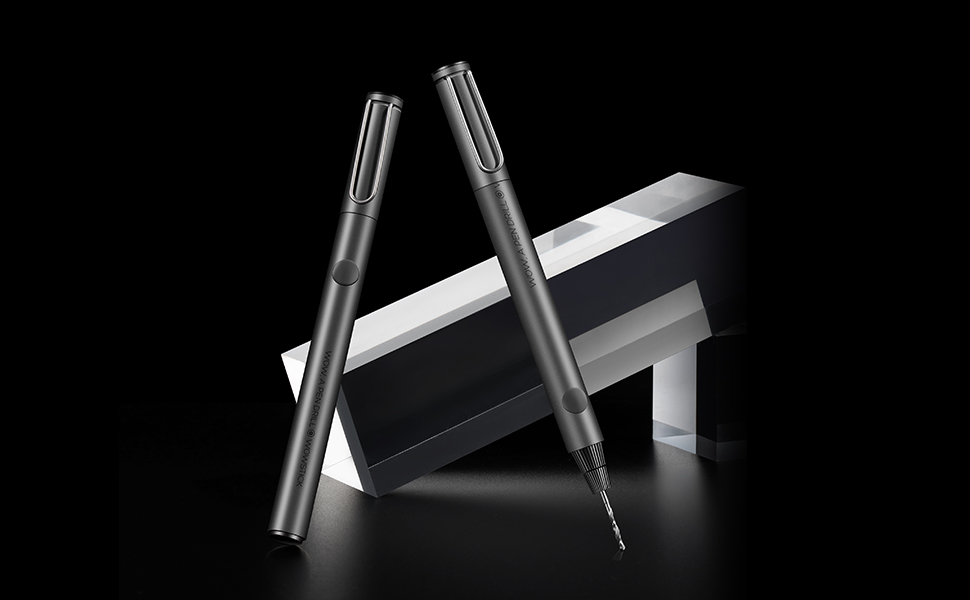
Image: Examples of the drill's application in various DIY and craft projects, including drilling into coins, wood, and plastic models.
Maintenance
1. Cleaning
- Ensure the drill is powered off and disconnected from any charging source before cleaning.
- Wipe the exterior of the drill with a soft, dry cloth. Do not use harsh chemicals or abrasive cleaners.
- Remove any dust or debris from the chuck and ventilation openings using a soft brush or compressed air.
2. Storage
- Store the drill and its accessories in a clean, dry place, away from direct sunlight and extreme temperatures.
- Always store the drill with the protective pen cap in place to cover the drill bit.
- Keep out of reach of children.
Troubleshooting
| Problem | Possible Cause | Solution |
|---|---|---|
| Drill does not turn on. | Low battery or no charge. | Charge the drill fully using the Type-C cable. |
| Drill bit wobbles or is not straight. | Drill bit not properly secured in chuck. | Ensure the drill bit is inserted straight and the chuck is tightened firmly. |
| Drill stops during operation. | Excessive pressure applied or material is too hard. | Reduce pressure. For hard materials, use a smaller bit first or consider if the material is suitable for this tool. |
| Drill bit breaks easily. | Excessive force, incorrect bit for material, or thin bit used improperly. | Use minimal pressure. Select the appropriate bit size for the material. Thinner bits require more care. |
Specifications
| Feature | Detail |
|---|---|
| Brand | wowstick |
| Model Number | WOWSTICK DRILL |
| Power Source | Battery Powered |
| Battery Type | Lithium Polymer (1 included) |
| Battery Capacity | 280 Milliamp Hours |
| Voltage | 3.7 Volts |
| Amperage | 1 Amps |
| Maximum Rotational Speed | 420 RPM |
| Material | Aluminum |
| Item Weight | 0.19 Kilograms (approx. 6.7 ounces) |
| Product Dimensions | 9.84"L x 1.57"W x 2.56"H |
| Included Components | Bare-Tool (drill unit) |
| Drill Bit Sizes | 0.8mm, 1.0mm, 1.2mm, 1.4mm, 1.6mm, 1.8mm, 2.0mm, 2.2mm |

Image: The drill bit demonstrating its capability across different materials like resin, plastic, and wood.
Warranty and Support
For warranty information and customer support, please refer to the documentation provided with your purchase or visit the official wowstick website.
Related Documents - DRILL
 |
Model No.M6002 10MM DRILL - Parts List and Diagram This document provides a detailed parts list and exploded view diagram for the Model No.M6002 10MM DRILL, essential for identification and ordering replacement components. |
 |
Fanttik NEX K2 Nano Electric Precision Drill Kit User Manual User manual for the Fanttik NEX K2 Nano Electric Precision Drill Kit. This guide covers safety warnings, package contents, product overview, operation instructions, technical specifications, and warranty information for this rechargeable mini drill, ideal for DIY projects, electronics repair, and crafting. |
 |
Ozito 12V Lithium Ion Cordless Drill LIR-012 Instruction Manual Comprehensive instruction manual for the Ozito 12V Lithium Ion Cordless Drill (Model LIR-012), covering specifications, safety warnings, operation, charging, maintenance, and troubleshooting. |
 |
EADY HJ105 Rotary Tool: Installation and Usage Instructions Concise guide for the EADY HJ105 rotary tool, covering installation, usage instructions, and essential security information for safe operation. |
 |
Draper 14.4V Cordless Drill User Manual & Instructions Comprehensive user manual and safety instructions for the Draper 14.4V Cordless Drill (Stock No. 64597, Part No. CD140VKS). Learn about specifications, operation, maintenance, and safety guidelines. |
 |
HOTO Tool Kit Series: User Manual and Specifications Comprehensive user manual for HOTO Tool Kit Series, including Household Tool Kit, Electric Screwdriver Kit, and 12V Brushless Drill Kit. Features product overviews, tool descriptions, usage instructions, and detailed specifications. |