
Introduction
Welcome to the user manual for your new ZEUSLAP 15.6 Inch Portable Monitor. This guide provides essential information for setting up, operating, maintaining, and troubleshooting your portable monitor. Please read this manual thoroughly before use to ensure optimal performance and longevity of your device.
Package Contents
Verify that all items are included in your package:
- 1 x ZEUSLAP P15A Portable Monitor
- 1 x Smart Cover (doubles as a stand)
- 1 x Type-C to Type-C Cable
- 1 x Mini HDMI to HDMI Cable
- 1 x Micro USB to USB Cable
- 1 x Power Adapter (Charger)
- 1 x USB to Type-C Cable
- 1 x User Manual (this document)

Product Features
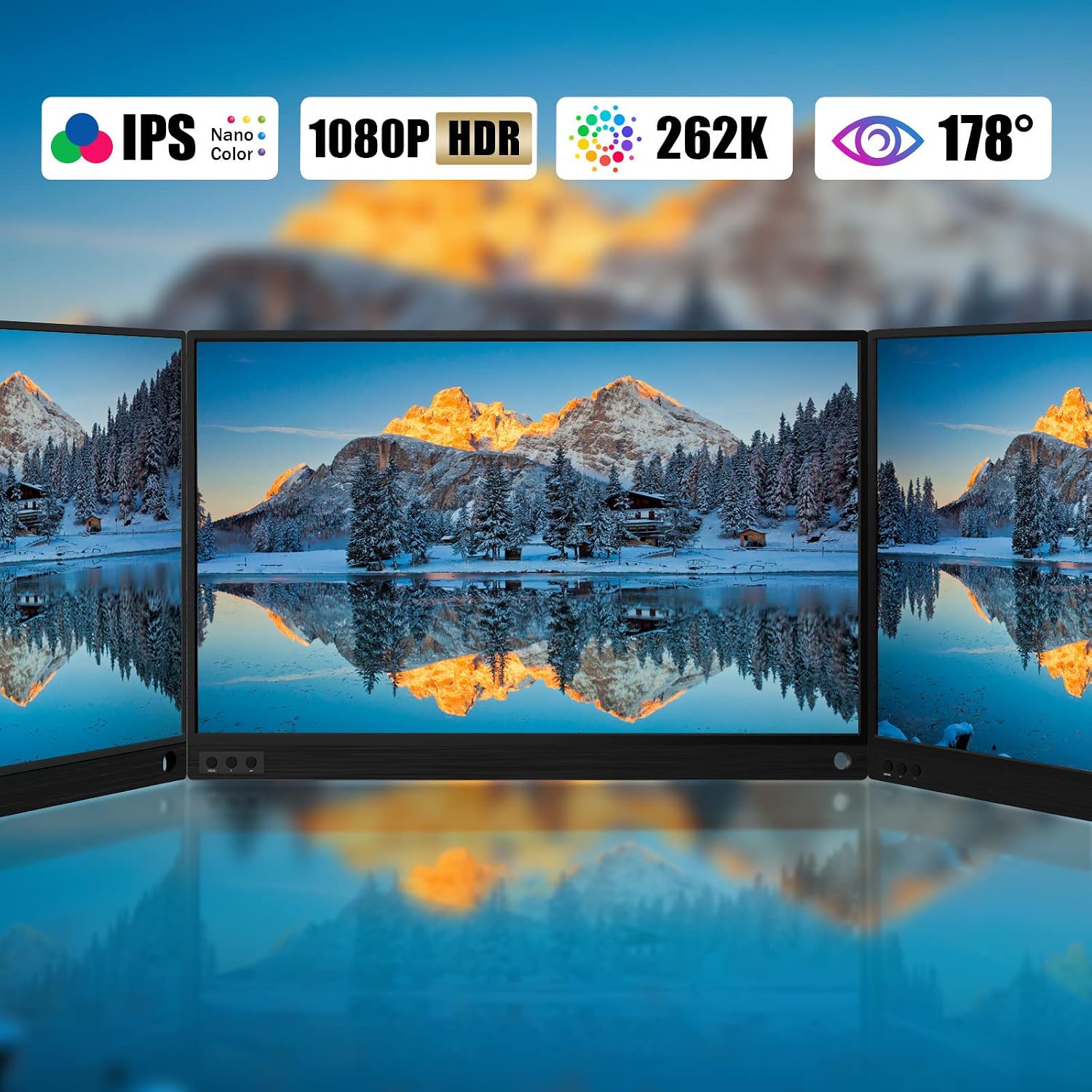
- 15.6-inch Full HD IPS Screen: Offers a 1920x1080 resolution with wide viewing angles (178°) and reduced blue light radiation for comfortable viewing.
- Versatile Connectivity: Features Mini HDMI, USB-C, and USB-C PD charging ports for broad compatibility with laptops, MacBooks, PCs, Nintendo Switch, Xbox, PS4, and smartphones.
- Smart Cover & Protection: The included protective cover functions as a stand and provides screen protection. A protective film is pre-applied and should be removed before use.
- Plug and Play: Designed for easy connection with included data cables, supporting immediate use without complex setup.
- Dual Speakers & HDR Mode: Integrated speakers enhance multimedia experience, and HDR mode supports excellent video transmission for gaming and entertainment.

Setup and Connections
General Connection Guidelines:
- Ensure the monitor is powered sufficiently. For optimal performance, especially with gaming consoles or when using the monitor for extended periods, connect the monitor to an external power source using the provided power adapter and USB-C PD charging port.
- Use the appropriate cable for your device (USB-C to USB-C for compatible devices, Mini HDMI to HDMI for others).
1. Phone Connection:
The monitor supports various phone connections:
- Thunderbolts Type-C Phone Connection: Connect your phone directly to the monitor's Type-C data port using a USB-C to USB-C cable.
- Non-Thunderbolts Type-C Phone Connection: Connect your phone to the monitor via HDMI (using a Mini HDMI adapter if needed) and ensure the monitor is powered by an external charger connected to its USB-C PD port.
- iPhone Connection: Requires a Lightning to HDMI adapter to connect to the monitor's Mini HDMI port, and the monitor must be powered externally.


2. Laptop / MacBook Connection:
- Laptop with Thunderbolts Type-C Port: Connect your laptop directly to the monitor's Type-C data port using a USB-C to USB-C cable.
- Laptop with HDMI Port: Connect your laptop to the monitor's Mini HDMI port using a Mini HDMI to HDMI cable. Ensure the monitor is powered by an external charger connected to its USB-C PD port.


3. Gaming Consoles Connection:
- Nintendo Switch Connection: Connect the Nintendo Switch to the monitor's Type-C data port using a USB-C to USB-C cable. Power the monitor using the Switch's charger connected to the monitor's USB-C PD port for optimal gaming experience.
- PS4 / PS5 / Xbox Connection: Connect the console to the monitor's Mini HDMI port using an HDMI cable. Ensure the monitor is powered by an external charger connected to its USB-C PD port.

Video: ZEUSLAP Portable Monitor Nintendo Switch Connection. This video demonstrates the steps to connect your Nintendo Switch to the portable monitor for an enhanced gaming experience. It shows connecting the power, the USB-C to USB-C cable, and detaching the Joy-Cons for gameplay.
Operating the Monitor
On-Screen Display (OSD) Menu:
The monitor features control buttons, typically located on the side or bottom, to access and navigate the On-Screen Display (OSD) menu. This menu allows you to adjust various settings such as brightness, contrast, color temperature, input source, and audio volume.
- Menu Button: Press once to open the OSD menu. Press again to confirm a selection.
- Volume/Brightness - Button: Press once to reduce volume or brightness. Long press to exit the OSD menu.
- Volume/Brightness + Button: Press once to increase volume or brightness.

Display Modes:
When connected to a laptop, the monitor supports multiple display modes:
- Duplicate Mode: Mirrors the content of your primary screen.
- Extend Mode: Extends your desktop, allowing you to have more screen real estate.
- Second Screen Mode: Uses only the portable monitor as the display.
Audio:
The monitor includes two built-in speakers for audio output. Volume can be adjusted via the OSD menu or the connected device.

Maintenance and Care
- Cleaning: Use a soft, lint-free cloth to clean the screen. For stubborn marks, lightly dampen the cloth with water or a screen-cleaning solution. Avoid harsh chemicals or abrasive materials.
- Storage: When not in use, store the monitor in its smart cover to protect the screen from scratches and dust.
- Handling: Handle the monitor with care. Avoid dropping it or applying excessive pressure to the screen.
- Temperature: Do not expose the monitor to extreme temperatures or direct sunlight for prolonged periods.
Troubleshooting
| Problem | Possible Cause | Solution |
|---|---|---|
| No Signal / Black Screen | Incorrect input source selected, loose cable connection, insufficient power, incompatible device. |
|
| Flickering Screen | Unstable power supply, faulty cable, refresh rate mismatch. |
|
| No Audio | Volume too low, audio output not set to monitor, faulty cable. |
|
| Image Quality Issues (Blurry, Distorted) | Incorrect resolution, faulty cable, driver issues (for PC). |
|
Specifications
- Screen Size: 15.6 Inches
- Resolution: 1920 x 1080 (Full HD)
- Panel Type: IPS
- Aspect Ratio: 16:9
- Screen Surface: Glossy
- Connectivity: Mini HDMI, USB-C (Data), USB-C (PD Charging), Micro USB
- Audio: Dual Built-in Speakers
- Features: HDR Mode, Blue Light Reduction
- Item Weight: 3.63 pounds
- Package Dimensions: 16.61 x 10.94 x 3.43 inches
- Model Number: P15A
- Manufacturer: ZEUSLAP
Warranty and Support
For warranty information and technical support, please refer to the official ZEUSLAP website or contact their customer service directly. Keep your purchase receipt as proof of purchase for warranty claims.
Manufacturer: ZEUSLAP
Model: P15A
ASIN: B09C1J6BV3
First Available Date: August 6, 2021
For further assistance, visit the ZEUSLAP Store on Amazon.


