
1. Introduction
This user manual provides essential information for the safe and efficient operation of your Motorola Moto E20 smartphone. Please read this manual thoroughly before using your device to ensure proper functionality and to avoid damage.
For the latest information and support, visit the official Motorola support website.
2. What's in the Box
Upon unboxing your Motorola Moto E20, verify that all items are present:
- Motorola Moto E20 Smartphone
- User Manual (this document)
- SIM Ejector Tool
- USB Cable
- Charger
3. Device Overview
Familiarize yourself with the physical components of your Motorola Moto E20.

Figure 3.1: Front view of the Motorola Moto E20, showing the display, front camera, and earpiece.
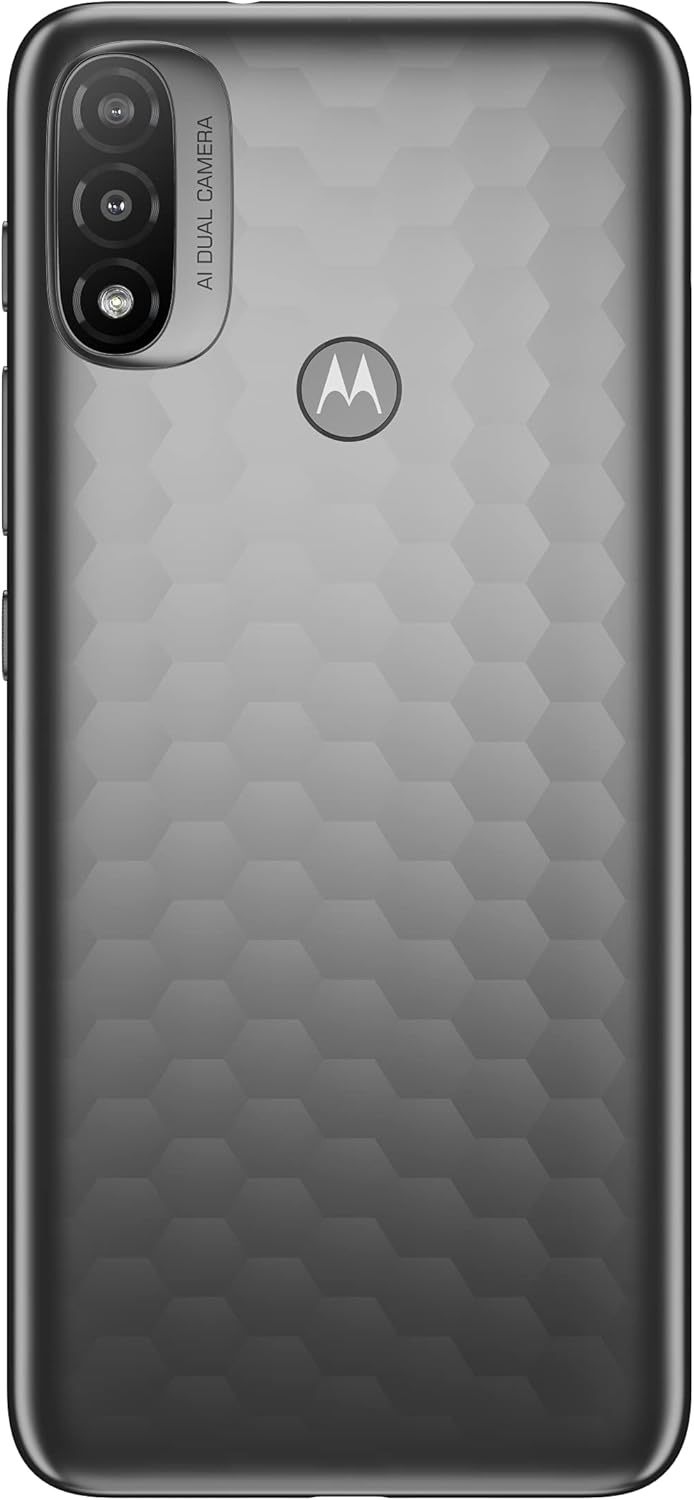
Figure 3.2: Back view of the Motorola Moto E20, highlighting the dual camera module and Motorola logo.
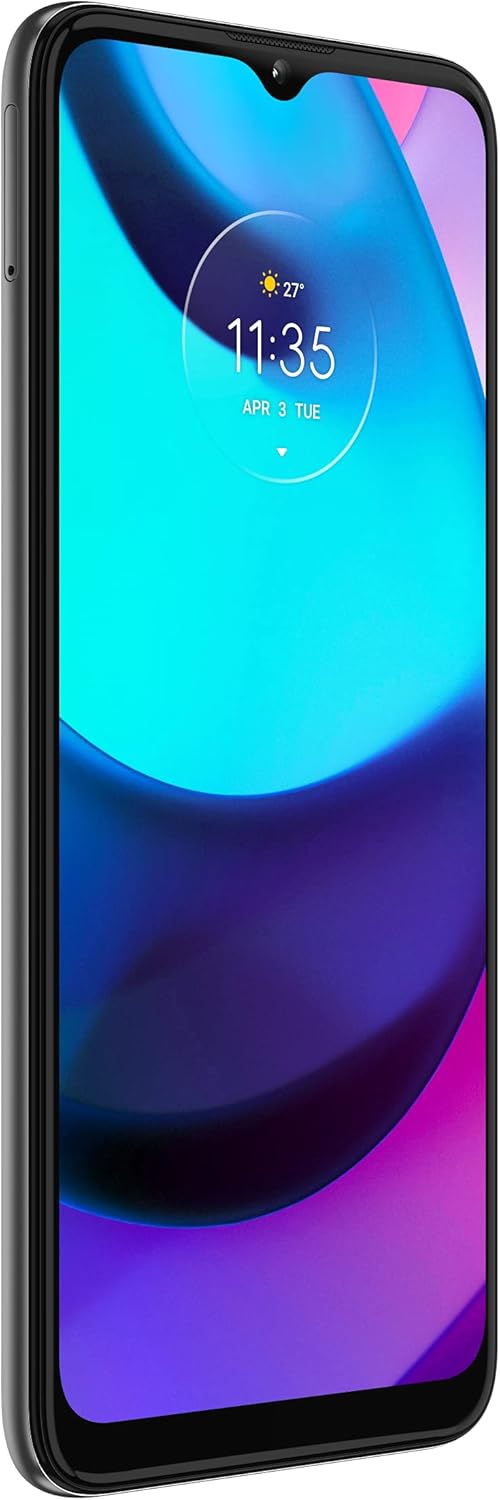
Figure 3.3: Side view of the Motorola Moto E20, showing the power and volume buttons, and SIM tray location.
- Front Camera: Located at the top center of the display.
- Display: 6.5-inch screen for all interactions.
- Volume Buttons: On the right side, for adjusting audio levels.
- Power Button: Below the volume buttons, for turning the device on/off and locking/unlocking the screen.
- SIM/microSD Tray: On the left side, for inserting SIM cards and expandable storage.
- USB Port: At the bottom, for charging and data transfer.
- Speaker: At the bottom, for audio output.
- Rear Cameras: Dual camera system on the back for photography and videography.
4. Setup
4.1 Inserting SIM and microSD Cards
Your Motorola Moto E20 supports dual SIM cards and a microSD card for expanded storage.
- Locate the SIM/microSD tray on the left side of the device.
- Insert the SIM ejector tool into the small hole on the tray and push gently until the tray pops out.
- Place your Nano-SIM card(s) and/or microSD card into the designated slots on the tray, ensuring the gold contacts face down.
- Carefully reinsert the tray into the device until it clicks into place.
4.2 Charging the Device
Before first use, fully charge your Motorola Moto E20.
- Connect the USB cable to the charger.
- Plug the charger into a power outlet.
- Connect the other end of the USB cable to the USB port at the bottom of your phone.
- The charging indicator will appear on the screen.
4.3 Initial Power On and Setup Wizard
To power on your device for the first time:
- Press and hold the Power button until the Motorola logo appears.
- Follow the on-screen instructions to complete the initial setup, including language selection, Wi-Fi connection, Google account setup, and security settings.
5. Operating Your Device
5.1 Basic Navigation
The Motorola Moto E20 uses touch gestures for navigation:
- Tap: Touch the screen once to open an app, select an item, or press a button.
- Touch & Hold: Touch and hold an item to see available options or to drag it.
- Swipe: Drag your finger across the screen to scroll, move between home screens, or dismiss notifications.
- Pinch: Use two fingers to zoom in or out on photos, maps, or web pages.
5.2 Making Calls and Sending Messages
To make a call, tap the Phone icon and enter the number or select a contact. To send a message, tap the Messages icon and compose your text.
5.3 Camera Usage
Open the Camera app to capture photos and videos. Tap the shutter button to take a photo, or tap the video icon to record. Use the dual rear cameras for enhanced photography.
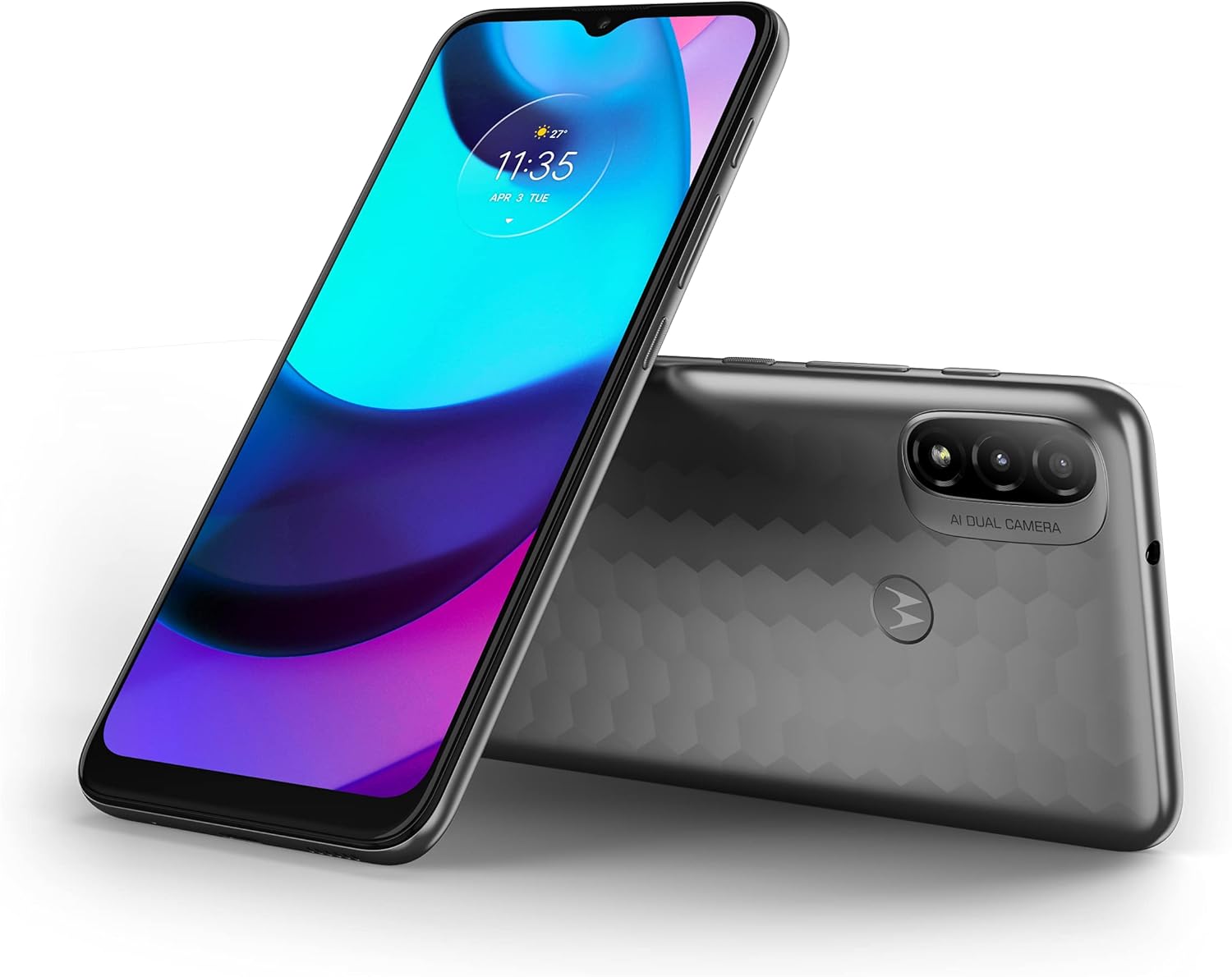
Figure 5.1: Motorola Moto E20 displaying its screen and highlighting the rear camera system.
5.4 Connecting to Wi-Fi and Bluetooth
Access Settings > Network & internet to connect to Wi-Fi networks. For Bluetooth devices, go to Settings > Connected devices.
5.5 Managing Apps
Download new apps from the Google Play Store. To manage installed apps, go to Settings > Apps & notifications.
6. Maintenance
6.1 Cleaning Your Device
Use a soft, lint-free cloth to clean the screen and body of your phone. Avoid abrasive materials or harsh chemicals.
6.2 Software Updates
Keep your device's software up to date for optimal performance and security. Go to Settings > System > System update to check for updates.
6.3 Battery Care
To prolong battery life, avoid extreme temperatures and use only the provided charger. The device features a 4000 mAh battery.
6.4 Backup and Restore
Regularly back up your data to a Google account or computer to prevent data loss. You can restore your data from a backup if needed.
7. Troubleshooting
This section addresses common issues you might encounter with your Motorola Moto E20.
| Problem | Solution |
|---|---|
| Device not turning on | Ensure the battery is charged. Press and hold the Power button for at least 10-15 seconds to force a restart. |
| Apps crashing or freezing | Close the app and reopen it. Clear the app's cache (Settings > Apps & notifications > [App Name] > Storage & cache). Restart the device. |
| Poor Wi-Fi connection | Restart your Wi-Fi router. Forget the network on your phone and reconnect. Ensure you are within range of the Wi-Fi signal. |
| Battery draining quickly | Reduce screen brightness. Close unused apps. Turn off Wi-Fi, Bluetooth, and GPS when not in use. Check battery usage in Settings to identify power-hungry apps. |
If issues persist, consider performing a factory reset (back up your data first) or contacting Motorola support.
8. Specifications
Key technical specifications for the Motorola Moto E20:
- Model Name: Motorola Moto E20
- Model Number: PASY0001ES
- Display: 6.5 inches, 720 x 1600 pixels resolution
- Processor: Unisoc T606 1.6GHz
- RAM: 2 GB
- Internal Storage: 32 GB (expandable via microSD)
- Rear Camera: Dual, 13MP + 2MP
- Battery: 4000 mAh
- Operating System: Android 11.0
- Product Dimensions: 60 x 60 x 85 cm
- Weight: 250 grams
- SIM Support: Dual SIM
9. Warranty and Support
Your Motorola Moto E20 comes with a standard manufacturer's warranty. For detailed warranty terms and conditions, please refer to the warranty card included in the product packaging or visit the official Motorola support website.
For technical support, frequently asked questions, and software downloads, please visit the official Motorola support portal:


