
Introduction
This manual provides essential instructions for the uehba replacement remote control, designed for use with various Denon AV receiver models. This remote is pre-programmed and requires no additional setup, functioning directly out of the box once batteries are installed. It offers core functionalities for controlling your compatible Denon AV receiver.

The uehba replacement remote control is compatible with Denon AV receiver models RC-920, RC-940, RC-941, RC-973, RC-979, RC-1016, and RC-1030.
Setup
Battery Installation
- Locate the battery compartment on the back of the remote control.
- Slide the battery compartment cover downwards or press the latch and lift to open.
- Insert two (2) 1.5V AAA alkaline batteries, ensuring the correct polarity (+ and -) as indicated inside the compartment.
- Replace the battery compartment cover, ensuring it clicks securely into place.
Note: Batteries are not included with the remote control.
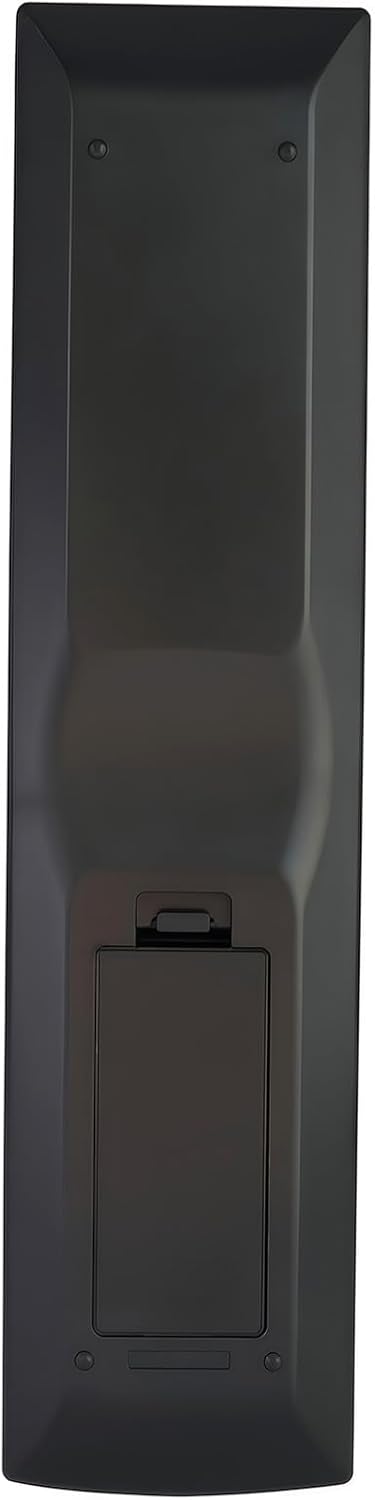
The back of the remote control with the battery cover removed, illustrating the correct placement for two AAA batteries.
Initial Use
This replacement remote control is pre-programmed for compatible Denon AV receivers. No additional programming or setup is required. Once batteries are installed, the remote is ready for immediate use.
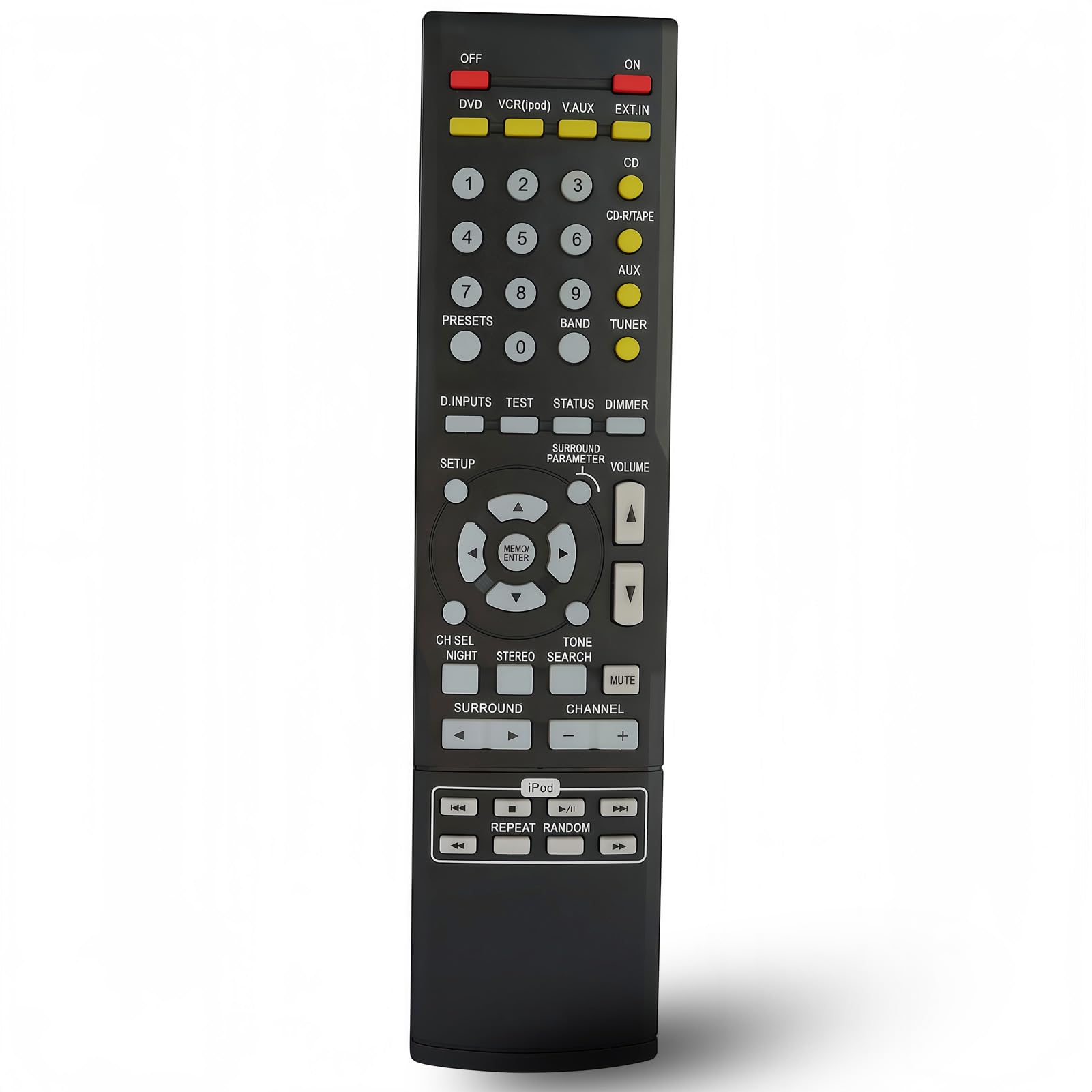
The remote control is ready to use directly after battery installation, requiring no programming.
Operating Instructions
Point the remote control directly at your Denon AV receiver. Ensure there are no obstructions between the remote and the receiver's infrared sensor.
Basic Functions
- ON/OFF: Press the ON or OFF buttons to power your receiver on or off.
- Volume Control: Use the VOLUME UP (▲) and VOLUME DOWN (▼) buttons to adjust the audio level.
- Mute: Press the MUTE button to temporarily silence the audio. Press again to restore sound.
- Input Selection: Use buttons like DVD, VCR(iPod), V.AUX, EXT.IN, CD, CD-R/TAPE, AUX, BAND, TUNER, or D.INPUTS to select your desired audio/video source.
- Navigation: Use the directional arrow buttons (up, down, left, right) and MEM/ENTER button for menu navigation and selection.
- Channel/Track Control: Use the CHANNEL (+/-) buttons for tuning or track selection.
- Numeric Keypad: Use the number buttons (0-9) for direct input or preset selection.

The remote control features a standard button layout for intuitive operation of your Denon AV receiver.
Maintenance
Battery Replacement
If the remote control's range decreases or it becomes unresponsive, replace the batteries. Follow the battery installation steps outlined in the Setup section. Always replace both batteries simultaneously with new 1.5V AAA alkaline batteries.
Cleaning
To clean the remote control, gently wipe its surface with a soft, dry cloth. For stubborn dirt, slightly dampen the cloth with water. Avoid using abrasive cleaners, solvents, or alcohol, as these can damage the remote's finish or internal components.
Troubleshooting
| Problem | Possible Cause | Solution |
|---|---|---|
| Remote is not responding. | Dead or incorrectly inserted batteries. Obstruction between remote and receiver. Remote is too far from the receiver. |
|
| Some functions do not work. | The replacement remote may not support all functions of the original Denon remote. |
This replacement remote is designed to provide critical and common functions. It may not replicate every specialized function of your original Denon remote. Verify if the desired function is available on this remote's button layout. |
Specifications
- Product Dimensions: 8.27 x 1.89 x 0.59 inches
- Item Weight: 2.57 ounces
- Batteries Required: 2 x 1.5V AAA Alkaline Batteries (not included)
- Material: ABS
- Compatible Devices: Denon AV Receivers (RC-920, RC-940, RC-941, RC-973, RC-979, RC-1016, RC-1030)
Warranty and Support
For any questions or concerns regarding your uehba replacement remote control, please contact the seller directly. They can provide assistance with product inquiries, troubleshooting, and support.