
Introduction
This manual provides detailed instructions for the Sandoo Airbuds NC9 ANC Wireless Earbuds. Please read this manual carefully before using the product to ensure proper operation and to maximize your listening experience.
The Sandoo Airbuds NC9 ANC feature Active Noise Cancelling (ANC) technology, Transparency Mode, Bluetooth 5.2 connectivity, and AI ENC technology for clear calls. They are designed for comfort and durability with an IPX5 waterproof rating.

Image: The Sandoo Airbuds NC9 ANC Wireless Earbuds, showing both earbuds and their compact charging case.
Package Contents
- Sandoo Airbuds NC9 ANC Wireless Earbuds (Left and Right)
- Charging Case
- USB-C Charging Cable
- User Manual
- Eartips (various sizes)
Setup
1. Charging the Earbuds and Case
Before first use, fully charge the earbuds and the charging case. Connect the provided USB-C cable to the charging port on the case and to a power source. The indicator light on the case will show charging status.
A full charge of the charging case takes approximately 1.5 hours via USB-C. The earbuds provide up to 6.5 hours of playtime on a single charge, and the charging case extends the total playtime to 24 hours.

Image: Sandoo NC9 Earbuds in their charging case, illustrating battery life and charging times. The image shows icons for 6.5 hours earbuds playtime, 24 hours total playtime with the charging case, and 1.5 hours charging time via USB-C.
2. Initial Pairing (OPEN AND GO Technology)
- Ensure your smartphone's Bluetooth is enabled.
- Open the charging case and remove both earbuds. They will automatically enter pairing mode.
- On your smartphone, search for Bluetooth devices and select "Sandoo Airbuds NC9" (or similar) from the list.
- Once connected, you will hear a confirmation tone.
Thanks to OPEN AND GO software technology, after the initial pairing, the earbuds will automatically connect to your smartphone when taken out of the charging case, provided Bluetooth is active on your device.

Image: A person taking an earbud out of the charging case, with a smartphone screen in the background showing a successful Bluetooth connection. This illustrates the 'OPEN AND GO' feature for instant connectivity.
3. Wearing the Earbuds
Gently insert the earbuds into your ears and rotate them slightly to find a comfortable and secure fit. Experiment with different eartip sizes to achieve optimal sound quality and noise cancellation.
Operating Instructions
1. Touch Controls
The Sandoo Airbuds NC9 ANC feature intuitive touch controls on each earbud. Specific functions may vary, but common controls include:
- Play/Pause: Single tap on either earbud.
- Next Track: Double tap on the right earbud.
- Previous Track: Double tap on the left earbud.
- Answer/End Call: Single tap on either earbud.
- Reject Call: Press and hold either earbud.
- Activate Voice Assistant (Siri/Google Assistant): Triple tap on either earbud.
- Volume Control: Specific gestures for volume up/down may be available (refer to quick start guide for exact model-specific gestures).
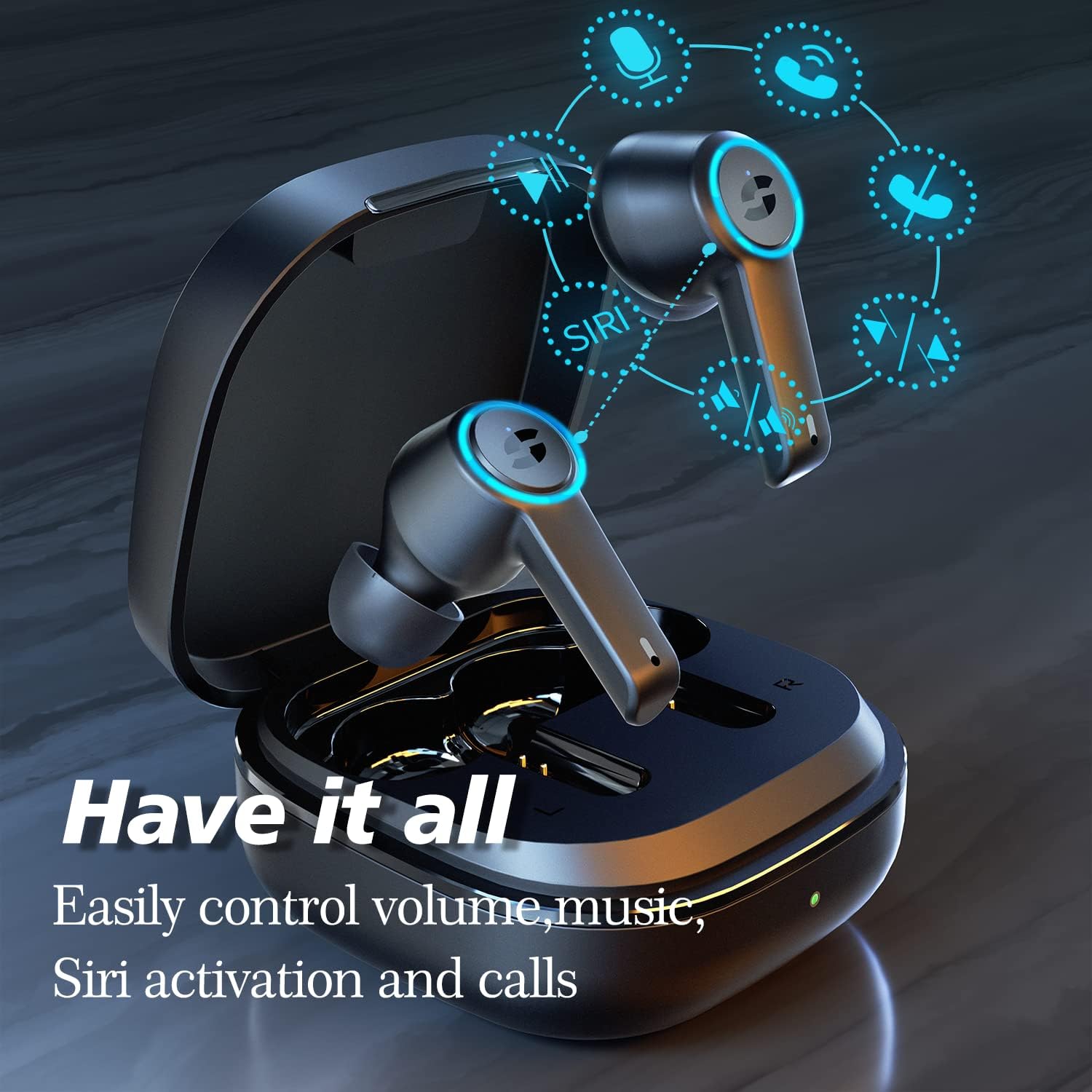
Image: Sandoo NC9 Earbuds in their charging case, with glowing icons around the earbuds indicating various touch control functions such as volume, music playback, call management, and voice assistant activation.
2. Noise Control Modes
The NC9 earbuds offer two primary noise control modes:
- Active Noise Cancelling (ANC): This mode uses feed-forward microphones to generate reverse sound waves, effectively reducing ambient noise by up to 24dB, particularly in the 40-700Hz range. This creates a more immersive listening experience.
- Transparency Mode: In this mode, the earbuds actively amplify ambient sounds, allowing you to hear your surroundings clearly while still enjoying your audio. This is useful for situational awareness, such as when walking in traffic or needing to hear announcements.
To switch between ANC, Transparency Mode, and Standard Mode (ANC off), press and hold the touch area on the left earbud for approximately 2 seconds. A voice prompt will confirm the mode change.

Image: A man wearing Sandoo NC9 earbuds, with text highlighting the Active Noise Cancelling mode's ability to reduce ambient noise by up to 24dB for an immersive music experience.

Image: A collage showing four different scenarios (driving, subway, running, watching a movie) where the Transparency Mode allows users to hear external sounds while wearing the earbuds, enhancing safety and convenience.
3. Making and Receiving Calls
The Sandoo NC9 earbuds feature AI Environment Noise Cancelling (ENC) technology for improved call clarity. This technology helps to reduce background noise during calls, making conversations smoother and clearer.
- Answer Call: Single tap on either earbud.
- End Call: Single tap on either earbud during a call.
- Reject Call: Press and hold either earbud for 2 seconds.
Maintenance
1. Cleaning
Regularly clean your earbuds and charging case to ensure optimal performance and hygiene. Use a soft, dry, lint-free cloth. For stubborn dirt, a slightly damp cloth can be used, but ensure no moisture enters the earbud openings or charging port.
Remove eartips and clean them separately with mild soap and water, then rinse and dry thoroughly before reattaching.
2. Water and Sweat Resistance (IPX5)
The Sandoo NC9 earbuds are rated IPX5 waterproof, meaning they are protected against low-pressure water jets from any direction. This makes them suitable for use during workouts and in light rain. However, they are not designed for submersion in water or for use during swimming.
After exposure to sweat or water, wipe the earbuds dry before placing them back into the charging case to prevent damage to the charging contacts.
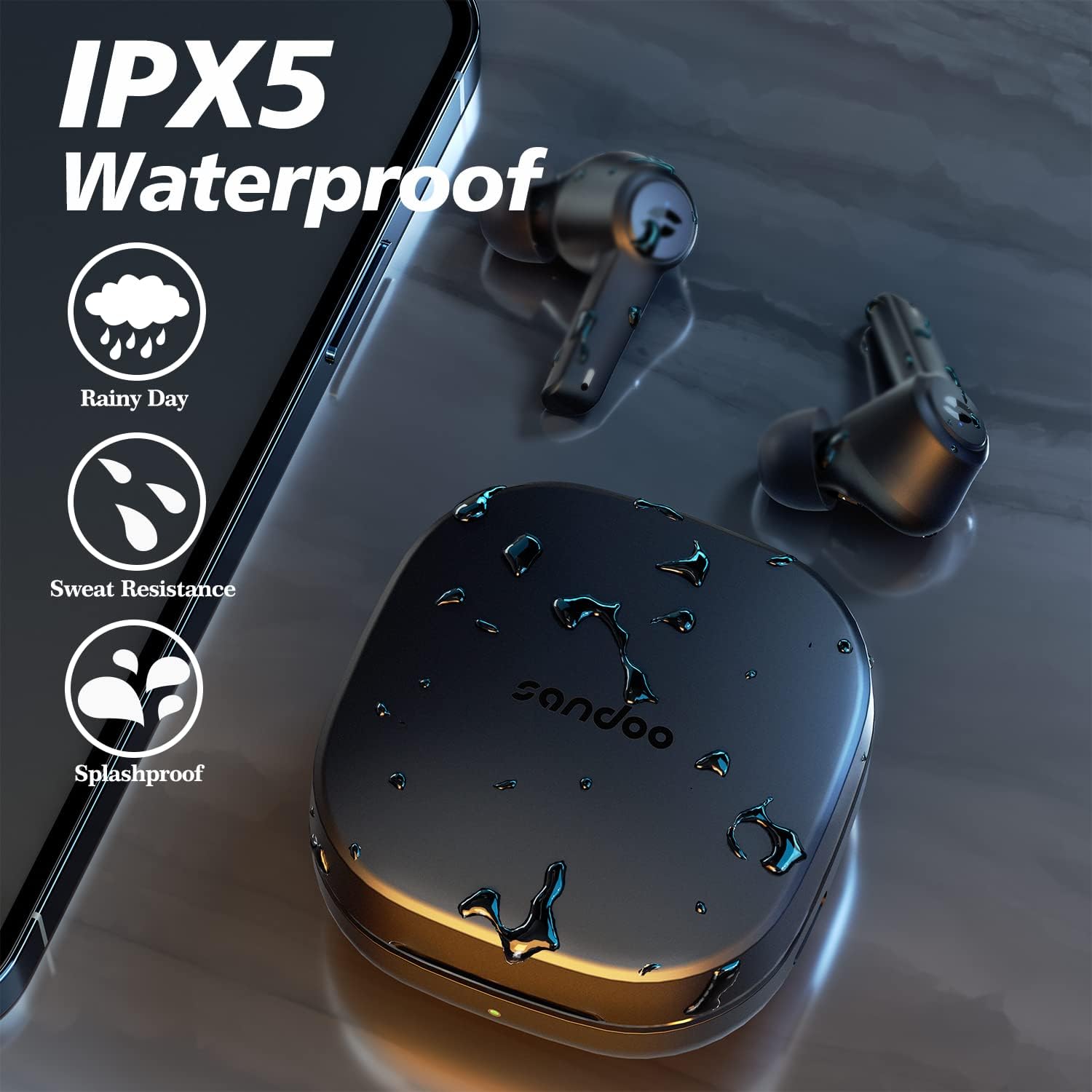
Image: Sandoo NC9 Earbuds and their charging case covered in water droplets, with icons indicating protection against rainy days, sweat resistance, and splashproof design, highlighting the IPX5 waterproof rating.
3. Storage
When not in use, store the earbuds in their charging case to protect them from dust, damage, and to keep them charged.
Troubleshooting
If you encounter any issues with your Sandoo Airbuds NC9 ANC, please refer to the following common solutions:
| Problem | Possible Solution |
|---|---|
| Earbuds not pairing/connecting |
|
| No sound from one earbud |
|
| Poor sound quality/ANC not effective |
|
| Charging issues |
|
Specifications
| Feature | Detail |
|---|---|
| Model Name | NC9 ANC |
| Model Number | BT1019 |
| Connectivity | Bluetooth 5.2 |
| Noise Control | Active Noise Cancellation (ANC), Transparency Mode, AI Environment Noise Cancelling (ENC) for calls |
| Driver Size | 10mm Dynamic Speaker |
| Earbud Playtime | Up to 6.5 hours |
| Total Playtime (with case) | Up to 24 hours |
| Charging Port | USB-C |
| Charging Time (Case) | Approx. 1.5 hours |
| Water Resistance | IPX5 (Sweatproof, Splashproof, Rainproof) |
| Control Method | Touch |
| Microphone | Built-In |
| Material | Plastic |
| Color | Black |

Image: An exploded diagram of a Sandoo NC9 earbud, highlighting the internal components including the Bluetooth 5.2 chip and the 10mm dynamic speaker, which contribute to clear audio reproduction.
Safety Information
- Do not expose earbuds to extreme temperatures or direct sunlight.
- Avoid dropping or applying excessive force to the earbuds and charging case.
- Do not attempt to disassemble or modify the product.
- Keep out of reach of children and pets.
- Use only the provided charging cable or a certified equivalent.
- Avoid using earbuds at high volume for extended periods to prevent hearing damage.
- Be aware of your surroundings when using Transparency Mode, especially in traffic or hazardous environments.
Compliance and Disposal
This device complies with Part 15 of the FCC Rules. Operation is subject to the following two conditions: (1) This device may not cause harmful interference, and (2) this device must accept any interference received, including interference that may cause undesired operation.
Do not dispose of this product with household waste. Please recycle electronic devices responsibly at designated collection points.