Introduction
This manual provides essential information for the proper installation, operation, and maintenance of your Garmin Fusion Apollo Marine Zone Amplifier. Please read these instructions thoroughly before using the device to ensure optimal performance and safety.
Product Overview
The Fusion Apollo Marine Zone Amplifier is designed to expand audio zones and enhance sound quality on your vessel. It is specifically engineered for compatibility with Fusion DSP-enabled stereos (Apollo RA770, Apollo RA670, Apollo WB670, and RA210) and Fusion speakers. Key features include:
- Easy Tune Feature: Automatically adjusts audio settings for optimal sound quality. This feature requires setup using the Fusion-Link app on a compatible smartphone.
- Class-D Amplifier Design: Utilizes less power, contributing to longer listening periods and reduced battery drain.
- Voltage Compatibility: Operates with both 12-volt and 24-volt electrical systems.
- Mounting: Includes a mounting bracket for straightforward installation.
Important Note: This amplifier is exclusively designed for use with Fusion DSP-enabled stereos and Fusion speakers.

Figure 1: Front view of the Garmin Fusion Apollo Marine Zone Amplifier.
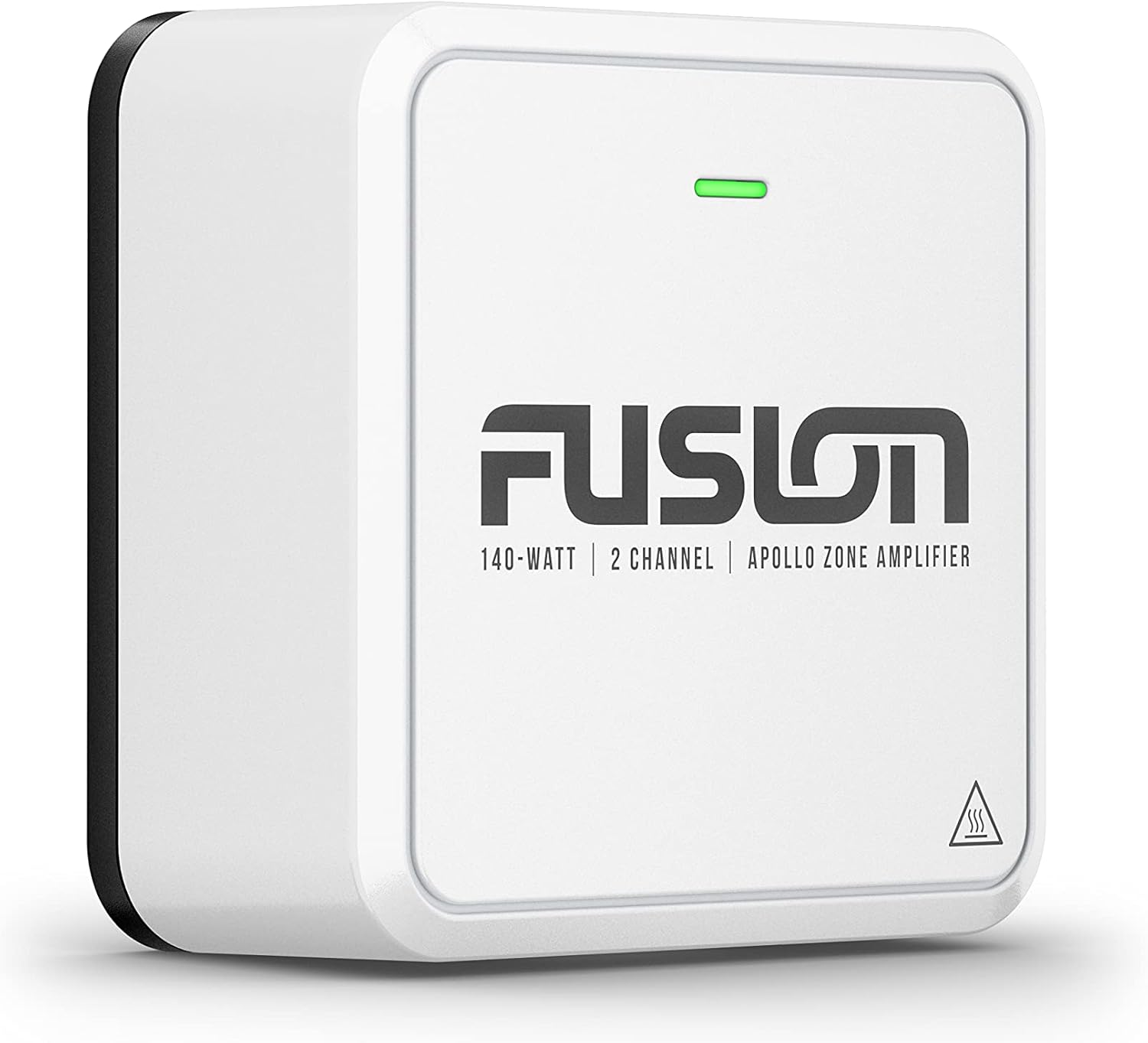
Figure 2: Angled view of the amplifier, highlighting its compact design.

Figure 3: Another angled perspective of the amplifier.

Figure 4: Top-down view illustrating the connection points on the amplifier.

Figure 5: Side view of the amplifier.

Figure 6: Rear view displaying the main connection port.
What's in the Box
Upon unpacking, verify that all items listed below are present:
- Apollo™ zone amplifier
- Mounting bracket
- Three 6-gauge, self-tapping screws
- Wiring loom
- Documentation (this manual and other guides)
Installation
Mounting the Amplifier
- Select a suitable mounting location that is dry, well-ventilated, and provides easy access for wiring. Ensure the location is protected from direct exposure to water, although the unit is True-Marine™ designed.
- Position the mounting bracket at the chosen location.
- Mark the screw holes through the mounting bracket onto the mounting surface.
- Drill pilot holes if necessary, appropriate for the 6-gauge self-tapping screws.
- Secure the mounting bracket using the three provided 6-gauge self-tapping screws.
- Slide the Apollo zone amplifier onto the secured mounting bracket until it clicks into place.
Wiring Connections
Connect the amplifier to your Fusion DSP-enabled stereo and Fusion speakers using the provided wiring loom. Refer to the wiring diagram in the separate installation guide for detailed connection instructions. Ensure all connections are secure and properly insulated to prevent electrical shorts and corrosion.
Operation
Powering On/Off
The amplifier powers on and off in conjunction with your connected Fusion DSP-enabled stereo system. Ensure the stereo is powered on for the amplifier to function.
Audio Zone Expansion
The amplifier provides audio zone expansion, allowing for high-quality sound in additional zones on your boat. Control and customization of these zones are managed through your compatible Fusion DSP-enabled stereo or the Fusion-Link app.
Easy Tune Feature
To utilize the Easy Tune feature for automatic audio setting adjustments, you must set it up using the Fusion-Link app on a compatible smartphone. This optimizes sound quality without manual adjustments.
Video 1: Product Overview, demonstrating features and integration with other Fusion products. This video is provided by Amazon Product Imaging.
Maintenance
General Care
- Regularly inspect all wiring and connections for signs of wear, corrosion, or damage.
- Keep the amplifier clean and free from dust and debris. Use a soft, dry cloth for cleaning. Avoid harsh chemicals or abrasive cleaners.
- Ensure adequate ventilation around the amplifier to prevent overheating.
Water Resistance
The amplifier is designed with IPX7 water resistance, meaning it can withstand incidental exposure to water. However, it is not intended for prolonged submersion. Always ensure all covers and connections are properly sealed.
Troubleshooting
No Audio Output
- Verify that the amplifier is receiving power and its indicator light is on.
- Check all audio connections between the amplifier, stereo, and speakers.
- Ensure the connected Fusion DSP-enabled stereo is powered on and configured correctly for the amplifier.
- Confirm that the volume levels on both the stereo and any connected devices are not muted or set too low.
Distorted Sound
- Check for loose or corroded speaker wire connections.
- Ensure the input signal from the stereo is not overdriven. Adjust the stereo's output level if necessary.
- Verify that the Easy Tune feature is properly configured via the Fusion-Link app.
Amplifier Overheating
- Ensure the amplifier has adequate ventilation and is not installed in an enclosed space without airflow.
- Reduce the volume or check for speaker impedance issues that might be causing the amplifier to work harder than intended.
Specifications
| Feature | Detail |
|---|---|
| Product Dimensions | 3.94 x 3.94 x 1.57 inches (3.4"L x 4.53"W x 1.89"H) |
| Item Weight | 7 ounces |
| Model Number | 010-02569-00 |
| Connectivity Technology | Bluetooth (for Fusion-Link app) |
| Special Features | Bluetooth, Easy Tune, Class-D Amplifier |
| Color | Black and White |
| Manufacturer | Garmin |
| Vehicle Service Type | Boat |
| Audio Output Mode | Speaker, Stereo |
| Mounting Type | Panel Mount |
Warranty and Support
Warranty Information
The Garmin Fusion Apollo Marine Zone Amplifier comes with a 3-year limited consumer warranty. This warranty covers defects in materials and workmanship under normal use. For specific terms and conditions, please refer to the warranty documentation included with your product or visit the official Garmin website.
Customer Support
For technical assistance, troubleshooting, or warranty claims, please contact Garmin customer support. Contact information can be found on the official Garmin website or in the documentation provided with your product.


