
1. Introduction
This manual provides detailed instructions for the proper setup, operation, and maintenance of your A|X Armani Exchange Chronograph Dress Watch, Model AX1720. Please read this manual thoroughly to ensure optimal performance and longevity of your timepiece.

Image 1.1: Front view of the A|X Armani Exchange Chronograph Dress Watch AX1720, featuring a black dial with silver indexes and three sub-dials.
2. Setup
2.1 Unboxing and Initial Inspection
Upon opening the packaging, carefully remove your watch and inspect it for any visible damage. Ensure all protective films are removed from the crystal and case back.
2.2 Setting the Time and Date
- Crown Position 1 (Normal Operating Position): The crown is pushed in completely. The watch is running.
- Crown Position 2 (Date Setting Position): Gently pull the crown out to the first click. Rotate the crown clockwise or counter-clockwise to adjust the date. Avoid setting the date between 9 PM and 3 AM, as this may interfere with the automatic date change mechanism.
- Crown Position 3 (Time Setting Position): Pull the crown out to the second click. The second hand will stop. Rotate the crown to set the hour and minute hands. To ensure accurate time setting, synchronize with a reliable time source. Push the crown back to Position 1 to start the watch.
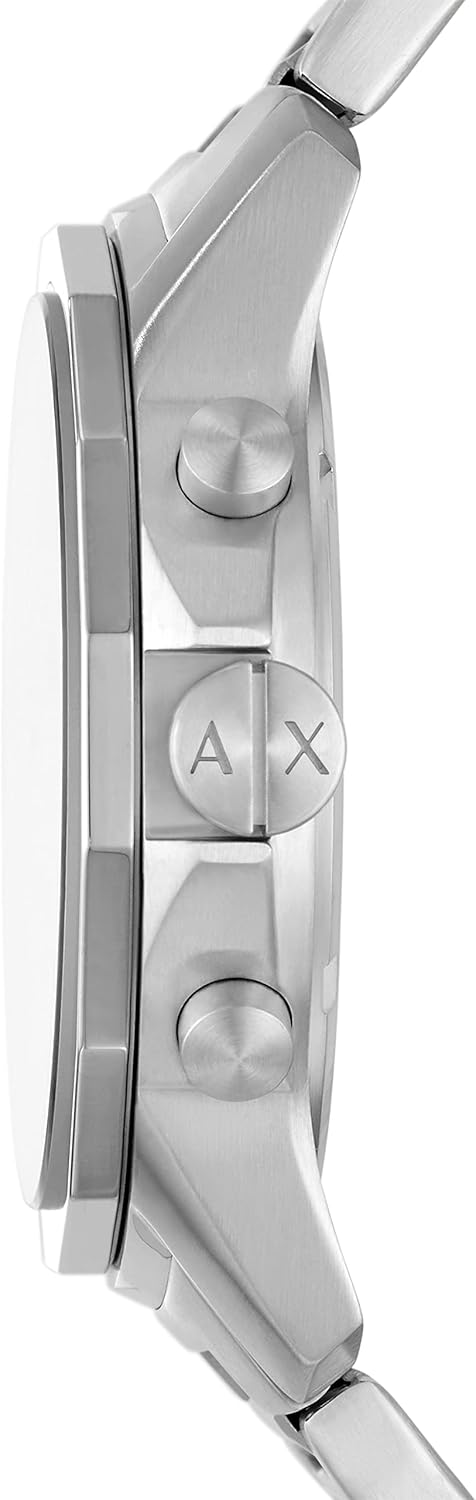
Image 2.1: Side view of the watch, highlighting the crown (center) and chronograph pushers (top and bottom).
2.3 Band Adjustment
The stainless steel bracelet features removable links for a customized fit. For proper adjustment, it is recommended to visit a professional jeweler or watch repair service. Improper adjustment can damage the band or clasp.

Image 2.2: The watch displayed on a wrist, illustrating its size and fit.
3. Operating the Watch
3.1 Basic Timekeeping
Once the time and date are set, the watch will operate continuously. The large hour and minute hands indicate the current time, and the small window displays the date.
3.2 Using the Chronograph Function
Your watch is equipped with a chronograph (stopwatch) function. The sub-dials measure elapsed time.
- Start/Stop: Press the top pusher (A) to start the chronograph. Press it again to stop.
- Reset: While the chronograph is stopped, press the bottom pusher (B) to reset all chronograph hands to their zero positions.
Note: Avoid operating the chronograph pushers while the watch is wet or submerged in water.
4. Maintenance and Care
4.1 Water Resistance
This watch is water resistant up to 50 meters (165 feet) or 5 ATM. This rating means it is suitable for short periods of recreational swimming in shallow water. It is not suitable for diving, snorkeling, or high-impact water sports. Ensure the crown is fully pushed in before any contact with water.
4.2 Cleaning
To clean your watch, wipe the case and bracelet with a soft, dry cloth. For stainless steel bands, a slightly damp cloth can be used, followed by a dry cloth. Avoid using harsh chemicals, solvents, or abrasive cleaners, as these can damage the watch's finish.
4.3 Battery Replacement
The watch uses one product-specific battery (included). When the battery needs replacement, it is recommended to have it replaced by a qualified watch technician to ensure the water resistance seal is maintained.
5. Troubleshooting
- Watch Not Running: Check if the crown is fully pushed in (Position 1). If the watch still does not run, the battery may need replacement.
- Date Not Changing: Ensure the date is not being set between 9 PM and 3 AM. If the issue persists, try resetting the time and date.
- Chronograph Hands Not Resetting to Zero: This may indicate a need for calibration or service. Consult a professional watch technician.
- Condensation Under Crystal: This indicates a breach in the water resistance. Immediately seek professional service to prevent further damage.
6. Specifications

Image 6.1: A case size guide diagram, showing different watch diameters on a wrist for reference.
| Feature | Detail |
|---|---|
| Model Number | AX1720 |
| Case Diameter | 44mm |
| Band Width | 22mm |
| Case Material | Stainless Steel |
| Band Material | Stainless Steel |
| Dial Color | Black with Silver Indexes |
| Movement | Quartz Chronograph |
| Water Resistance | 5 ATM (50 meters / 165 feet) |
| Crystal Type | Scratch Resistant Mineral |
| Product Dimensions | 1.73 x 0.87 x 0.43 inches |
| Item Weight | 4.23 ounces |
| Battery | 1 Product Specific battery (included) |
7. Warranty and Support
Your A|X Armani Exchange watch is covered by a manufacturer's warranty against defects in materials and workmanship. Please refer to the warranty card included with your purchase for specific terms and conditions, including the warranty period and coverage details.
For warranty claims, service, or technical support, please contact the authorized A|X Armani Exchange service center or the retailer from whom you purchased the watch. Keep your proof of purchase for warranty validation.
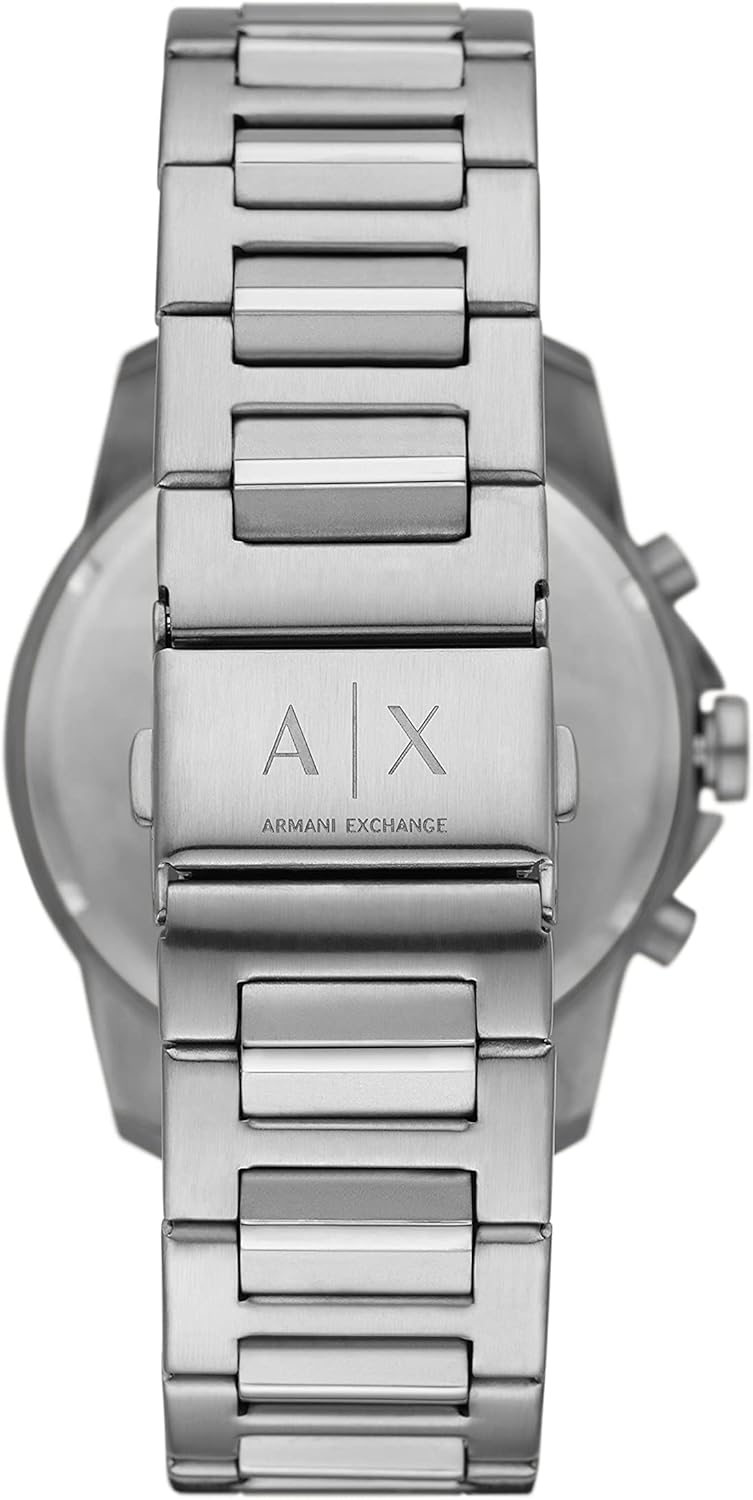
Image 7.1: Back view of the watch, focusing on the stainless steel clasp engraved with the A|X Armani Exchange logo.


