
Lanteso DBK01-Pro
Lanteso True Wireless Earbuds Instruction Manual
Model: DBK01-Pro
Your comprehensive guide to setting up, operating, and maintaining your Lanteso earbuds.
1. Setup
1.1 Package Contents
Upon opening your Lanteso True Wireless Earbuds package, you should find the following items:
- Lanteso True Wireless Earbuds (Left and Right)
- Portable Charging Case
- USB Type-C Charging Cable
- Multiple sizes of Eartips (S, M, L) for a customizable fit
- User Manual (this document)

Image: The Lanteso True Wireless Earbuds, their charging case, USB-C cable, and various eartip sizes.
1.2 Charging the Earbuds and Case
Before first use, ensure both the earbuds and the charging case are fully charged.
- To charge the case, connect the provided USB Type-C cable to the charging port on the case and a power source.
- Place the earbuds into their respective slots in the charging case. They will begin charging automatically.
- A full charge for the earbuds takes approximately 1.5 hours. The charging case provides an additional 24 hours of playtime, with 4 hours of listening time on one charge of the earbuds.
- A quick 15-minute charge can provide up to 2 hours of use.

Image: Visual representation of the earbuds' battery life (4 hours per charge, 24 hours with case) and charging time (1.5 hours for full earbud charge).
1.3 Pairing with Your Device
The Lanteso earbuds feature one-step auto-pairing for convenience.
- Ensure Bluetooth is enabled on your mobile device (e.g., smartphone, tablet).
- Open the charging case. The earbuds will automatically enter pairing mode.
- On your device, search for Bluetooth devices and select "DBK01" from the list.
- Once connected, you will hear a confirmation tone, and the earbuds will be ready for use.
- The earbuds will automatically reconnect to the last paired device when taken out of the case. Each earbud can also be connected alone for mono use.

Image: A smartphone screen displaying the Bluetooth pairing menu, showing "DBK01" as a discoverable device, alongside the earbuds in their open charging case.
2. Operating Instructions
2.1 Wearing the Earbuds
The Lanteso earbuds are designed for an ergonomic and comfortable fit. Choose the eartip size (S, M, L) that best seals your ear canal for optimal sound quality and secure fit.
- Gently insert the earbud into your ear canal.
- Rotate the earbud slightly until it feels secure and comfortable.
- Ensure a snug fit to maximize bass response and noise isolation.
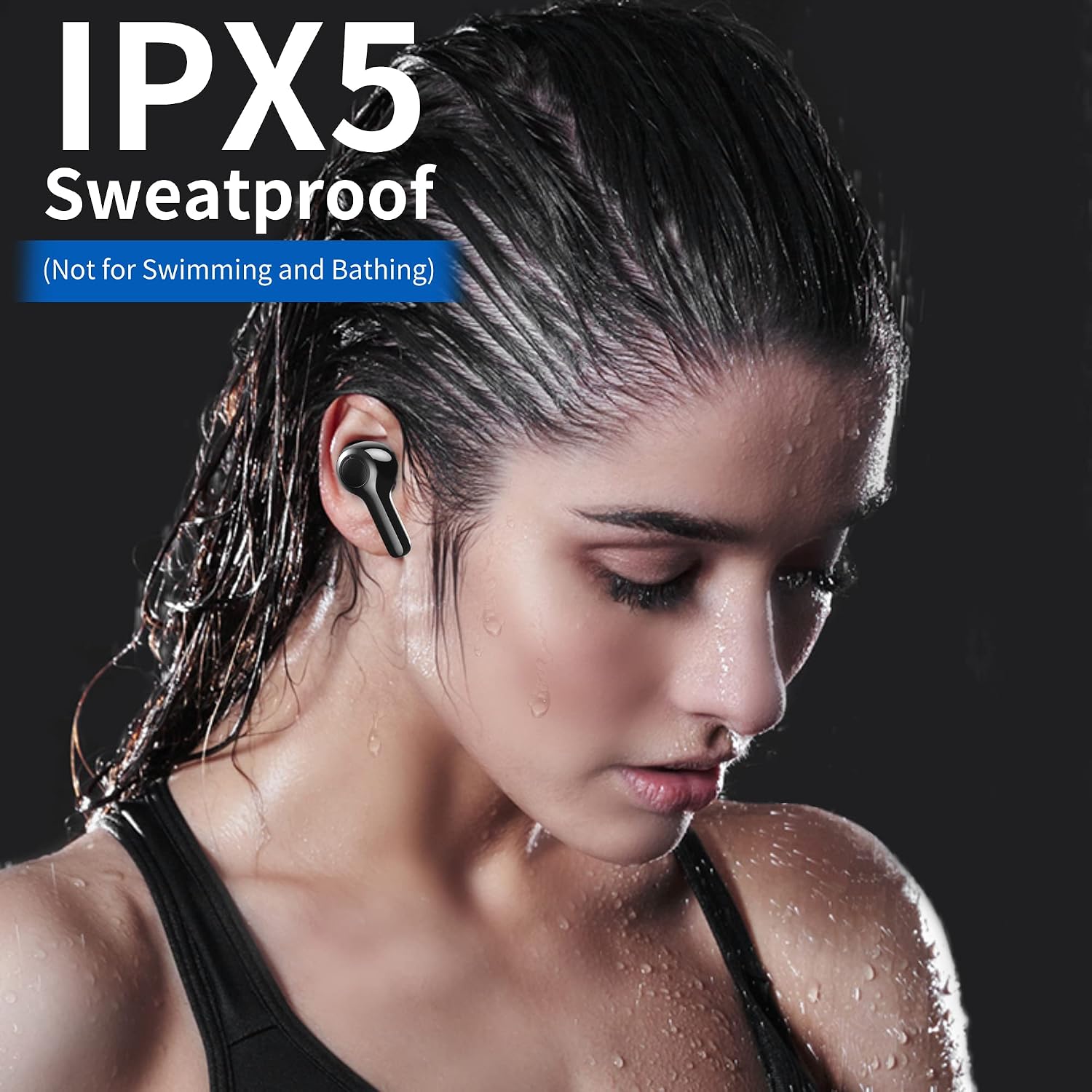
Image: A person wearing one of the Lanteso earbuds, illustrating how the ergonomic design fits comfortably in the ear.
2.2 Touch Controls
The earbuds feature intuitive touch controls for easy management of music and calls:
| Action | Control |
|---|---|
| Play/Pause | Tap either earbud once |
| Volume Down | Long press left earbud |
| Volume Up | Long press right earbud |
| Previous Track | Tap left earbud twice |
| Next Track | Tap right earbud twice |
| Answer Call | Tap either earbud once |
| Hang up/Reject Call | Tap either earbud 3 times |
| Activate Voice Assistant (Siri, Google Assistant, etc.) | Tap left/right earbuds 3 times |
Image: A visual guide to the touch controls, showing icons for play/pause, volume, track skipping, call management, and voice assistant activation.
2.3 Call Functions
The earbuds are equipped with microphones for clear calls and noise reduction, ensuring your voice is highlighted and background noise is minimized.
- Answering Calls: Tap either earbud once.
- Ending/Rejecting Calls: Tap either earbud three times.
- Enjoy crystal clear conversations thanks to the integrated call noise reduction technology.
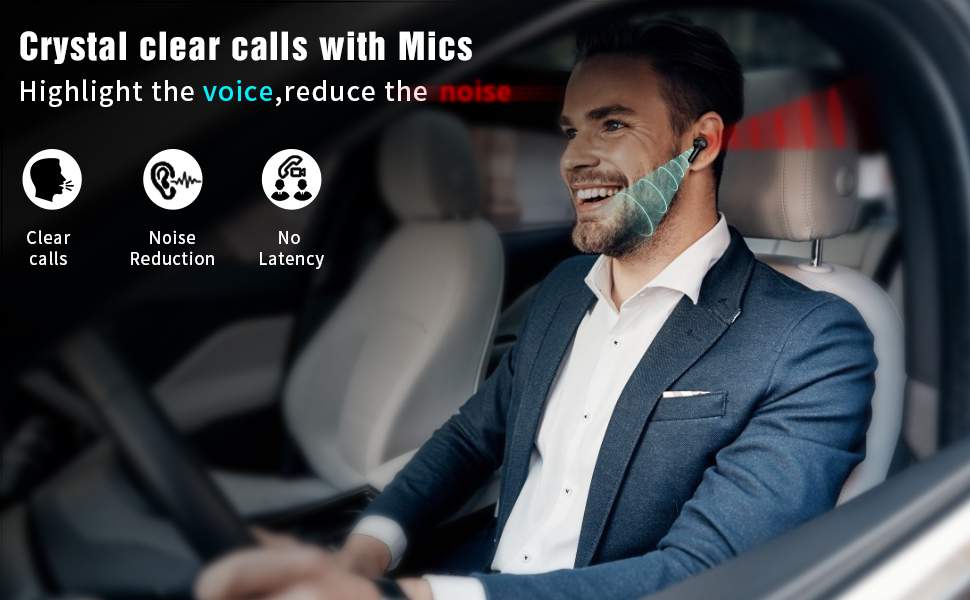
Image: A man in a car using the earbuds, with graphics indicating clear calls, noise reduction, and no latency.
3. Maintenance
3.1 Cleaning Your Earbuds
Regular cleaning helps maintain sound quality and hygiene.
- Use a soft, dry, lint-free cloth to wipe the earbuds and charging case.
- For eartips, remove them from the earbuds and clean with a damp cloth. Ensure they are completely dry before reattaching.
- Do not use abrasive cleaners, alcohol, or chemical solvents.
3.2 Water Resistance
The Lanteso earbuds are IPX5 sweatproof, making them suitable for workouts and light rain. However, they are not designed for swimming, bathing, or submersion in water.
- Avoid exposing the charging case to water, as it is not water-resistant.
- If earbuds get wet, wipe them dry thoroughly before placing them back in the charging case.

Image: A person exercising, demonstrating the earbuds' IPX5 sweatproof rating. A note clarifies they are not for swimming or bathing.
4. Troubleshooting
If you encounter issues with your Lanteso earbuds, try the following solutions:
4.1 Pairing Issues
- Ensure the earbuds are charged and out of the charging case.
- Turn off and on Bluetooth on your device.
- Forget "DBK01" from your device's Bluetooth list and try pairing again.
- Ensure the earbuds are within the 10-meter (33ft) Bluetooth range of your device.
4.2 No Sound or Low Volume
- Check the volume level on both your device and the earbuds.
- Ensure the earbuds are properly seated in your ears to create a good seal.
- Clean any debris from the earbud mesh.
4.3 Earbuds Not Charging
- Ensure the charging cable is securely connected to both the case and the power source.
- Verify that the charging contacts on the earbuds and inside the case are clean and free of debris.
- Try a different USB Type-C cable or power adapter.
4.4 Resetting the Earbuds
If issues persist, a factory reset may resolve them.
- Place both earbuds back into the charging case.
- Close the lid and wait for a few seconds.
- Open the lid and try re-pairing with your device.
- (Note: For specific hard reset procedures, refer to the official Lanteso support website if this general reset does not resolve the issue.)
5. Specifications
| Feature | Detail |
|---|---|
| Brand | Lanteso |
| Model Number | DBK01-Pro |
| Connectivity Technology | Bluetooth 5.0, Wireless |
| Wireless Communication Technology | Bluetooth |
| Bluetooth Version | 5.0 |
| Bluetooth Range | 10 Meters (33 feet) |
| Material | Plastic |
| Ear Placement | In Ear |
| Form Factor | In Ear |
| Control Type | Touch Control |
| Audio Driver Type | Dynamic Driver |
| Audio Driver Size | 6 Millimeters |
| Battery Life (Earbuds) | Up to 4 hours (single charge) |
| Battery Life (with Charging Case) | Up to 24 Hours |
| Charging Time | 1.5 Hours (earbuds), 3 Hours (case) |
| Charging Port | USB Type C |
| Water Resistance Level | IPX5 (Sweatproof) |
| Item Weight | 98 Grams (total, including case) |
| Product Dimensions | 2.36 x 1.18 x 1.57 inches |
| Compatible Devices | Cellphones |
| Frequency Range | 2.4 GHz - 2.48 GHz |
6. Warranty and Support
Lanteso products are designed for reliability and performance. For detailed warranty information, product support, or to contact customer service, please visit the official Lanteso store or contact their support channels.
Official Lanteso Store: Visit the Lanteso Store on Amazon
Ask a question about this manual
Ask about setup, troubleshooting, compatibility, parts, safety, or missing instructions. Manuals+ will review the question and use this page’s manual context to help answer it.