
1. Introduction and Overview
The Retevis RB37 Bluetooth Two-Way Radio is a versatile and reliable communication device designed for various professional and personal applications. This manual provides comprehensive instructions for setting up, operating, and maintaining your RB37 radios to ensure optimal performance.
Key features include seamless Bluetooth headset connectivity for hands-free operation, a powerful 2000mAh battery offering extended standby time, and multiple charging options. The RB37 also incorporates a VOX function for voice-activated transmission, a built-in flashlight for low-light conditions, and an emergency alarm for critical situations. These license-free FRS radios are compatible with other Retevis 16-channel FRS radios on channels 1-5, making them ideal for use in schools, supermarkets, warehouses, construction sites, and more.

Figure 1: Retevis RB37 Two-Way Radios with Bluetooth Earpieces
2. Package Contents
Upon opening your Retevis RB37 package, please verify that all the following items are included:
- 10 x Retevis RB37 Walkie Talkies with 2000mAh (Li-ion) Battery
- 10 x Belt Clips
- 10 x USB Charging Docks
- 10 x Bluetooth Earpieces and Ear Hooks
- 10 x Charging Cables
- 10 x Lanyards
- 1 x User Manual

Figure 2: All items included in the Retevis RB37 10-pack.
3. Product Features and Components
Familiarize yourself with the various parts and functions of your Retevis RB37 radio:

Figure 3: Labeled diagram of the Retevis RB37 Two-Way Radio.
- Antenna: For transmitting and receiving radio signals.
- Volume/Power Knob: Rotate to turn the radio on/off and adjust volume.
- Flashlight: Provides illumination.
- LED Indicator: Displays radio status (e.g., transmitting, receiving, charging).
- PTT (Push-to-Talk) Button: Press and hold to transmit, release to receive.
- PF1 (Channel Up) Button: Used for channel selection and other functions.
- PF2 (Channel Down) Button: Used for channel selection and other functions.
- Earpiece Jacks: For connecting wired earpieces.
- Charging Port (Type-C): For direct charging of the radio.
- Speaker: For audio output.
- Mic: For voice input.
3.1. Bluetooth Headset Features

Figure 4: Key features of the Retevis RB37 Bluetooth Headset.
- 180mAh Battery: Provides up to 12 hours of continuous operation.
- Touch PTT Key: Convenient push-to-talk functionality directly on the headset.
- 6m Receiving Distance: Ensures reliable connection within a 6-meter range from the radio.
- Anti-drop Ear Hook: Designed for secure and comfortable wear.
3.2. Sound System Features

Figure 5: VOX and Squelch features for enhanced audio quality.
- Tail Sound Cancellation: Reduces annoying "squelch tail" noise at the end of transmissions.
- Squelch: Automatically mutes the speaker when no signal is present, eliminating background noise.
- VOX (Voice Operated Exchange): Allows for hands-free transmission by detecting your voice.
4. Setup
4.1. Charging the Radio
The Retevis RB37 radios are equipped with a 2000mAh Li-ion battery, providing approximately 7 days of standby time. There are two primary methods for charging your radios:
- Using the USB Charging Dock: Place the radio in the provided charging dock. Connect the USB charging cable to the dock and a compatible USB power source (e.g., wall adapter, computer USB port).
- Direct Type-C Charging: Connect a Type-C USB cable directly to the charging port on the side of the radio and a compatible USB power source.
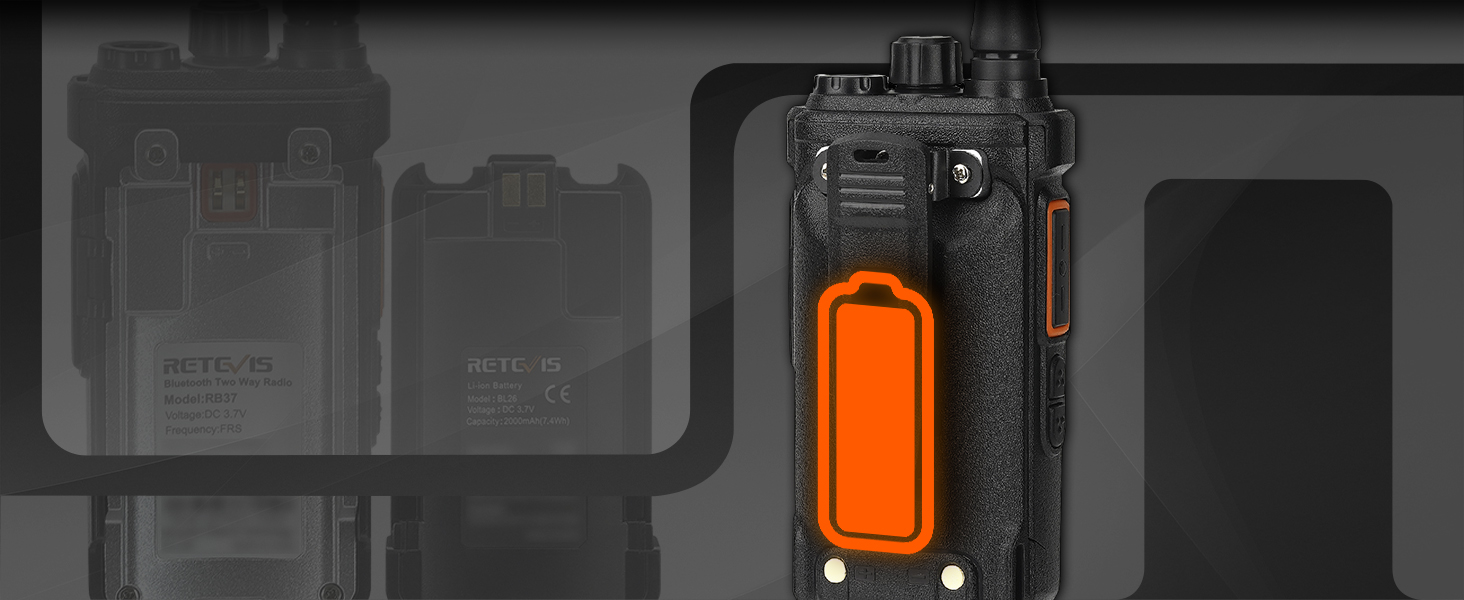
Figure 6: Illustrates the various charging methods for the RB37 radio.
4.2. Pairing the Bluetooth Headset
The RB37 radios are designed for easy pairing with their included Bluetooth headsets. Follow these steps for successful pairing:
- Ensure both the radio and the Bluetooth headset are powered off.
- Turn on the wireless earpiece by pressing its power switch.
- Turn on the RB37 radio by rotating the Volume/Power knob.
- Press the up button (PF1) on the radio; the white light on the radio will illuminate.
- Place the powered-on headset near the radio. They should automatically connect within 5 seconds.
Important Note: If you turn off either the walkie-talkie or the headset, you will need to re-pair them by following these steps again.
For a visual guide on pairing, please watch the official instruction video below:
Video 1: Direction of pairing RB37 walkie talkie and headset. This video demonstrates the step-by-step process to successfully pair your Retevis RB37 radio with its Bluetooth headset.
5. Operating Instructions
5.1. Power On/Off and Volume Adjustment
To power on the radio, rotate the Volume/Power knob clockwise. To power off, rotate it counter-clockwise until you hear a click. Adjust the volume by continuing to rotate the knob clockwise (increase) or counter-clockwise (decrease).
5.2. Channel Selection
Use the PF1 (Channel Up) and PF2 (Channel Down) buttons to select your desired communication channel. The RB37 supports 16 channels. For communication with other Retevis FRS radios (such as RT21, RT22, RT68, H-777), ensure both radios are set to channels 1-5 for direct compatibility.
5.3. Push-to-Talk (PTT)
To transmit your voice, press and hold the large PTT button on the side of the radio. Speak clearly into the microphone. Release the PTT button to stop transmitting and listen for a response.
5.4. VOX Function (Voice Operated Exchange)
The VOX function allows for hands-free communication. When activated, the radio will automatically transmit when it detects your voice, eliminating the need to press the PTT button.
To activate VOX, use the key combination: PF1 + PF2 + Power On. Refer to Figure 7 for a visual representation.
Figure 7: Activating the VOX function on the RB37 radio.
5.5. Flashlight and Emergency Alarm
The RB37 is equipped with a built-in flashlight for convenience in dark environments and an emergency alarm for urgent situations.
- Flashlight: Activate the flashlight by pressing the designated button (refer to Figure 3 for location).
- Emergency Alarm: The emergency alarm can be activated to alert others in case of an emergency. Consult the full user manual for specific button combinations to trigger the alarm.
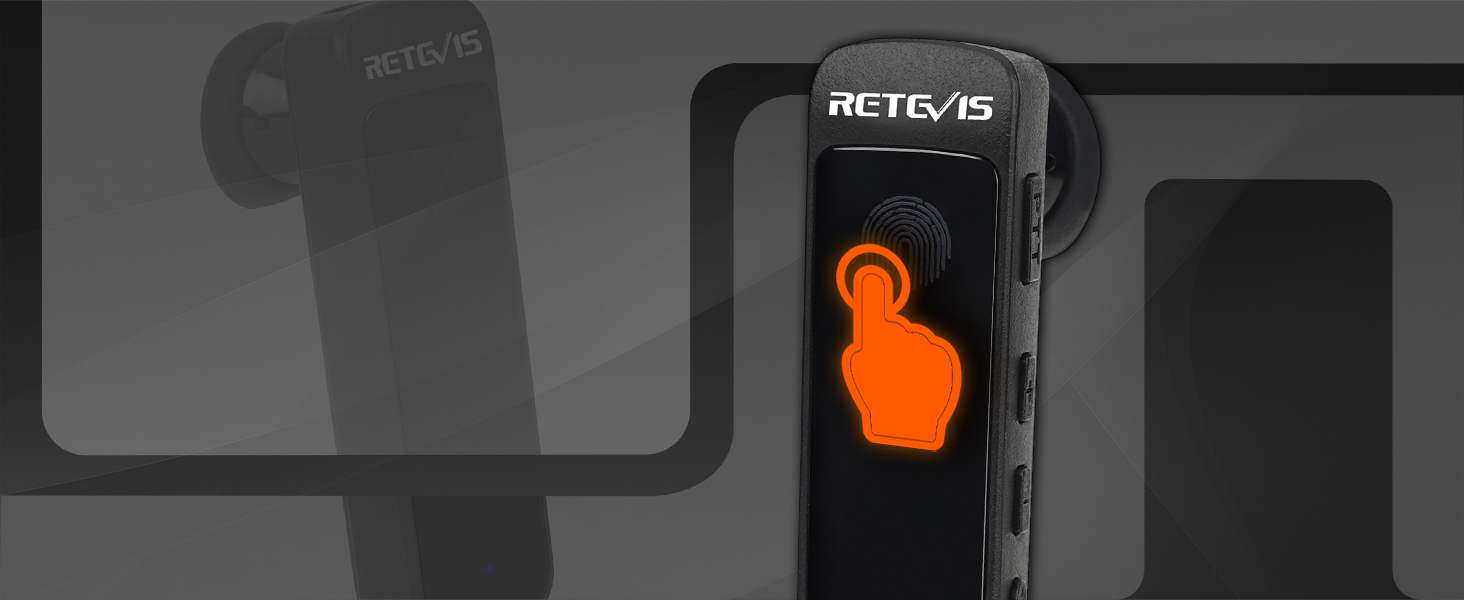
Figure 8: The RB37's integrated flashlight provides convenient illumination.
6. Maintenance
Proper maintenance ensures the longevity and optimal performance of your Retevis RB37 radios:
- Cleaning: Use a soft, damp cloth to clean the radio's exterior. Avoid using harsh chemicals or abrasive cleaners.
- Battery Care:
- Fully charge batteries before first use.
- Avoid overcharging or completely draining the battery.
- Store radios and batteries in a cool, dry place when not in use for extended periods.
- Storage: Keep the radio away from extreme temperatures, direct sunlight, and moisture.
- Antenna: Do not bend or modify the antenna, as this can affect signal quality.
7. Troubleshooting
This section addresses common issues you might encounter with your Retevis RB37 radios. If you experience problems not listed here, please refer to the Warranty & Support section for assistance.
7.1. Bluetooth Headset Pairing Issues

Figure 9: Common questions regarding Bluetooth headset pairing and channel changes.
Q1: Why can't the Bluetooth headset pair with the walkie-talkie automatically?
A: Walkie-talkie A can only automatically pair with Bluetooth earpiece A. If you want to pair with Bluetooth earpiece B, you need to re-pair it manually. To do this:
- Press and hold the side PF2 key + PTT button to enter the pairing mode.
- Press the Bluetooth earpiece power button for 5 seconds in power-off status; red and blue lights will flash, indicating it's in pairing mode.
- The headset will prompt "connected" once the connection is successful.
7.2. Channel Change Issues
Q2: Why can't I change the channel?
A: You may have turned on the Key-Lock function. Channel adjustment is unavailable when Key-Lock is active. To disable it, press the Identify key (which stores the Key-Lock function) for 2 seconds to turn off Key-Lock.
7.3. Radio Range and Signal Quality
Understanding factors that affect radio range can help optimize performance. Terrain and obstacles are the most significant factors. For more detailed information on radio range, please watch the video below:
Video 2: Do you know the truth about two-way radio range? This video explains various factors influencing radio range, including terrain, obstacles, radio power, signal type, horizon distance, and atmospheric conditions.
To extend communication distance, consider the following:
- Increase the transmission power (in theory, if the transmission power is doubled, the communication distance can be expanded to approximately 1.4 times the original distance).
- Improve the receiving sensitivity (adjust the squelch threshold of the walkie-talkie and use a high-gain antenna to correspondingly improve the receiving sensitivity of the walkie-talkie).
- Keep launching from a higher location.
- Keep your battery charged.
8. Specifications
| Specification | Value |
|---|---|
| Brand | Retevis |
| Model Number | RB37 |
| Item Weight | 1.88 pounds |
| Product Dimensions | 9.5 x 6.7 x 2.09 inches |
| Country of Origin | China |
| Batteries | 10 Lithium Ion batteries required. (included) |
| Color | Black |
| Number of Channels | 22 |
| Frequency Range | FRS |
| Voltage | 3.7 Volts |
| Water Resistance Level | Not Water Resistant |
| Date First Available | July 26, 2021 |
9. Warranty and Support
Retevis provides a comprehensive warranty for your RB37 radios:
- Radio Body: 2-year warranty.
- Accessories: 1-year warranty.
We also offer a 30-day no-reason return policy. Beyond the warranty period, maintenance services are still available, with buyers responsible for corresponding costs. For any inquiries, technical support, or warranty claims, please contact Retevis via Amazon mail. We aim to reply within 12 hours to provide the most hassle-free service possible.
You can also visit the official Retevis Store for more information and products: Retevis Amazon Store.


