1. Introduction
The Samsung EVO Select Micro SD Card with included adapter provides expanded storage for a variety of compatible devices. This 64GB microSDXC card is designed for efficient data storage and retrieval, supporting Full HD and 4K UHD content. Its robust construction ensures durability against common environmental factors, making it a reliable choice for your digital storage needs.
2. Key Features
- Expanded Storage: Provides 64GB of storage for media, games, and applications on Android smartphones, tablets, Nintendo Switch, cameras, and drones.
- High-Speed Performance: Features U1, Class 10, A1, and V10 ratings with transfer speeds up to 130MB/s, ensuring smooth operation for Full HD video recording and quick app loading.
- Durable Design: Engineered for resilience against water, extreme temperatures, X-rays, magnets, drops, and wear-out, protecting your data in various conditions.
- Included SD Adapter: Comes with a full-size SD adapter for versatile use with devices that support standard SD card slots.
- Reliability: Backed by a 10-year limited warranty, reflecting Samsung's commitment to quality.
3. Setup and Installation
The Samsung EVO Select microSD card is designed for easy installation in compatible devices. Follow these general steps:
- Identify Card Slot: Locate the microSD card slot on your device (e.g., smartphone, tablet, camera, drone, Nintendo Switch). Refer to your device's manual for exact location and orientation.
- Insert MicroSD Card: Gently insert the microSD card into the slot with the gold contacts facing down or as indicated by your device. Push until it clicks into place.
- Using the SD Adapter: If your device uses a standard SD card slot, insert the microSD card into the provided SD adapter first, then insert the adapter into your device's SD card slot.
- Format (if prompted): Some devices may prompt you to format the card upon first use. Follow the on-screen instructions. Formatting will erase all data on the card, so ensure it is empty or backed up if necessary.

Figure 3.1: Samsung EVO Select 64GB MicroSD Card.
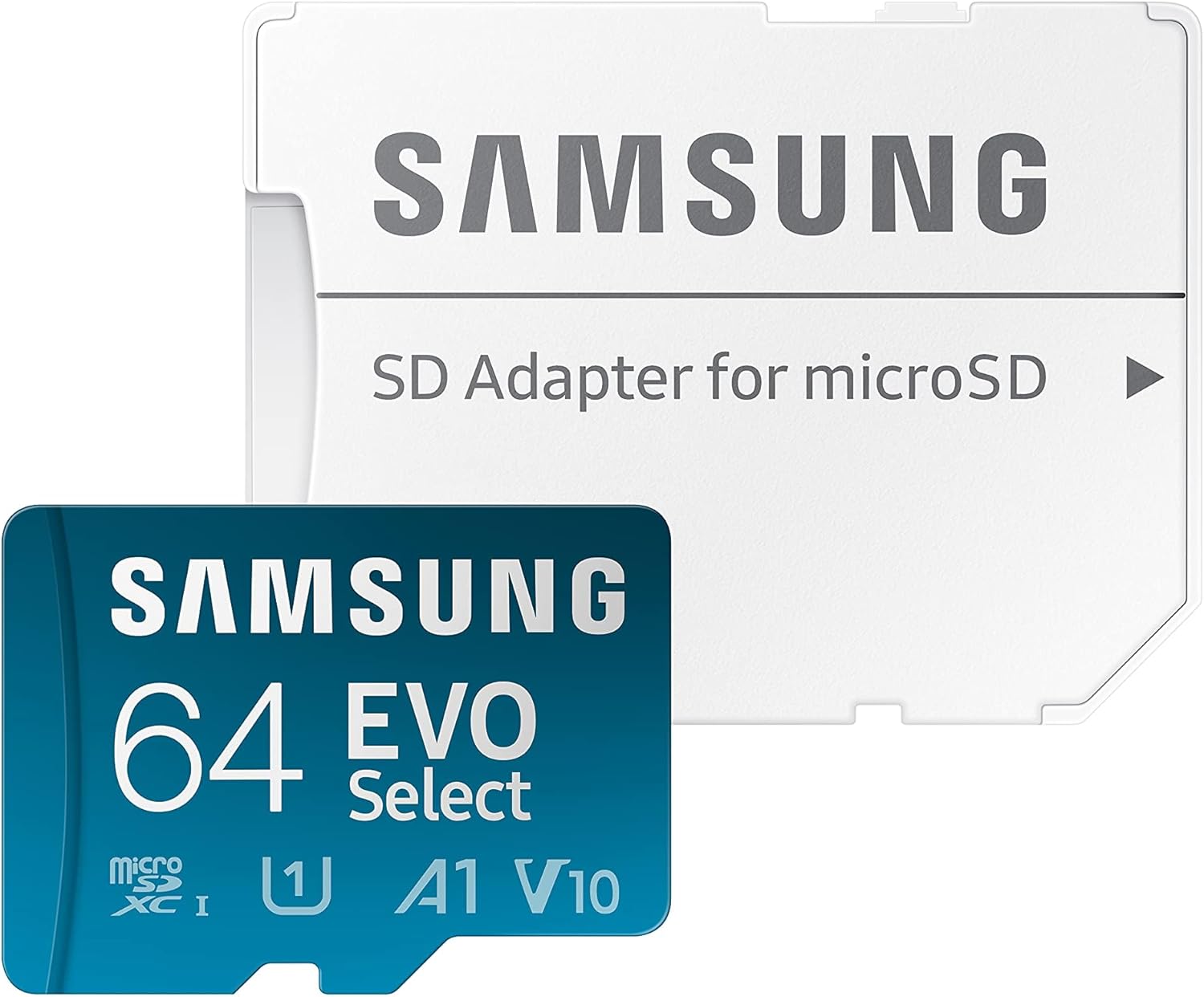
Figure 3.2: Samsung EVO Select 64GB MicroSD Card with included SD Adapter.
4. Operating the MicroSD Card
Once installed, the microSD card functions as an extension of your device's internal storage. You can use it to:
- Store Files: Save photos, videos, music, and documents directly to the card.
- Install Applications: On compatible Android devices, you can move or install apps to the microSD card to free up internal storage.
- Record High-Quality Media: The U1 and V10 speed ratings ensure smooth recording of Full HD (1080p) video. For devices requiring higher write speeds for 4K UHD, the 128GB, 256GB, and 512GB EVO Select cards offer U3 and V30 ratings.
- Transfer Data: Use the card to easily transfer files between devices. Insert the microSD card (or with its adapter) into a computer's card reader to access its contents.
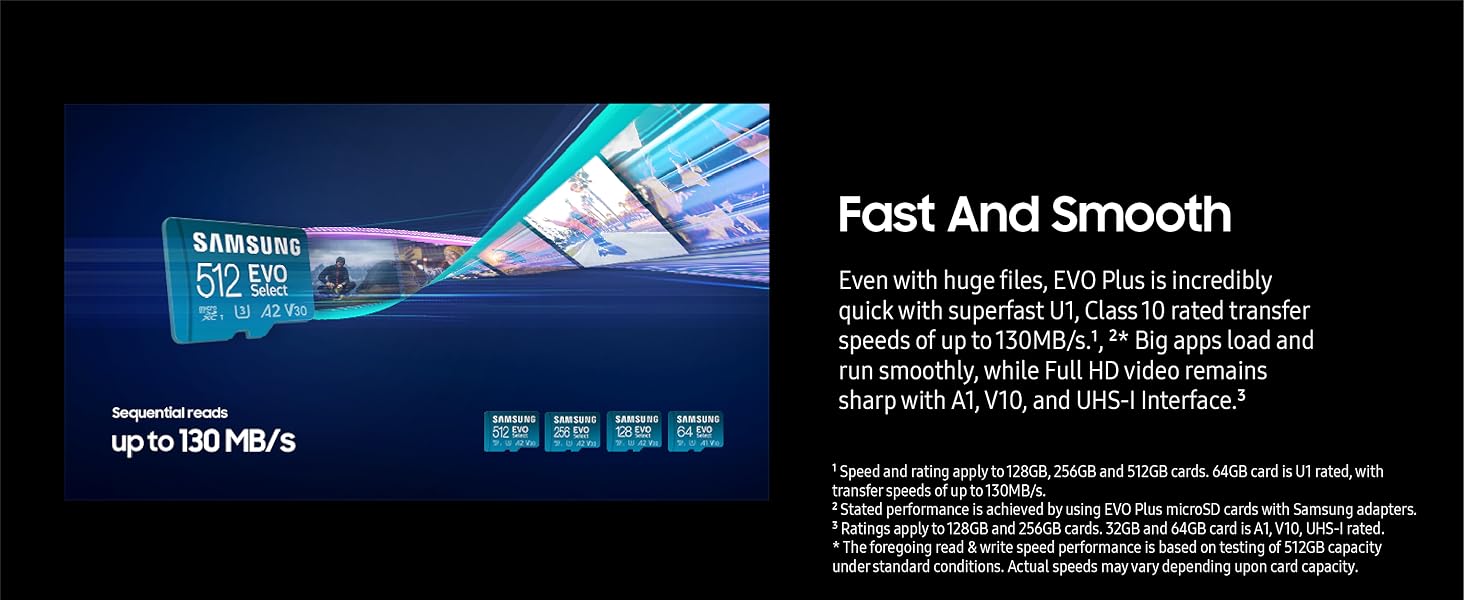
Figure 4.1: Illustration of Samsung EVO Select MicroSD card speed and performance.
Related Videos:
Video 4.1: Overview of the features of the Samsung EVO Select Micro SDXC Memory Card. This video provides a general look at the card's capabilities and uses.
Video 4.2: Benchmark results for a Samsung EVO Select card, demonstrating its read and write speeds in a testing environment.
5. Maintenance and Durability
The Samsung EVO Select microSD card is built to withstand various environmental challenges, ensuring your data remains safe. It features:
- Water-Proof: Can withstand up to 72 hours in seawater.
- Temperature-Proof: Operates in temperatures from -25°C to 85°C and non-operating temperatures from -40°C to 85°C.
- X-Ray Proof: Protected against X-ray machines up to 100mGy, equivalent to airport security scanners.
- Magnet-Proof: Resistant to magnetic fields up to 15,000 gauss, similar to a high-field MRI.
- Drop-Proof: Designed to withstand drops from up to 5 meters (16.4 feet).
- Wear-Out Proof: Rated for up to 10,000 swipes, ensuring long-term reliability.

Figure 5.1: Samsung EVO Select MicroSD card durability features.
6. Troubleshooting
If you encounter issues with your Samsung EVO Select microSD card, consider the following:
- Card Not Recognized:
- Ensure the card is fully and correctly inserted into the device or adapter.
- Try inserting the card into another compatible device or card reader to rule out a device-specific issue.
- Clean the gold contacts on the card with a soft, dry cloth.
- Slow Performance:
- Verify your device supports the card's speed class (UHS-I, U1, A1, V10). Older devices may not fully utilize the card's speed.
- Ensure the card is not nearly full, as this can impact performance.
- Avoid running multiple demanding applications simultaneously when accessing the card.
- Data Corruption:
- Always safely eject the card from your device before removing it.
- If data appears corrupted, try using a data recovery software (third-party) on a computer.
- If the card is physically damaged or consistently corrupts data, it may need to be replaced under warranty.
- Formatting Issues:
- If your device fails to format the card, try formatting it using a computer's disk utility. Use the exFAT file system for optimal compatibility and large file support.
7. Specifications
| Feature | Detail |
|---|---|
| Brand | Samsung |
| Model Name | EVO Select |
| Item Model Number | MB-ME64KA/AM |
| Flash Memory Type | Micro SDXC |
| Memory Storage Capacity | 64 GB |
| Read Speed | Up to 130 MB/s |
| Write Speed | Up to 130 MB/s (U1 rated) |
| Speed Class | UHS-I, U1, Class 10, A1, V10 |
| Special Features | Water-Proof, Temperature-Proof, X-Ray Proof, Magnet-Proof, Drop-Proof, Wear-Out Proof |
| Compatible Devices | Camera, Drone, Gaming Console (Nintendo Switch), Smartphone, Tablet |
| Item Weight | 0.634 ounces |
| Product Dimensions | 9"L x 6.5"W (packaging dimensions) |
8. Warranty and Support
The Samsung EVO Select MicroSD Card comes with a 10-year limited warranty. This warranty covers defects in materials and workmanship under normal use. For detailed terms and conditions, or to initiate a warranty claim, please visit the official Samsung memory card support website or contact Samsung customer service.
For further assistance, product registration, or to find updated drivers and software, please refer to the official Samsung support channels.