Introduction
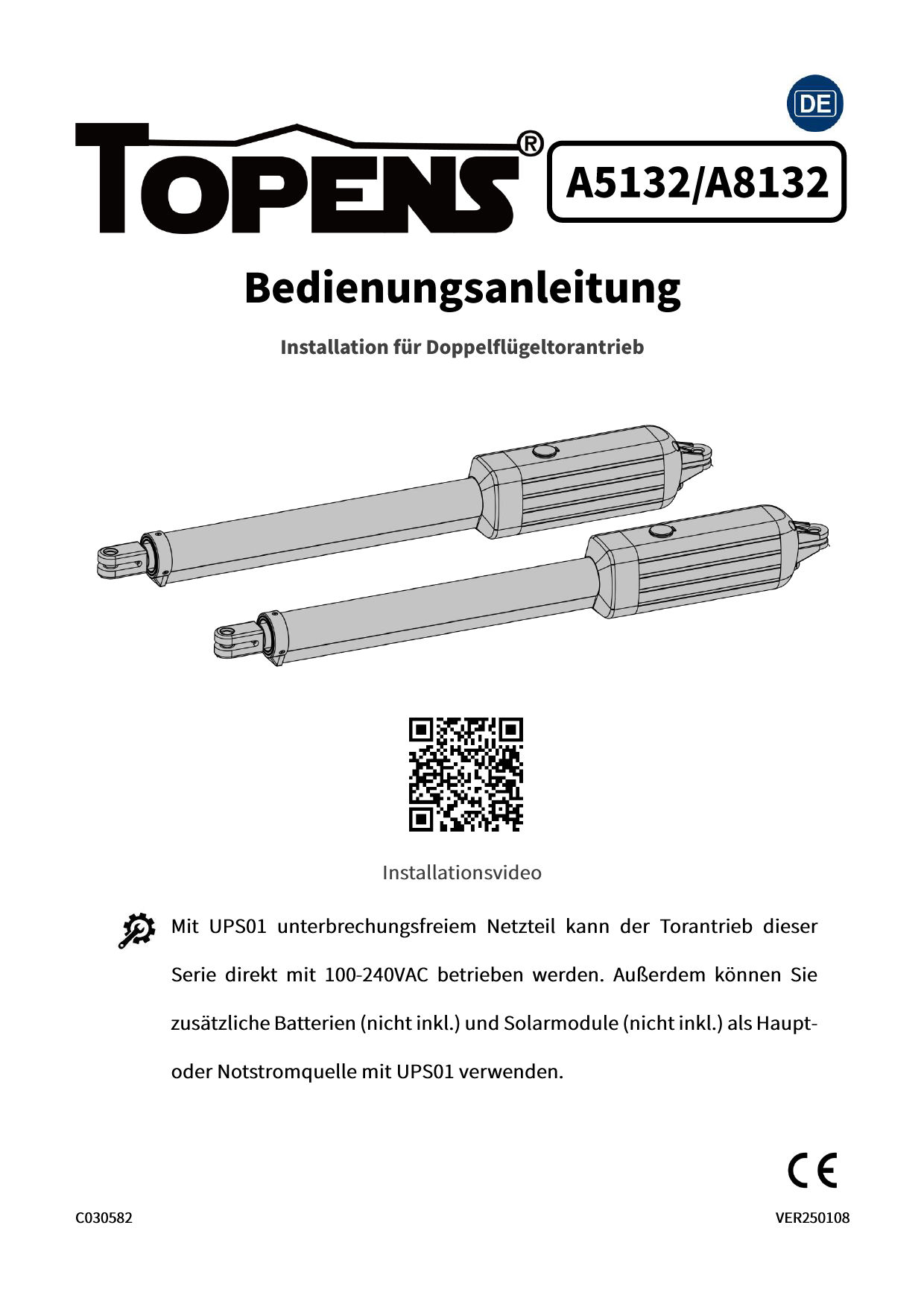
The TOPENS A8132 Dual Swing Gate Opener is engineered for robust and reliable operation, capable of driving heavy-duty dual swing gates up to 880 lbs in weight or 18 ft in length per gate leaf. This system offers flexible power modes, including direct AC power, battery backup, and solar compatibility, ensuring continuous operation. Designed for wide applications across various gate materials and styles, it features multiple protection mechanisms like safety stop-and-reverse and soft start/stop for enhanced security and longevity. This manual will guide you through the installation, operation, and maintenance of your TOPENS A8132 gate opener.
Package Contents
Your TOPENS A8132 Dual Swing Gate Opener package includes the following components:
- 2 x Gate Opener Actuator (Arm), with a 5 feet 5-Conductor Cable per Arm
- 1 x Waterproof Control Box
- 1 x Full Set of Required Installation Hardware
- 2 x M12 Remote Control Transmitter
- 1 x UPS01 Uninterrupted Power Supply (IP65 Waterproof)

Image: All components included in the TOPENS A8132 Dual Swing Gate Opener package.
Safety Information
Always prioritize safety during installation and operation. Read all instructions carefully before proceeding. Failure to follow safety guidelines may result in injury or damage to property.
- Ensure the gate operates smoothly by hand before installing the opener.
- Keep hands and clothing clear of the gate and opener during operation.
- Do not allow children to play with or operate the gate opener.
- Regularly inspect the gate and opener for any signs of wear, damage, or misalignment.
- In case of power outage, use the manual release key to operate the gate.
Setup and Installation
This section provides detailed steps for installing your TOPENS A8132 Dual Swing Gate Opener. For a visual guide, please refer to the official installation video below.
Official Installation Video
Video: Comprehensive guide on how to install the TOPENS A5132 / A8132 Dual Swing Gate Opener. This video covers mechanical setup, electrical connections, and accessory integration.
Mechanical Installation
Proper mechanical installation is crucial for the optimal performance of your gate opener. Follow these steps carefully:
- Check Gate Operation: Before installing the opener, ensure your gate can open and close smoothly and freely by hand without any resistance.
- Assemble Brackets: Assemble the post bracket and the pull-to-open bracket as shown in the video.
- Determine Arm Position: Refer to the instruction manual's diagrams (like the A and B measurements) to determine the precise installation location for the post bracket on your gate post. This is critical for achieving the desired opening angle.
- Sign Bolt-Hole Points: Hold the assembled bracket in the determined position and mark the bolt-hole points on your gate post.
- Attach Bracket to Arm: Securely attach the gate bracket to the opener arm using the provided pins and clips.
- Release Clutch: Use the manual release key to disengage the clutch on the actuator arm. This allows the arm to extend and retract freely for positioning.
- Fix Post Bracket: Secure the post bracket to the gate post. For pull-to-open installations, fully retract the rod and fully open your gate to the desired open position before fixing the gate bracket. Use a level to ensure proper alignment.
- Drill and Tap Holes: Drill holes at the marked points and tap them if necessary for secure bolt installation.
- Fix Arm to Gate: Attach the opener arm to the gate using the appropriate bolts and washers. Ensure all connections are tight and secure.
- Check Installation: Manually open and close the gate to ensure the bracket positions are correct and the gate moves freely.
- Turn Back Clutch: Re-engage the clutch on the actuator arm using the manual release key.

Image: A dual swing gate with the TOPENS opener installed, being operated by a remote control.
Electrical Connections
Proper wiring is essential for the safe and correct operation of your gate opener. Ensure all connections are secure and waterproof.
- Bury Cables: Put all cables into PVC conduit to protect wiring, and bury the PVC conduit underground to prevent damage.
- Install Control Box: Mount the waterproof control box in a suitable location near the gate.
- Connect Actuator Cables: Pass the 5-conductor cable from the master arm through the control box and connect it to the control board terminals as per the wiring diagram in your manual. If an extension cable is needed for the slave arm, connect it securely.
- Install UPS01: Install the UPS01 Uninterrupted Power Supply.
- Connect Power Supply: Connect the UPS01 to the control board.
- Connect AC Electricity: Plug the UPS01 into a 100-240VAC power outlet. The power LED on the control board should flash.
- Connect Batteries (Optional): If using batteries for backup or primary power, connect them to the UPS01. Ensure 2x 12VDC batteries are connected in series to become 24VDC.
- Connect Solar Panels (Optional): If using solar panels, connect them to the UPS01. Solar panels are required to charge the battery.
Power Modes Overview
The TOPENS A8132 supports flexible power options:
- Power Mode 1: AC Electricity Only - The gate opener is powered directly by 100-240VAC electricity.
- Power Mode 2: AC Electricity and Back-up Batteries - AC electricity is the primary power source, with batteries providing backup during outages.
- Power Mode 3: Solar Panels and Batteries - Ideal for remote locations without AC power, relying solely on solar charging and battery power.
- Power Mode 4: AC Electricity, Solar Panels, and Back-up Batteries - A comprehensive setup where AC power is primary, batteries provide backup, and solar panels assist in charging the batteries.

Image: Visual representation of the four available power modes for the gate opener system.
Various Accessories
The TOPENS A8132 is compatible with a wide range of accessories to enhance functionality and convenience. These include various remote controls, keypads, safety sensors, and electric locks.

Image: A selection of compatible accessories available for TOPENS gate opener systems.
Operating Instructions
Program the Remote Control
To program your remote control with the gate opener:
- Press the learn button (CODE SW button) on the control board.
- Press the desired button on the remote control twice within 2 seconds, holding it for a moment between presses.
- The CODE LED on the control board will flash, indicating successful programming.
Adjust the Limit Switch
The limit switches define the open and closed positions of your gate. Limit Switch A is factory-fixed and should not be adjusted. Limit Switch B controls the close position in pull-to-open mode.
- Limit Switch A: This switch is pre-set at the factory. Do not adjust it.
- Limit Switch B: In pull-to-open installation mode, if the gate does not stop at the desired close position, re-adjust the "Limit Switch B".
- Check Adjustment: After adjustment, operate the gate with the remote control to verify the limit switch is fine-adjusted.
Setting of the Control Board
The control board allows for fine-tuning of the gate opener's behavior:
- Adjust DIP Switches: Refer to the instruction manual for the specific functions of each DIP switch and adjust them accordingly (e.g., auto-close, soft stop).
- Adjust Potentiometers: Use a small screwdriver to adjust the potentiometers for settings like soft stop, auto-close delay, and close delay.
Maintenance
Regular maintenance ensures the longevity and reliable operation of your gate opener.
- Inspect the gate and opener arms monthly for any loose bolts, worn parts, or signs of corrosion.
- Keep the area around the gate clear of debris and obstructions.
- Check the electrical connections periodically for tightness and signs of wear.
- Lubricate moving parts as recommended in the detailed user manual.
Troubleshooting
If you encounter issues with your gate opener, refer to the following common problems and solutions:
| Problem | Possible Cause | Solution |
|---|---|---|
| Gate does not open/close | No power, remote not programmed, obstruction | Check power supply, reprogram remote, clear path |
| Gate stops unexpectedly | Obstruction, faulty sensor, power fluctuation | Remove obstruction, check sensor wiring, verify stable power |
| Remote control not working | Dead battery, out of range, programming issue | Replace battery, move closer, reprogram remote |
Specifications
| Specification | Value |
|---|---|
| Manufacturer | TOPENS |
| Part Number | A8132 |
| Item Weight | 37.4 pounds |
| Product Dimensions | 33.7 x 3.3 x 4.1 inches |
| Country of Origin | China |
| Item model number | A8132 |
| Batteries | 6 CR2 batteries required. (included) |
| Size | Heavy Duty Dual Swing Gate Opener |
| Color | Black |
| Finish | Mixed |
| Power Source | AC/DC |
| Item Package Quantity | 1 |
| Usage | General Purpose |
| Batteries Included? | Yes |
| Batteries Required? | Yes |
| Battery Cell Type | Lithium Metal |
| Date First Available | July 19, 2021 |
Warranty and Support
TOPENS provides customers with a 30-day exchange & return policy, a 12-month warranty, and excellent technical support. For further assistance, you can visit the TOPENS website to download the user manual, watch installation videos, and access customized service.
For the complete user manual, please download the PDF document: User Manual (PDF)