
1. Introduction
This manual provides instructions for the uehba RAV271 replacement remote control. This remote is designed to be compatible with various Yamaha AV System Receivers, including models such as RAV271, WE45890, RX-V750, RXV750, WM88530, WN372600, RXV3800, RX-V3900, RXV3900, RX-Z7, RX-Z7BL, and DSP-Z7. It offers a straightforward solution for controlling your Yamaha AV system.
2. Setup
2.1 Battery Installation
The uehba RAV271 remote control requires two (2) AAA alkaline batteries for operation. Batteries are not included with the remote control.
- Locate the battery compartment on the back of the remote control.
- Slide the battery compartment cover downwards and remove it.
- Insert two AAA batteries, ensuring the positive (+) and negative (-) terminals align correctly with the markings inside the compartment.
- Replace the battery compartment cover by sliding it back into place until it clicks securely.
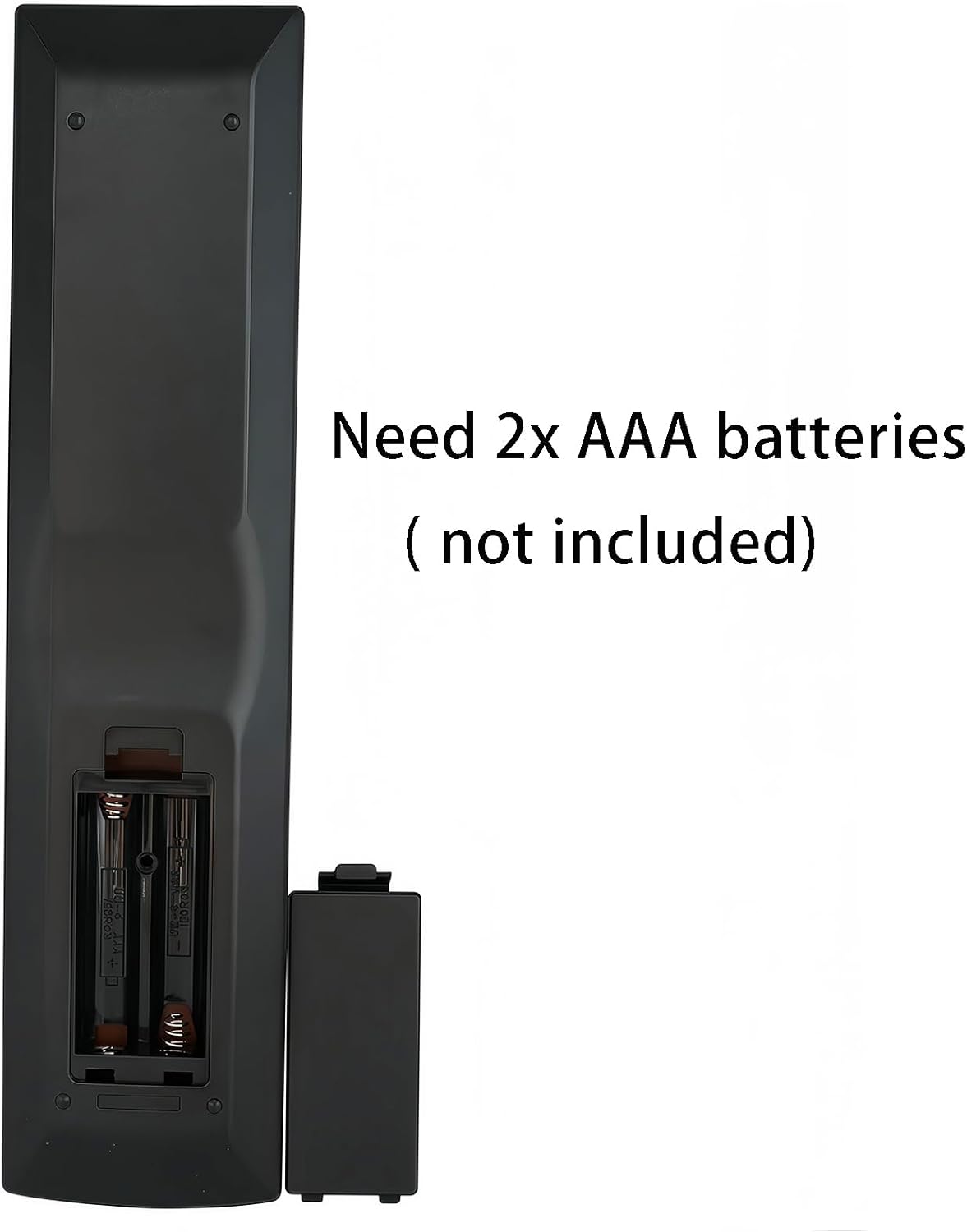
The back of the remote control is shown with the battery cover removed, revealing the two slots for AAA batteries. Please note that batteries are not included with the remote.
2.2 Initial Use
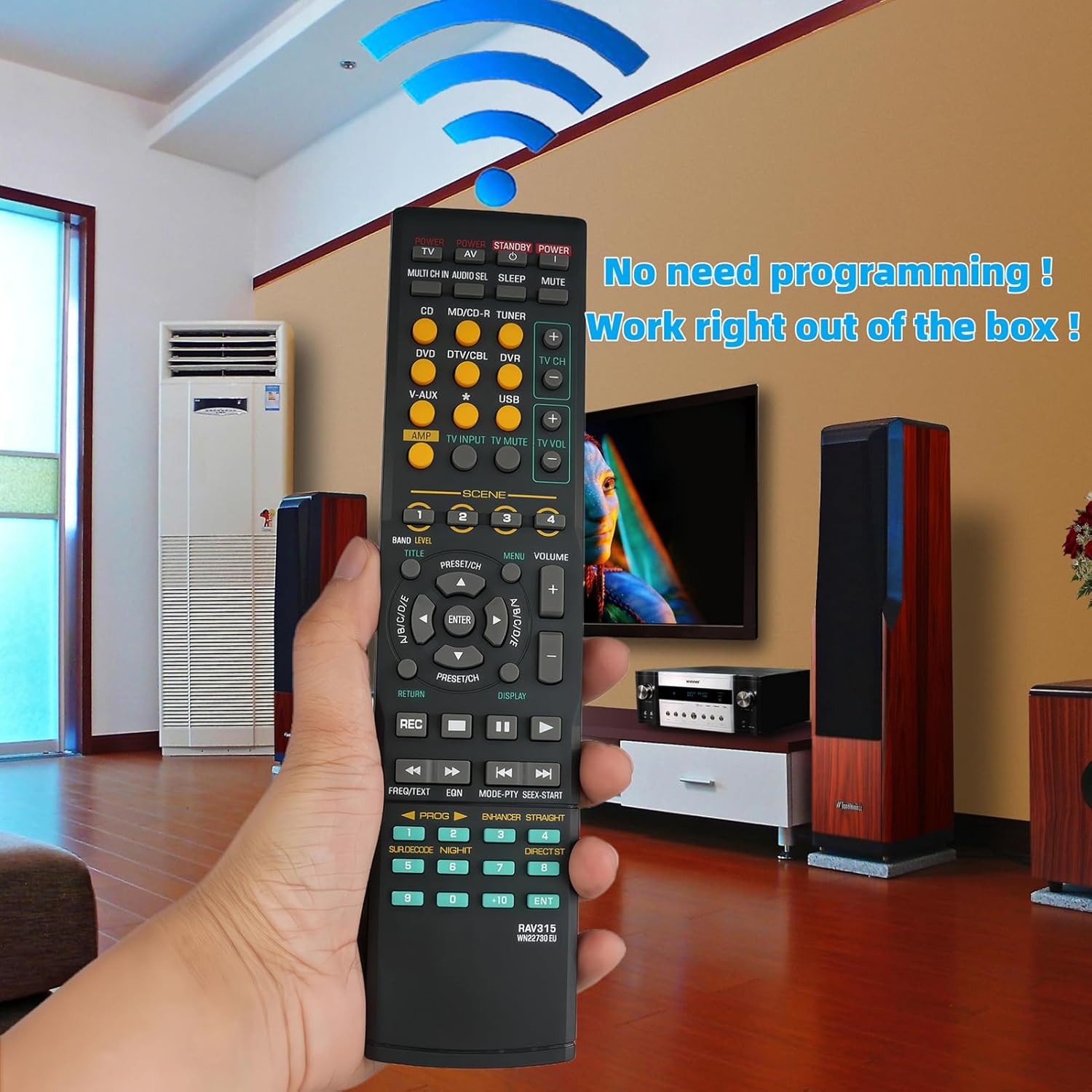
This remote control is pre-programmed and does not require any setup or programming. Once batteries are installed, it is ready to operate your compatible Yamaha AV System Receiver directly.
uehba RAV271 remote control in hand, highlighting its immediate functionality upon battery insertion, requiring no complex programming.
3. Operating Instructions
The uehba RAV271 remote control functions via infrared (IR) technology. Ensure a clear line of sight between the remote control and your Yamaha AV System Receiver for optimal performance.
3.1 Basic Functions
- Power: Press the POWER button to turn the receiver on or off.
- Volume: Use the VOLUME + and VOLUME - buttons to adjust the audio level.
- Mute: Press the MUTE button to temporarily silence the audio. Press again to restore.
- Input Selection: Use buttons like CD, DVD, TV, TUNER, etc., to select the desired audio/video input source.
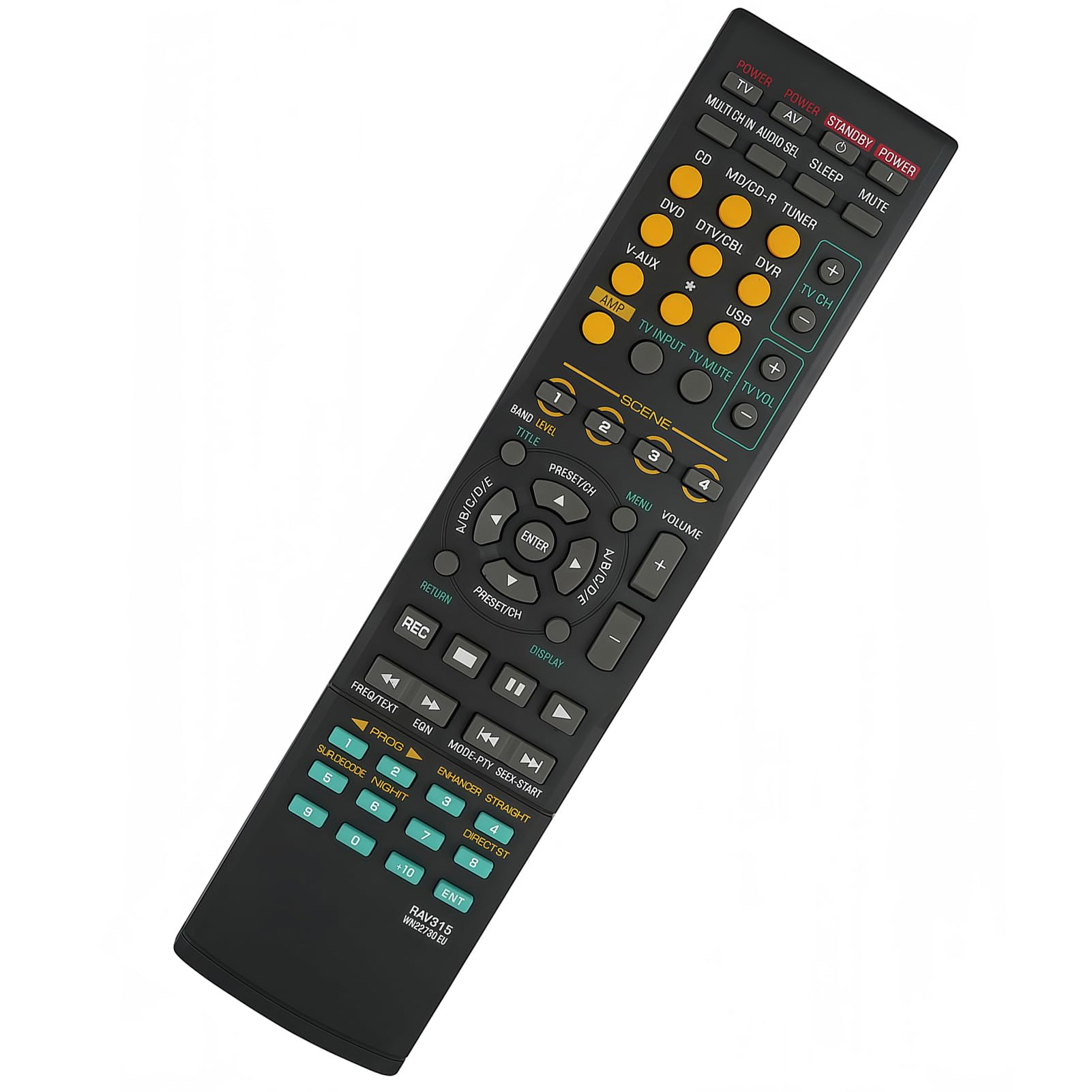
- Navigation: The directional arrow buttons (UP, DOWN, LEFT, RIGHT) and ENTER button are used for menu navigation and selection.
A clear front view of the uehba RAV271 remote control, detailing the layout and labeling of all its operational buttons for various functions.
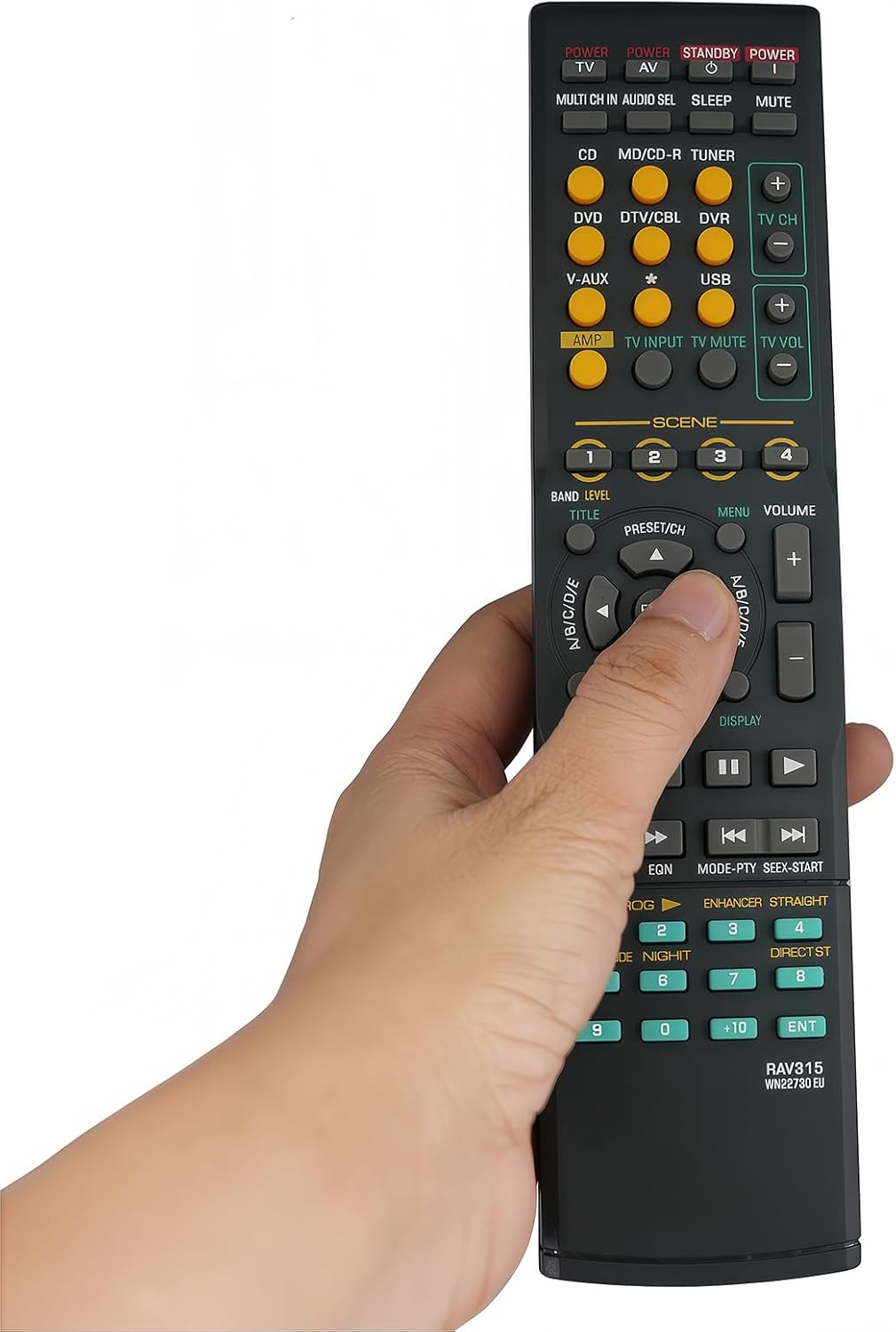
This image illustrates a hand interacting with the uehba RAV271 remote control, specifically pressing one of its buttons during operation.
3.2 Advanced Functions
The remote includes buttons for various advanced functions specific to Yamaha AV receivers, such as SCENE selection (1-4), MENU, DISPLAY, and playback controls (PLAY, PAUSE, STOP, SKIP, REC). Refer to your Yamaha receiver's original manual for detailed explanations of these specific functions.
4. Maintenance
4.1 Battery Replacement
Replace batteries when the remote control's response becomes sluggish or stops working. Always replace both batteries at the same time with new AAA alkaline batteries. Do not mix old and new batteries, or different types of batteries.
4.2 Cleaning
To clean the remote control, wipe it with a soft, dry cloth. For stubborn dirt, lightly dampen the cloth with water. Do not use abrasive cleaners, solvents, or alcohol, as these can damage the remote's surface or internal components.
4.3 Storage
Store the remote control in a cool, dry place away from direct sunlight and extreme temperatures. If the remote will not be used for an extended period, it is recommended to remove the batteries to prevent leakage.
5. Troubleshooting
- Remote not responding:
- Check if the batteries are inserted correctly with the correct polarity.
- Replace old batteries with new AAA alkaline batteries.
- Ensure there is a clear line of sight between the remote control and the Yamaha receiver. Obstructions can block the infrared signal.
- Confirm that the remote is pointed directly at the receiver's IR sensor.
- Limited functionality for specific receiver models:
- While this remote is designed for broad compatibility, specific advanced functions may vary or not be fully supported on all listed Yamaha receiver models. Refer to your original receiver manual for expected remote functions.
- Ensure your receiver model is among the compatible models listed.
- Buttons are sticky or unresponsive:
- Clean the remote control as described in the Maintenance section.
- If the issue persists after cleaning and battery replacement, the remote may require replacement.
6. Specifications
| Brand | uehba |
| Model Number | RAV271 |
| Connectivity Technology | Infrared (IR) |
| Compatible Devices | Yamaha Home Theater AV System Receivers |
| Power Source | 2 x AAA Alkaline Batteries (not included) |
| Maximum Range | 10 Meters (approx. 33 feet) |
| Controller Type | Button Control |
| Item Weight | 74 Grams |
| Color | Black |
7. Warranty and Support
7.1 Warranty Information
This uehba remote control comes with a 1-year warranty from the date of purchase. This warranty covers manufacturing defects under normal use. It does not cover damage caused by misuse, accidents, unauthorized modifications, or battery leakage.
7.2 Customer Support
If you encounter any issues or have questions regarding your uehba RAV271 remote control, please contact the seller or manufacturer for assistance. Provide your purchase details and a clear description of the problem to facilitate support.