
Altec Lansing IMW1100-MTG-STK-2
Altec Lansing HydraMotion Wireless Bluetooth Speaker User Manual
Model: IMW1100-MTG-STK-2
Brand: Altec Lansing
Introduction
This user manual provides comprehensive instructions for the Altec Lansing HydraMotion Wireless Bluetooth Speaker. It covers setup, operation, maintenance, and troubleshooting to ensure optimal performance and longevity of your device. The HydraMotion speaker is designed for robust outdoor use, featuring 360-degree sound, IP67 Everything Proof rating (Waterproof, Snowproof, Dustproof, Shockproof), and up to 12 hours of playtime.
Product Overview
The Altec Lansing HydraMotion speaker delivers powerful audio in a compact, durable design. It is built to withstand various environmental conditions, making it ideal for outdoor adventures. Key features include:
- 360-Degree Sound: Designed with speakers on all sides for immersive audio.
- IP67 Everything Proof: Waterproof, Snowproof, Dustproof, and Shockproof for reliable use in any condition.
- 12-Hour Playtime: Extended battery life for continuous music enjoyment.
- 100ft Bluetooth Range: Connect wirelessly from a significant distance.
- Compact and Portable: Lightweight design with an included carabiner clip for easy transport.
What's in the Box:
- Altec Lansing HydraMotion Wireless Bluetooth Speaker
- USB Cable
- Carabiner Clip
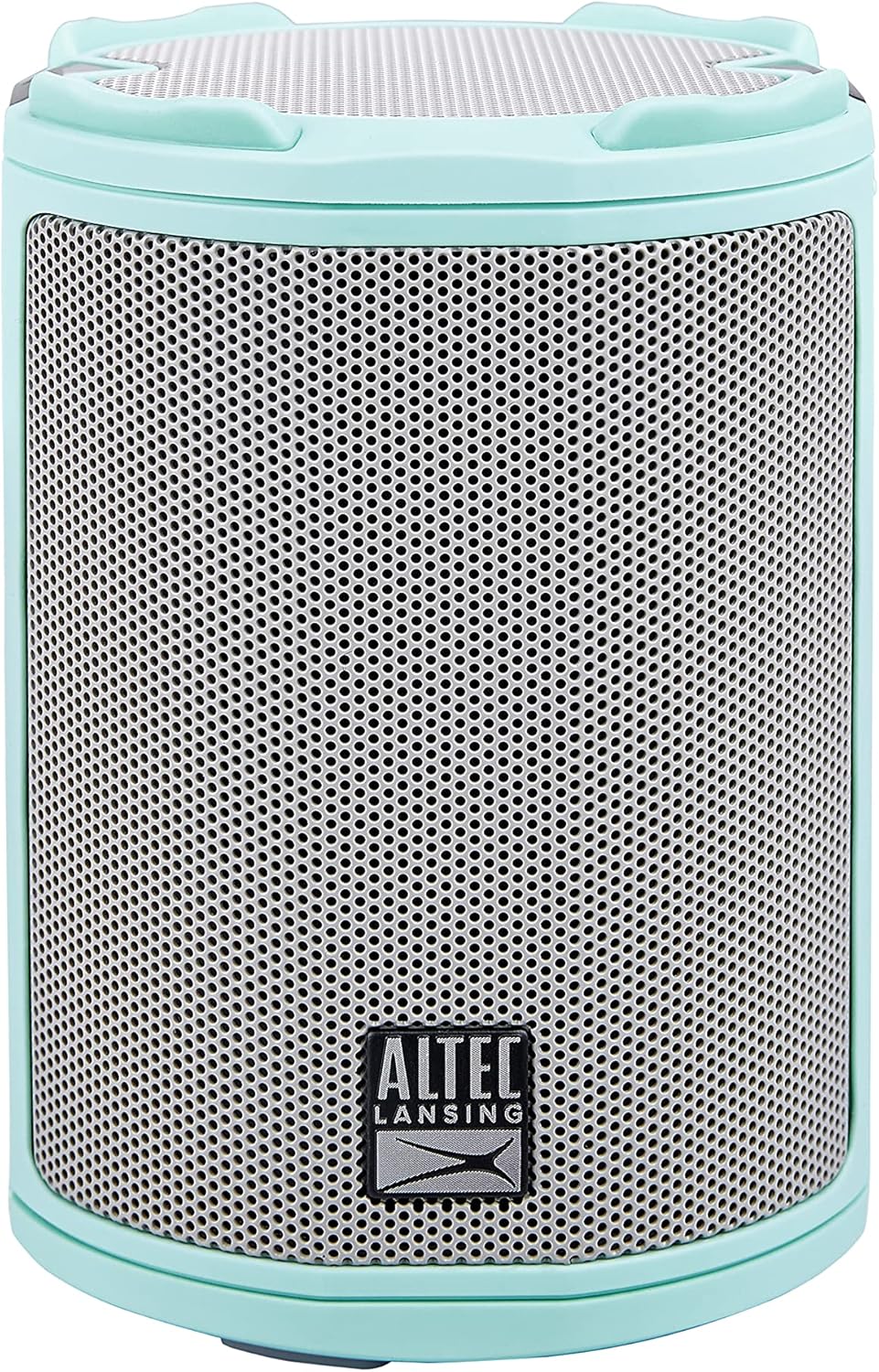
Image: Front view of the Mint Green Altec Lansing HydraMotion Wireless Bluetooth Speaker.

Image: The HydraMotion speaker highlighting its key features: 12 hours playtime, multi-light and strobe modes, true wireless pairing, and waterproof/dustproof capabilities.
Setup
1. Charging the Speaker
Before first use, fully charge your HydraMotion speaker. Connect the included USB cable to the charging port on the speaker and plug the other end into a USB power adapter (not included) or a computer USB port. The charging indicator light will show the charging status and turn off when fully charged.
2. Powering On/Off
To power on the speaker, press and hold the Power button located on the top panel until you hear an audible tone and the LED lights illuminate. To power off, press and hold the Power button again until the lights turn off.
3. Bluetooth Pairing
- Ensure the speaker is powered on and in Bluetooth pairing mode (indicated by a flashing LED light).
- On your device (smartphone, tablet, laptop), go to the Bluetooth settings.
- Select "HydraMotion" from the list of available devices.
- Once connected, the speaker will emit a confirmation tone, and the LED light will become solid.

Image: Top panel of the HydraMotion speaker, illustrating the function of each button: Volume Up, Volume Down, Virtual Assistant, LED Light Control, True Wireless Pairing, and Power On/Off.
Video: An official product video demonstrating the features and capabilities of the Altec Lansing HydraMotion Wireless Bluetooth Speaker, including its durability and sound quality.
Operating Instructions
Audio Playback
Once connected via Bluetooth, you can play audio from your paired device. Use the volume buttons on the speaker or your device to adjust the sound level. The speaker provides 360-degree sound for an immersive listening experience.
LED Light Modes
The HydraMotion speaker features multiple LED light modes. Press the LED Light Control button on the top panel to cycle through different light patterns and colors. This allows you to customize the ambiance for your listening environment.
True Wireless Pairing (TWS)
You can pair two HydraMotion speakers together for a true wireless stereo experience. Follow the instructions in your speaker's quick start guide for detailed TWS pairing steps.
"Everything Proof" Features
The HydraMotion speaker boasts an IP67 rating, making it highly resistant to water, snow, dust, and impacts. This means it can be submerged in water up to 1 meter for 30 minutes, is protected from dust ingress, and can withstand drops. Always ensure the charging port cover is securely closed to maintain its waterproof integrity.

Image: The HydraMotion speaker displayed against backgrounds of water, dirt, and snow, illustrating its "Everything Proof" capabilities.

Image: The HydraMotion speaker in an outdoor setting, demonstrating its portability and suitability for travel and extended use.
Maintenance
Cleaning
To clean your speaker, use a soft, damp cloth. Avoid using harsh chemicals or abrasive cleaners, as these can damage the speaker's finish or waterproof seals. For stubborn dirt, a mild soap solution can be used, followed by wiping with a clean, damp cloth.
Storage
When not in use for extended periods, store the speaker in a cool, dry place away from direct sunlight and extreme temperatures. Ensure the charging port cover is closed to prevent dust or moisture ingress.
Troubleshooting
| Problem | Possible Cause | Solution |
|---|---|---|
| Speaker does not power on. | Low battery; Power button not held long enough. | Charge the speaker fully; Press and hold the Power button for 3-5 seconds. |
| Cannot pair via Bluetooth. | Speaker not in pairing mode; Device Bluetooth off; Too far from speaker. | Ensure speaker LED is flashing; Turn on Bluetooth on your device; Move device closer to speaker (within 100ft). |
| No sound or low volume. | Volume too low on speaker or device; Speaker not connected. | Increase volume on both speaker and device; Re-pair the speaker with your device. |
| Sound distortion. | Volume too high; Weak Bluetooth signal. | Lower the volume; Move closer to the speaker. |
Specifications
| Model Name | HydraMotion |
| Model Number | IMW1100-MTG-STK-2 |
| Speaker Type | Outdoor |
| Connectivity Technology | Bluetooth |
| Wireless Communication Technology | Bluetooth |
| Maximum Range | 100 Feet (30.48 Meters) |
| Battery Life | 12 Hours |
| Charging Time | 12 Hours |
| Water Resistance Level | IP67 Waterproof |
| Product Dimensions | 4.4"D x 4.4"W x 8.2"H |
| Item Weight | 1.23 pounds |
| Audio Output Mode | 360-degree audio output |
| Speaker Maximum Output Power | 10 Watts |
| UPC | 021331023612 |
Warranty and Support
Manufacturer Warranty
The Altec Lansing HydraMotion Wireless Bluetooth Speaker comes with a manufacturer warranty. For specific details regarding warranty coverage, duration, and claims process, please refer to the warranty card included with your product or visit the official Altec Lansing website. Retain your proof of purchase for warranty validation.
Customer Support
For technical assistance, troubleshooting beyond this manual, or general inquiries, please contact Altec Lansing customer support. Contact information can typically be found on the product packaging, the official Altec Lansing website, or within the warranty documentation.
You can also visit the Altec Lansing Store on Amazon for more product information and support resources.
Related documentsIMW1100-MTG-STK-2


Ask a question about this manual
Ask about setup, troubleshooting, compatibility, parts, safety, or missing instructions. Manuals+ will review the question and use this page’s manual context to help answer it.