
1. Introduction
The REVOTECH Mini Security IP Camera (Model I706-2) is a compact, high-resolution surveillance device designed for indoor use. This manual provides essential information for setting up, operating, and maintaining your camera.
Important Considerations:
- A 12V/2A power supply is required and is not included with this product.
- The camera defaults to 3MP resolution and H.265 encoding. If your Network Video Recorder (NVR) does not support these specifications, the camera can be configured to 1080P (2MP) and H.264.
- Due to its compact design, the camera may generate heat during operation. This is normal and does not indicate a malfunction.

Image 1.1: Front view of the REVOTECH Mini Security IP Camera I706-2.
2. Package Contents
Verify that all items listed below are included in your product package:
- 1 x REVOTECH Mini Security IP Camera (I706-2)
- 1 x User Manual (English)
- 1 x Screws Set

Image 2.1: Contents of the product package, including the camera, user manual, and screw set.
3. Product Features
The REVOTECH Mini Security IP Camera I706-2 offers the following key features:
- High Resolution: 3.0 Megapixel (2304 x 1296P) 1/3'' CMOS Sensor, delivering clear images at 20 frames per second.
- Pinhole Lens: Equipped with a 3.7mm pinhole lens, offering an approximate 80-degree viewing angle for discreet surveillance.
- Efficient Encoding: Supports H.265 and H.264 encoding. H.265 reduces bandwidth and storage requirements by half compared to H.264 for the same image quality.
- Compact Design: Small form factor for discreet placement in various indoor environments.
- Remote Viewing: P2P Cloud Function for remote access via smartphone applications (iOS, Android) and CMS software (Windows).
- Motion Detection: Includes motion detection and email alarm functions for security alerts.
- ONVIF Support: Compatible with ONVIF protocol for integration with various Network Video Recorder (NVR) systems.
- Durable Construction: Features a robust metal material shell.
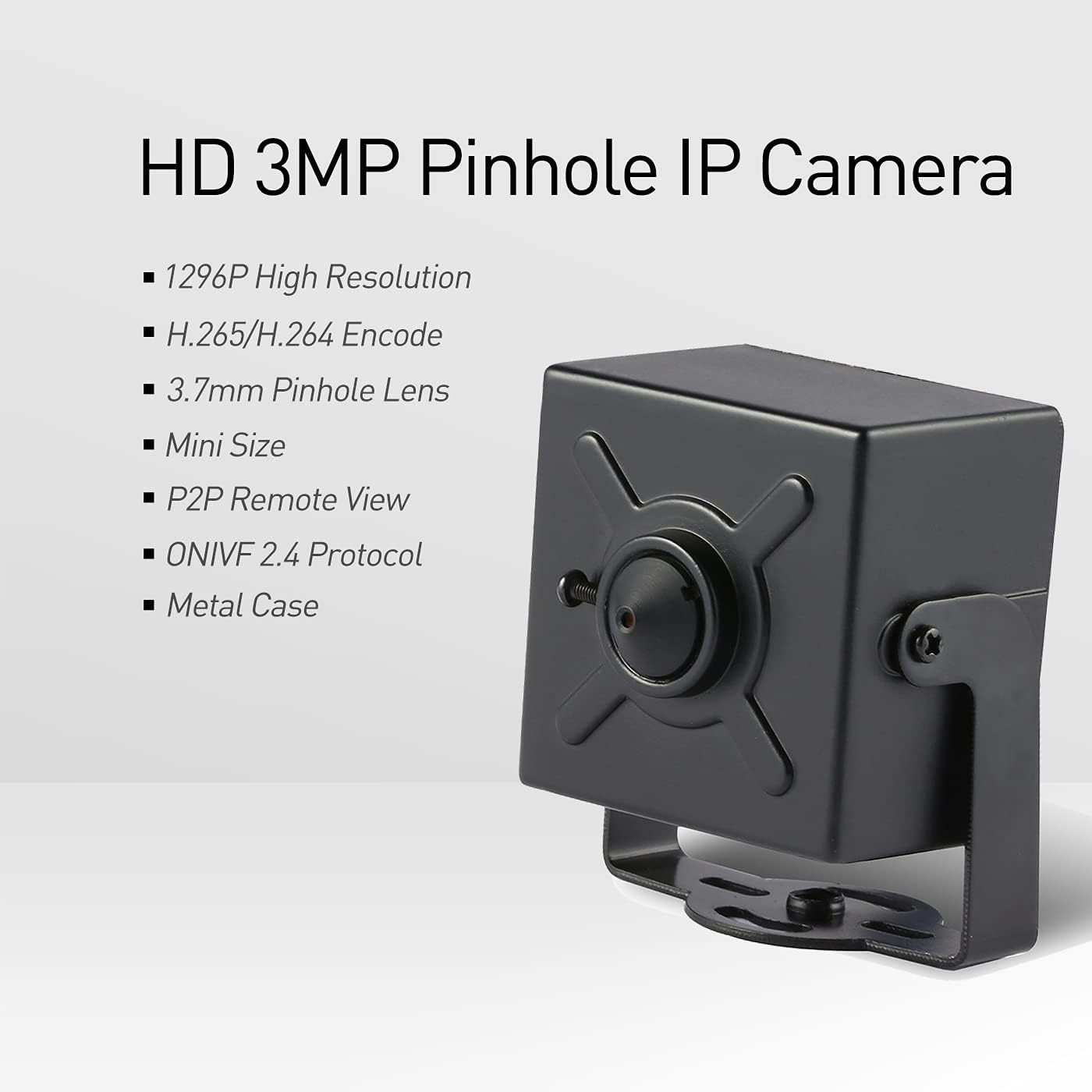
Image 3.1: Visual representation of the camera's main features, including 1296P resolution, H.265/H.264 encoding, 3.7mm pinhole lens, mini size, P2P remote view, ONVIF 2.4 protocol, and metal case.
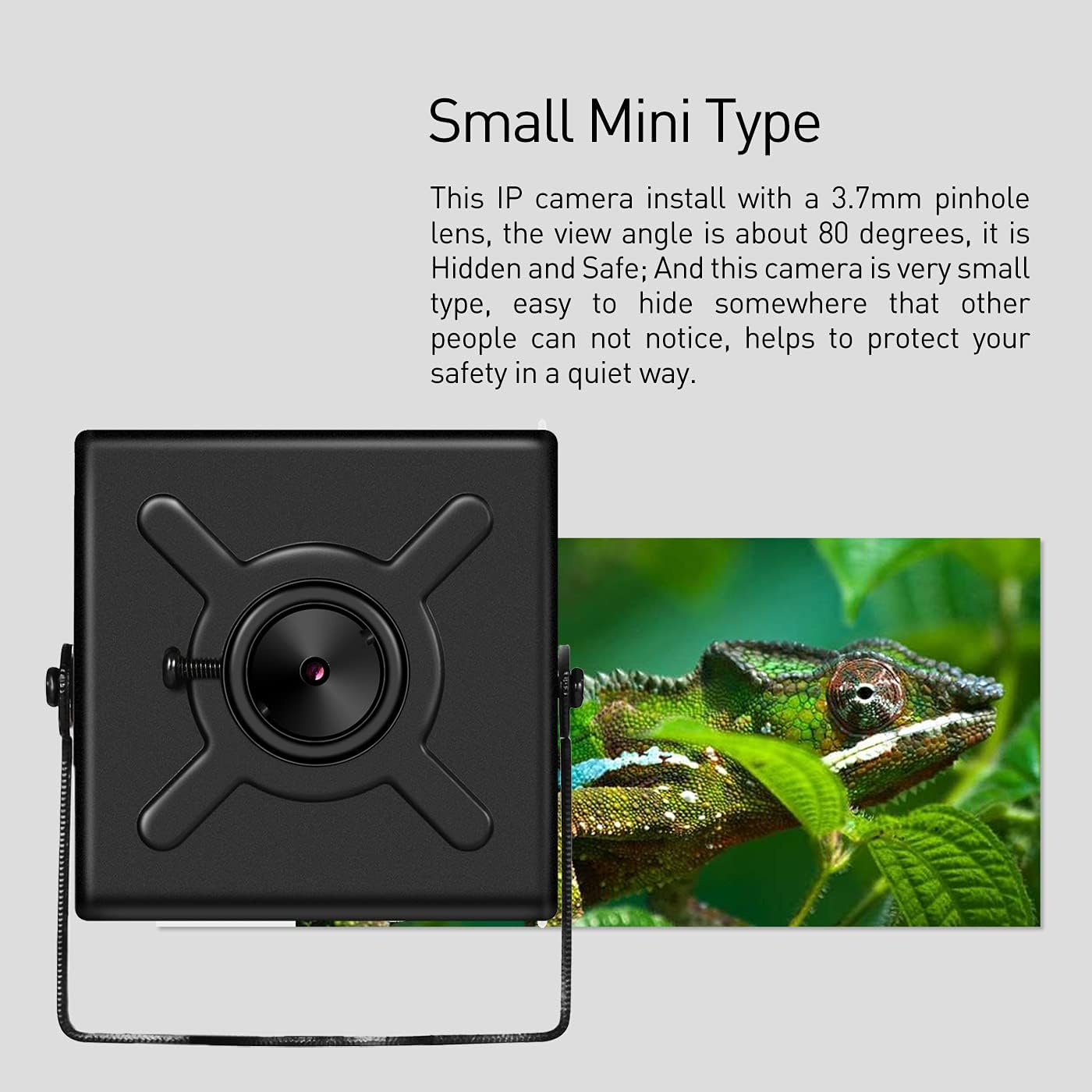
Image 3.2: The compact size of the IP camera with its 3.7mm pinhole lens, illustrating its suitability for discreet installation.
4. Setup
Follow these steps to set up your REVOTECH Mini Security IP Camera:
- Power Connection: Connect a 12V/2A DC power supply (not included) to the camera's power input port.
- Network Connection: Connect the camera to your network router or NVR using a standard Ethernet cable via the RJ45 port.
- Initial Configuration:
- Use a camera searching utility or check your router's connected devices list to identify the camera's assigned IP address.
- Access the camera's web interface by entering its IP address into a web browser. The default username is typically "admin" with no initial password. You will be prompted to set a new, strong password for security.
- For NVR integration, ensure the ONVIF port is configured to 6688 and the RTSP port to 8554 in your NVR or surveillance software settings. These ports may require manual adjustment in some systems.
- If your NVR does not support 3MP resolution or H.265 encoding, adjust the camera's resolution to 1080P (2MP) and encoding to H.264 within the camera's web interface settings.

Image 4.1: Detailed diagram illustrating the camera's dimensions, adjustable mounting bracket, 3.7mm pinhole lens, RJ45 Ethernet port, and 12V DC power supply port.
5. Operation
Once set up, you can operate your camera using the following methods:
- Remote Access (Smartphone): Download and install the "NVSEE Int 'I" application from your device's app store (available for iOS and Android). Follow the in-app instructions to add your camera for remote live viewing, recording, and playback.
- Remote Access (Computer): Install the CMS software on a Windows computer. This software provides comprehensive control, including remote viewing, recording management, and advanced camera configuration. (Note: The CMS software is not compatible with MAC OS or Linux operating systems).
- Motion Detection: Configure motion detection settings and email alarm functions through the camera's web interface or CMS software to receive immediate alerts upon detecting activity.
- Live View and Playback: Access real-time video feeds and review recorded footage conveniently through the smartphone application or CMS software.

Image 5.1: Illustration of the P2P remote viewing capability, allowing users to monitor the camera feed on smartphones and tablets from any location.

Image 5.2: Screenshot of the NVSEE app interface displaying a live camera feed on a smartphone, with options for capture, record, intercom, and playback.

Image 5.3: Screenshot of the CMS software interface, demonstrating multi-camera viewing and control options on a computer screen.

Image 5.4: Example footage showing the camera's performance during daytime and nighttime (with ambient light) conditions.
6. Maintenance
To ensure optimal performance and longevity of your camera, follow these maintenance guidelines:
- Keep the camera lens clean using a soft, dry, lint-free cloth. Avoid using abrasive cleaners or solvents that could damage the lens.
- Ensure the camera is installed in a location protected from direct exposure to extreme weather conditions, as it is designed for indoor use.
- Regularly check all cable connections (power and Ethernet) to ensure they are secure and free from damage.
- Periodically check for firmware updates from the manufacturer's website to enhance performance and security.
7. Troubleshooting
This section addresses common issues and their solutions:
- Camera is hot during operation: This is normal for the compact design and does not affect performance or safety. The metal casing helps dissipate heat.
- NVR/Software Compatibility Issues: If your NVR or surveillance software (e.g., Blue Iris) has difficulty connecting, verify the camera's ONVIF port is set to 6688 and RTSP port to 8554. Adjust camera resolution and encoding (1080P/H.264) if your system does not support 3MP/H.265.
- Software Download Link Inactive: If the provided software download link in the manual is inactive, contact REVOTECH customer support for an updated link or alternative download options.
- Web Interface Display Problems: Older web interfaces may not function correctly with modern browsers like Microsoft Edge. Try using a different browser (e.g., Chrome, Firefox) or the dedicated CMS software for configuration.
- Unwanted Internet Connection Attempts: If the camera attempts to connect to the internet despite disabled settings, review network configurations within the camera's GUI. If internet access is not required for your setup, consider isolating the camera on a local network segment.
- No Video/Connection:
- Verify the 12V/2A power supply is connected and functional.
- Check the Ethernet cable connection for security and integrity.
- Confirm the camera's IP address and network settings are correct and within your network's range.
- Ensure no firewall rules on your router or computer are blocking communication with the camera.
- If issues persist, a factory reset may be necessary. Consult the full user manual (if available) for the specific procedure, as no physical reset button is explicitly mentioned.
8. Specifications
Detailed technical specifications for the REVOTECH Mini Security IP Camera I706-2:
| Feature | Specification |
|---|---|
| Model | I706-2-FHW |
| Resolution | 3.0 Megapixel (2304 x 1296P) |
| Sensor | 1/3'' CMOS (FH8852+GC2053) |
| Frame Rate | 20fps (3MP) |
| Lens | 3.7mm Pinhole Lens |
| Viewing Angle | Approx. 80 Degrees |
| Min Illumination | 0.1Lux @(F1.2,AGC ON) |
| Compression Format | H.265/H.264 |
| Connectivity | Wired Ethernet (RJ-45, 10M/100M mbps) |
| Supported Protocols | ONVIF, HTTP, TCP/IP, ICMP, RTSP, RTP, RTCP, SMTP, DHCP, DNS, PPPoE, NTP |
| ONVIF Port | 6688 |
| Smart Alarm | Motion detection, Email alarm |
| Storage | NVR or Computer |
| Power Supply | DC12V/2A (not included) |
| Operating Temperature | -25°C ~ 60°C |
| Operating Humidity | 10% ~ 90% |
| Material | Metal |
| Dimensions (L x W x H) | 5.7 x 4.4 x 3.9 cm (2.24 x 1.73 x 1.54 inches) |
| Weight | 0.2 kg (6.4 ounces) |
9. Warranty
This REVOTECH Mini Security IP Camera (Model I706-2) is covered by a one-year warranty from the date of purchase. Please retain your proof of purchase for all warranty claims. The warranty covers manufacturing defects and malfunctions under normal use conditions.
10. Support
For further assistance, technical support, or updated software links, please contact REVOTECH customer service. Refer to the contact information provided with your product packaging or on the official REVOTECH website. Our support team is available to help with any questions regarding setup, operation, or troubleshooting.


