
1. Safety Instructions
Please read all instructions carefully before installation and use. Retain this manual for future reference.
- Electrical Safety: Always disconnect power at the circuit breaker before installing, cleaning, or servicing the fan. Ensure all electrical connections comply with local codes and ordinances. If you are unsure about wiring, consult a qualified electrician.
- Mounting: Ensure the mounting structure can support the weight of the fan. The fan is designed for semi-flush mount installation.
- Wiring: For wiring, connect the white wire to the blue wire, the black wire to the red wire, and ensure the ground wire is securely connected.
- Dimmer Switches: Do not use this fan with a dimmer switch. It is recommended to use a standard on/off switch.
- Fan Direction: The fan cannot be reversed.
- Cleaning: Always cut off power before cleaning the fan. The fan is designed for easy disassembly for cleaning.
- Indoor Use Only: This product is intended for indoor use in dry locations.
2. Package Contents
Verify that all components are present and undamaged before beginning installation. If any parts are missing or damaged, contact customer support.
- Enclosed Ceiling Fan Unit with Integrated LED Light
- Remote Control
- Mounting Bracket
- Installation Hardware (screws, wire nuts, etc.)
- English Instruction Manual
3. Product Overview
The OUKANING Enclosed Ceiling Fan is a modern, low-profile fixture designed for rooms with lower ceilings. It combines an LED light with an integrated fan, controlled by a remote for convenience. The enclosed design features acrylic blades within a metal and wooden housing.

Image 3.1: Front view of the OUKANING 22-inch Square Enclosed Ceiling Fan, showcasing its modern design with a central fan and surrounding LED light panel, framed by black and wooden accents.
Key Features:
- Enclosed Design: Safe and suitable for various low-ceiling environments.
- Dimmable LED Light: Offers 3 color temperature modes (3000K Warm, 4500K Neutral, 6000K White).
- Three Fan Speeds: Adjustable fan speeds (Low, Medium, High) for optimal comfort.
- Remote Control: Convenient operation of light and fan functions from a distance.
- Quiet Operation: Powerful yet noiseless motor ensures a comfortable environment.
- Timing Function: Allows setting the fan to turn off automatically.
4. Specifications
| Feature | Detail |
|---|---|
| Model Number | 0df5e9c4-fe45-4522-85cc-153a601dc758 |
| Dimensions (L x W x H) | 22 x 22 x 3.6 inches (55 x 55 x 9 cm) |
| Weight | 11.97 pounds (5.43 kg) |
| Material | Acrylic, Metal |
| Light Source | Integrated LED |
| Wattage | 48W |
| Voltage | AC110-120V |
| Color Temperature | 3000K (Warm), 4500K (Neutral), 6000K (White) |
| Brightness | 4500 Lumens (Max) |
| Control Method | Remote Control |
| Installation Type | Semi Flush Mount |
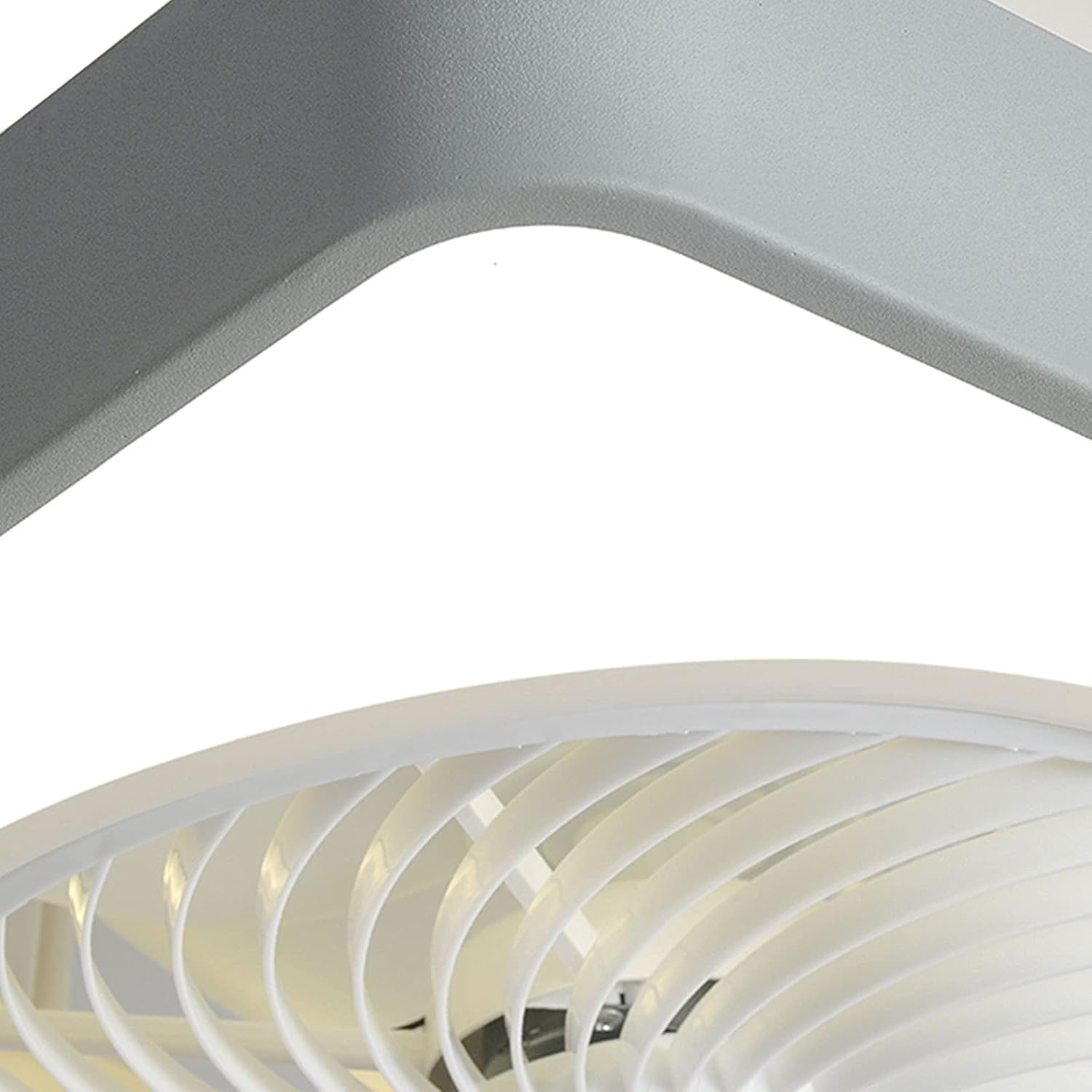
Image 4.1: Diagram showing the dimensions of the OUKANING 22-inch Square Enclosed Ceiling Fan, indicating a width of 21.6 inches and a height of 3.6 inches.
5. Installation
This ceiling fan is designed for semi-flush mount installation. Detailed installation instructions are included in the package. It is recommended to have a qualified electrician perform the installation if you are not familiar with electrical wiring.
General Installation Steps:
- Prepare for Installation: Turn off power at the main circuit breaker. Ensure the power is completely disconnected before proceeding.
- Mounting Bracket: Secure the provided mounting bracket to the ceiling junction box. Ensure the bracket is firmly attached and can support the fan's weight.
- Wiring Connections: Connect the electrical wires from the ceiling to the fan's wiring. Typically, connect the white wire from the ceiling to the blue wire of the fan, the black wire from the ceiling to the red wire of the fan, and the ground wire to the ground wire of the fan. Use appropriate wire nuts to secure connections.
- Attach Fan Unit: Carefully lift the fan unit and attach it to the mounting bracket, following the specific instructions in your package. Ensure all screws are tightened securely.
- Test Functionality: Restore power at the circuit breaker. Test the fan and light functions using the remote control.

Image 5.1: The OUKANING 22-inch Square Enclosed Ceiling Fan installed in a modern living room, demonstrating its aesthetic integration into a home environment.
6. Operation
The OUKANING ceiling fan and light are operated using the included remote control. Ensure batteries are correctly installed in the remote.
Remote Control Functions:
- Power Button: Turns the fan and light on or off.
- Light Control: Cycles through the three color temperature modes (3000K Warm, 4500K Neutral, 6000K White).
- Fan Speed: Adjusts the fan speed between Low, Medium, and High settings.
- Timer Function: Activates the automatic shut-off timer for the fan. Refer to the remote's specific buttons for timer settings.

Image 6.1: The OUKANING ceiling fan demonstrating its three light color modes: Warm light (3000K), Neutral light (4500K), and White light (6000K).
7. Maintenance
Regular maintenance ensures the longevity and optimal performance of your ceiling fan.
- Cleaning: Always disconnect power at the circuit breaker before cleaning. The fan is designed for easy disassembly to facilitate cleaning. Use a soft, damp cloth to wipe down the exterior surfaces. Avoid abrasive cleaners or solvents.
- Blade Cleaning: The enclosed design protects the blades from dust accumulation, but if cleaning is required, ensure power is off and follow the disassembly instructions in the detailed manual.
- Tighten Fasteners: Periodically check and tighten all screws and fasteners on the mounting bracket and fan assembly to ensure secure operation.
8. Troubleshooting
If you encounter issues with your OUKANING ceiling fan, refer to the following common problems and solutions:
| Problem | Possible Cause | Solution |
|---|---|---|
| Fan/Light does not turn on | No power supply Loose wiring Remote control battery dead | Check circuit breaker and wall switch Verify all wire connections are secure (ensure power is off first) Replace remote control batteries |
| Remote control not working | Dead batteries Obstruction between remote and receiver | Replace batteries Ensure clear line of sight to the fan's receiver |
| Fan makes unusual noise | Loose screws Improper installation | Check and tighten all mounting screws Review installation steps or consult an electrician |
If the problem persists after attempting these solutions, please contact OUKANING customer support.
9. Warranty & Customer Support
OUKANING is committed to providing quality products and professional service. We have a dedicated technical and after-sales team available to assist you.
- Warranty Information: For specific warranty details, please refer to the documentation included with your purchase or contact customer support.
- Contact Support: If you have any questions, encounter problems, or require assistance, please email us. Our customer service team will respond as soon as possible to provide the best solution.


