
Introduction
Thank you for choosing the XLTTY 16 Inch Pedestal Fan. This manual provides essential information for the safe and efficient operation, assembly, and maintenance of your new fan. Please read these instructions thoroughly before use and retain them for future reference.
Important Safety Instructions
To reduce the risk of fire, electric shock, or injury, always follow these basic safety precautions:
- Ensure the power supply voltage matches the rating indicated on the fan.
- Do not operate the fan with a damaged cord or plug. If the cord is damaged, it must be replaced by the manufacturer or a qualified service agent.
- Unplug the fan from the power outlet before cleaning, servicing, or when not in use.
- Keep fingers, pencils, or any other objects out of the fan grille when it is operating.
- Do not use the fan near water or in excessively humid environments.
- Place the fan on a stable, level surface to prevent it from tipping over.
- This appliance is not intended for use by persons (including children) with reduced physical, sensory or mental capabilities, or lack of experience and knowledge, unless they have been given supervision or instruction concerning use of the appliance by a person responsible for their safety.
- Do not cover the fan or obstruct the airflow.
Package Contents
Verify that all components are present:
- 1 x Fan Head Assembly (Motor, Blades, Grilles)
- 1 x Adjustable Stand Pole
- 1 x Round Base
- 1 x Remote Control
- 1 x User Manual (this document)
Setup and Assembly
Follow these steps to assemble your pedestal fan:
- Attach the Base: Place the adjustable stand pole into the round base. Secure it firmly using the provided screw or locking mechanism at the bottom of the base.
- Attach the Fan Head: Carefully place the fan head assembly onto the top of the adjustable stand pole. Ensure it clicks into place or is secured with the designated screw/knob.
- Adjust Height: Loosen the height adjustment knob on the stand pole, extend or retract the pole to your desired height, and then tighten the knob securely.

Image: Fully assembled XLTTY 16 Inch Pedestal Fan, showcasing its white finish and adjustable height.
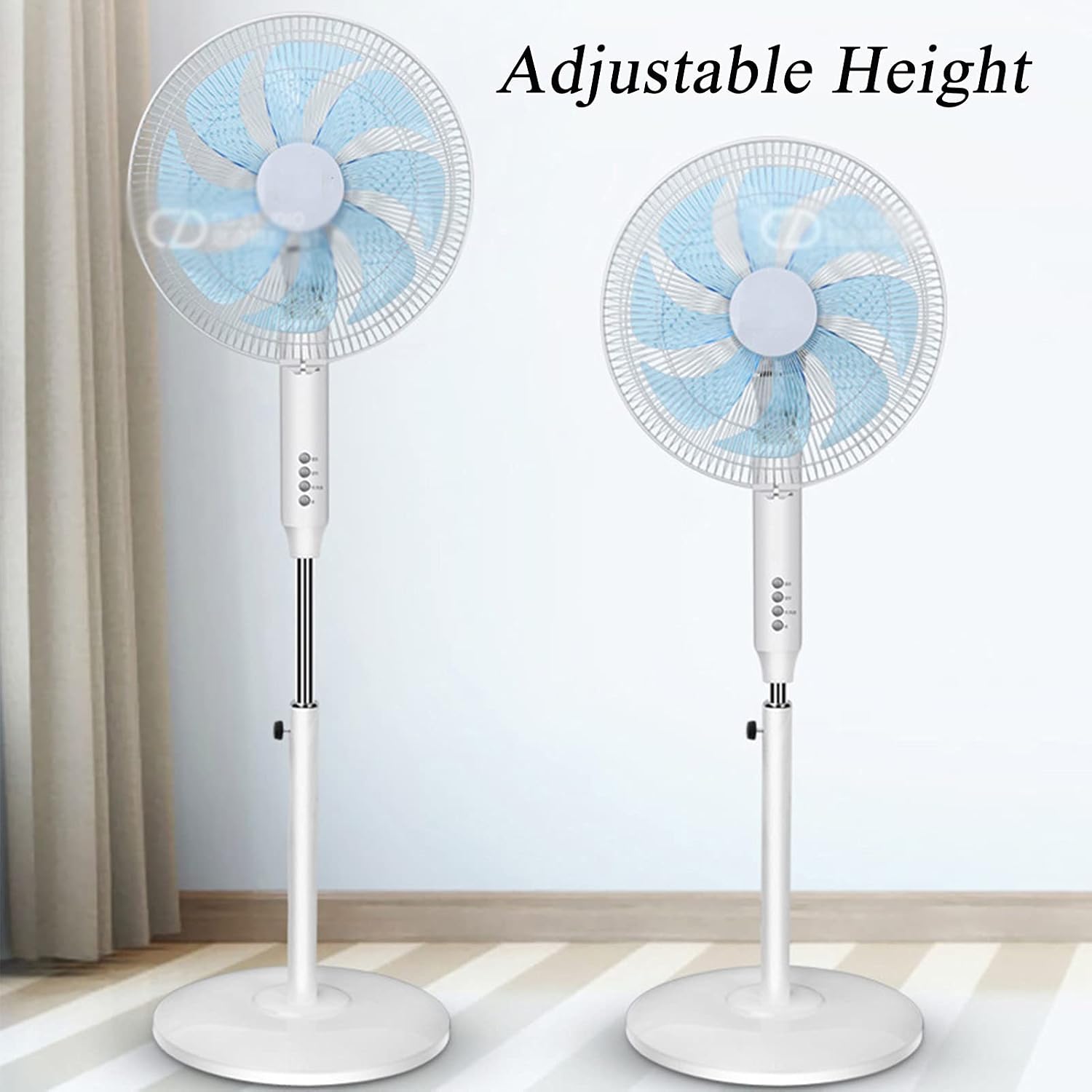
Image: Two XLTTY Pedestal Fans demonstrating the adjustable height feature, one at its lowest and one at its highest setting.
Operating Instructions
Once assembled, plug the fan into a standard electrical outlet. The fan can be operated using the control panel on the unit or the included remote control.
Control Panel and Remote Control Functions:
- Power Button: Press to turn the fan On or Off.
- Speed Settings: The fan offers 3 primary speed settings (Low, Medium, High) and up to 9 wind speed adjustments for precise airflow control. Press the speed button repeatedly to cycle through the available speeds.
- Oscillation Button: Press to activate or deactivate the oscillating function. The fan head will automatically swing 85° left and right to distribute air across a wider area.
- Timer Button: Set the fan to operate for a specific duration, from 1 to 9 hours. Press the timer button to select the desired operating time. The fan will automatically turn off once the set time expires.
- Wind Modes: The fan may offer different wind modes (e.g., Normal, Natural, Sleep). Refer to the icons on your control panel or remote for specific mode selection.

Image: A diagram illustrating the three primary speed adjustments: Low speed for sleep, Medium speed for air circulation, and High speed for stronger cooling.
Adjusting Airflow Direction:
- Vertical Tilt: The fan head can be manually tilted up or down by 24° to direct airflow vertically. Gently push or pull the fan head to the desired angle.
- Horizontal Oscillation: Use the oscillation button to enable automatic side-to-side movement.

Image: A diagram illustrating the adjustable pitch of 24° for vertical airflow and the 85° swing for horizontal oscillation.
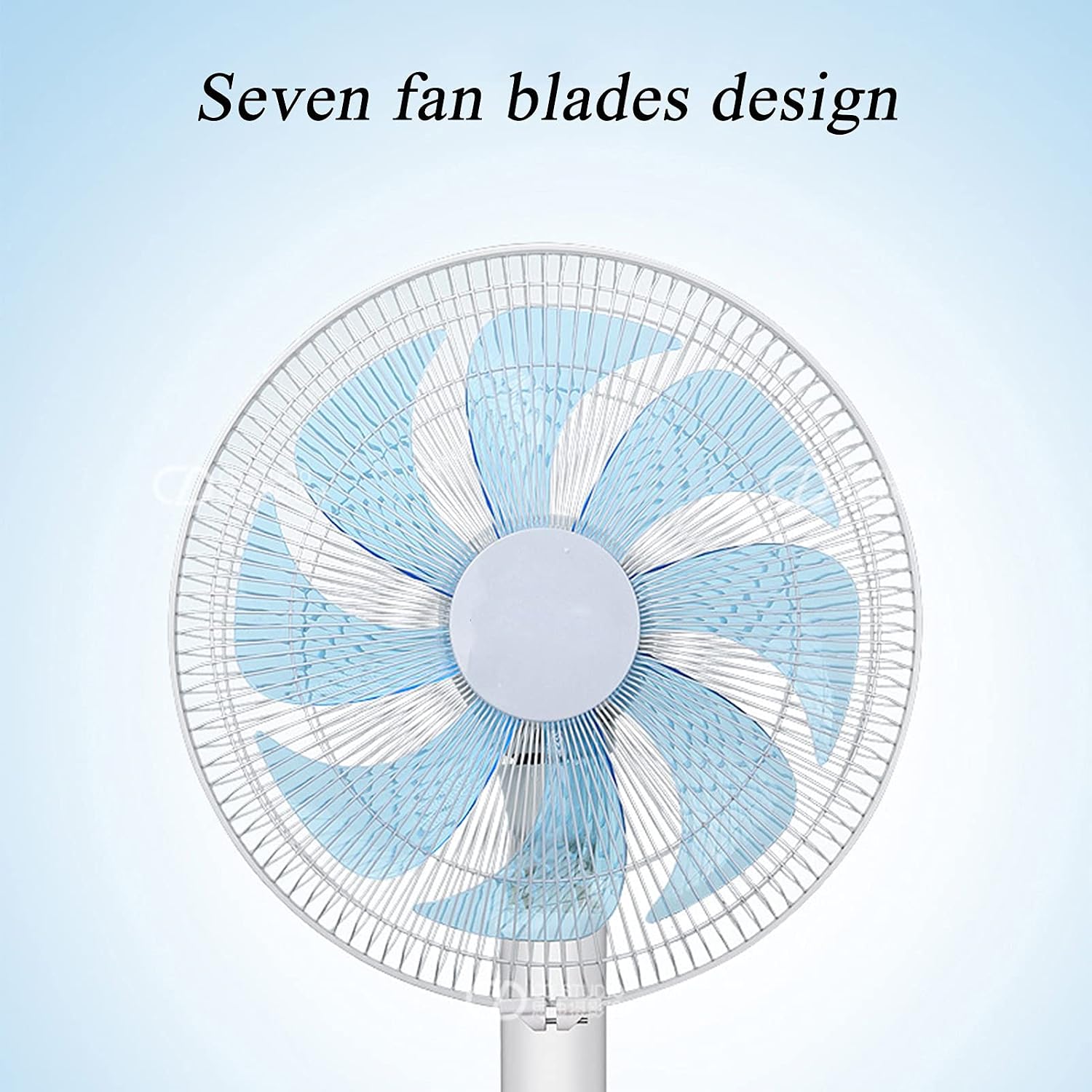
Image: A close-up view of the fan head, highlighting the seven-blade design for efficient air movement.
Maintenance
Regular cleaning helps maintain the fan's performance and extends its lifespan.
- Before Cleaning: Always unplug the fan from the power outlet.
- Exterior Cleaning: Wipe the exterior surfaces of the fan with a soft, damp cloth. Do not use abrasive cleaners or solvents.
- Grille and Blades: To clean the fan blades, you may need to carefully remove the front grille. Consult the assembly instructions in reverse for safe removal. Use a soft cloth or a vacuum cleaner with a brush attachment to remove dust from the blades and grilles. Ensure all parts are dry before reassembling and operating the fan.
- Storage: When not in use for extended periods, store the fan in a cool, dry place, preferably in its original packaging.

Image: Detailed views of the fan's delicate mesh cover, closed motor design, and stable chassis, emphasizing structural integrity for maintenance.
Troubleshooting
If you encounter issues with your fan, refer to the following common problems and solutions:
- Fan Does Not Turn On:
- Ensure the power cord is securely plugged into a working electrical outlet.
- Check if the power button has been pressed.
- Verify that the household circuit breaker has not tripped.
- Weak Airflow:
- Increase the fan speed setting.
- Clean the fan blades and grilles to remove any dust buildup that may be obstructing airflow.
- Ensure the fan is not placed too far from the desired cooling area.
- Fan Makes Unusual Noise:
- Ensure the fan is placed on a stable, level surface.
- Check for any loose parts or foreign objects caught in the fan blades or grilles.
- Clean the fan blades and motor housing for dust accumulation.
- Oscillation Not Working:
- Press the oscillation button to activate the function.
- Ensure no obstructions are preventing the fan head from rotating.
If the problem persists after attempting these solutions, please contact customer support.
Specifications
| Product Name | Electric Fan |
| Brand | XLTTY |
| Model | B097MZMNNH |
| Electric Fan Design | Floor Fan (Pedestal Fan) |
| Power Source | Corded Electric |
| Wattage | 30 watts |
| Number of Blades | 7 |
| Control Method | Touch (and Remote) |
| Special Feature | Oscillating, 1-9H Timing, Remote Control, Low Noise |
| Air Supply Method | Shaking Head (Oscillation) |
| Gear Adjustment | 9 Wind Speeds, 3 Wind Feelings |
| Wide-Angle Air Supply | Manual 85° Up and Down, Automatic 24° Left and Right |
| Application Area | 10-25㎡ |
| Indoor/Outdoor Usage | Indoor |
| Dimensions (approx.) | 31 x 20.5 x 85 cm |
Warranty and Support
This product is covered by a standard manufacturer's warranty. For specific warranty details, please refer to the documentation provided at the time of purchase or contact your retailer. If you have any questions, require technical assistance, or need to report an issue, please contact XLTTY customer support through your purchase platform or the contact information provided with your product.