1. Introduction
Welcome to the Portronics SoundDrum 1 Portable Bluetooth Speaker user manual. This guide provides essential information for setting up, operating, maintaining, and troubleshooting your speaker to ensure optimal performance and longevity. Please read this manual thoroughly before using the product.
2. Product Overview
The Portronics SoundDrum 1 is a compact and powerful 12W portable Bluetooth speaker designed for an immersive audio experience. It features advanced Bluetooth 5.3 connectivity, True Wireless Stereo (TWS) functionality, and multiple playback options.
Key Features:
- Powerful 12W Sound Output: Delivers rich bass and 360° surround sound.
- Bluetooth 5.3 Connectivity: Ensures seamless, stable, and faster wireless streaming.
- 360° Surround Audio Experience: Fills the space with crisp highs, detailed mids, and deep bass.
- USB Drive Playback Support: Play MP3 tracks directly from a USB drive.
- Type-C Fast Charging: Efficient charging for quick power-ups.
- Compact & Travel-Friendly Design: Lightweight and easy to carry.
- In-Built Microphone: Supports hands-free calling.
- In-Built FM Radio: For listening to your favorite radio stations.
- TWS Mode: Connect two SoundDrum 1 speakers for true stereo sound.
- Smart Power Saver: Auto-off/standby if inactive for 10 minutes.
- Waterproof Design: Provides protection against splashes.
What's in the Box:
- 1N Bluetooth Speaker
- 1N Charging Cable
- 1N User Manual

Image: Front view of the Portronics SoundDrum 1 Portable Bluetooth Speaker in blue.
3. Setup
3.1 Initial Charging
Before first use, fully charge your SoundDrum 1 speaker. Use the provided Type-C charging cable and connect it to a compatible USB power adapter (not included).
- The speaker has a 2000 mAh Lithium Polymer battery.
- A full charge provides approximately 8-10 hours of non-stop music playtime.
- Charging time is approximately 10 hours for a full charge.

Image: Close-up of the USB and Type-C charging ports on the speaker, indicating their functions.
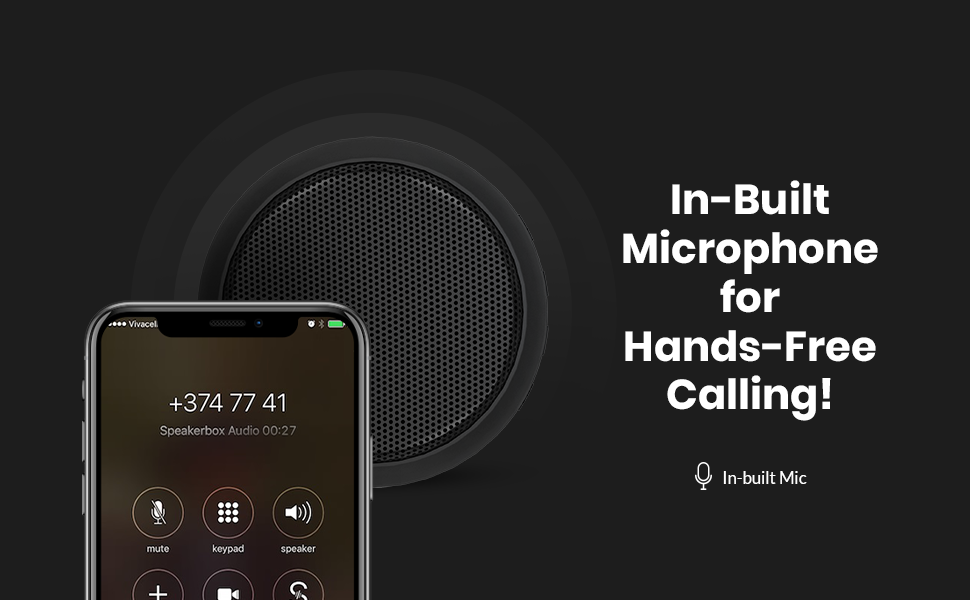
Image: Visual representation highlighting the 8 to 10 hours of non-stop music playtime provided by the 2000mAh battery.
3.2 Power On/Off
Press and hold the power button (usually marked with a ⑂ symbol) for a few seconds to turn the speaker ON or OFF. An audible prompt or LED indicator will confirm the status.
4. Operating Instructions
4.1 Bluetooth Pairing
- Ensure the speaker is charged and powered ON.
- The speaker will automatically enter Bluetooth pairing mode, indicated by a flashing LED light.
- On your device (smartphone, tablet, laptop), enable Bluetooth and search for available devices.
- Select 'SoundDrum 1' from the list of devices.
- Once connected, the LED indicator will become solid, and you will hear a confirmation sound.
The speaker utilizes Bluetooth 5.3 for a stable connection up to 10 meters.

Image: The SoundDrum 1 speaker shown with a smartphone, illustrating its Bluetooth 5.3 connectivity.

Image: The SoundDrum 1 speaker in a party setting, emphasizing its 360-degree surround sound capability.
4.2 True Wireless Stereo (TWS) Mode
To achieve a true stereo sound experience, you can pair two SoundDrum 1 speakers together:
- Ensure both SoundDrum 1 speakers are powered OFF.
- Turn ON both speakers simultaneously. They will enter pairing mode.
- Double-press the power button on one of the speakers. It will search for the other speaker to pair in TWS mode.
- Once successfully paired, you will hear a confirmation sound, and the LED indicators on both speakers will change.
- Now, connect your device via Bluetooth to one of the paired speakers (the master speaker). Both speakers will play audio in stereo.

Image: Diagram showing two SoundDrum 1 speakers wirelessly connected to illustrate the TWS (True Wireless Stereo) function.
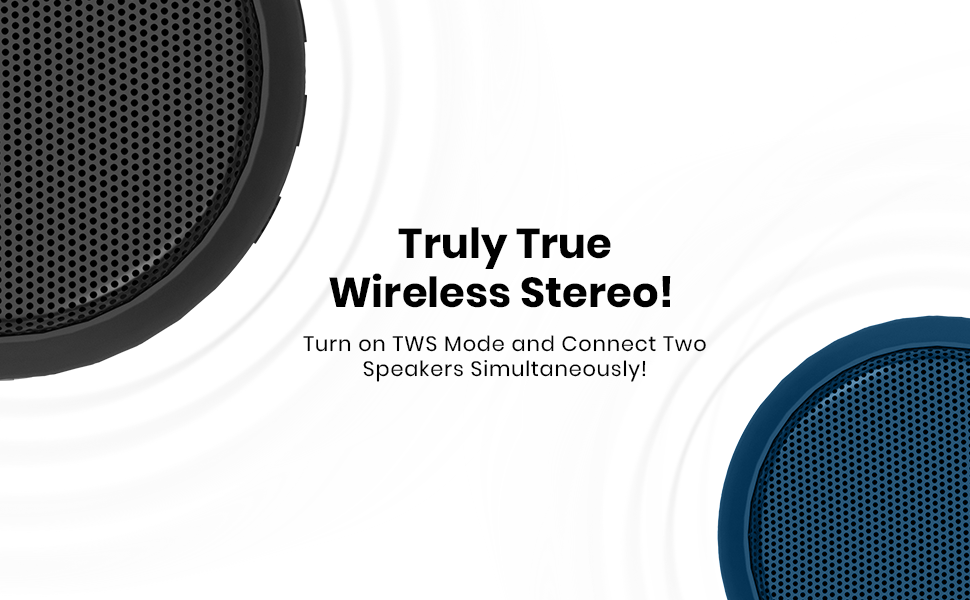
Image: A visual explanation of the True Wireless Stereo (TWS) feature, showing how two speakers can be connected for enhanced sound.
4.3 USB Drive Playback
Insert a USB drive containing MP3 audio files into the USB port on the speaker. The speaker will automatically detect the drive and begin playing music. Use the speaker's control buttons to navigate tracks and adjust volume.
4.4 Hands-Free Calling
When connected to your smartphone via Bluetooth, the built-in microphone allows you to answer calls directly through the speaker. Press the Play/Pause button to answer or end a call.

Image: A woman using the SoundDrum 1 speaker for hands-free calling, demonstrating its integrated microphone feature.
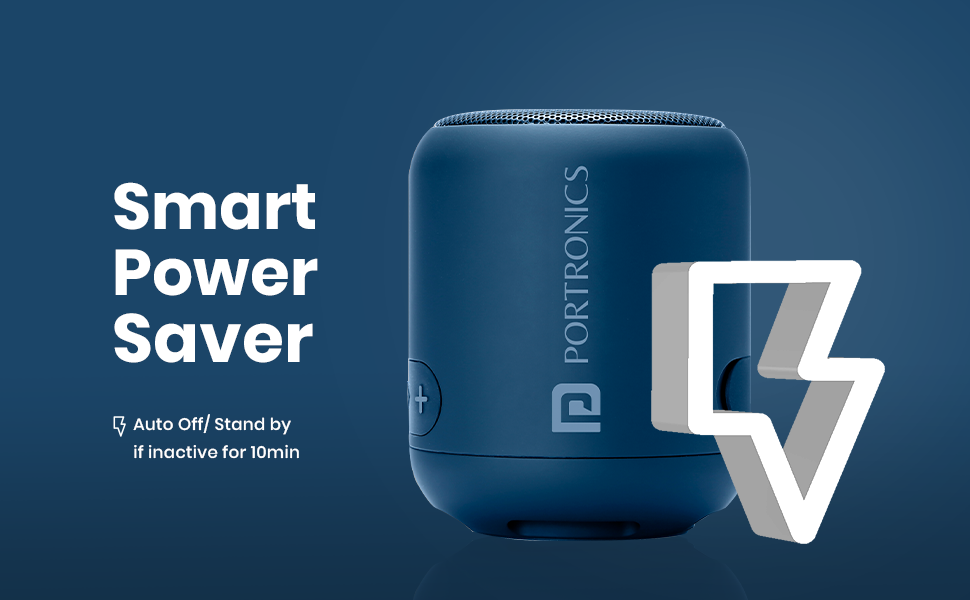
Image: A graphic emphasizing the in-built microphone feature for convenient hands-free calling.
4.5 FM Radio
To use the built-in FM radio, switch the speaker to FM mode (usually by pressing the 'M' or Mode button). The speaker will automatically scan and save available FM stations. Use the volume/track buttons to change stations.
4.6 Controls
The speaker features push-button controls for various functions:
- Power Button (⑂): Press and hold to turn ON/OFF.
- Play/Pause Button (▶): Press to play/pause music, answer/end calls.
- Volume Up (+) / Next Track: Press to increase volume, press and hold for next track.
- Volume Down (-) / Previous Track: Press to decrease volume, press and hold for previous track.
- Mode Button (if available): Press to switch between Bluetooth, USB, and FM modes.
5. Maintenance
- Keep the speaker dry. It is waterproof, but avoid submerging it in water.
- Clean the speaker with a soft, dry cloth. Do not use harsh chemicals or abrasive cleaners.
- Store the speaker in a cool, dry place away from direct sunlight and extreme temperatures.
- The speaker features a Smart Power Saver function, automatically entering standby if inactive for 10 minutes to conserve battery.
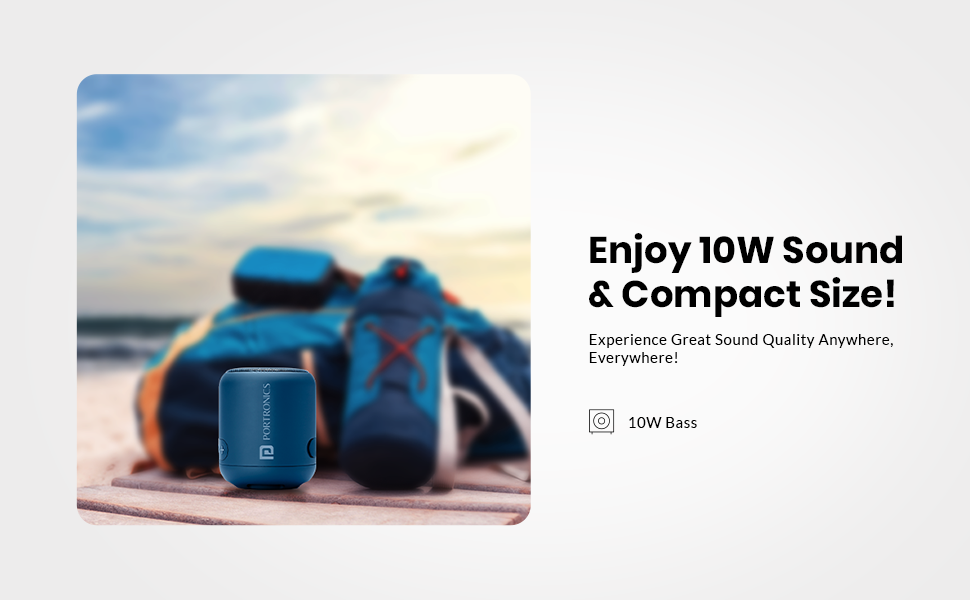
Image: A graphic explaining the Smart Power Saver feature, which automatically turns off or puts the speaker in standby after 10 minutes of inactivity.
6. Troubleshooting
If you encounter issues with your SoundDrum 1 speaker, please refer to the following common solutions:
| Problem | Possible Solution |
|---|---|
| Speaker does not turn ON | Ensure the battery is charged. Connect to a power source and try again. |
| Cannot pair via Bluetooth | Ensure the speaker is in pairing mode (flashing LED). Turn off and on your device's Bluetooth. Move the speaker closer to your device (within 10 meters). |
| No sound after connecting via Bluetooth | Power off the speaker and reconnect. Check volume levels on both the speaker and your connected device. Ensure the correct audio output is selected on your device. |
| TWS pairing fails | Ensure both speakers are SoundDrum 1 models. Turn both speakers off, then on, and try the TWS pairing steps again. Ensure no other Bluetooth devices are interfering. |
| USB playback not working | Ensure the USB drive contains compatible MP3 audio files. Try reinserting the USB drive. |
| Poor FM radio reception | Move the speaker to an open area away from obstructions or electronic interference. |
7. Specifications
| Feature | Detail |
|---|---|
| Model Name | SoundDrum 1 |
| Model Number | POR-1327 |
| Speaker Output Power | 12 Watts |
| Wireless Technology | Bluetooth 5.3 |
| Bluetooth Range | 10 meters |
| Battery Capacity | 2000 mAh |
| Battery Type | Lithium Polymer |
| Playback Time | 8-10 Hours (approx.) |
| Charging Time | 10 Hours (approx.) |
| Charging Port | Type-C |
| Additional Playback | USB Drive, FM Radio, Auxiliary Input |
| Special Features | TWS Mode, Hands-free Calling, Built-in Microphone, Waterproof, Smart Power Saver |
| Control Method | Push Button |
| Product Dimensions | 7.9D x 9.5W x 7.9H Centimeters |
| Item Weight | 200 Grams |
| Noise Level | 85 Decibels |
| Manufacturer | Portronics |
| Country of Origin | China |
8. Warranty and Support
The Portronics SoundDrum 1 comes with a Limited Standard Brand Warranty. For specific warranty terms, replacement policies, and further information, please refer to the product's official documentation or contact Portronics customer support.
Manufacturer: Portronics Digital Pvt Ltd. B-76 1st & 2nd Floor, Wazirpur Industrial Area, New Delhi-110052
9. Product Videos
9.1 Portronics SoundDrum 1 Product Overview
Video: A concise overview of the Portronics SoundDrum 1 speaker, highlighting its key features such as 10W sound, TWS mode, USB and Type-C charging, 8-10 hours playtime, and built-in FM radio. This video provides a visual summary of the product's capabilities.
9.2 Portronics SoundDrum 1 Tech Demo
Video: A technical demonstration of the Portronics SoundDrum 1 speaker. This video showcases the speaker's physical design, included accessories (charging cable, user manual), hands-free calling functionality, and the process of activating True Wireless Stereo (TWS) mode to connect two speakers for an enhanced audio experience.


