
1. Product Overview
This document provides instructions and important information for the A-MIND Meberry M7 10.1-inch tablet touch screen digitizer replacement. This product is designed to replace a damaged or non-functional touch screen digitizer on the Meberry M7 tablet. It includes the touch screen digitizer and essential tools for the replacement process.
2. Package Contents
Please verify that all items listed below are included in your package:
- 1x Touch Screen Digitizer for Meberry M7 (10.1 inch)
- 1x Strong Suction Cup
- 1x Triangle Opening Tools (Picks)
- 1x Card Pin (SIM ejector tool)
- 1x Spudger (Prying tool)
- 1x Adhesive Tape
- 3x Screwdrivers (various sizes)
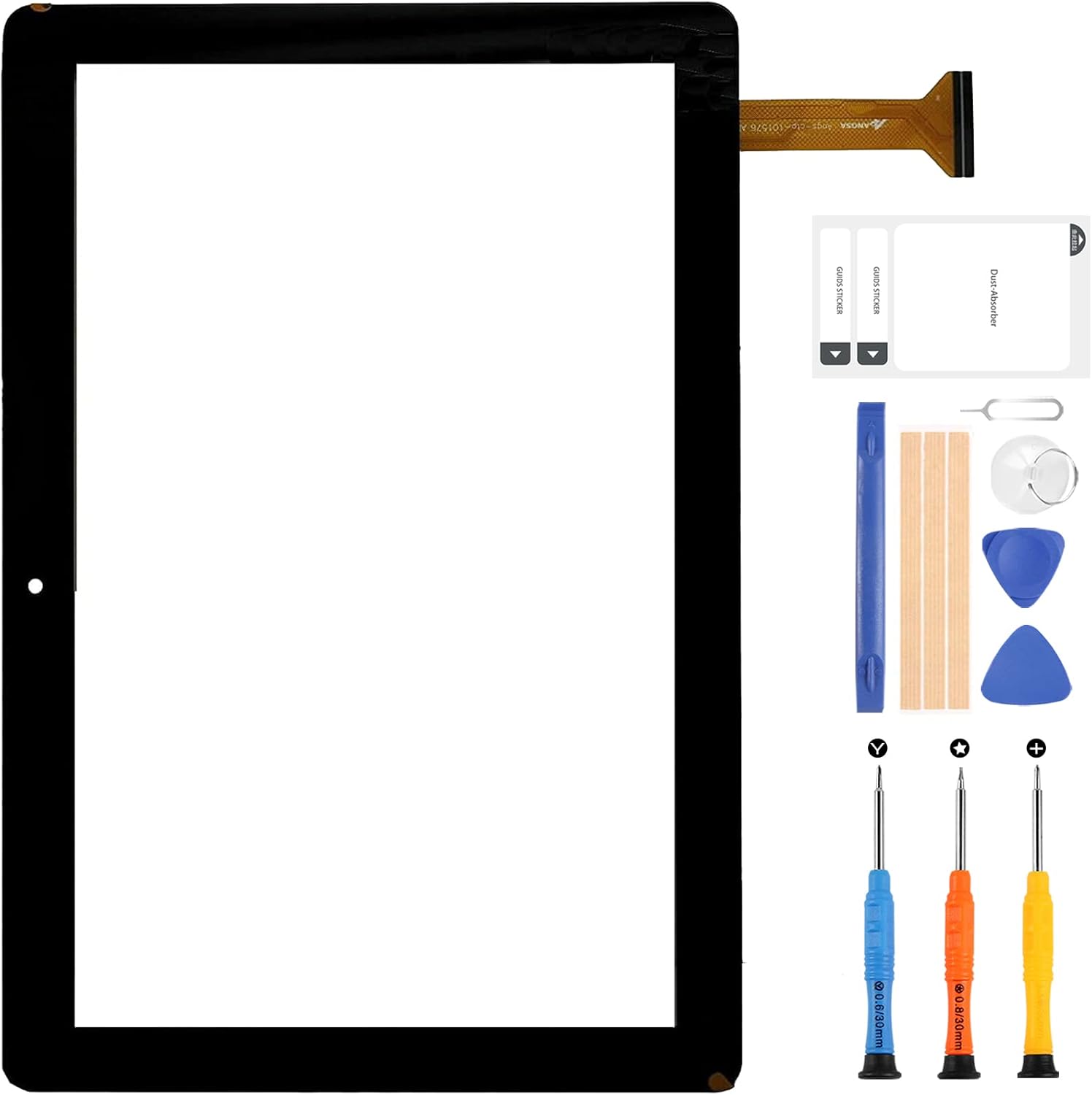
Image: The complete package contents, including the touch screen digitizer and various repair tools.
3. Important Safety and Installation Notes
Professional Installation Recommended: Replacing a tablet screen digitizer requires specialized tools and technical expertise. If you are not experienced in repairing electronic equipment, it is strongly recommended to seek assistance from a professional repair store. Attempting self-repair without proper knowledge may lead to further damage to your device and void the product warranty.
- Handle with Care: The screen digitizer is made of glass and is fragile. Exercise extreme caution when unpacking and installing to prevent damage.
- Battery Disconnection: Before beginning any installation, always disconnect the tablet's battery to prevent electrical shorts or damage to components.
- Pre-Installation Testing: Before permanently adhering the new screen, connect it to the tablet and test its functionality thoroughly. Power on the device and check touch response across the entire screen.
- Adhesive Application: Do not apply adhesive or permanently install the screen until you have confirmed it functions perfectly. Once adhesive is applied, returns or refunds for functional issues may not be accepted.
- Damage During Installation: Parts damaged during the installation process due to improper handling are not covered under warranty and are not eligible for return or exchange.
4. Product Features and Visual Guide
The A-MIND Meberry M7 touch screen digitizer offers the following features:
- High Definition (HD) clarity
- Responsive Touch Digitizer
- Scratchproof surface
- Anti-fingerprint coating
- Waterproof properties

Image: Front view of the touch screen digitizer with key features.

Image: Rear view of the digitizer, showing adhesive and flex cable.

Image: Detailed view of the flex cable connection.
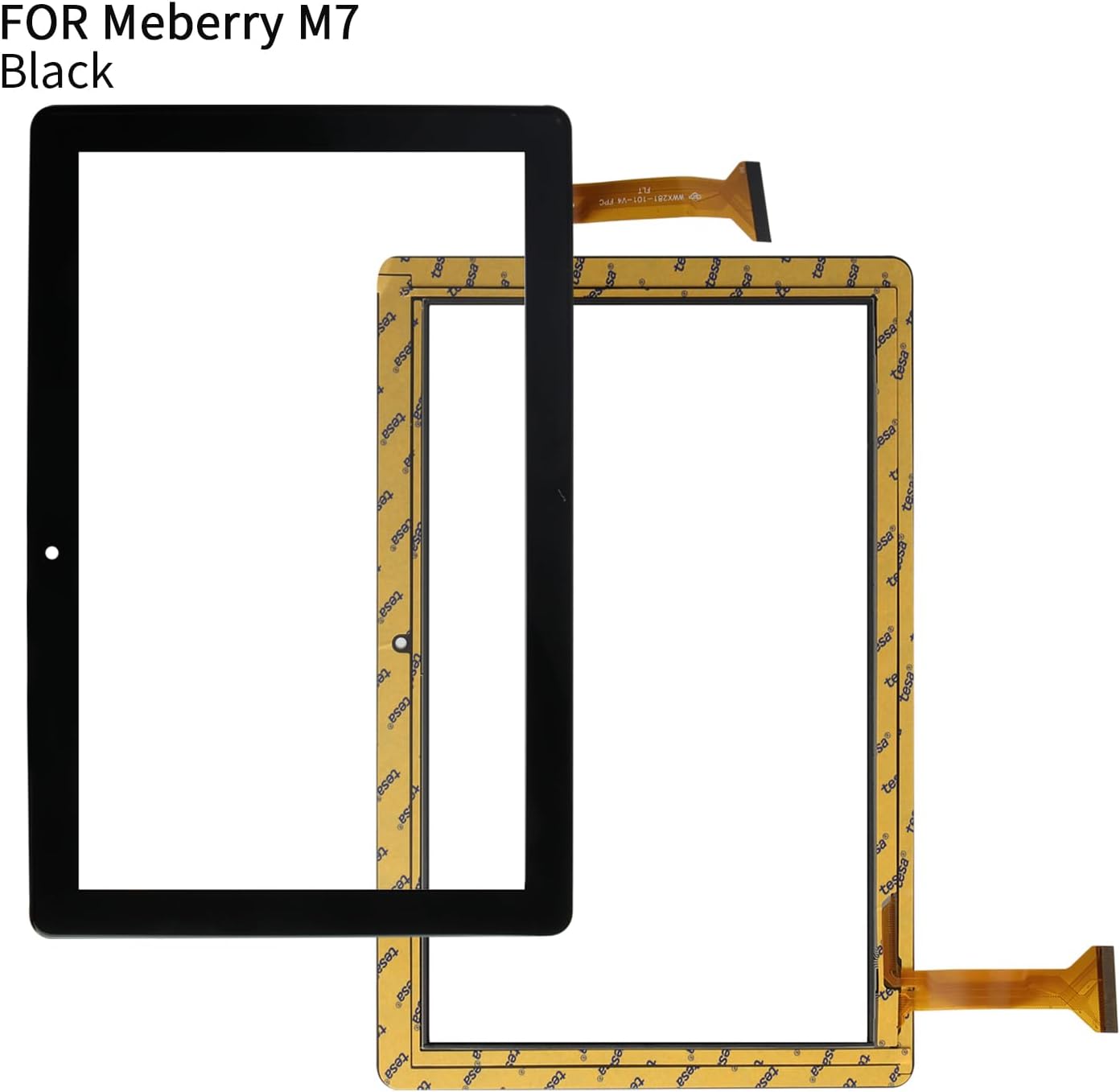
Image: The replacement digitizer alongside the original screen and tools.
Product Videos
Video: A-MIND Meberry M7 10.1-inch Touch Screen Replacement Showcase. This video provides a visual overview of the product.
Video: Meberry M7 Screen Replacement Overview. This video offers another perspective on the replacement screen.
5. Specifications
| Attribute | Detail |
|---|---|
| Model Number | Meberry M7 |
| Screen Size | 10.1 inch |
| Item Weight | 9.6 ounces |
| Package Dimensions | 10.91 x 8.58 x 1.18 inches |
| Manufacturer | A-MIND |
| Color | Black |
6. Warranty and Support
Warranty Period: This product comes with a 6-month warranty. The warranty covers manufacturing defects and functional issues under normal use. It does not cover damage resulting from improper installation, accidental breakage, or any other man-made or physical damage.
Warranty Claim: If the screen does not function normally within the warranty period and without any man-made or physical damage, we can arrange for an exchange.
Customer Support: For any issues or questions regarding your order or the product, please contact our customer service team. We are committed to providing assistance within 24 hours.


