
Bluestone 790047FTV
Digital Body Fat Bathroom Scale
User Manual
Model: 790047FTV | Brand: Bluestone
1. Introduction
Thank you for choosing the Bluestone Digital Body Fat Bathroom Scale. This manual provides essential information for the safe and effective operation of your new scale. Designed for health and fitness tracking, this scale offers reliable readings for body weight and body fat, featuring a large, easy-to-read LCD display. Its durable tempered glass construction ensures longevity and water resistance, making it suitable for bathroom environments.
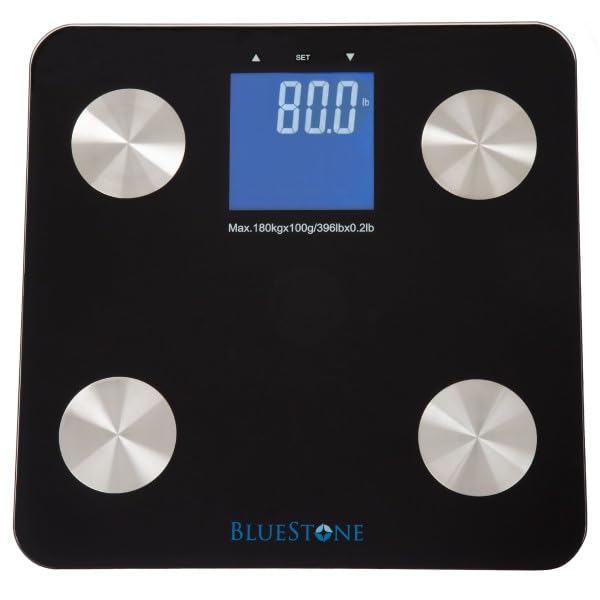
Image 1.1: Top view of the Bluestone Digital Body Fat Bathroom Scale, showcasing its sleek black design and digital display.
2. Safety Information
Please read all safety instructions before using the scale.
- Place the scale on a hard, flat surface. Avoid carpets or uneven flooring, as this may affect accuracy.
- The scale surface is made of tempered glass. While durable, avoid dropping heavy objects on it or subjecting it to sudden impacts, which could cause breakage.
- Do not use the scale on wet or slippery surfaces to prevent falls. Ensure your feet and the scale surface are dry before use.
- Do not immerse the scale in water or use abrasive cleaners. Wipe with a damp cloth.
- Keep batteries out of reach of children. If a battery is swallowed, seek immediate medical attention.
- This scale is intended for personal use in tracking weight and body fat. It is not a medical device and should not be used for diagnosis or treatment of any medical condition.
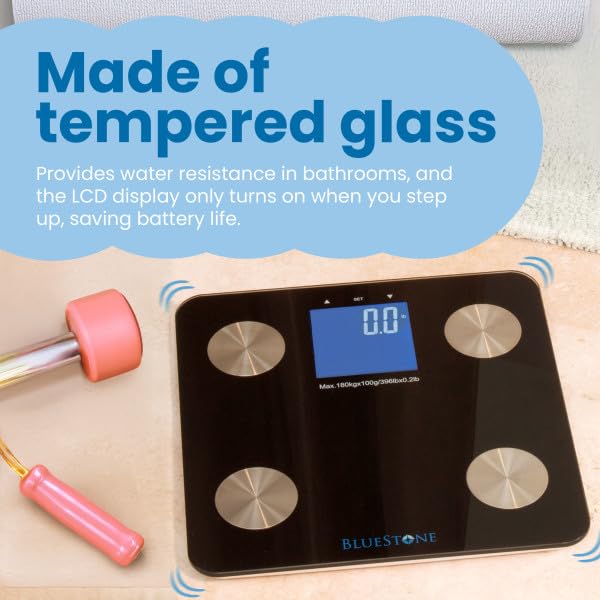
Image 2.1: The scale's tempered glass surface, designed for durability and water resistance in bathroom environments.
3. Package Contents
Verify that all items are present in the package:
- Bluestone Digital Body Fat Bathroom Scale
- 4 x AAA Batteries
- User Manual (this document)
4. Setup
4.1. Battery Installation
- Locate the battery compartment on the underside of the scale.
- Open the battery compartment cover.
- Insert the 4 AAA batteries, ensuring the correct polarity (+/-) as indicated inside the compartment.
- Close the battery compartment cover securely.
4.2. Initial Placement
Place the scale on a firm, flat, and stable surface. For optimal accuracy, avoid placing it on soft surfaces like carpets or rugs.
5. Operating Instructions
5.1. Taking a Weight Measurement
- Gently step onto the center of the scale with bare, dry feet. The scale will automatically turn on.
- Stand still and distribute your weight evenly. The LCD display will show your weight reading.
- The display will flash briefly to indicate the final measurement, then hold the reading for a few seconds before automatically turning off to conserve battery life.
5.2. Body Fat Measurement (if applicable)
This scale is designed to provide body fat readings. For accurate body fat measurements, ensure your bare feet are in contact with the metal electrodes on the scale surface. Refer to the specific instructions on the scale's display or accompanying quick start guide for user profile setup if required for body fat tracking.
Image 5.1: The scale's display indicating high precision for reliable weight and body fat readings.
6. Maintenance
6.1. Cleaning
- Wipe the scale surface with a soft, damp cloth.
- Do not use chemical cleaning agents or abrasive materials, as these may damage the glass or electronic components.
- Ensure the scale is completely dry before storage or next use.
6.2. Battery Replacement
When the display shows a low battery indicator or becomes dim, replace all 4 AAA batteries simultaneously. Follow the battery installation steps in Section 4.1.
6.3. Storage
Store the scale in a cool, dry place, away from direct sunlight and extreme temperatures. Avoid placing heavy objects on the scale during storage.
7. Troubleshooting
| Problem | Possible Cause | Solution |
|---|---|---|
| No display / Scale does not turn on. | Batteries are dead or incorrectly installed. | Check battery polarity. Replace all 4 AAA batteries. |
| Inaccurate readings. | Scale is on an uneven surface; Scale needs calibration; User moved during measurement. | Place scale on a hard, flat surface. Step off and then back on the scale to re-calibrate. Stand still during measurement. |
| "Err" or other error message on display. | Overload (weight exceeds maximum capacity); Internal error. | Ensure weight is within specifications (Max 396 lbs). Step off the scale, wait a few seconds, then try again. If error persists, contact customer support. |
8. Specifications
| Feature | Detail |
|---|---|
| Model Number | 790047FTV |
| Brand | Bluestone |
| Product Dimensions | 11 x 11 x 0.8 inches |
| Item Weight | 3.66 Pounds |
| Weight Capacity | Max 396 lbs (180 kg) |
| Display Type | LCD with Blue Backlight |
| Power Source | 4 x AAA Batteries (Included) |
| Material | Tempered Glass |
| Color | Black |
| Country of Origin | China |
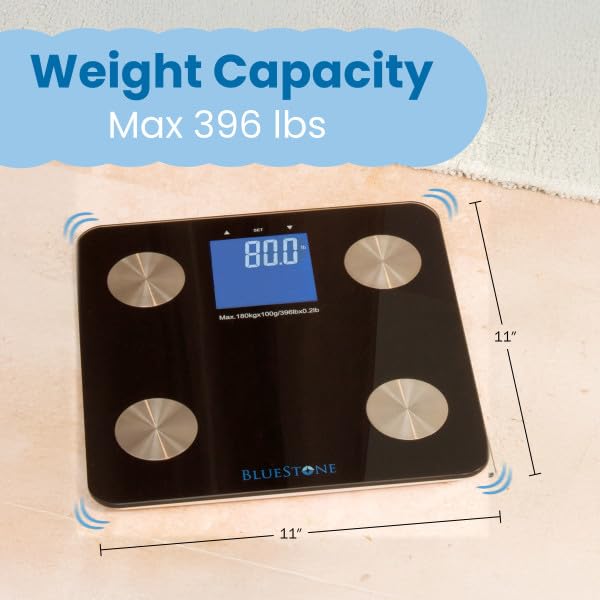
Image 8.1: The scale showing its compact dimensions of 11x11 inches and maximum weight capacity.
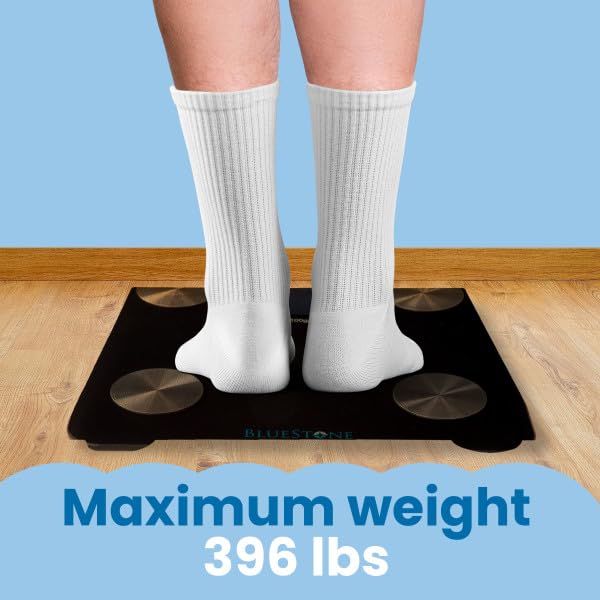
Image 8.2: Illustration of a user on the scale, highlighting its maximum weight capacity of 396 lbs.
9. Warranty and Support
Bluestone is committed to providing quality products. For any questions, concerns, or support regarding your Digital Body Fat Bathroom Scale, please contact Bluestone customer service.
Important Note: To ensure genuine products and proper support, please be aware that Bluestone Bathroom Scales for Weight are guaranteed to be genuine only when purchased directly from Bluestone or authorized sellers. Avoid buying counterfeit products.
For further assistance, please visit the official Bluestone store or contact their customer support channels.
Visit the Bluestone Store on Amazon
Ask a question about this manual
Ask about setup, troubleshooting, compatibility, parts, safety, or missing instructions. Manuals+ will review the question and use this page’s manual context to help answer it.