
1. Introduction
This manual provides essential information for setting up, operating, and maintaining your TCL 20 Pro 5G smartphone. Please read this guide thoroughly before using your device to ensure optimal performance and safety.
The TCL 20 Pro 5G is an unlocked smartphone designed for high-speed connectivity and advanced multimedia experiences. It features a stunning AMOLED display, a versatile quad-camera system, and robust performance powered by a Qualcomm Snapdragon 5G processor.

Figure 1: Front view of the TCL 20 Pro 5G smartphone.
2. What's in the Box
Your TCL 20 Pro 5G package includes the following items:
- 1 x TCL 20 Pro 5G Mobile Phone
- 1 x TCL 20 Pro 5G Mobile Phone Case
- 1 x SIM Card PIN
- 1 x Type-C Cable
- 1 x 9V2A Charger
- 1 x Quick Guide
Note: Headphones, SIM Card, and SD Card are not included and must be purchased separately.
3. Device Overview
Familiarize yourself with the physical components of your TCL 20 Pro 5G smartphone.
3.1 Display
The device features a 6.67-inch FHD+ NXTVISION AMOLED Dotch Display, offering vivid and true-to-life visuals. AI visual enhancement intelligently adjusts brightness, color, clarity, and contrast based on your environment.
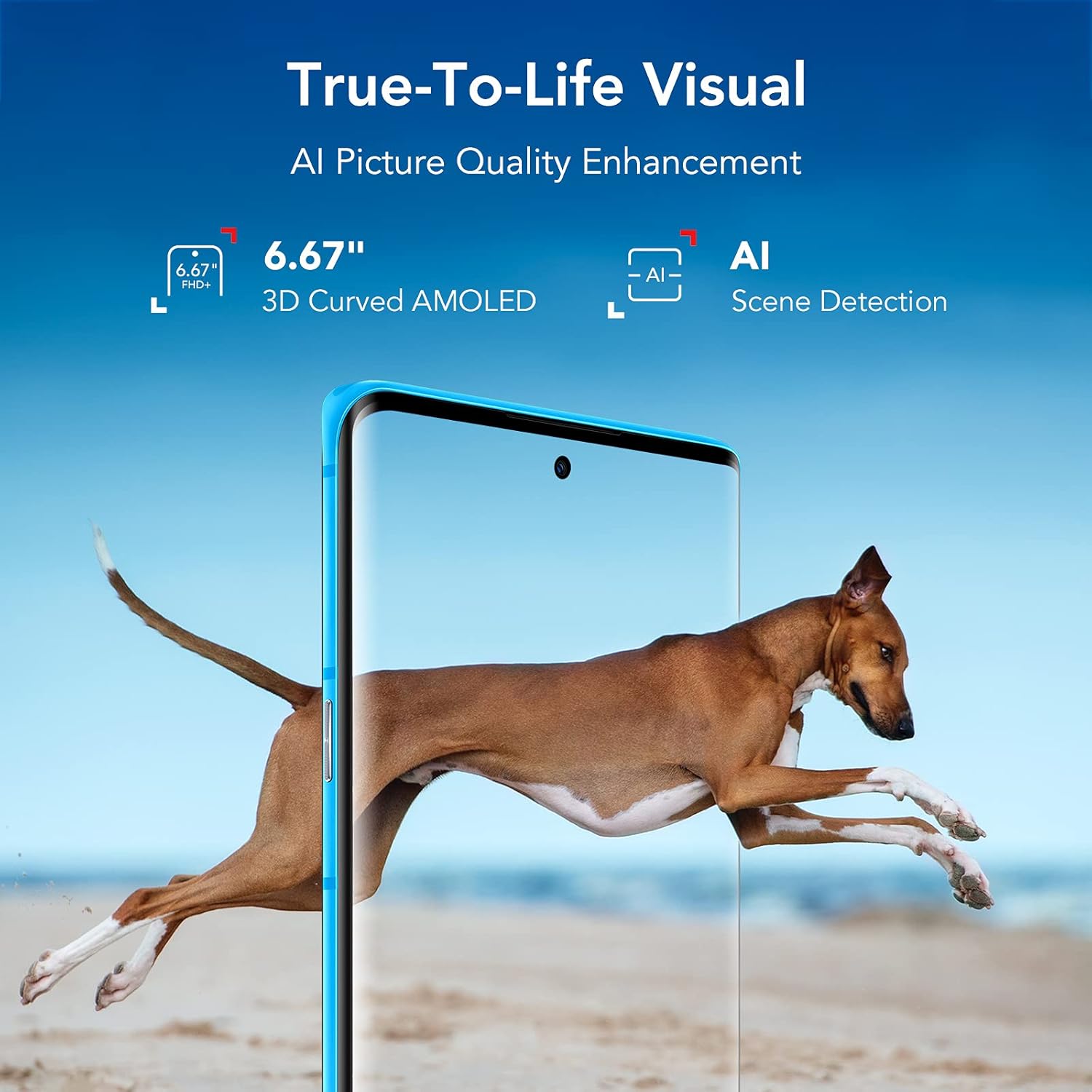
Figure 2: TCL 20 Pro 5G AMOLED Display with NXTVISION technology.
3.2 Camera System
The rear of the phone houses a powerful quad-camera setup, while the front features a high-resolution selfie camera.
- Rear Camera: 48MP Optical Image Stabilization (OIS) Main Camera, 16MP Ultra Wide Camera, 5MP Macro Camera, 2MP Depth Camera.
- Front Camera: 32MP with dedicated RGB sensor for accurate skin tone.

Figure 3: Detailed view of the Quad Camera System.
3.3 Ports and Buttons
The device includes a USB Type-C 2.0 port for charging and data transfer. Physical buttons control power, volume, and other functions. An in-display optical fingerprint sensor and Face Key provide secure access.

Figure 4: USB Type-C charging port on the TCL 20 Pro 5G.
4. Setup
4.1 Inserting the SIM Card and MicroSD Card
- Locate the SIM card tray on the side of your phone.
- Insert the provided SIM card PIN into the small hole on the tray to eject it.
- Place your Nano SIM card into the designated slot. If using a MicroSD card for expanded storage (up to 1TB, sold separately), insert it into the MicroSD slot.
- Carefully push the tray back into the phone until it clicks into place.
4.2 Initial Power On and Network Compatibility
Press and hold the Power button until the TCL logo appears. Follow the on-screen instructions to complete the initial setup.
Your TCL 20 Pro 5G is compatible with Verizon 5G/LTE, T-Mobile 5G/LTE, and AT&T LTE networks. Note: It is not compatible with AT&T 5G or CDMA networks such as Spectrum or Xfinity.
If you experience network issues with Verizon, restart your phone. If problems persist, your Verizon account may need to be provisioned to support “CDMA-less” devices. Contact Verizon’s technical support for assistance.
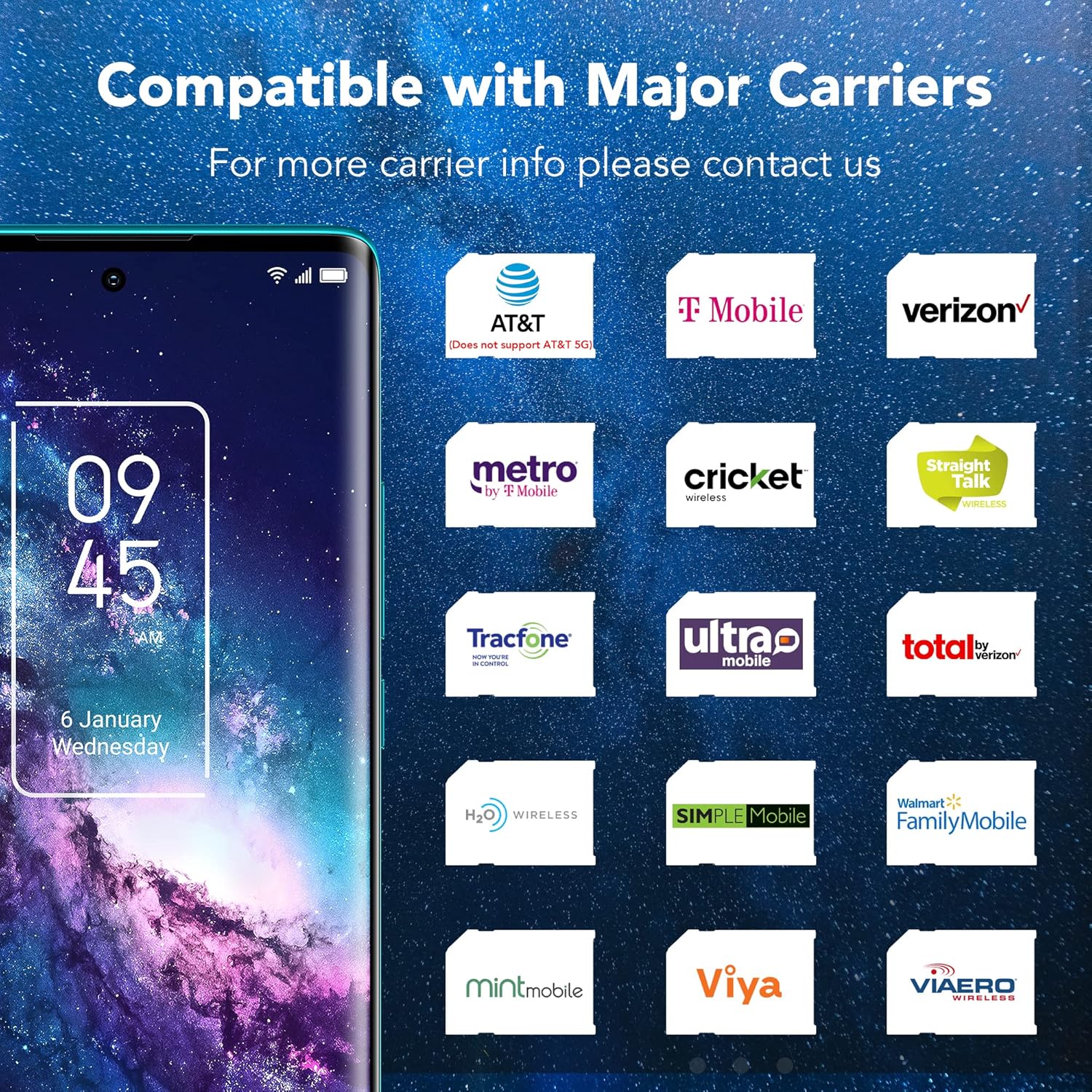
Figure 5: Network compatibility information for the TCL 20 Pro 5G.
5. Basic Operation
5.1 Power On/Off
- To Power On: Press and hold the Power button until the device vibrates and the TCL logo appears.
- To Power Off: Press and hold the Power button until the power menu appears, then select "Power off."
- To Restart: Press and hold the Power button until the power menu appears, then select "Restart."
5.2 Security Features
- In-display Optical Fingerprint Sensor: Register your fingerprints in the device settings for quick and secure unlocking.
- Face Key: Set up facial recognition for convenient unlocking.
6. Camera Features
The TCL 20 Pro 5G offers a versatile camera experience for capturing high-quality photos and videos.
6.1 Rear Camera Modes
- 48MP OIS Main Camera: For sharp, detailed photos, especially in challenging lighting conditions due to Optical Image Stabilization.
- 16MP Ultra Wide Camera: Capture expansive landscapes and group shots with a wider field of view.
- 5MP Macro Camera: Focus on small details and close-up subjects.
- 2MP Depth Camera: Enhances portrait mode with professional-looking bokeh effects.
6.2 Front Camera
The 32MP front camera with a dedicated RGB sensor ensures accurate skin tones and natural lighting for high-quality selfies and video calls.
7. Connectivity
Your device supports a wide range of connectivity options:
- 5G Network: Experience revolutionary speeds for faster streaming and downloads.
- Wi-Fi: Supports 802.11 a/b/g/n/ac for both 2.4GHz and 5GHz bands, Wi-Fi Direct, and Wi-Fi casting.
- Bluetooth 5.1: For connecting wireless accessories like headphones and speakers.
- NFC: For contactless payments and quick pairing with compatible devices.
- Mobile Hotspot: Share your 5G/4G data connection with other devices.
- VoLTE/VoWiFi: Voice over LTE and Voice over Wi-Fi (optional, carrier dependent).
8. Battery and Charging
The TCL 20 Pro 5G is equipped with a 4500mAh Lithium Polymer battery. Use the provided 9V2A charger and Type-C cable for optimal charging. The typical charging time is approximately 2 hours.
9. Specifications
| Feature | Specification |
|---|---|
| Model Name | 20 Pro 5G |
| Item Model Number | T810S |
| Brand | TCL |
| Operating System | Android 11.0 |
| CPU Model | Snapdragon 750G |
| CPU Speed | 2.4 GHz |
| Standing Screen Display Size | 6.67 Inches |
| Resolution | 1080p |
| Refresh Rate | 60 Hz |
| RAM Memory Installed Size | 6 GB |
| Memory Storage Capacity | 256 GB (expandable up to 1TB with microSDXC) |
| Battery Capacity | 4500 Milliamp Hours |
| Charging Time | 2 Hours |
| Item Weight | 0.42 lb (0.176 ounces in some data, using 0.42lb from description) |
| Package Dimensions | 7.48 x 3.66 x 2.44 inches |
| Connectivity | 5G, 4G LTE, 3G, 2G, Wi-Fi (802.11 a/b/g/n/ac), Bluetooth 5.1, NFC, USB Type-C 2.0 |
| Security | In-display optical fingerprint sensor, Face Key |
10. Troubleshooting
If you encounter issues with your TCL 20 Pro 5G, try the following common solutions:
- Device Not Responding: Press and hold the Power button for about 10 seconds to force a restart.
- Network Connectivity Issues: Ensure your SIM card is correctly inserted. Check your network settings. If on Verizon, contact your carrier to confirm account provisioning for “CDMA-less” devices.
- Battery Draining Quickly: Reduce screen brightness, close unused apps, disable unnecessary background processes, and check for app updates.
- Apps Crashing: Clear the cache and data for the problematic app in Settings > Apps. If the issue persists, reinstall the app.
- Fingerprint Sensor/Face Unlock Not Working: Ensure your fingers are clean and dry for the fingerprint sensor. For Face Key, ensure adequate lighting and that your face is clearly visible. Re-register your biometrics if necessary.
For more complex issues, refer to the full user manual available on the TCL support website or contact customer support.
11. Safety Information
To prevent injury, damage to your device, or damage to other property, observe the following safety precautions:
- Do not attempt to disassemble, repair, or modify the device.
- Use only TCL-approved chargers and accessories.
- Avoid exposing the device to extreme temperatures, direct sunlight, or excessive moisture.
- Keep the device away from medical devices, as it may interfere with their operation.
- Dispose of the device and its battery responsibly according to local regulations.
12. Warranty and Support
Your TCL 20 Pro 5G smartphone comes with a one-year US warranty. For warranty claims, technical support, or further assistance, please visit the official TCL support website or contact their customer service. Keep your proof of purchase for warranty validation.
TCL Support Website: www.tcl.com/us/en/support


