
BRPOM BM200
BRPOM BM200 6000A Car Jump Starter User Manual
Model: BM200 | Brand: BRPOM
1. Introduction
Thank you for choosing the BRPOM BM200 6000A Car Jump Starter. This device is designed to provide emergency starting power for your vehicle, as well as serve as a portable power bank and LED flashlight. Please read this manual thoroughly before use to ensure safe and optimal operation.
2. Product Overview
2.1 Key Features
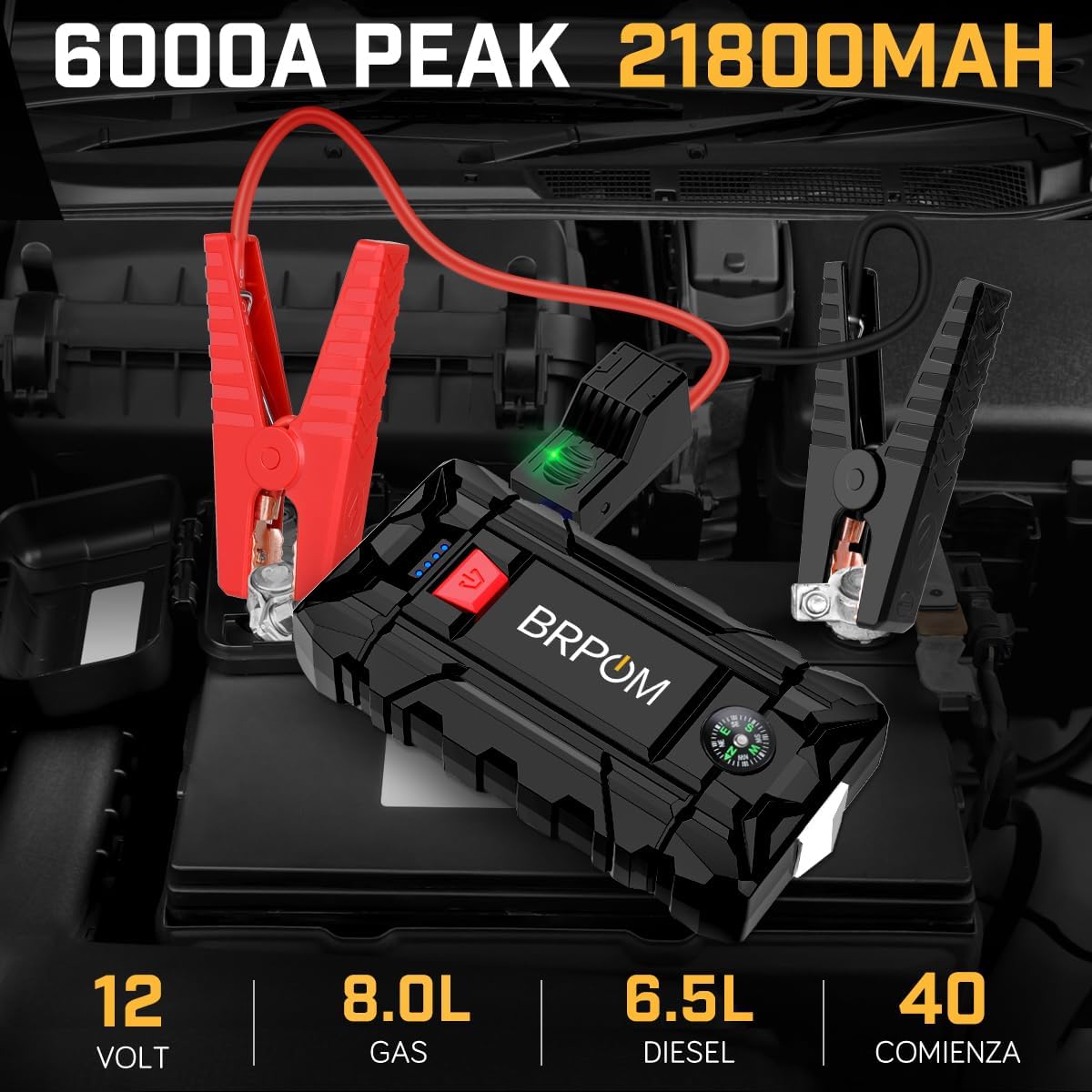
- Powerful Jump Starting: 6000A peak current, capable of starting vehicles with up to 8.0L gasoline or 6.5L diesel engines. Operates effectively in temperatures from -20°C to 60°C.
- Extended Standby: Maintains charge for up to 12 months when not in use. A fully charged 12V unit can perform up to 40 jump starts.
- 21800mAh Power Bank: Equipped with QC3.0 compatible USB ports for fast charging mobile phones, tablets, cameras, and other electronic devices.
- Enhanced Smart Clamps: Features 8 advanced protection technologies including reverse polarity, short-circuit, over-discharge, over-temperature, over-current, over-charge, over-voltage, and overload protection. Longer and thicker wires for better conductivity and wider opening range.
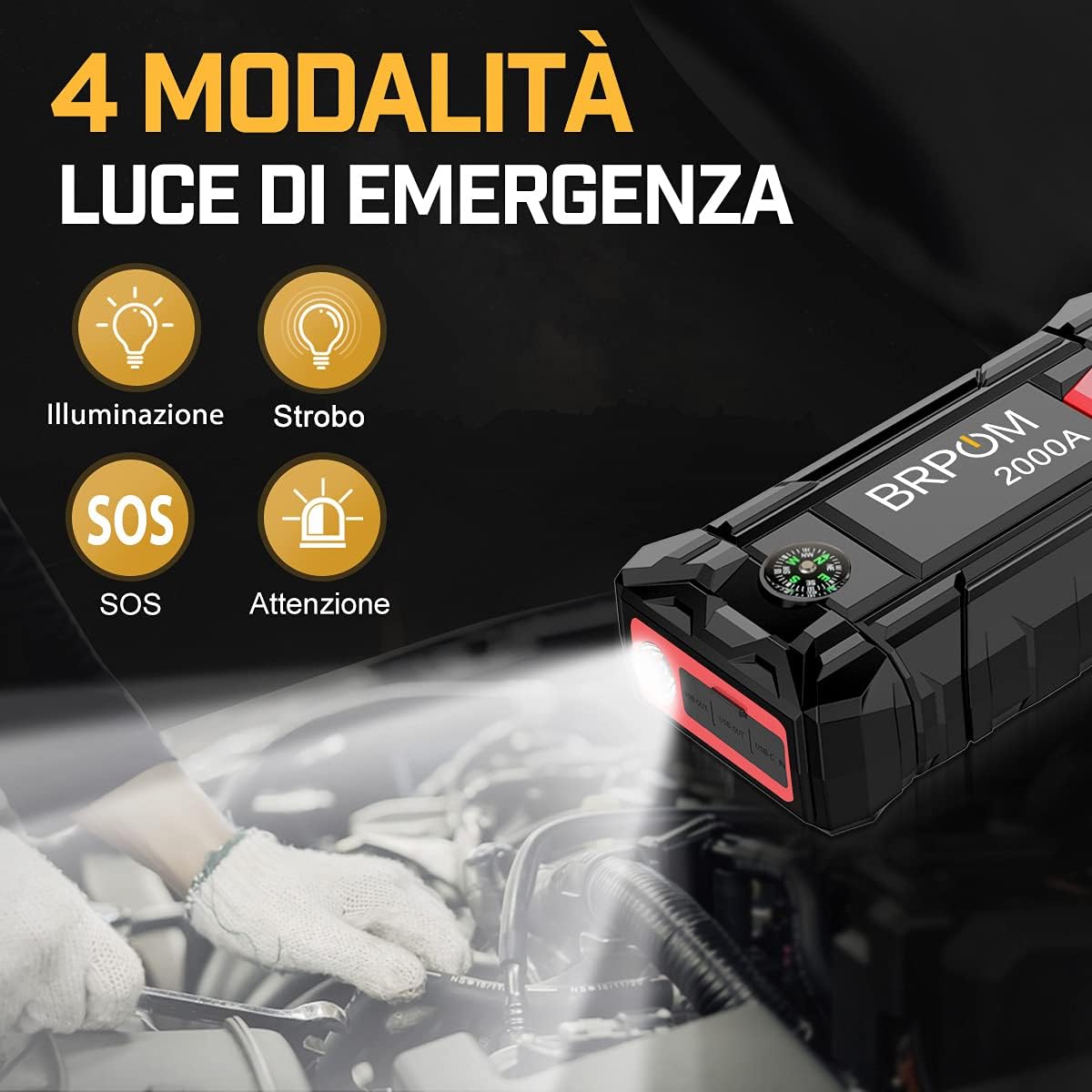
- 4-Mode LED Flashlight: Includes illumination, strobe, SOS, and warning light modes for emergencies, camping, or roadside assistance.
- Integrated Safety Hammer and Compass: Additional tools for emergency situations.
2.2 Package Contents
Ensure all items are present upon unpacking:
- BRPOM BM200 Jump Starter Unit
- Smart Jumper Clamps
- USB Charging Cable
- User Manual
- Storage Case

3. Setup: Initial Charging
Before first use, fully charge the BRPOM BM200 jump starter. It is recommended to charge the unit for 4-5 hours initially.
- Connect the provided USB charging cable to the Type-C input port on the jump starter.
- Connect the other end of the USB cable to a compatible USB wall adapter (not included) or a car charger.
- The LED indicators on the jump starter will illuminate to show the charging progress. All indicators will be solid when fully charged.

4. Operating Instructions
4.1 Jump Starting a Vehicle
Ensure the jump starter is at least 50% charged before attempting to jump start a vehicle.
- Connect Smart Clamps: Insert the blue end of the smart jumper cable into the jump starter's port. Ensure a secure connection.
- Attach to Battery: Connect the red clamp to the positive (+) terminal of the vehicle's battery and the black clamp to the negative (-) terminal.
- Check Indicator: The indicator light on the smart clamp will turn solid green when the connection is correct and safe to proceed. If it flashes or shows red, check connections and battery status.
- Start Vehicle: Return to your vehicle and start the engine.
- Remove Clamps: Once the engine starts, immediately remove the smart clamps from the vehicle battery, then disconnect the smart clamps from the jump starter.

4.2 Charging Electronic Devices (Power Bank Function)
The BM200 can charge various USB-powered devices.
- Connect your device's USB charging cable to one of the USB output ports on the jump starter.
- The jump starter will automatically begin charging your device.
- Disconnect your device once charging is complete.

4.3 Using the LED Flashlight
The integrated LED flashlight has four modes:
- Illumination: Press and hold the power button for 3 seconds to turn on the flashlight.
- Strobe: Short press the power button once to switch to strobe mode.
- SOS: Short press the power button again to switch to SOS mode.
- Warning Light: Short press the power button a third time to activate the warning light (flashing red/blue).
- To turn off the flashlight, press the power button again or press and hold for 3 seconds.
5. Maintenance
- Regular Charging: To maintain optimal battery life and readiness, recharge the jump starter every 3-4 months, even if not used.
- Storage: Store the unit in its carrying case in a cool, dry place, away from direct sunlight and extreme temperatures.
- Cleaning: Wipe the unit with a soft, dry cloth. Do not use harsh chemicals or abrasive materials.
6. Troubleshooting
| Problem | Possible Cause | Solution |
|---|---|---|
| Jump starter does not turn on or has low power. | Low battery charge. | Fully charge the jump starter for 4-5 hours before use. |
| Vehicle does not start after connecting. | Incorrect clamp connection; vehicle battery completely dead; engine size exceeds capacity. | Ensure clamps are connected correctly (red to +, black to -). Check the smart clamp indicator for a solid green light. If the battery is severely discharged, allow a few minutes for the jump starter to provide some charge before attempting to start. Verify your vehicle's engine size is within the specified limits (8.0L Gas / 6.5L Diesel). |
| Smart clamp indicator shows red or flashes. | Reverse polarity, short circuit, or other protection activated. | Disconnect clamps from the battery and jump starter. Re-read the operating instructions and reconnect carefully, ensuring correct polarity. |
| Jump starter does not charge devices. | Jump starter battery is low; device cable is faulty. | Charge the jump starter. Try a different USB cable or device to isolate the issue. |
7. Specifications
| Feature | Specification |
|---|---|
| Model | BM200 |
| Peak Current | 6000A |
| Battery Capacity | 21800mAh (Nominal, derived from marketing) |
| Start Voltage | 12V |
| Gas Engine Rating | Up to 8.0L |
| Diesel Engine Rating | Up to 6.5L |
| Operating Temperature | -20°C to 60°C |
| USB Output | QC3.0 compatible (5V/9V/12V) |
| Charging Input | USB Type-C |
| Dimensions | 9 x 18 x 4 cm |
| Weight | 970 g |
| Certifications | CE |
8. Safety Information
Please observe the following safety precautions:
- Do not attempt to jump start a vehicle if the jump starter's battery level is critically low.
- Ensure correct polarity when connecting the clamps to the vehicle battery. Reverse polarity can cause damage to the jump starter and/or vehicle.
- Do not allow the red and black clamps to touch each other, as this can cause a short circuit.
- Do not expose the jump starter to water, rain, or extreme moisture.
- Do not operate the jump starter in explosive atmospheres, such as in the presence of flammable liquids, gases, or dust.
- Keep out of reach of children.
- If the jump starter becomes excessively hot during use, disconnect it immediately and allow it to cool down.
- Do not disassemble or modify the jump starter. Servicing should only be performed by qualified personnel.
- Use only the provided smart clamps and charging cables.

9. Warranty and Support
The BRPOM BM200 Car Jump Starter comes with a two-year warranty from the date of purchase, covering manufacturing defects and product-related issues.
For any questions regarding the product, technical support, or warranty claims, please contact BRPOM customer service directly. Contact information can typically be found on the product packaging or the official BRPOM website.
Related documentsBM200


Ask a question about this manual
Ask about setup, troubleshooting, compatibility, parts, safety, or missing instructions. Manuals+ will review the question and use this page’s manual context to help answer it.