Introduction
This manual provides essential instructions for the setup, operation, and maintenance of your ALLIMITY RC1900 Universal Replacement Remote Control. This remote is designed to function as a direct replacement for original remote controls of various TV models from brands such as Luxor, NordMende, Inno-Hit, AKAI, Bush, Technika, and AKURA. No programming is required for its use.
Product Overview
The ALLIMITY RC1900 remote control features a standard layout with dedicated buttons for power, channel navigation, volume control, menu access, and playback functions. It operates using infrared technology.
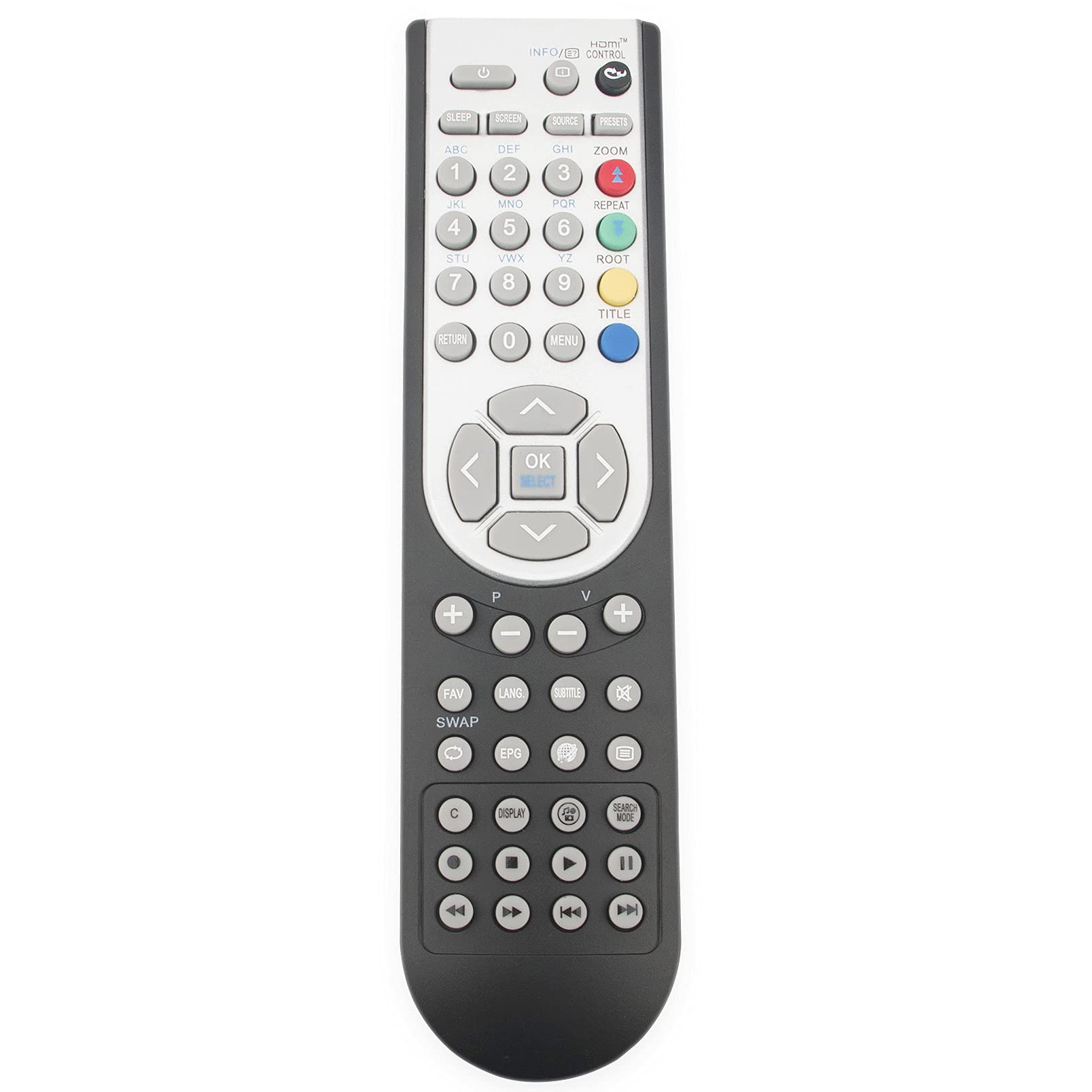
Image 1: Front view of the ALLIMITY RC1900 Universal Replacement Remote Control. It features a dark gray body with light gray and colored buttons, including a central navigation pad, number keys, and function buttons.
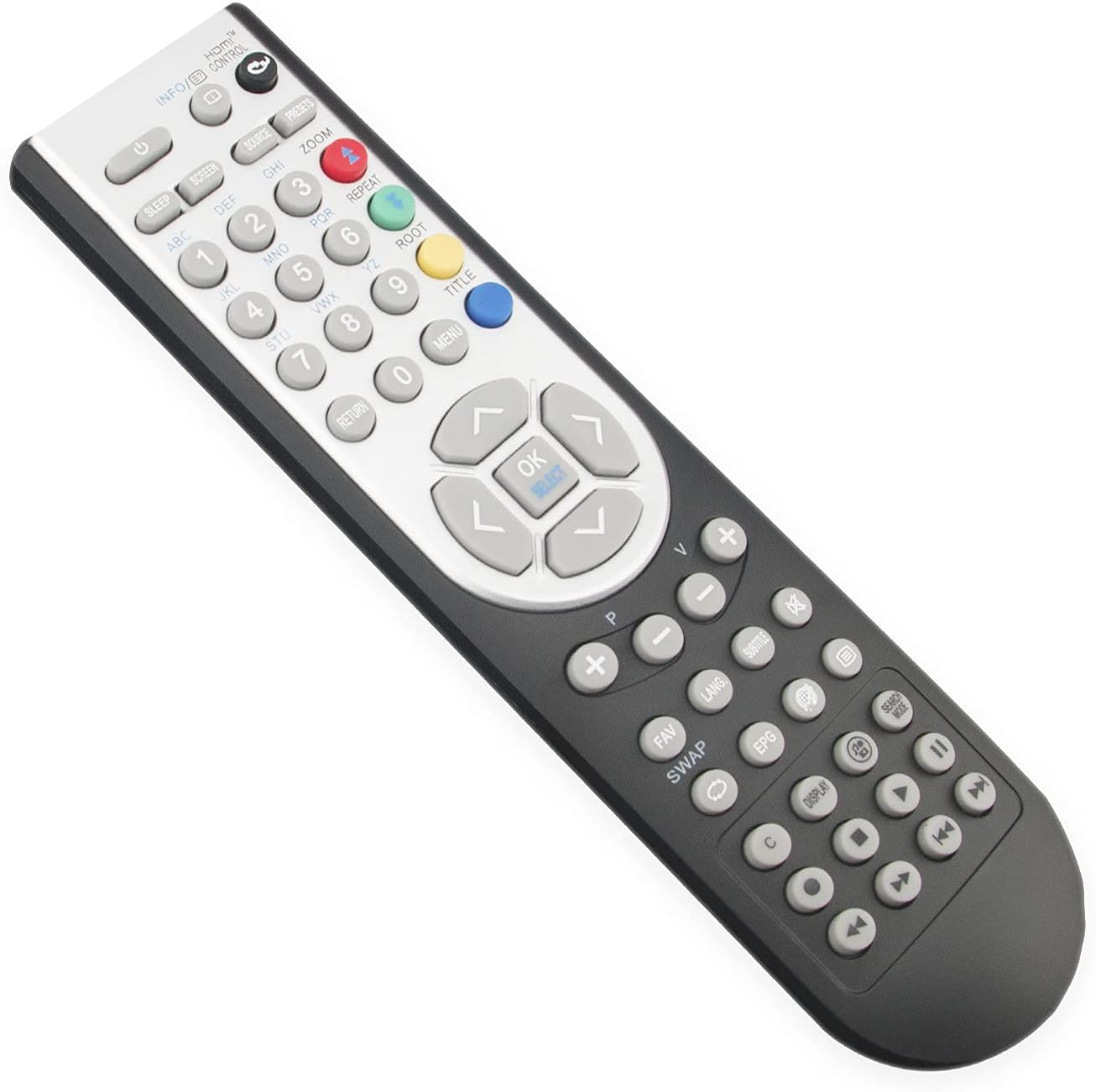
Image 2: Angled view of the ALLIMITY RC1900 remote control, highlighting the ergonomic design and button placement from a different perspective.
Setup Instructions
1. Battery Installation
- Locate the battery compartment on the back of the remote control.
- Slide open the battery compartment cover.
- Insert two new AAA alkaline batteries, ensuring the positive (+) and negative (-) terminals match the diagrams inside the compartment.
- Close the battery compartment cover securely.
Note: This remote control does not require any programming. Once batteries are installed, it is ready for use with compatible devices.
Operating Instructions
Basic Operation
- Power: Press the Power button (usually located at the top) to turn your device on or off.
- Channel Navigation: Use the Channel Up/Down buttons to change channels.
- Volume Control: Use the Volume Up/Down buttons to adjust the sound level.
- Number Keys: Use the number pad (0-9) to directly input channel numbers.
- Menu/Navigation: Use the Menu button to access your device's on-screen menu. The directional arrow buttons and OK/Select button are used for navigation and selection within menus.
- Source/Input: Press the Source or Input button to switch between different video inputs (e.g., HDMI, AV).
Optimal Performance
- Ensure a clear line of sight between the remote control and the infrared sensor on your device.
- The maximum effective range for this remote control is approximately 10 meters (33 feet).
Maintenance
Battery Replacement
Replace batteries when the remote control's response becomes sluggish or stops working. Always replace both batteries at the same time with new alkaline batteries of the same type (AAA).
Cleaning
To clean the remote control, wipe it with a soft, dry cloth. Do not use liquid cleaners or abrasive materials, as these may damage the remote's surface or internal components.
Troubleshooting
- Remote not responding:
- Check if the batteries are correctly inserted with the correct polarity.
- Replace old batteries with new ones.
- Ensure there are no obstructions between the remote control and the device's infrared sensor.
- Make sure you are within the effective operating range (up to 10 meters).
- Some functions not working:
- This remote is a replacement and aims to cover all original functions. However, specific advanced features unique to your original device's remote might not be directly replicated if they are not standard.
- Refer to your device's original manual for specific function details.
Specifications
| Brand | ALLIMITY |
| Model Number | RC1900 (Manufacturer Reference: QYSY-RC1900-LU-QYSY) |
| Connectivity Technology | Infrared |
| Special Feature | Universal Replacement |
| Compatible Devices | Luxor, NordMende, Inno-Hit, AKAI, Bush, Technika, AKURA TVs (e.g., LED24970DVDFHDW, LCD26-229, LCD19-910, 19822WHDDVDDIG, 19875DVD, 22820DVDIDTVIPOD, 26883DVDIDTV, 26DVDLCD, 32883DVD, HD22823DDVD, L19822COBXMAS, LCD-W-16822, LCD-W-19822, LUX-16822-COB, LUX16822WHDVD, LUX-19822-COB, LUX-22822-COB, LUX-22860-COB, LUX-24882-COB, LUX26883DDVD, LUXORHD19822DDVD, LUXORHD22822DDVD, LUXORHD26883DDVD, V16LCDDVDHD, V19LCDDVD875, V22LCDDVDHD, LUX-22-822-COB, CBX1909, L19V99-S, LC16M211, LC22M211, LC26R, LD19V211, LD32V211, IH26847T17BH, IH19875WD, IH22860TWD, IH32916T16BH, ALD1914H, ALD1979H, ALD1980HT, ALD2214FH, ALD2214H, ALD2280HT, UN32N2004, UN39N2504, IH16820TD9N, IH19855TD11B, IH22820TWX, IH22875WD, IH22910TD17BFLED, IH24884TD17BFLED, ALD2615H, ALD2620H, ALD3214H, ALED1905T) |
| Maximum Number of Supported Devices | 10 (Universal compatibility) |
| Number of Buttons | 19 |
| Maximum Range | 10 Meters (33 feet) |
| Battery Type | Alkaline (AAA, not included) |
| Country of Origin | China |
Warranty and Support
Warranty information for the ALLIMITY RC1900 Universal Replacement Remote Control is not provided in this document. For specific warranty details or technical support, please contact the manufacturer or your point of purchase directly.

