
Introduction
This manual provides detailed instructions for the assembly, operation, and maintenance of your HOMCOM L-Shaped Home Office Computer Desk, Model 836-378. Please read all instructions carefully before beginning assembly and retain this manual for future reference. This desk is designed to provide a functional workspace with integrated storage.
Safety Information
- Assembly: It is recommended that two people assemble this desk to ensure safety and ease of construction.
- Weight Capacity: Do not exceed the maximum weight limits: Desktop: 88 lbs (40 kg), Drawers: 11 lbs (5 kg) each, Shelves: 18 lbs (8 kg) each. Exceeding these limits may cause structural failure and injury.
- Stability: Ensure all fasteners are securely tightened before use. Periodically check and re-tighten fasteners as needed.
- Placement: Place the desk on a level, stable surface. Avoid placing it in areas with excessive moisture or direct sunlight.
- Proposition 65 Warning: This product may contain chemicals known to the State of California to cause cancer and birth defects or other reproductive harm.
Package Contents
Before assembly, verify that all components listed below are present and undamaged. If any parts are missing or damaged, contact customer support.
- Desktop Panels (L-shaped sections)
- Steel Frame Components
- Drawer Boxes and Front Panels
- Drawer Sliding Rails
- Storage Shelf Panels
- Assembly Hardware (screws, bolts, connectors, etc.)
- Instruction Manual
Setup and Assembly
Follow the step-by-step instructions provided in the included manual for proper assembly. Ensure you have adequate space and the necessary tools (not included) before starting. Two people are recommended for assembly.

Figure 1: Assembled HOMCOM L-Shaped Computer Desk.
The L-shaped design is reversible, allowing you to configure the storage unit on either the left or right side to best suit your space. Pay close attention to the orientation of parts during assembly, especially for the drawer sections and L-shape connection points.

Figure 2: L-Shape Design for efficient space utilization.
Ensure all screws and connections are tightened firmly but do not overtighten to avoid damaging the materials. The desk features an industrial style with a black steel frame and brown wood grain MDF board panels.
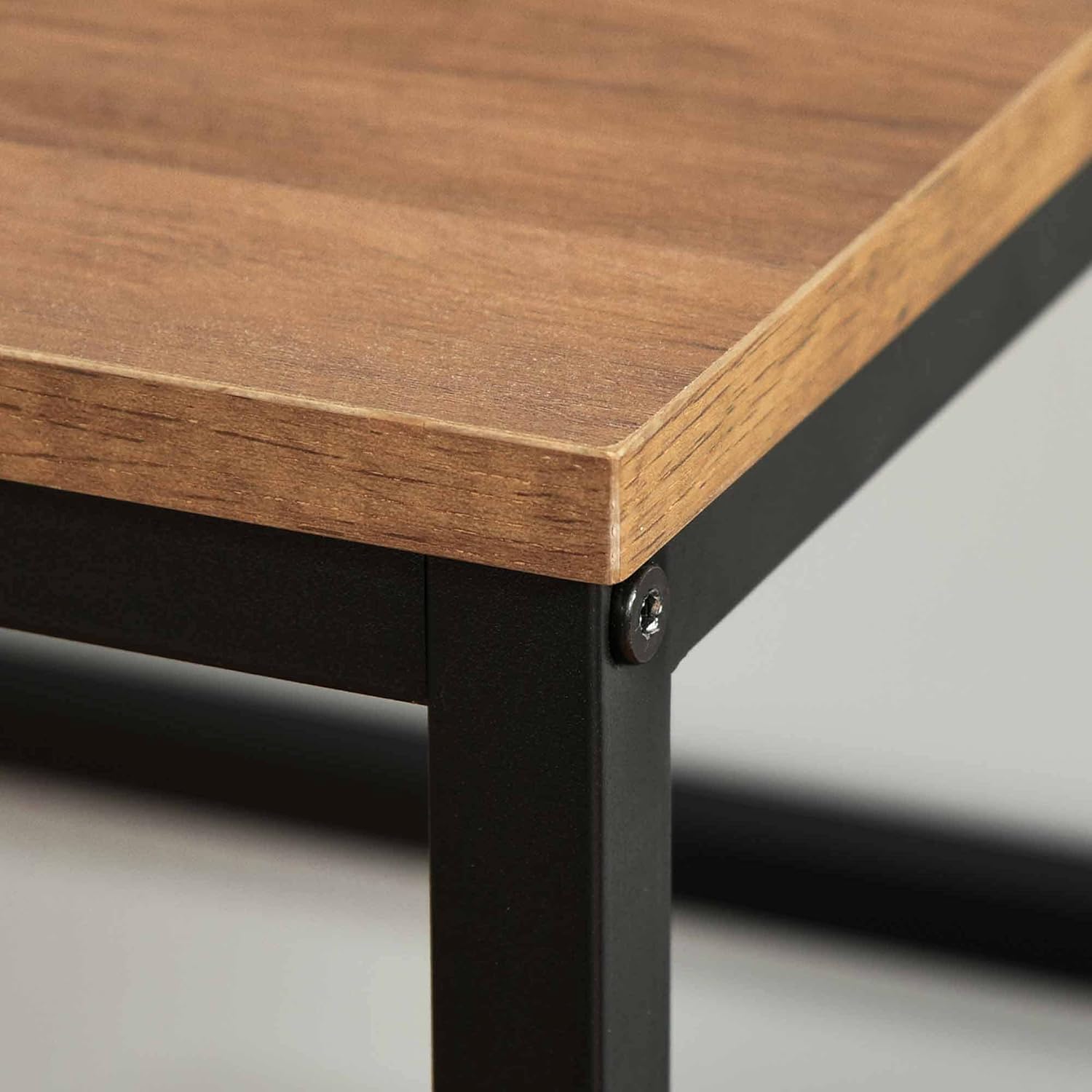
Figure 3: Detail of a secure frame connection.
Operating Instructions
This desk provides ample workspace and integrated storage. Utilize the large tabletop for your computer, monitor, and other office essentials.

Figure 4: Typical desk setup with computer and accessories.
The two utility drawers are equipped with smooth sliding rails for easy access to your stored items. The open shelves provide additional space for books, decorative items, or office supplies.

Figure 5: Ample storage space with drawers and open shelves.

Figure 6: Detail of an open utility drawer.
The drawers feature hidden handles for a clean aesthetic and smooth sliding rails for functionality.

Figure 7: Details of wood grain, hidden handles, and sliding rails.
Maintenance
To maintain the appearance and longevity of your desk, follow these simple care instructions:
- Cleaning: Wipe surfaces with a damp cloth. Avoid harsh chemicals or abrasive cleaners that may damage the finish.
- Spills: Clean up spills immediately to prevent staining or damage to the engineered wood.
- Fasteners: Periodically check all screws and bolts to ensure they remain tight. Re-tighten if necessary.
Troubleshooting
- Assembly Difficulties: If parts do not align or screws do not fit, re-check the instruction manual to ensure all components are oriented correctly. Some holes may require slight adjustment during assembly. Do not force parts together.
- Desk Wobbles: Ensure the desk is placed on a level surface. Check that all assembly fasteners are securely tightened. If the issue persists, disassemble and reassemble, paying close attention to each connection.
- Drawers Stick: Verify that the drawer sliding rails are installed correctly and are free of obstructions. Ensure the drawer box is assembled squarely.
Specifications
| Brand | HOMCOM |
| Model Number | 836-378 |
| Overall Dimensions | 59" L x 35.5" W x 29.5" H (150 cm L x 90 cm W x 75 cm H) |
| Desktop Material | Engineered Wood (MDF) |
| Frame Material | Alloy Steel |
| Color | Black Frame, Brown Wood Grain Top |
| Total Weight Capacity | 145 lbs (65.7 kg) |
| Desktop Weight Capacity | 88 lbs (40 kg) |
| Drawer Weight Capacity | 11 lbs (5 kg) each |
| Shelf Weight Capacity | 18 lbs (8 kg) each |
| Number of Drawers | 2 |
| Number of Shelves | 2 (open shelves) |
| Assembly Required | Yes |
| Reversible Design | Yes |

Figure 8: Desk Dimensions.
Warranty Information
This HOMCOM product comes with a Limited Warranty. For specific details regarding coverage, duration, and terms, please refer to the warranty documentation included with your purchase or contact HOMCOM customer support.
Customer Support
If you have any questions, require assistance with assembly, or need to report missing/damaged parts, please contact HOMCOM customer support. Refer to your purchase documentation or the HOMCOM official website for contact details.
Online Resources: For additional support and product information, visit the official HOMCOM website.