1. Introduction
The Loycco 10000 Lux Light Therapy Lamp is designed to provide natural spectrum light, which can assist in improving mood, energy levels, and sleep patterns, particularly in environments with limited natural sunlight. This device offers a UV-free light source with adjustable brightness and color temperature settings, along with convenient timer functions.

2. Important Safeguards
- Read all instructions before use.
- Do not immerse the device or power cord in water or other liquids.
- Keep the device away from heat sources and direct sunlight.
- Ensure the power adapter is compatible with your local power supply.
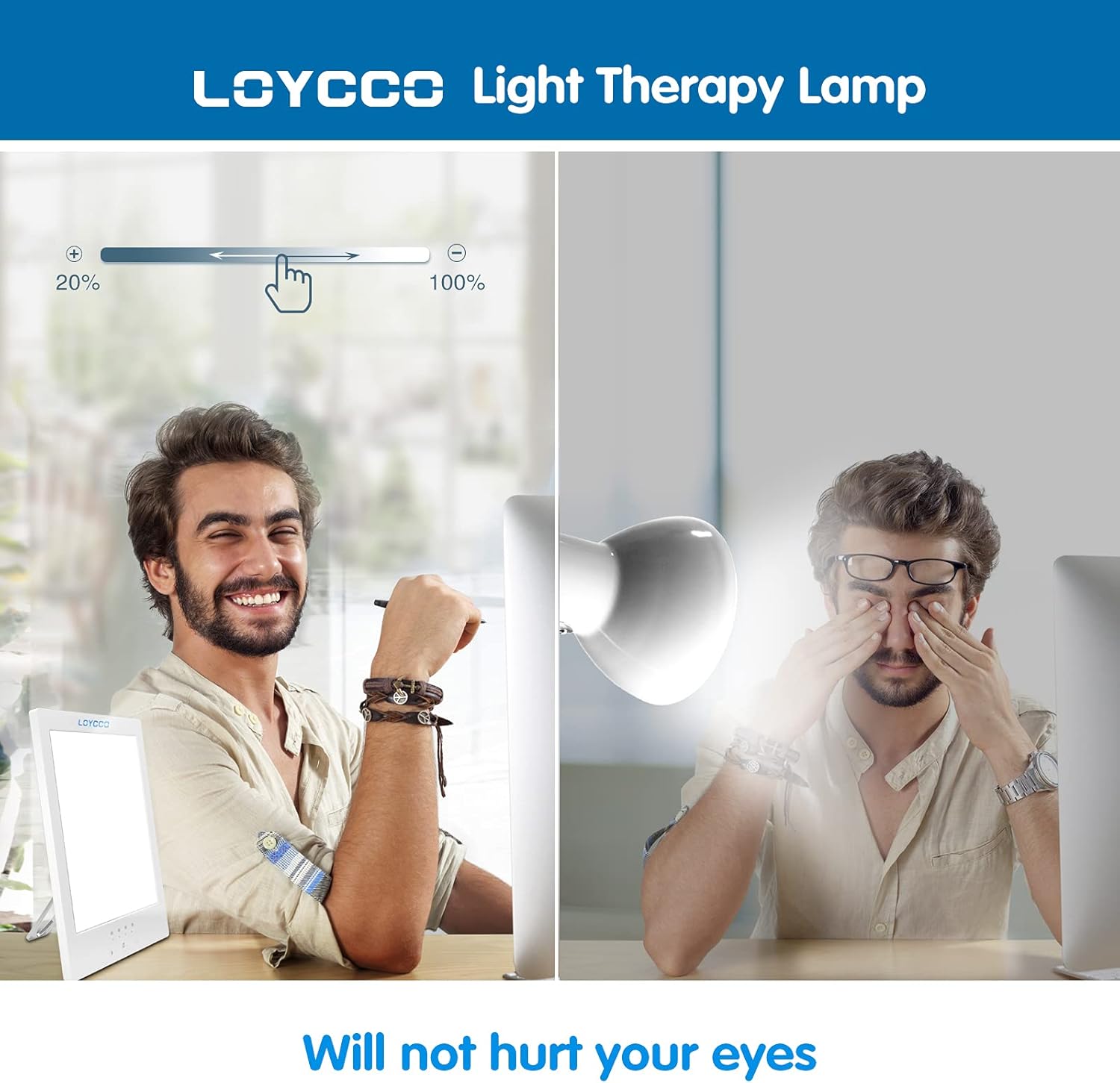
- Do not look directly into the light for extended periods, especially at high brightness settings. Position the lamp to the side of your face.
- Consult a healthcare professional before use if you have a pre-existing eye condition, a history of depression, or are taking medications that may increase light sensitivity.
- Keep out of reach of children. The device operates at a low voltage (20V) and generates very low heat, making it safe to touch.
3. Features
- 10000 Lux Brightness: Provides a strong, natural light intensity.
- UV-Free Full Spectrum Light: Mimics natural sunlight without harmful UV rays.
- Adjustable Brightness: Dimmable from 10% to 100% to suit individual preference.
- Adjustable Color Temperature: Offers various light tones (cool to warm) for different needs.
- Integrated Timer: Settings for 15, 30, 45, and 60 minutes with automatic shut-off.
- Compact and Portable Design: Ultra-thin size with a 360-degree adjustable kickstand for versatile placement.
- Eye Protection Function: Flicker-free design to prevent eye strain.

4. Setup
- Unpack the Loycco Light Therapy Lamp and its power adapter.
- Locate the kickstand on the back of the lamp. Adjust it to your desired angle for vertical or horizontal positioning.
- Connect the power adapter cable to the input port on the back of the lamp.
- Plug the power adapter into a standard electrical outlet.

5. Operating Instructions
5.1 Power On/Off
Press the power button located on the side of the lamp to turn the device on or off.
5.2 Adjusting Brightness
Long press the brightness adjustment button (typically marked with a sun icon) on the control panel. Hold the button to cycle through brightness levels from 10% to 100%. Release the button when the desired brightness is reached.
5.3 Adjusting Color Temperature
Long press the color temperature adjustment button (typically marked with a light bulb icon) on the control panel. Hold the button to cycle through different color temperature settings (e.g., cool white, natural white, warm white). Release the button when the desired color temperature is reached.
5.4 Setting the Timer
Single press the timer setting button (typically marked with a clock icon) to select a desired session duration. Available options are 15, 30, 45, and 60 minutes. The lamp will automatically turn off after the selected time has elapsed.

6. Recommended Program
For optimal results, position the light therapy lamp approximately 5.5 to 20 inches (14 to 50 cm) from your face. Avoid looking directly into the light. Instead, position it to the side, allowing the light to enter your peripheral vision. Begin with shorter sessions (e.g., 10-15 minutes) at a lower brightness setting (e.g., 10%) and gradually increase duration and brightness as your eyes adjust and you feel comfortable. Most users find daily sessions of 20-60 minutes to be beneficial, ideally in the morning.

7. Care and Cleaning
- Always unplug the device before cleaning.
- Wipe the lamp's surface with a soft, dry, or slightly damp cloth.
- Do not use abrasive cleaners, solvents, or harsh chemicals, as these may damage the surface.
- Ensure the device is completely dry before plugging it back in.
8. Troubleshooting
| Problem | Possible Cause | Solution |
|---|---|---|
| Lamp does not turn on. | Not properly plugged in or power outlet issue. | Check power connections. Try a different outlet. |
| Brightness/Color temperature not adjusting. | Button not held long enough or incorrect button pressed. | Ensure you are long-pressing the correct adjustment button. |
| Timer not working. | Timer not set correctly. | Single press the timer button to select a duration. The indicator light for the selected time should illuminate. |
9. Specifications
- Model: LC-TL001
- Brightness: 10000 Lux
- Light Source Type: LED
- Power Source: Corded Electric
- Voltage: 20 Volts
- Wattage: 14 Watts
- Control Method: Touch
- Dimensions: 7.9 x 5.6 x 0.4 inches
- Item Weight: 1.5 pounds
- Material: White Material
- Included Components: Adapter, User Manual
10. Warranty and Support
Loycco provides a 30-day money-back guarantee and a 24-month quality guarantee for quality-related issues. For further support or warranty claims, please refer to the contact information provided with your purchase or visit the official Loycco website.


