
GlocalMe U3 White
Contents
GlocalMe U3 4G LTE Mobile Hotspot User Manual
Model: U3 White
1. Introduction
The GlocalMe U3 4G LTE Mobile Hotspot is a portable Wi-Fi device designed to provide reliable internet access in over 200 countries and regions without the need for a physical SIM card. Utilizing Cloud SIM technology, it automatically selects the best local network, ensuring stable and fast connectivity for multiple devices. This manual provides essential information for setting up, operating, maintaining, and troubleshooting your GlocalMe U3 device.

Figure 1.1: GlocalMe U3 4G LTE Mobile Hotspot (White Model)
This image shows the sleek, white GlocalMe U3 device, highlighting its compact and portable design. A blue banner with "10 Years of Innovation" is attached to the top right corner.
2. Setup Guide
Follow these steps to set up your GlocalMe U3 device and activate your data plan:
- Unpack and Power On: Carefully unbox your GlocalMe U3 device. Press and hold the power button (located on the side) until the LED indicators light up.
- Download the GlocalMe App: Scan the QR code provided in the device packaging or search for "GlocalMe" in the Apple App Store or Google Play Store on your mobile phone. Download and install the official GlocalMe application.

Figure 2.1: GlocalMe App Interface
This image displays the GlocalMe application interface on a smartphone, showing options for searching countries/regions and popular destinations for data plans.
- Create an Account and Activate Data Plans: Open the GlocalMe app and follow the on-screen instructions to create a new GlocalMe account. Once logged in, you can browse and choose suitable data plans based on your travel needs and activate them directly within the app.
- Link Device with GlocalMe App: In the GlocalMe app, navigate to the "My Device" section. Scan the QR code displayed on the back of your GlocalMe U3 device to link it to your account.
- Connect to Wi-Fi: Once linked, find the Wi-Fi network name (SSID) and password printed on the back of your GlocalMe U3 device. On your phone, laptop, or other Wi-Fi enabled device, select the GlocalMe network from the available Wi-Fi list and enter the password to connect.

Figure 2.2: GlocalMe Quick Start Guide
This visual guide illustrates the six steps for setting up the GlocalMe device: getting the device, downloading the app, creating an account and activating plans, linking the device, connecting to Wi-Fi, and contacting support if needed.
3. Operating Instructions
3.1. Connecting Devices
The GlocalMe U3 can connect up to 10 devices simultaneously, including smartphones, tablets, laptops, and other Wi-Fi enabled gadgets. To connect, simply select the GlocalMe network from your device's Wi-Fi settings and enter the password.

Figure 3.1: Connect Up to 10 Devices
This image shows five individuals using their mobile devices, with lines connecting them to a central GlocalMe hotspot icon, illustrating the ability to connect multiple users.
3.2. Data Plan Management
All data plan purchases and management are handled through the GlocalMe app. You can monitor your data usage, purchase new packages, and view available plans for different regions. The device supports flexible data plans, including daily and monthly options.

Figure 3.2: Flexible and Affordable Data Plans for US
This image displays various data plan options for the US, including Day Pass (2GB, 5GB, 10GB) and Monthly Pass (10GB, 30GB, 50GB, 100GB) with their respective prices.
3.3. Global Coverage
The GlocalMe U3 provides internet access in over 200 countries and regions. Its smart local network auto-selection feature ensures you always get the best available signal.

Figure 3.3: Coverage in 200+ Countries and Regions
This image shows a person relaxing outdoors with a GlocalMe device on a table, surrounded by various electronic devices, emphasizing "No Contract," "Pay As You Go," and "No SIM Required" features.
Regional Coverage Examples:
- The American Region Covered (50+): USA, Canada, Mexico, Argentina, Chile, Brazil, Uruguay, Panama, Colombia, Costa Rica, Peru, Venezuela, Ecuador, Guatemala, Dominican Republic, Bolivia, Jamaica, Trinidad and Tobago, Paraguay, Honduras, El Salvador, Nicaragua, Guyana, Suriname, Barbados, Haiti, Bahamas, Grenada, Saint Vincent and the Grenadines, Antigua and Barbuda, Dominica, Saint Lucia, Aruba, Sint Maarten, Curaçao, Bonaire, Sint Eustatius and Saba, Guadeloupe, Martinique, Saint-Barthélemy, Cayman Islands, Turks and Caicos Islands, Anguilla, British Virgin Islands, U.S. Virgin Islands, Montserrat, Bermuda, Saint Kitts and Nevis.

Figure 3.4: American Region Coverage
This image features the Statue of Liberty alongside a list of countries covered in the American region, indicating extensive network availability.
- The European Region Covered (50+): Germany, France, Great Britain, Italy, Netherlands, Sweden, Austria, Belgium, Denmark, Finland, Ireland, Luxembourg, Norway, Switzerland, Spain, Iceland, Liechtenstein, Monaco, San Marino, Andorra, Estonia, Czech Republic, Slovenia, Poland, Portugal, Greece, Cyprus, Malta, Croatia, Slovakia, Lithuania, Latvia, Montenegro, Serbia, Bosnia and Herzegovina, North Macedonia, Albania, Bulgaria, Romania, Turkey, Ukraine, Moldova, Åland Islands, Faroe Islands, Guernsey, Isle of Man, Jersey and Gibraltar.

Figure 3.5: European Region Coverage
This image shows a scenic European cityscape with a list of countries covered in the European region, highlighting the broad network reach.
- The Asian Region Covered (30+): China, Hong Kong China, Macau China, Taiwan China, Japan, South Korea, Indonesia, Sri Lanka, Malaysia, Saudi Arabia, Singapore, Thailand, Vietnam, Bahrain, Israel, Jordan, Laos, Nepal, Philippines, Bangladesh, United Arab Emirates, Cambodia, Kazakhstan, Mongolia, Pakistan, Qatar, India, Kuwait, Tajikistan, Oman, Brunei, Maldives, Armenia, Azerbaijan, Georgia, Kyrgyzstan and Uzbekistan.

Figure 3.6: Asian Region Coverage
This image features an iconic Asian temple alongside a list of countries covered in the Asian region, demonstrating extensive network availability.
- The Africa and Oceania Region Covered (9): Africa: Madagascar, La Réunion, Seychelles, Uganda, Senegal, Côte d'Ivoire and Sierra Leone. Oceania: French Polynesia, Papua New Guinea.

Figure 3.7: Africa and Oceania Region Coverage
This image shows the Sphinx and pyramids, representing the African region, alongside a list of countries covered in Africa and Oceania, indicating network presence.
3.4. Usage Scenarios
The GlocalMe U3 is versatile and suitable for various scenarios:
- Travel: Ideal for international travel, providing seamless internet without local SIMs.
- Business Meetings: Ensures stable connectivity for presentations and online collaborations.
- Outdoor Activities: Reliable internet for live streaming or working remotely in outdoor settings.
- Home & Dormitory Sharing: Share internet with family or roommates.
- Entertainment: Enjoy streaming videos, gaming, and social media on the go.

Figure 3.8: Suitable for Multi Scenarios
This image displays four common usage scenarios: business meetings, TV or live streaming, short video consumption, and phone gaming, demonstrating the device's versatility.

Figure 3.9: Outdoor Usage
This image shows two outdoor scenarios: a person live streaming in the mountains and another working on a laptop outdoors, highlighting the device's utility for mobile work and content creation.

Figure 3.10: Shared Usage
This image depicts two indoor scenarios: friends sharing a device in a dormitory and a family sharing internet at home, emphasizing the device's suitability for shared environments.

Figure 3.11: Travel and Professional Usage
This image illustrates two scenarios: a couple on a road trip and individuals in a business meeting, showcasing the device's utility for both leisure and professional travel.
4. Maintenance
4.1. Battery Life
The GlocalMe U3 is equipped with a 3000mAh battery, providing up to 12 hours of continuous use. To maximize battery life, consider turning off the device when not in use and avoid exposing it to extreme temperatures.
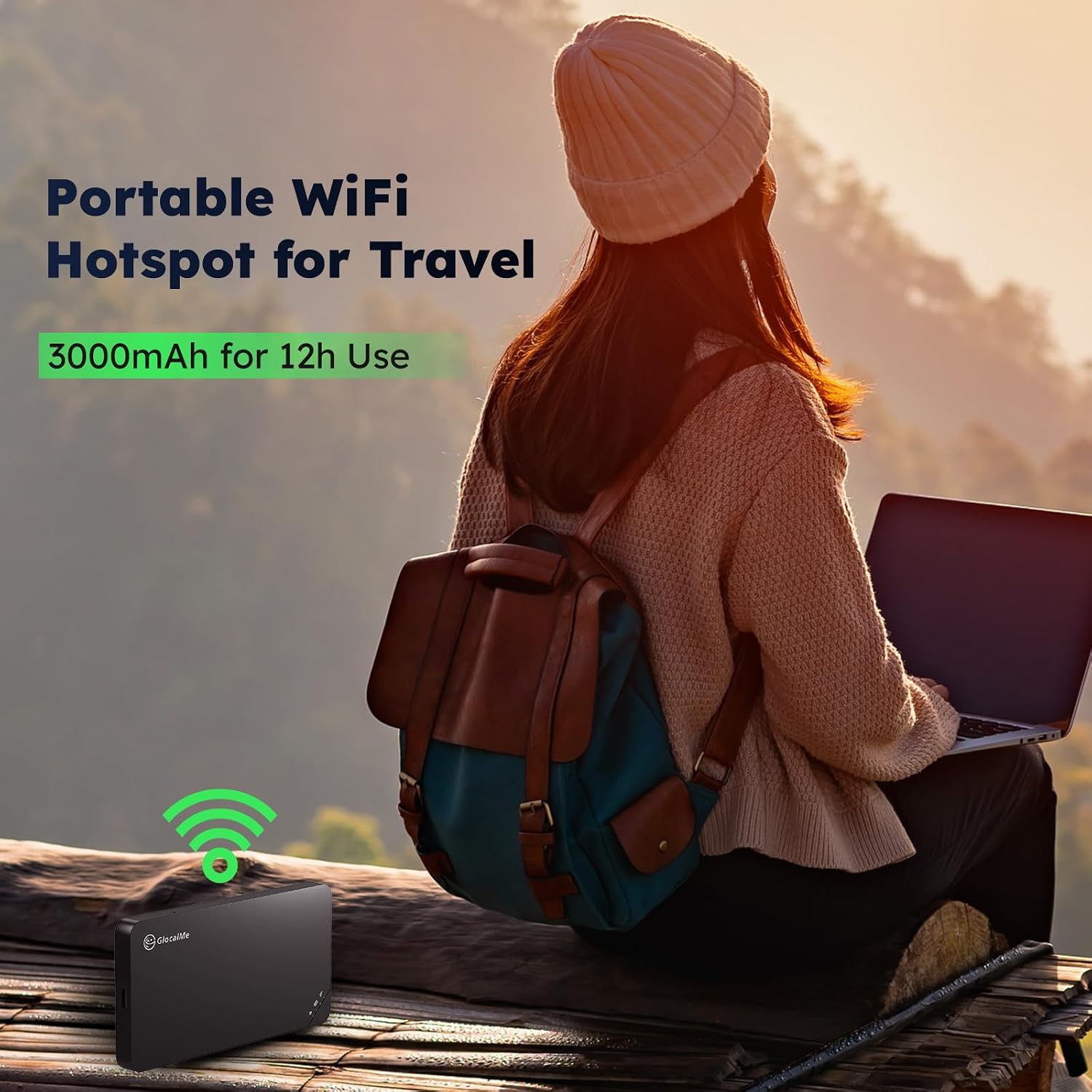
Figure 4.1: Portable WiFi Hotspot for Travel with 3000mAh Battery
This image shows a person using a laptop outdoors with the GlocalMe device in the foreground, highlighting its portability and 3000mAh battery for 12 hours of use.
4.2. General Care
- Keep the device clean and free from dust. Use a soft, dry cloth for cleaning.
- Avoid dropping the device or subjecting it to strong impacts.
- Do not expose the device to water or excessive humidity.
- Store the device in a cool, dry place when not in use.
5. Troubleshooting
| Problem | Possible Cause | Solution |
|---|---|---|
| No internet connection |
|
|
| Device not powering on |
|
|
| Slow internet speed |
|
|
| Cannot link device to app |
|
|
6. Specifications

Figure 6.1: GlocalMe U3 Physical Overview
This diagram illustrates the GlocalMe U3 device, showing its dimensions (126mm length, 66mm width, 10mm thickness), the Nano SIM slot, 3000mAh battery, LED indicators, and power button.
| Feature | Detail |
|---|---|
| Product Dimensions | 4.96 x 2.59 x 0.39 inches (126 x 66 x 10 mm) |
| Item Weight | 0.005 ounces |
| Model Name | U3 |
| Color | White |
| Special Feature | WPS (Wi-Fi Protected Setup) |
| Frequency Band Class | Single-Band |
| Wireless Communication Standard | 802.11n, 802.11b, 802.11a, 802.11g, 802.11ac |
| Compatible Devices | Laptop, Remote, Mobile Phones, Tablet, Camera |
| Frequency | 2.4 GHz |
| Recommended Uses | Home, Travel, Business |
| Connectivity Technology | Wi-Fi |
| Battery Capacity | 3000mAh (up to 12 hours continuous use) |
| Manufacturer | GlocalMe |
| Date First Available | October 15, 2019 |
7. Support & Warranty
7.1. Customer Support
For any questions, technical assistance, or issues not covered in this manual, please contact GlocalMe customer support. The easiest way to get support is through the GlocalMe mobile application, which offers direct access to customer service. You can also visit the official GlocalMe website for FAQs and contact information.
GlocalMe Official Website: www.glocalme.com
GlocalMe App: Available on Apple App Store and Google Play Store.
7.2. Warranty Information
GlocalMe products typically come with a standard manufacturer's warranty covering defects in materials and workmanship. The specific terms and duration of the warranty may vary by region and purchase date. Please refer to the warranty card included with your product or visit the GlocalMe official website for detailed warranty policy information.
Keep your proof of purchase (receipt or order confirmation) as it will be required for any warranty claims.
Ask a question about this manual
Ask about setup, troubleshooting, compatibility, parts, safety, or missing instructions. Manuals+ will review the question and use this page’s manual context to help answer it.